
It’s 11 p.m. and you still need a training video for tomorrow’s new hire. Nobody wants to be on camera, there’s no film crew, and re-recording your voice for the fifth time isn’t happening. You paste your script into Synthesia instead, and an AI presenter reads it back to you on screen — no mic, no retakes.
Synthesia turns written text into a video of a person (an AI avatar) speaking it aloud. It’s for anyone who needs to explain something on video — training, onboarding, product demos — without filming, lighting, or acting.
What it is
Synthesia is an avatar video generator: you type or paste a script, pick a digital presenter, and it produces a video of that presenter speaking your words. It also handles multilingual video creation, so the same script can come out in dozens of languages with natural-sounding voices.
No camera, no microphone, no editing skills required — the script does all the work.
Try it in 5 minutes
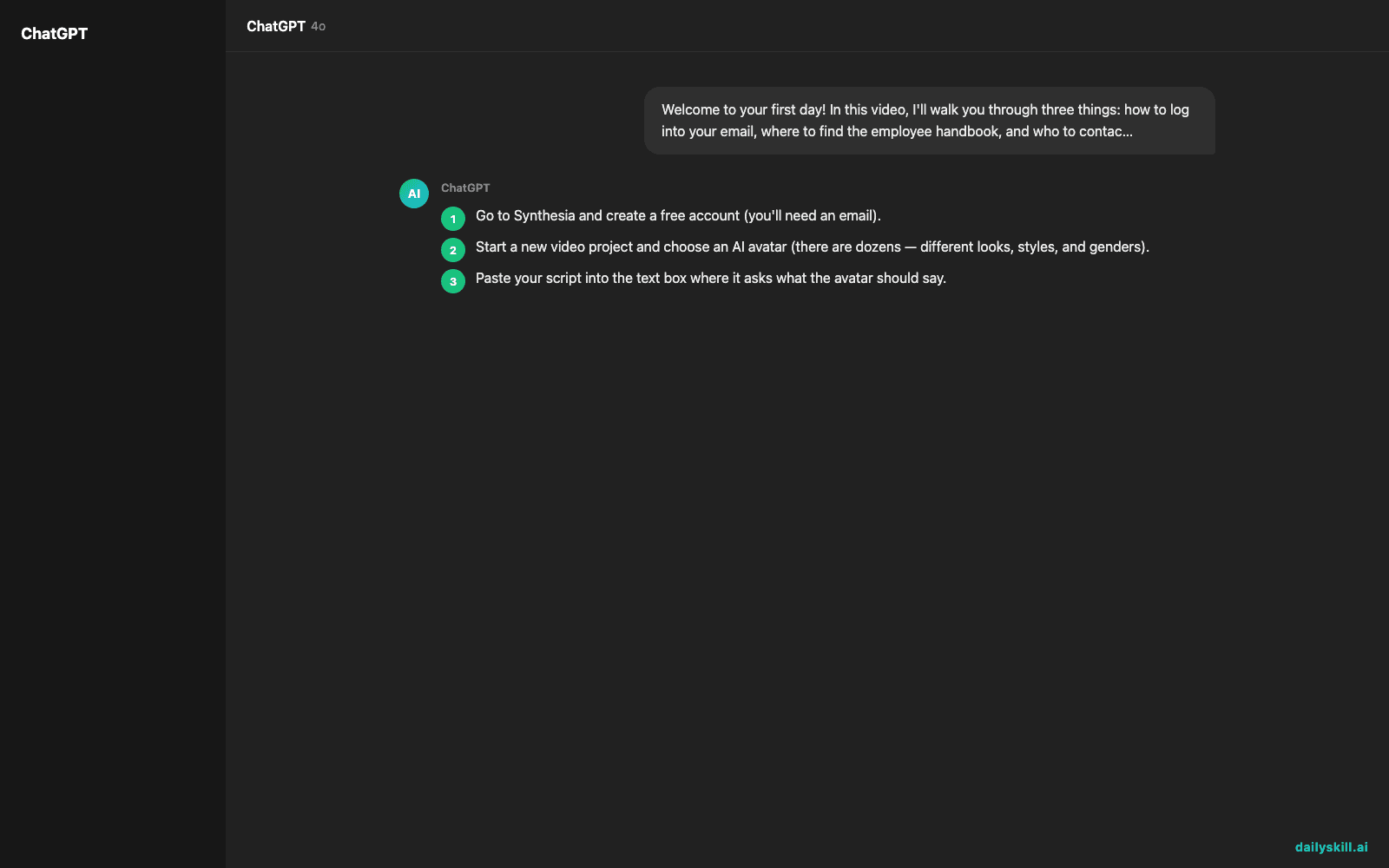
- Go to Synthesia and create a free account (you’ll need an email).
- Start a new video project and choose an AI avatar (there are dozens — different looks, styles, and genders).
- Paste your script into the text box where it asks what the avatar should say.
- Pick a language and voice if you want something other than the default.
- Click generate and preview — the avatar will “speak” your script on screen.
Copy-paste starter script:
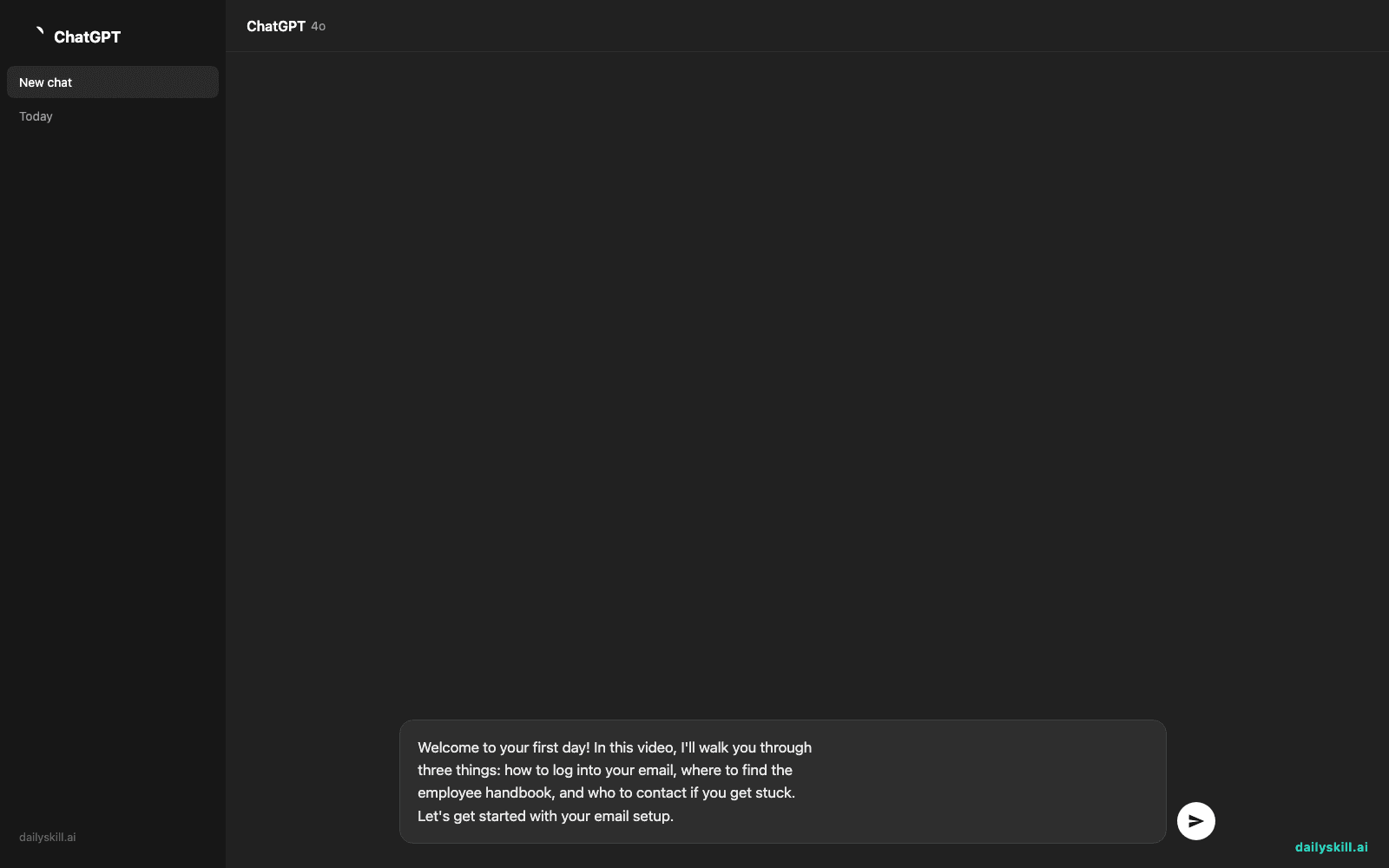
Welcome to your first day! In this video, I'll walk you through
three things: how to log into your email, where to find the
employee handbook, and who to contact if you get stuck.
Let's get started with your email setup.
A real example
Input: the script above, avatar set to a friendly professional look, English voice, default office background.
Output: a 45-second video of an on-screen presenter speaking the script naturally, with matching lip movements, a plain office background, and optional captions. Switch the language setting to Spanish and it regenerates the exact same video — same avatar, same timing, same pacing — but now speaking Spanish.
Honest take
Best for:
– Training videos — onboarding, HR policies, software walkthroughs
– Product demos — explaining a feature without recording your own screen and voice separately
– Teams that need the same video in several languages fast, without hiring voice actors
Not for:
– Anything needing real emotion or spontaneous reaction — avatars still sound a little rehearsed, even on a good script
– Quick, casual videos where filming yourself on your phone would genuinely be faster
Free tier: Synthesia gives you a limited free trial — enough to make one or two short videos and see if the avatars feel right for your use case — before you need a paid plan for regular use.
FAQ
Is it free? There’s a limited free trial to test it, but ongoing use needs a paid plan.
Is it safe? Your script and video stay in your account, and you control who it’s shared with. Still, avoid typing in sensitive personal details you wouldn’t want stored online.
Do I need an account? Yes — a free account is required before you can create a video.
Today’s pick wrap-up
Synthesia turns a script you’d normally read out loud on a call into a polished video you can just send instead. Tried it? Reply and tell us what you made. Tomorrow: Grammarly, for writing that actually sounds like you — just cleaner.
Master Everyday AI in 1 Minute a Day
Get our free 2026 Double-Blind AI Benchmark Scorecard & 20 Ready-to-Use Prompts, plus one honest, 60-second AI skill in your inbox every morning. Zero hype, plain English, cancel anytime.


