
Short answer: it might, and you can protect yourself in about 15 minutes. Save your best prompts and outputs outside the tool, pick one backup app that does roughly the same job, and keep your work in plain formats like text, markdown, or CSV instead of something locked to one app.
Do those three things once, and a tool changing on you becomes a minor annoyance instead of a crisis.
Why this comes up
You’ve finally got an AI workflow that works — the right prompts, the right tone, the right shortcuts. The fear isn’t really “AI will disappear.” It’s “I’ll lose what I built and have to start from zero.” That’s a fair worry, and it’s a fixable one.
The honest answer
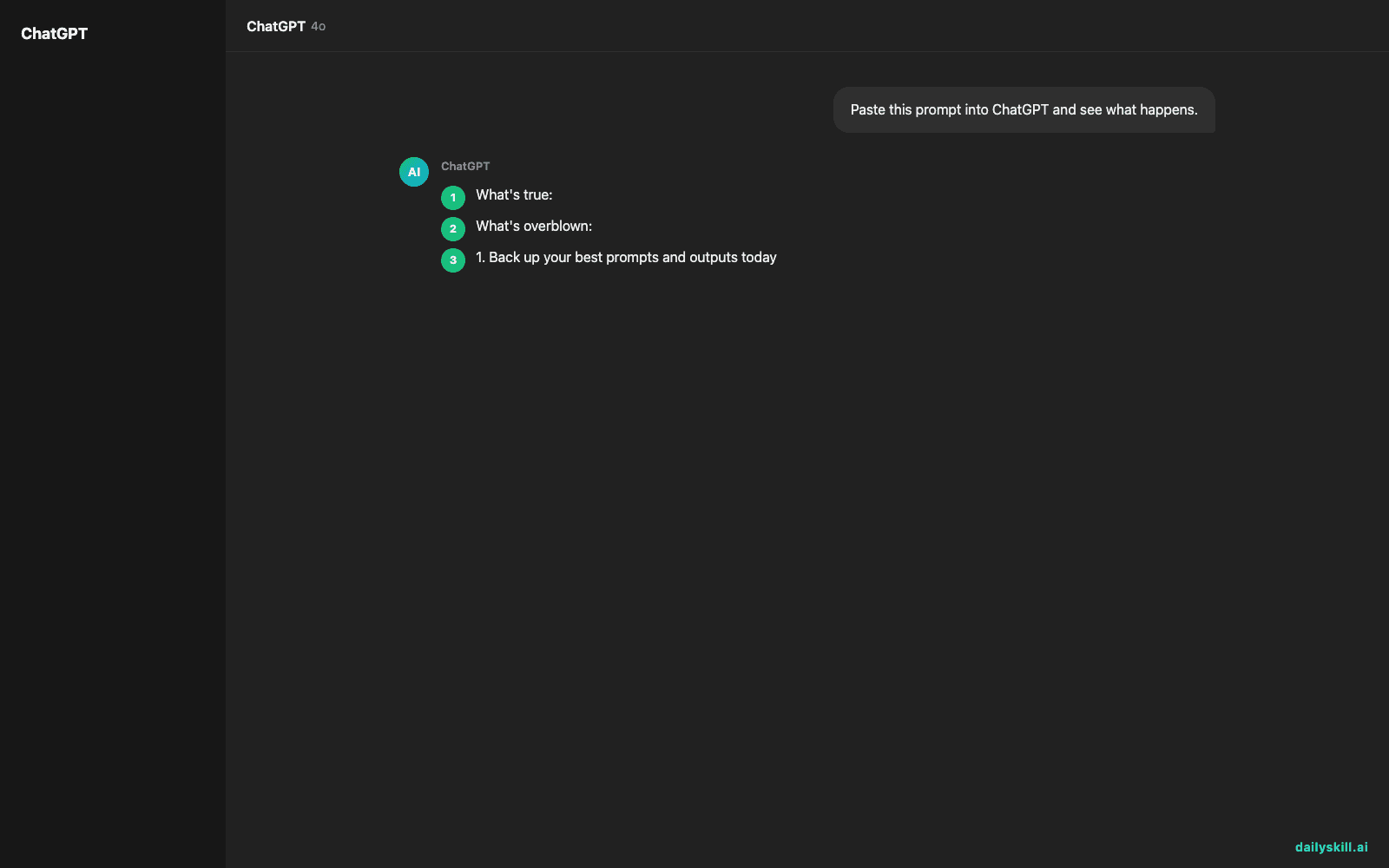
What’s true:
- AI tools change fast. Pricing shifts, free tiers shrink, interfaces get redesigned, and smaller tools sometimes shut down.
- If your prompts, chat history, or custom instructions live only inside one app, you can lose access if your account gets suspended, the service changes hands, or you’re simply locked out.
- Switching between AI tools isn’t perfectly smooth. Tone and formatting can shift slightly between services, even with the exact same prompt.
What’s overblown:
- You won’t lose your skills. Writing a clear prompt, giving good context, editing AI output — that knowledge lives in your head, not the app.
- You’re not locked in. Every major AI assistant supports copy-paste, text export, or file download. Nothing traps your work in a format only one company can open.
- Total shutdowns with zero warning are rare. Most changes are gradual — a price increase, a removed feature — so you usually have time to react if you’re paying attention.
The real risk isn’t the tool changing. It’s having no copy of your work anywhere else.
What to do — a 3-step backup strategy
1. Back up your best prompts and outputs today
– Open a plain text file or Google Doc called “AI Prompts — Keep.” Paste in the exact prompts that work well for you.
– Save finished outputs you actually care about — a draft, a template, a code snippet — as standalone files, not just buried in chat history.
– Don’t treat chat history as your only archive. It’s tied to one account on one service.
2. Pick a backup tool before you need one
– Name one free alternative that can do roughly the same job as your main tool. If you use one assistant for writing help, know which other one you’d open instead.
– Run your saved prompts through that backup tool once, so you’re not learning a new interface and recovering lost work on the same day.
– This is the whole point of workflow portability: your process should work in more than one place, even if you have a favorite.
3. Keep your work in open, portable formats
– Favor plain text, markdown, or CSV over formats only one app can open.
– When a tool offers “export,” use it occasionally, even before you think you need it.
– Don’t build critical workflows entirely inside one tool’s custom features (a proprietary “project” or custom-assistant setup) without also saving the underlying instructions somewhere plain.
Don’t:
– Don’t panic-subscribe to five tools “just in case.” One solid backup is enough.
– Don’t assume a free tier is permanent. Treat it as a bonus, not a foundation.
– Don’t store sensitive prompts or data anywhere you haven’t checked the privacy settings.
FAQ
Is switching between AI tools hard to learn?
Not really. The core skill — asking clearly, giving context, iterating on the answer — works the same everywhere. You’ll lose a few minutes to a new interface, not your whole workflow.
Are there good free alternatives if my main tool changes?
Yes. The major AI assistants, and several smaller ones, offer solid free tiers with everyday capabilities like writing help, research, and current information. You don’t need a paid plan to have a working backup.
Will my AI remember my preferences if I switch tools?
Usually not automatically. Preferences and saved instructions are typically tied to one account. That’s exactly why saving your key prompts externally (step 1 above) matters more than relying on any single tool’s memory feature.
Bottom line
Your AI workflow is safer than you think, as long as part of it lives outside the app. Have you ever lost a prompt or workflow when a tool changed on you? Share what happened in the comments — it helps the next person build a better backup. Tomorrow: how do you write the same message differently for different audiences?
You might also like:
- Never Walk Into a Doctor’s Appointment Blank Again
- Runway — the AI video editor that erases, extends, and reimagines your footage
Master Everyday AI in 1 Minute a Day
Get our free 2026 Double-Blind AI Benchmark Scorecard & 20 Ready-to-Use Prompts, plus one honest, 60-second AI skill in your inbox every morning. Zero hype, plain English, cancel anytime.


