
You filmed the perfect clip — except a stranger walked through the background, or there’s a stray cable in frame the whole time. Normally that means hours in editing software, or paying someone to fix it for you.
Runway is an AI video editor that erases objects, stretches clips past their original ending, and generates new backgrounds — right in your browser. It’s built for anyone who doesn’t own editing software and doesn’t want to learn one.
What it is
Runway is a web-based video editor built around AI video effects instead of manual frame-by-frame work. You upload a clip, tell it what to change in plain language or with a few clicks, and it renders the result. It’s made for people who want professional-looking edits without learning a timeline-based editor like Premiere or Final Cut.
Try it in 5 minutes
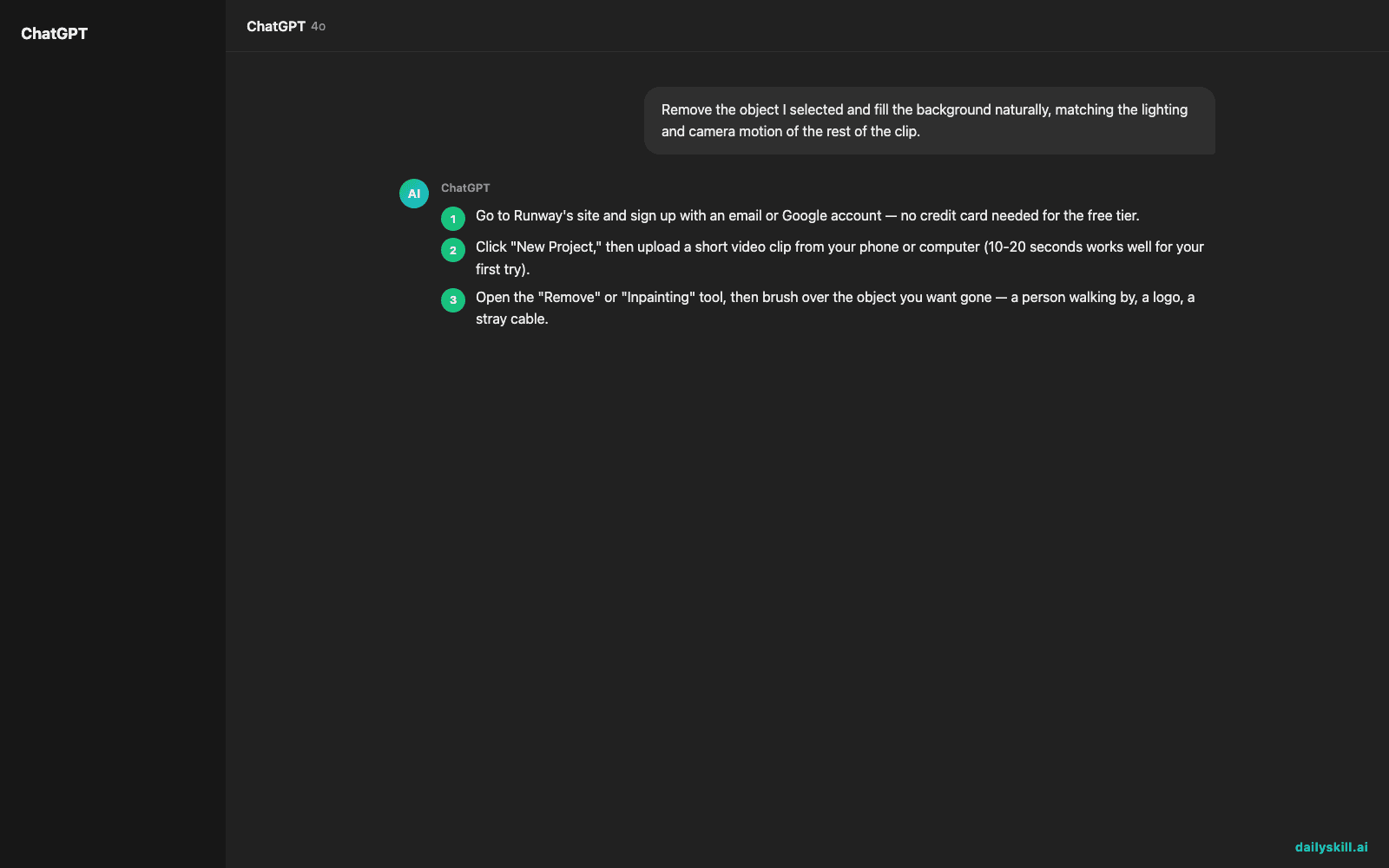
- Go to Runway’s site and sign up with an email or Google account — no credit card needed for the free tier.
- Click “New Project,” then upload a short video clip from your phone or computer (10-20 seconds works well for your first try).
- Open the “Remove” or “Inpainting” tool, then brush over the object you want gone — a person walking by, a logo, a stray cable.
- Type a short instruction describing what should replace it, like the prompt below, then hit generate.
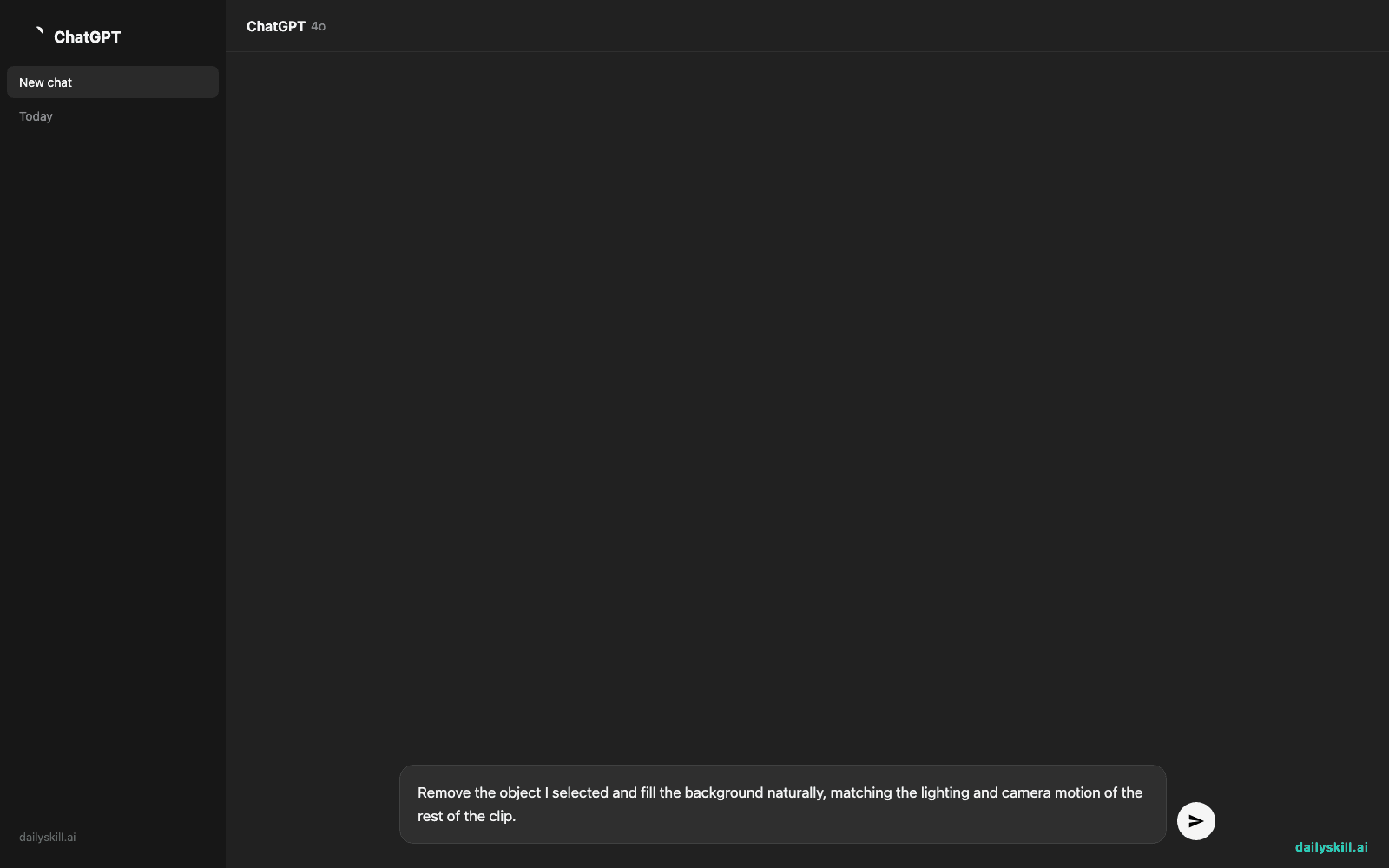
Remove the object I selected and fill the background naturally, matching the lighting and camera motion of the rest of the clip.
- Preview the result, then export. The free plan caps how many export minutes you get each month, so pick your best take before rendering.
A real example
Say you have a 15-second clip of your kid’s birthday party, but a stranger is visible walking through the background the whole time. You brush over them with Runway’s object removal tool and run the prompt above.
Output: a 15-second clip where the stranger is gone and the patio and chairs behind them fill in smoothly, tracking the camera’s slight pan without obvious flicker.
It won’t be flawless in every frame. Watch closely during the moment the stranger would have crossed in front of a chair leg, and you may spot a soft blur for a split second. For sharing with family, it still looks clean.
Honest take
Best for:
– Creators and small business owners who want quick background changes and cleanup without hiring an editor
– Social media posts where a distracting object or logo needs to disappear fast
– Short clips — reels, product demos, family videos — where small imperfections won’t get noticed
Not for:
– Long-form video like full YouTube episodes or documentaries — the free plan’s export minutes run out fast, and AI edits get more visibly imperfect over longer footage
– Pixel-perfect professional film work where every frame needs manual precision
The free plan is enough to try it on a few clips and see if it fits your workflow. If you end up using it regularly, you’ll likely want a paid tier for more export minutes and faster rendering.
FAQ
Is it free? Yes, you can start with a free account that includes a set number of export minutes each month at no cost. Paid plans raise that cap and add faster rendering.
Is it safe? Your uploaded footage is processed on Runway’s servers to generate edits — avoid uploading anything highly sensitive or private, same as you would with any cloud-based tool.
Do I need an account? Yes, a free account is required to upload clips and use the editing tools, but setup takes under a minute with just an email.
Today’s pick wrap-up
Verdict: Runway turns “I wish I could fix this clip” into a five-minute task, even if you’ve never opened a video editor in your life. Try it on one clip today and tell us what you removed or extended — we love seeing before-and-afters. Tomorrow we’re covering Leonardo.ai, for when you need AI-generated images to put into that video.
You might also like:
- Never Walk Into a Doctor’s Appointment Blank Again
- Can AI help me understand a hobby or topic I’m curious about?
Master Everyday AI in 1 Minute a Day
Get our free 2026 Double-Blind AI Benchmark Scorecard & 20 Ready-to-Use Prompts, plus one honest, 60-second AI skill in your inbox every morning. Zero hype, plain English, cancel anytime.


