
You’re three tabs deep in “how to loop through a folder in Python,” copy-pasting bits from old Stack Overflow answers and hoping one of them still works. You type a comment describing what you actually want instead, and the code just appears below it.
That’s Codeium: a free AI coding assistant that writes and finishes code for you as you type. It’s built for total beginners who’ve never finished a script, and for pros who don’t want to type boilerplate all day.
What it is
Codeium is a free AI coding tool that plugs into your code editor. You type a comment or start writing a line, and it suggests the rest — like autocomplete on your phone, but for code. It works across most popular languages (Python, JavaScript, Java, and more), which makes it a solid starting point even if you’ve never written a full script before.
Try it in 5 minutes
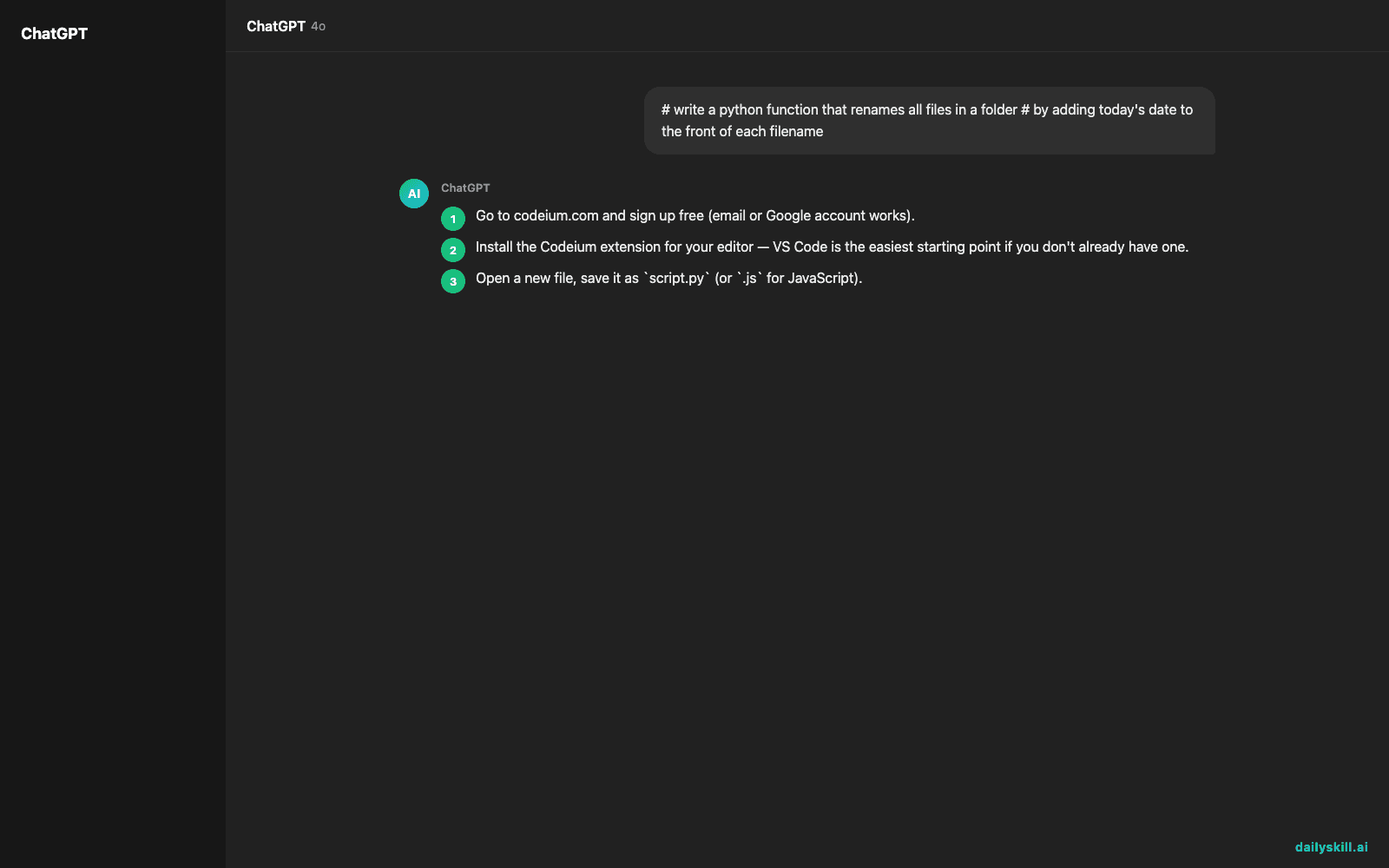
- Go to codeium.com and sign up free (email or Google account works).
- Install the Codeium extension for your editor — VS Code is the easiest starting point if you don’t already have one.
- Open a new file, save it as
script.py(or.jsfor JavaScript). - Type a comment describing what you want, hit enter, and wait a second — Codeium suggests code below it. Press Tab to accept.
- Try this comment as your first prompt:
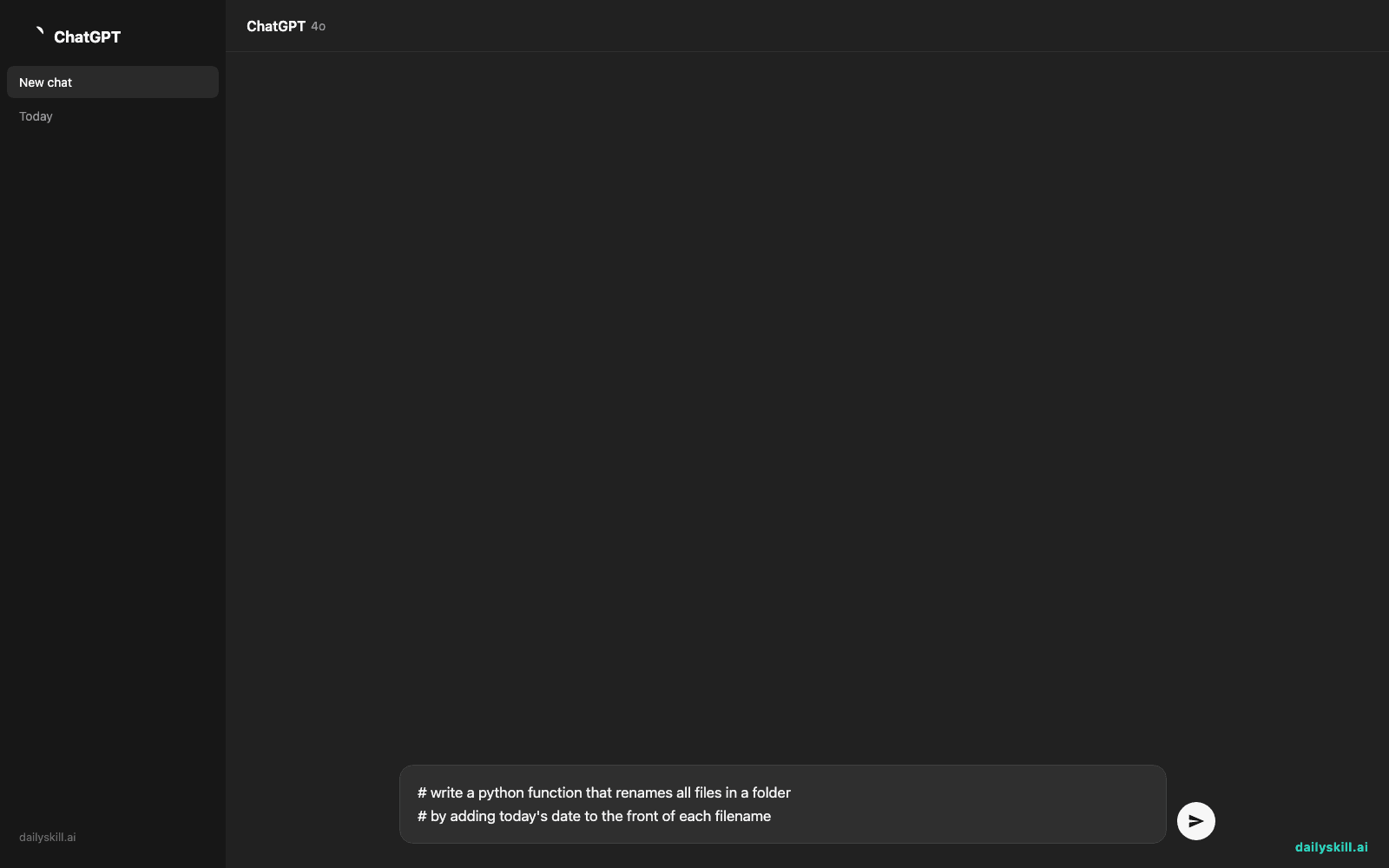
# write a python function that renames all files in a folder
# by adding today's date to the front of each filename
A real example
Type that comment above and press enter. Codeium fills in a working function using Python’s os and datetime modules — no need to remember the exact library names yourself.
import os
from datetime import date
def rename_files_with_date(folder_path):
today = date.today().strftime(“%Y-%m-%d”)
for filename in os.listdir(folder_path):
new_name = f”{today}_{filename}”
os.rename(
os.path.join(folder_path, filename),
os.path.join(folder_path, new_name)
)
It won’t run on its own — you still need to add a line calling rename_files_with_date("your/folder/path"). Codeium got you 90% of the way; you fill in the last, specific detail.
Honest take
Best for:
– Writing simple scripts or automating repetitive tasks (renaming files, cleaning spreadsheets, scraping a webpage)
– Learning to code by watching how your comments turn into working code
– Speeding up boilerplate you’d otherwise copy from old projects or search for online
Not for:
– Designing complex software architecture — it’s an autocomplete tool, not a project planner
– Trusting the output blindly — it can suggest code that looks right but uses an outdated function, misreads what you meant, or just doesn’t run. You still need to read it before you use it, especially anything touching files, money, or logins
The free tier is genuinely generous compared to most paid coding assistants, but check current pricing on their site since plans do change.
FAQ
Is it free? Yes, there’s a free tier that works for everyday use — check the site for current details on any paid plans.
Do I need an account? Yes, a free sign-up (email or Google) to install the plugin.
Is it safe to use for real projects? Generally yes, but always read the code it writes before running it — especially if it touches files, folders, or anything you can’t undo.
Today’s pick wrap-up
If you can describe what you want in plain English, Codeium can probably write a working first draft — try it on one small script today. Tell us in the comments what you got it to build. Tomorrow: Immersive Translate, for reading any webpage in your language without leaving the tab.
Master Everyday AI in 1 Minute a Day
Get our free 2026 Double-Blind AI Benchmark Scorecard & 20 Ready-to-Use Prompts, plus one honest, 60-second AI skill in your inbox every morning. Zero hype, plain English, cancel anytime.


