Your friend hands you a plant with no name attached. You see a chair online you want to find. A menu shows up in a language you don’t read. Google Lens is a free AI tool that looks at any photo and tells you what’s in it — no typing, no guessing.
It’s built for anyone who’s ever wanted to just point their phone and ask “what is that?”
What it is
Google Lens is a visual search tool made by Google. You show it a picture — from your camera or your photo library — and it identifies objects, reads text, and finds matching info online. Think of it as “search, but with your eyes instead of your keyboard.”
Try it in 5 minutes
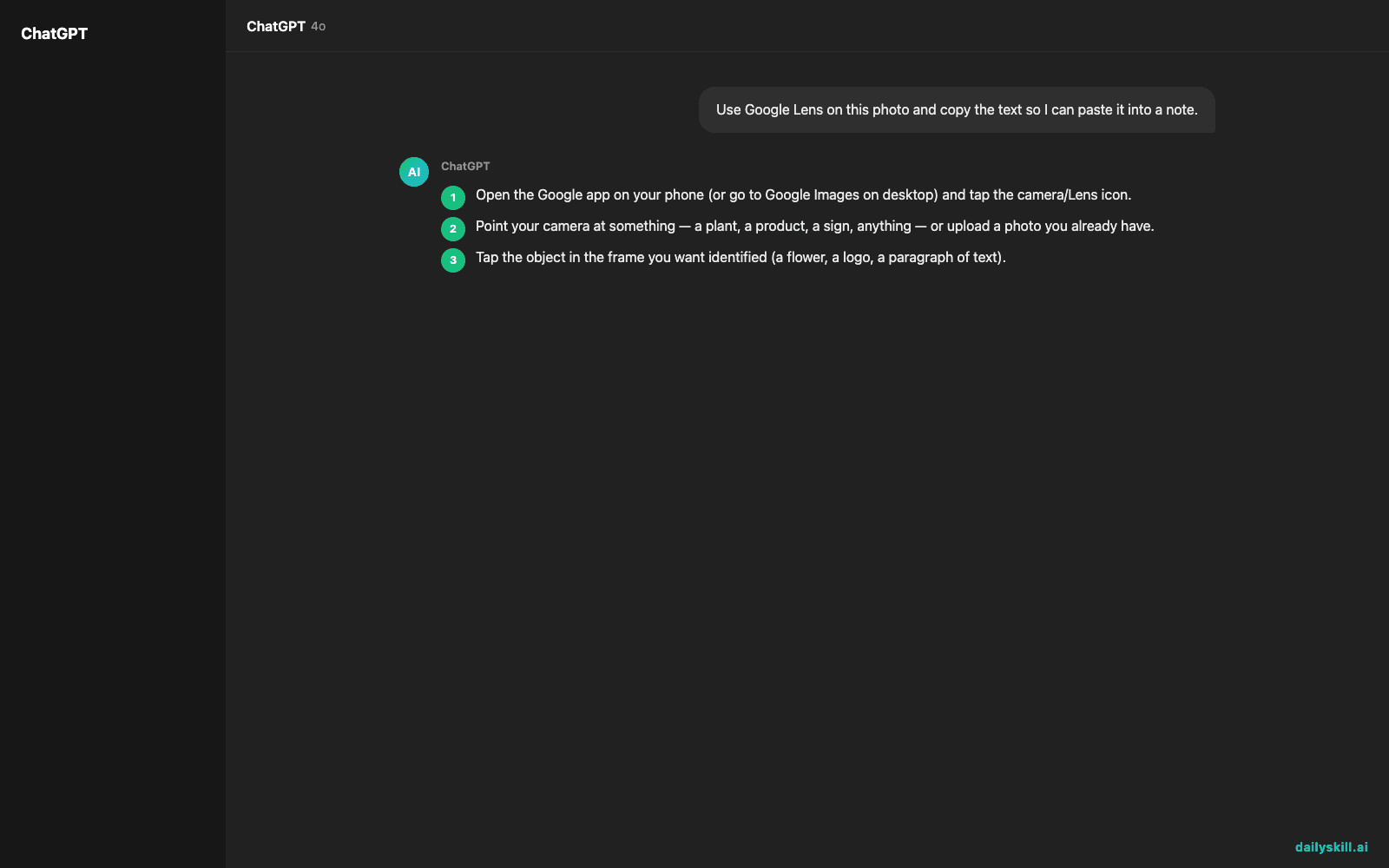
- Open the Google app on your phone (or go to Google Images on desktop) and tap the camera/Lens icon.
- Point your camera at something — a plant, a product, a sign, anything — or upload a photo you already have.
- Tap the object in the frame you want identified (a flower, a logo, a paragraph of text).
- Read the results Lens pulls up: name, similar images, shopping links, or translated/extracted text.
- If it’s text you want copied (not identified), switch to Lens’s “text” mode and tap “copy” or “select all.”
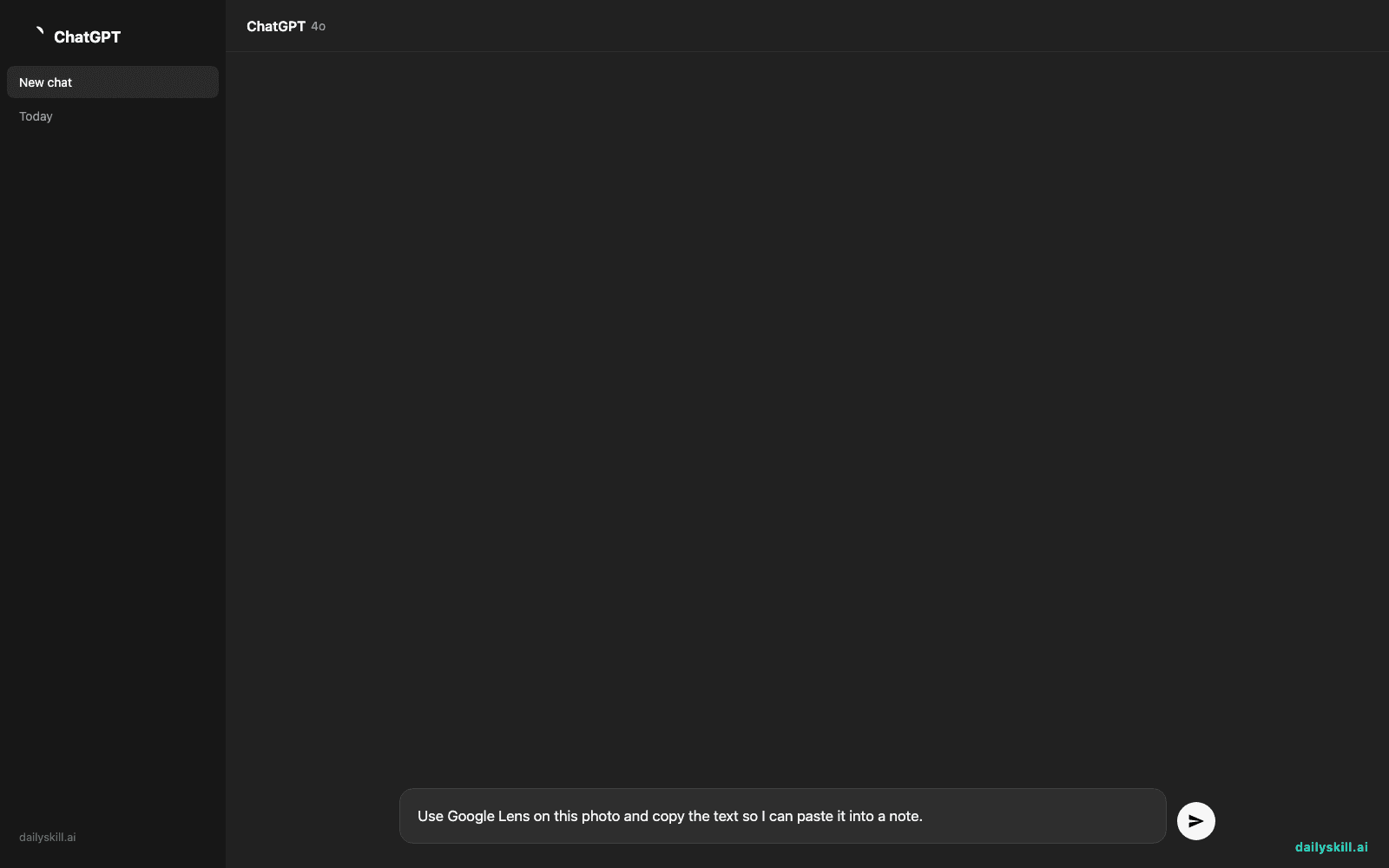
Prompt to try with a photo of text (like a handwritten note or a menu):
Use Google Lens on this photo and copy the text so I can paste it into a note.
A real example
You take a photo of a leafy plant on your windowsill that a friend gave you with no name attached.
Lens result: “Pothos (Epipremnum aureum)” — with care tips, links to buy one, and photos of similar-looking plants so you can double-check the match.
No app-hopping, no typing “leafy plant with heart-shaped leaves” into a search bar and hoping for the best.
Honest take
Best for:
– Identifying plants, animals, landmarks, or products from a photo
– Extracting text from a photo (handwriting, signs, screenshots) to copy or translate
– Quick visual search when you don’t know the right words to type
Not for:
– Anything where a wrong answer matters — Lens sometimes confidently names a lookalike plant, product, or landmark instead of the real one. Treat it as a strong first guess, not a final answer.
– Messy handwriting or cursive — results get unreliable there, and it will sometimes just guess at letters that aren’t right.
It’s free to use, with or without a Google account on most devices, so there’s low risk in testing it on something right now.
FAQ
Is it free? Yes, completely free — no subscription, no paywall.
Is it safe? Yes. Photos you scan are processed to give you results, similar to a regular Google search, and aren’t shared publicly.
Do I need an account? Not always — Lens works in many browsers and apps without login, though signing in with a Google account saves your search history.
Today’s pick wrap-up
If you’ve ever wished you could just “ask” a photo what it is, Google Lens does exactly that — for free, and it’s usually right. Try it on one thing near you right now and tell us what it found in the comments. Tomorrow: Copy.ai, for when you’re staring at a blank page and need the first sentence written for you.
You might also like:
- Write An Apology That Actually Repairs The Relationship
- How do I ask AI to help me fix code or a problem I’m stuck on?
Master Everyday AI in 1 Minute a Day
Get our free 2026 Double-Blind AI Benchmark Scorecard & 20 Ready-to-Use Prompts, plus one honest, 60-second AI skill in your inbox every morning. Zero hype, plain English, cancel anytime.