It’s 9 PM, the meeting is at 9 AM, and you have a great idea but zero energy to fight with slide layouts. You just need something clean, fast, and not embarrassing.
Gamma is an AI presentation maker that turns a topic or outline into a full, designed slide deck in minutes — no design skills needed.
What it is
Gamma is a tool that writes and designs presentations for you based on a simple prompt or outline. You type what you want to say, and it handles the layout, images, fonts, and slide structure.
Think of it as a design assistant that never gets tired of aligning text boxes.
Try it in 5 minutes
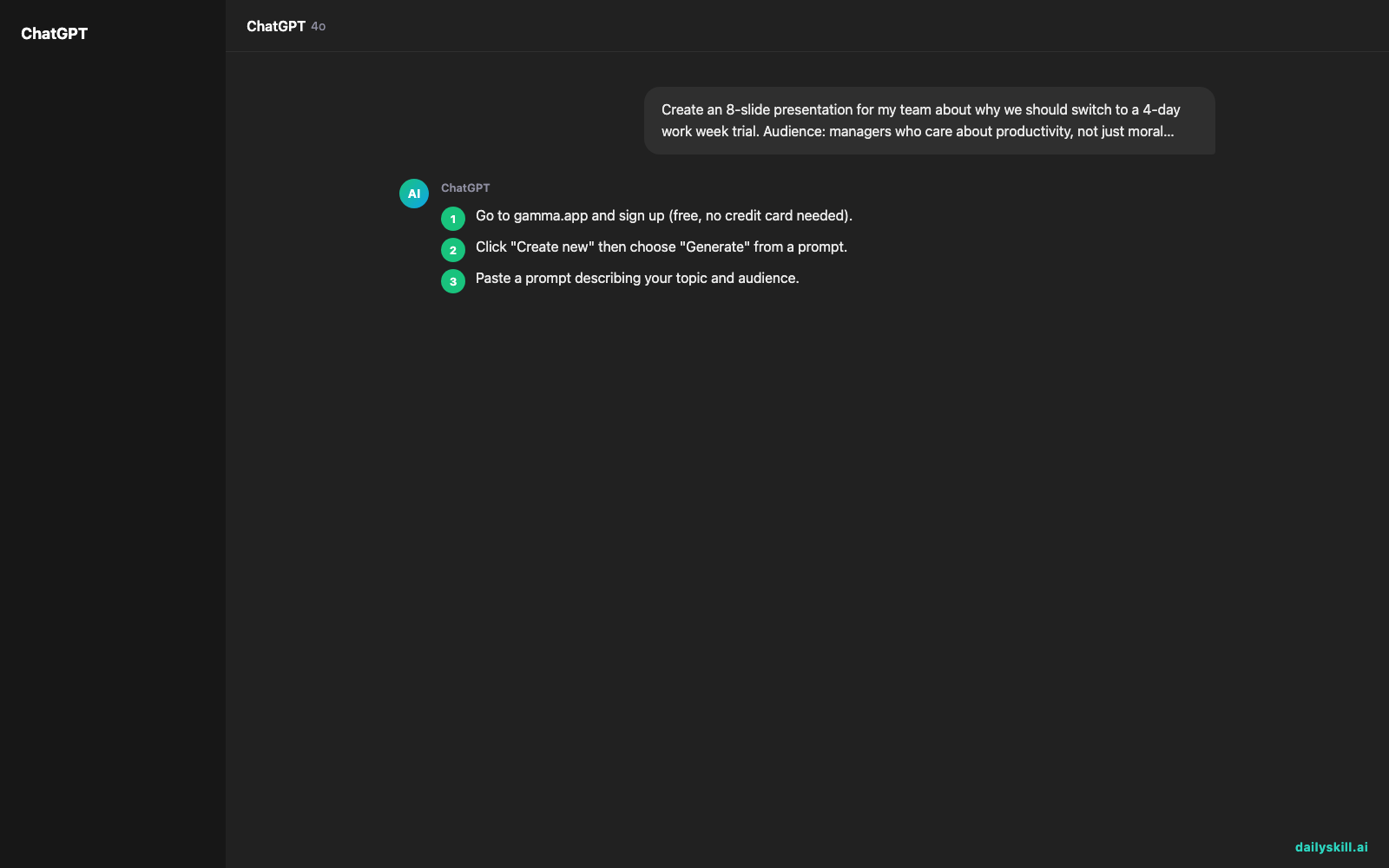
- Go to gamma.app and sign up (free, no credit card needed).
- Click “Create new” then choose “Generate” from a prompt.
- Paste a prompt describing your topic and audience.
- Gamma drafts an outline first — review or edit it.
- Click “Generate” to turn that outline into a full designed deck.
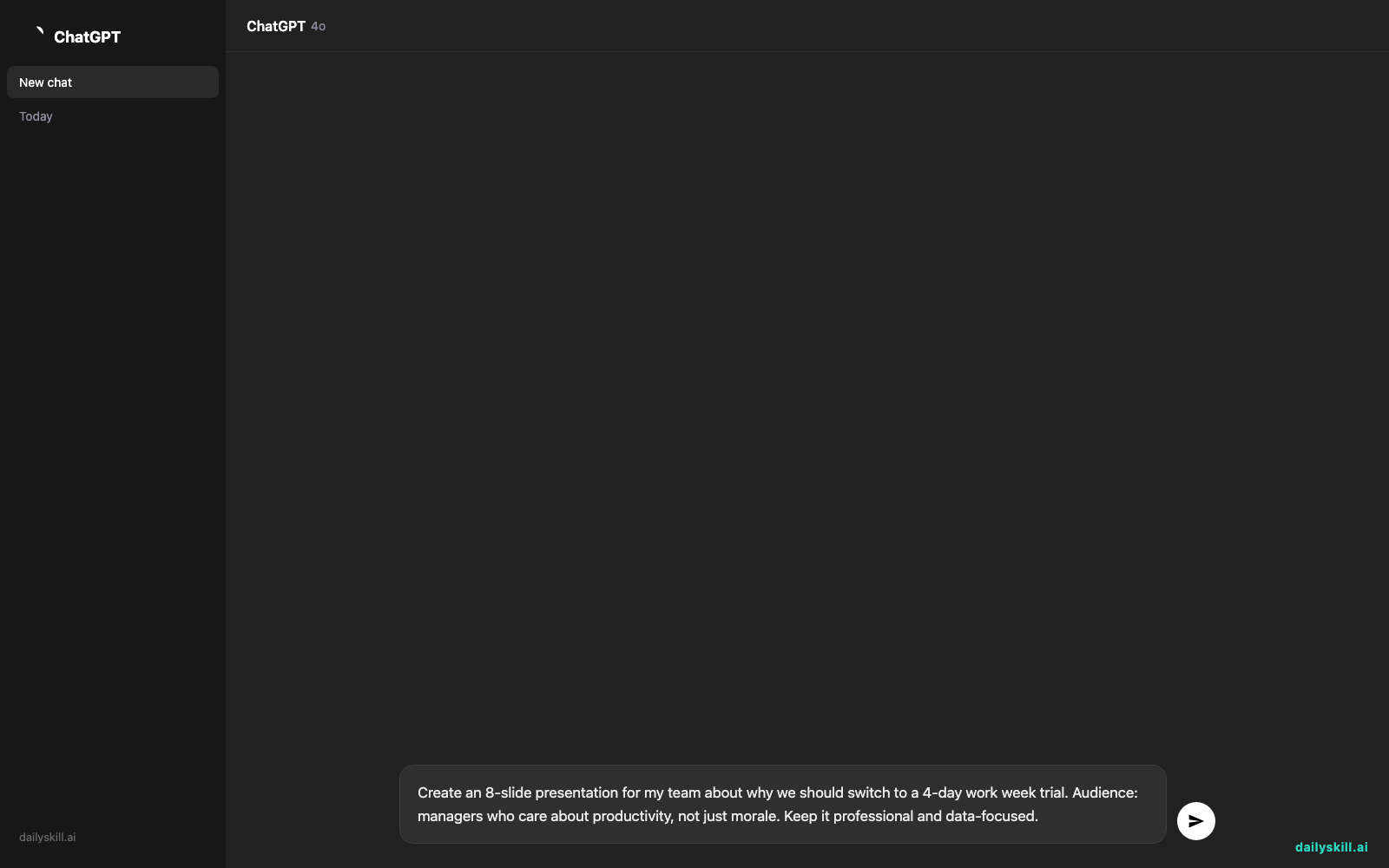
Create an 8-slide presentation for my team about why we should switch to a 4-day work week trial. Audience: managers who care about productivity, not just morale. Keep it professional and data-focused.
- Once it’s generated, use the built-in editor to swap images, change themes, or shorten text. No drag-and-drop design skills required.
A real example
Input: the prompt above about the 4-day work week trial.
Gamma returns an 8-slide deck: a title slide, a “the problem” slide with burnout stats, a “what we’re proposing” slide, a pilot timeline slide, expected productivity outcomes, potential risks, a cost-comparison chart, and a closing “next steps” slide — each with matching icons, a consistent color theme, and clean text blocks already sized to fit.
The stats and numbers on those slides are placeholders, not real research. You still need to swap in your own data and fine-tune the wording, but the structure and design work is done.
Honest take
Best for:
– Non-designers who need professional slides fast for work, school, or pitches
– Turning a messy outline or brain dump into something presentable
– People who want a solid first draft to edit, not a final polished masterpiece from scratch
Not for:
– Highly custom brand decks needing pixel-perfect control over every element
– Decks with real data baked in from the start — you’ll need to replace Gamma’s placeholder stats and examples with your actual numbers before presenting
FAQ
Is it free? Yes, Gamma has a free tier with limited monthly exports. Paid plans remove those limits and unlock more themes.
Is it safe? Generally yes, but don’t paste confidential company data into any prompt — treat it like any other AI tool that processes your text on its servers.
Do I need an account? Yes, a free account is required to generate and save decks.
Today’s pick wrap-up
If you need slides without the design headache, Gamma gets you 80% of the way there in under 5 minutes — just don’t skip the fact-check pass before you present. Try it on your next real presentation and tell us how it went in the comments. Tomorrow we’re covering Midjourney, the tool that turns text into striking images.