
Yes. Paste any text into an AI chat tool and ask it to rewrite it in the tone you want — professional, casual, funny, warm, blunt, formal — and you’ll get a new version in seconds. You can ask for several tones side by side, compare them, and pick the one that fits. This works for emails, bios, resumes, texts to your landlord, anything.
Why this comes up
Most people can write what they mean but struggle to make it sound “right” for the situation. A text to your boss shouldn’t sound like a text to your friend. That gap — knowing what to say but not how to say it — is exactly what a tone converter fixes.
The honest answer
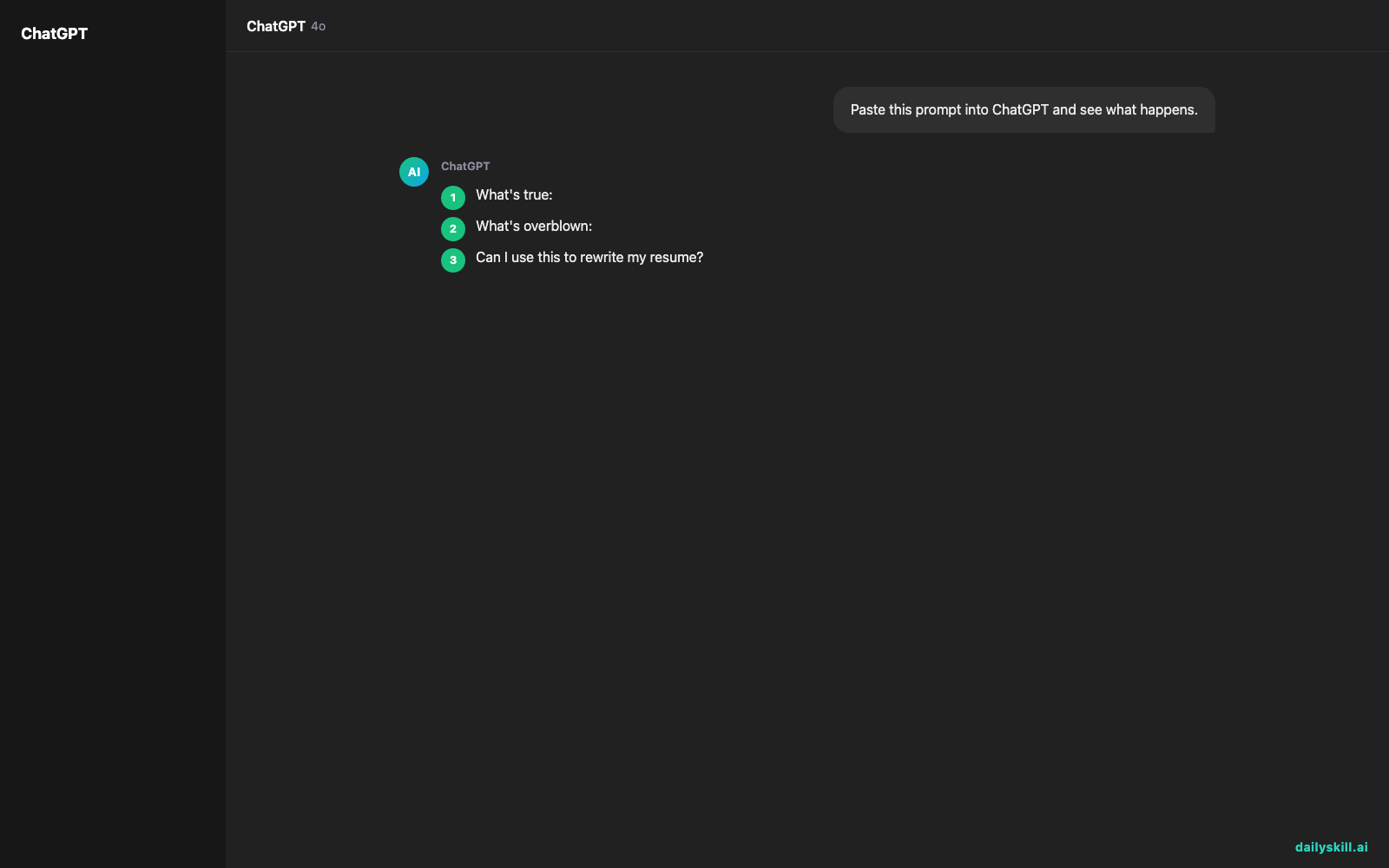
What’s true:
- AI is genuinely good at this. Tone-shifting is one of its strongest, most reliable skills.
- You can rewrite the same paragraph five different ways in under a minute, free, on any major chatbot.
- It’s great for emails, LinkedIn bios, resume bullet points, cover letters, apology texts, and social captions.
- You can be specific: “make it warmer but still direct,” “cut the corporate speak,” “make this sound like a text, not an email.”
What’s overblown:
- It won’t always nail your voice on the first try. Tone is easy; personal style is harder.
- Funny is hit or miss. AI humor can feel try-hard, so ask for 2-3 versions and pick the least cringey.
- It can accidentally change meaning while changing tone. Always reread for accuracy, not just vibe.
- Overly “polished” AI tone can sound generic. If it reads like nobody, ask it to “sound more human” or add a personal detail yourself.
Good tone-shifting isn’t about sounding perfect — it’s about sounding right for the reader.
What to do
- Do paste your original text and name the exact tone: “Rewrite this professionally, but keep it friendly.”
- Do ask for 2-3 versions when you’re unsure — comparing options beats a single output.
- Do use it for resumes and bios, not just emails.
- Do read the rewrite out loud before sending. If it doesn’t sound like something you’d say, edit it.
- Don’t copy-paste and send without checking that facts, names, and numbers stayed correct.
- Don’t use the same tone for every message. Adjust based on who’s reading it: boss, teammate, or client.
- Don’t assume “funny” tone will land. Test it on a friend first if it matters.
FAQ
Can I use this to rewrite my resume?
Yes — paste a bullet point and ask for a “more professional” or “more results-focused” version. Great for turning vague tasks into achievements.
Will it sound like me or like a robot?
Depends on the prompt. Ask it to “sound casual and human, not corporate” for better results, and always do a light personal edit after.
Is this different from a grammar checker?
Yes. Grammar tools fix errors; a tone converter changes the feel of writing without necessarily changing what’s right or wrong.
Bottom line
AI can rewrite your text into almost any tone in seconds — just be specific about what you want and always give it a final human read-through.
Have you used AI to fix an awkward email or bio? Share your before-and-after in the comments. Tomorrow: how do you use AI to find your next project idea?
You might also like:
- Stare at your fridge less, cook more — with one photo and Claude
- Remove.bg — Erase Any Photo Background in One Click
Master Everyday AI in 1 Minute a Day
Get our free 2026 Double-Blind AI Benchmark Scorecard & 20 Ready-to-Use Prompts, plus one honest, 60-second AI skill in your inbox every morning. Zero hype, plain English, cancel anytime.


