
You already have the email open. What if the same 40 words that just stung you could also tell you exactly what to fix before your next interview?
Here’s what you’ll walk away with: 3 specific improvements and a short confidence script, both pulled straight from the rejection email you already got — in under a minute, using Gemini.
Sound familiar?
You applied, interviewed, maybe even felt good about it. Then the email lands: “We’ve decided to move forward with other candidates.” Vague. Discouraging. No real feedback to work with.
So you close the tab and move on — no wiser than before.
The 60-second fix
Step 1: Copy the rejection email
Grab the actual text — even if it’s generic corporate-speak. Gemini can work with very little.
Step 2: Paste it into Gemini with this prompt
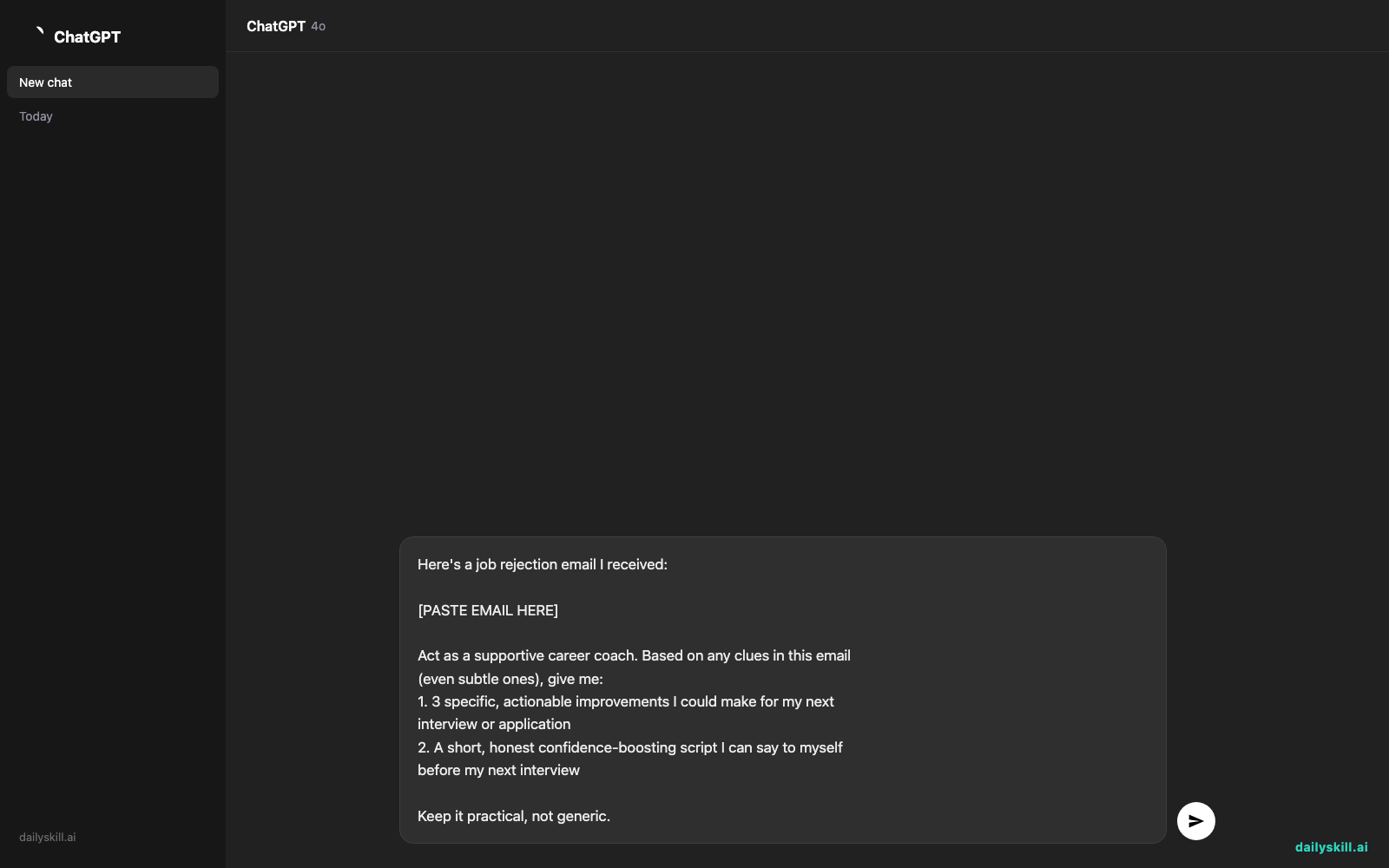
Here's a job rejection email I received:

[PASTE EMAIL HERE]

Act as a supportive career coach. Based on any clues in this email
(even subtle ones), give me:
1. 3 specific, actionable improvements I could make for my next
   interview or application
2. A short, honest confidence-boosting script I can say to myself
   before my next interview

Keep it practical, not generic.
Step 3: Read it, save it, use it
Skim the 3 improvements. Save the confidence script somewhere you’ll actually see it again — notes app, phone lock screen, sticky note.
Real example
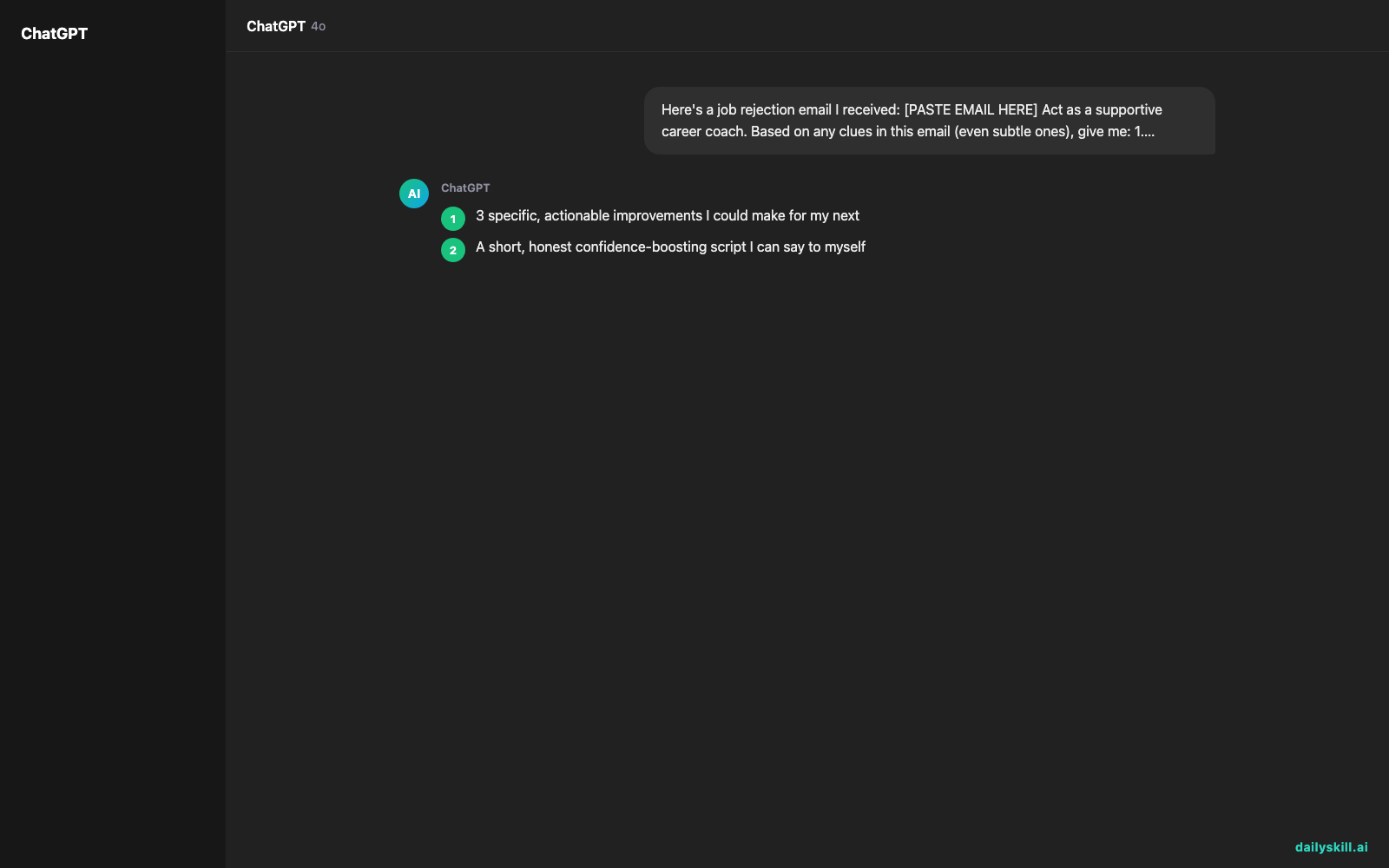
Input email: “Thank you for interviewing for the Marketing Coordinator role at Northfield Retail. After careful consideration, we’ve decided to move forward with other candidates who more closely match our current needs. We wish you the best in your job search.”
Gemini’s response:
3 improvements to try next time:
1. In your next interview, ask directly what “current needs” or must-have skills the role requires — it’ll help you tailor your pitch on the spot.
2. Send a follow-up thank-you email within 24 hours that restates one specific way you’d solve a problem for their team — this keeps you memorable even in a “close but not quite” situation.
3. Before applying, rewrite your resume’s top bullet points to mirror 2-3 exact phrases from the job posting (like “campaign management” or “cross-functional”) — vague rejections often mean a keyword/skills mismatch, not a “you” problem.Confidence script:
“This wasn’t a no to me — it was a no to a specific mismatch. I’m one interview closer to the right yes. I’ll walk into the next one clearer, sharper, and already improving.”
Level up
- Add “Here’s my resume too: [paste]” so Gemini can check for keyword gaps against the job description.
- Ask “What are 3 follow-up questions I could’ve asked in that interview?” to prep sharper questions for next time.
- Say “Turn this into a 2-line thank-you note I can send even though I didn’t get it” — staying gracious keeps doors open for future roles.
FAQ
Should I actually respond to a job rejection email?
A short, polite reply (thanking them, staying open to future roles) can keep you on their radar — it costs nothing and sometimes leads to being considered later.
What if the rejection email has zero specific feedback?
That’s normal — most are generic. Gemini can still infer likely gaps from the role title, industry, and any phrasing clues, so don’t skip the exercise.
How do I actually improve after a failed interview if I don’t know what I did wrong?
Focus on what you can control: tailor your resume keywords, prep sharper follow-up questions, and rehearse your confidence script — all covered in the improvements above.
Today’s check-in
Try this on your last rejection email and reply with one improvement that actually surprised you — we’d love to hear it.
Tomorrow: we’ll turn a dense, confusing contract into a plain-language summary you can actually understand in one read.
You might also like:
- Can AI actually plan my whole trip, or just give me a list of places?
- Frase — Build an SEO Content Brief Without the Guesswork
Master Everyday AI in 1 Minute a Day
Get our free 2026 Double-Blind AI Benchmark Scorecard & 20 Ready-to-Use Prompts, plus one honest, 60-second AI skill in your inbox every morning. Zero hype, plain English, cancel anytime.


