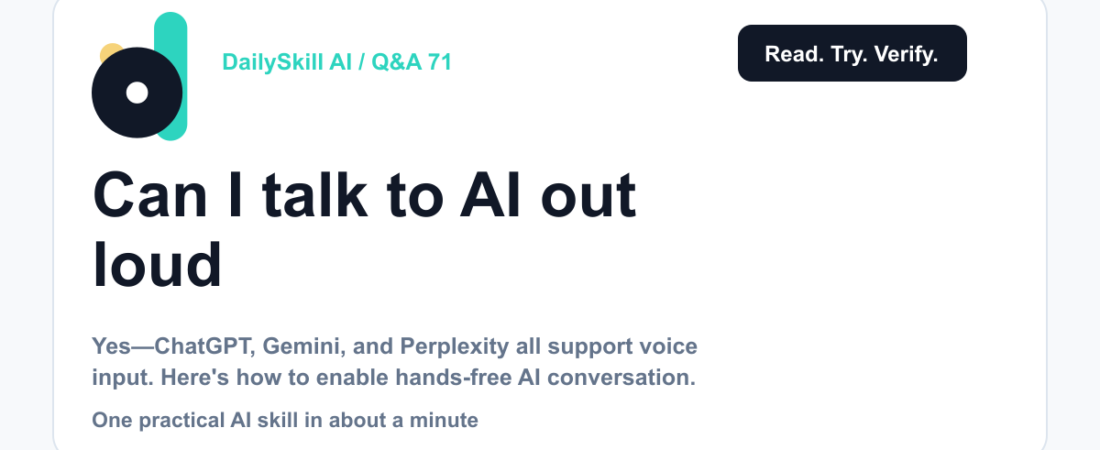
Yes. ChatGPT, Google Gemini, and Perplexity all let you speak instead of type, for free, right now. Tap the microphone icon in the chat box, talk normally, and the AI answers back — often out loud too. It works well for quick questions, brainstorming, and anything hands-free, though it’s less ideal for pasting long documents or precise editing.
Why this comes up
Typing on a phone while walking, driving, or cooking is annoying — and a little unsafe. People also assume voice features are locked behind a paid plan, or worry the AI won’t understand them properly.
Neither worry holds up as well as you’d think.
The honest answer
What’s true: Voice input is real, free, and easy to turn on.
- ChatGPT — tap the headphone or microphone icon next to the text box. You can have a full spoken back-and-forth, and it replies in a natural voice. This is the most conversational of the three.
- Google Gemini — the microphone icon sits right in the prompt bar on the app and in browser. It tends to handle accents and background noise well.
- Perplexity — has a voice mode too, useful when you’re asking it to search something and want a quick spoken summary back, rather than a screen full of links.
What’s overblown: the idea that voice mode is just a novelty. For simple, conversational tasks — asking for a recipe substitution, rehearsing what to say in an email, getting a quick explanation — talking is often faster than typing.
You skip the thumb-typing entirely.
Where it struggles:
– Long, structured input (pasting a paragraph to rewrite) is still faster typed.
– Noisy environments can cause misheard words, so double-check anything important like names, numbers, or dates.
– Some replies are read aloud in a summarized form rather than word-for-word what’s on screen — good for listening, not always great if you need exact text.
Voice mode isn’t about replacing typing — it’s about having AI available when your hands are busy.
What to do
- Do try voice mode during a commute, workout, or while cooking — that’s where it shines.
- Do speak like you would to a person: full sentences, natural pace. No need to “talk like a robot.”
- Do check numbers, spellings, and names afterward if accuracy matters.
- Do use it for brainstorming out loud — it’s a surprisingly good way to think through a problem verbally.
- Don’t rely on voice for long documents or detailed edits — typing or pasting text is still better there.
- Don’t assume you need a paid subscription — voice input on all three tools is available on the free tier.
FAQ
Does this work on desktop, or just mobile?
All three work in the browser app on desktop too, though the mic icon is more prominent in the mobile apps.
Can the AI talk back in a natural voice, not just text?
Yes — ChatGPT and Gemini both offer spoken responses, so you can have a full hands-free conversation without looking at the screen.
Is my voice recorded and stored?
Your spoken input is processed to generate a response, similar to text input. If you’re cautious about privacy, check the app’s settings for voice history and clear it if you’d like.
Bottom line
Talking to AI is real, free, and already built into the tools you’re probably using — give it a try next time your hands are full.
Tried voice mode yet? Tell us how it went in the comments. Tomorrow: why does AI give you better answers when you add more context?