It’s 9pm, you haven’t posted today, and you’re typing “what to post on Instagram” into a search bar for the third time this month. Here’s the fix: hand AI one sentence about your topic, and in 60 seconds you get a full 14-day posting plan — hooks, hashtags, and post ideas included, ready to copy into your scheduler.
Sound familiar?
You post when inspiration strikes, so some weeks you publish five times and other weeks nothing. Then you scroll back through old posts, unsure if you already covered this exact idea last month. A content calendar generator fixes both problems in one shot.
The 60-second fix
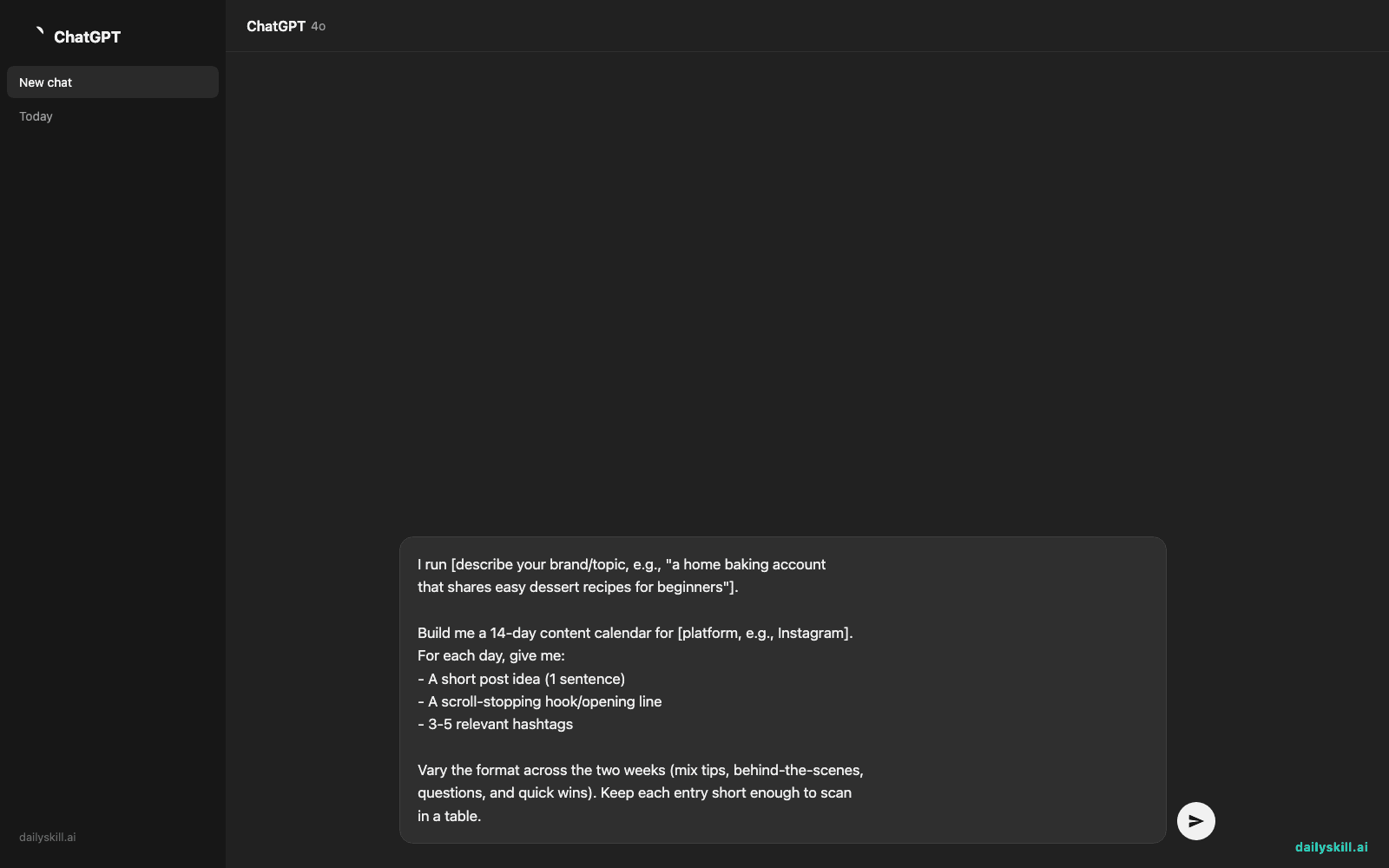
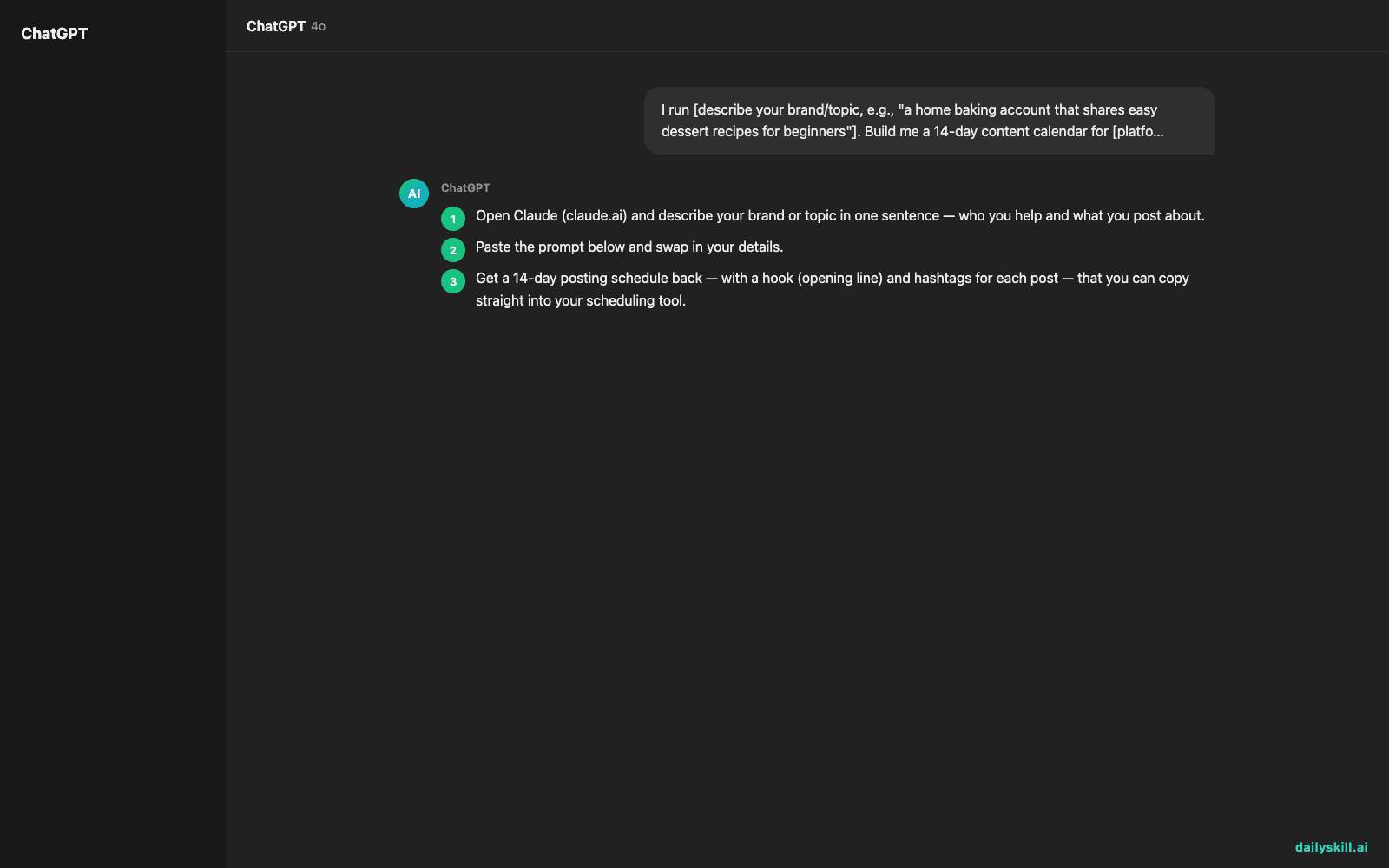
- Open Claude (claude.ai) and describe your brand or topic in one sentence — who you help and what you post about.
- Paste the prompt below and swap in your details.
- Get a 14-day posting schedule back — with a hook (opening line) and hashtags for each post — that you can copy straight into your scheduling tool.
I run [describe your brand/topic, e.g., "a home baking account
that shares easy dessert recipes for beginners"].

Build me a 14-day content calendar for [platform, e.g., Instagram].
For each day, give me:
- A short post idea (1 sentence)
- A scroll-stopping hook/opening line
- 3-5 relevant hashtags

Vary the format across the two weeks (mix tips, behind-the-scenes,
questions, and quick wins). Keep each entry short enough to scan
in a table.
Tip: If you’ve already posted about certain topics this week, mention them (“I’ve already covered oven temps and frosting tips”) so Claude doesn’t repeat old ground.
Real example
Input: “I run a home baking account that shares easy dessert recipes for beginners, on Instagram.”
Output (sample):
| Day | Post idea | Hook | Hashtags |
|---|---|---|---|
| 1 | 3 mistakes beginner bakers make | “I ruined 6 cakes before learning this.” | #BakingTips #BeginnerBaker #HomeBaking |
| 2 | Poll: cookies vs. brownies | “Team cookie or team brownie? Vote below.” | #DessertLovers #BakingCommunity |
| 3 | 15-minute mug cake recipe | “No oven? No problem.” | #EasyDessert #QuickRecipe #MugCake |
| 4 | Behind-the-scenes: my messy kitchen fails | “This is what ‘baking Instagram’ actually looks like.” | #RealBaking #BTS #HomeBaker |
| 5 | Ingredient swap tip (butter → applesauce) | “Cut the fat, keep the flavor — here’s how.” | #BakingHacks #HealthySwap |
| 6 | Reader Q&A: “Why do my cookies go flat?” | “You asked, I’m answering.” | #BakingQandA #CookieTips |
| 7 | Weekend recipe: no-bake cheesecake | “Zero oven time, 100% dessert.” | #NoBakeDessert #WeekendBaking |
| … | … | … | … |
| 14 | Reader shoutout / recap | “You all made 47 of these this week!” | #BakingWin #CommunityLove |
Result: a full two weeks planned, worded, and ready — instead of a blank box staring back at you.
Level up
- Ask for a version broken down by content pillar (“2 tip posts, 2 recipe posts, 1 poll per week”) to keep variety balanced.
- Request platform-specific tweaks: “Now adjust the hashtag strategy for TikTok instead of Instagram.”
- Have it flag which days work best for promotional posts vs. pure value posts.
FAQ
Does this replace my social media manager or scheduling app?
No — it replaces the blank-page problem. You still need a scheduler (like Buffer or your platform’s native tool) to actually publish. Claude just builds the plan and words.
What if my niche is really specific?
Be specific in your one-sentence description. The more detail you give about your audience and topic, the less generic the post ideas will be.
Can I ask for a different number of days, like 30?
Yes — just change “14-day” to “30-day” in the prompt. Two weeks is a good starting size because it’s easy to review and tweak before committing further out.
Today’s check-in
Try this with your own topic and reply in the comments with the hook you liked best from your calendar. Tomorrow: we turn confusing tech instructions into a beginner-friendly guide anyone can follow.