You just fired off a two-line email to your boss — no capital letters, one stray “lol,” and a typo you noticed half a second too late. Now you’re staring at your inbox wondering if it sounded unprofessional, or worse, rude.
Here’s the fix: paste that exact rough draft into Claude and get three ready-to-send versions — formal, balanced, and warm — in under a minute. Pick the one that fits the moment, and hit send with zero second-guessing.
Sound familiar?
You type out a quick email to your boss or a client. It’s honest, but it reads like a text message you’d send a friend.
So you reread it five times, tweaking a word here, deleting an exclamation point there — and still hit send feeling unsure.
That back-and-forth in your head is exactly what this trick skips.
The 60-second fix
1. Open Claude and paste your rough draft
Don’t clean it up first. Typos, run-on sentences, “hey so basically” — all of it is fine. The messier the input, the more useful the rewrite.
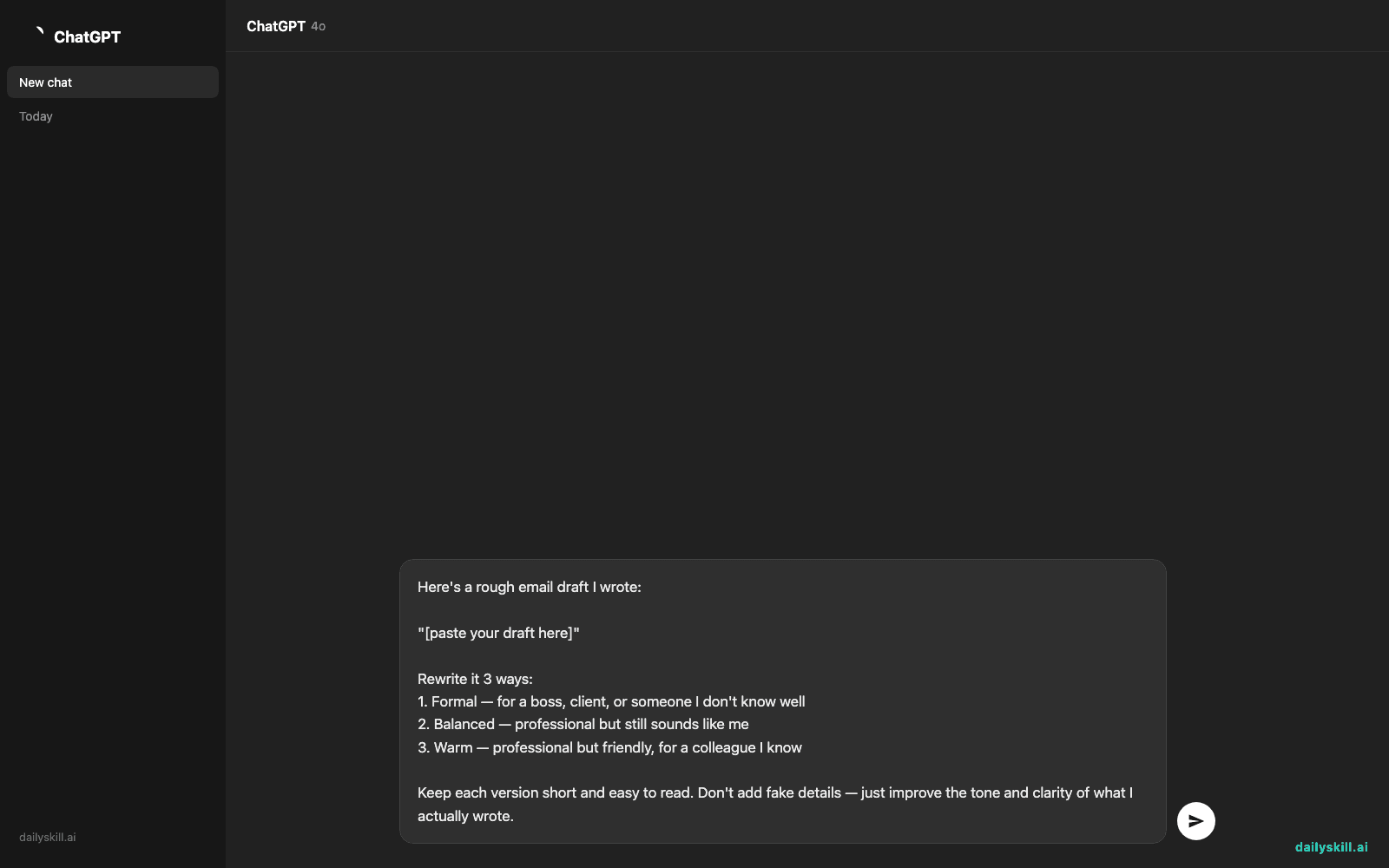
2. Use this copy-paste prompt
Here's a rough email draft I wrote:

"[paste your draft here]"

Rewrite it 3 ways:
1. Formal — for a boss, client, or someone I don't know well
2. Balanced — professional but still sounds like me
3. Warm — professional but friendly, for a colleague I know

Keep each version short and easy to read. Don't add fake details — just improve the tone and clarity of what I actually wrote.
3. Pick the version that matches the moment
Sending to your CEO? Go formal. Messaging a coworker you like? Go warm. Most of the time, “balanced” is the sweet spot.
Real example
Your draft:
“hey can you send me the report thing from yesterday, i kinda need it asap sorry for the late notice”
Claude’s output:
Formal: “Hi Sarah, could you please send me the report from yesterday’s meeting at your earliest convenience? Apologies for the short notice, and thank you for your help.”
Balanced: “Hi Sarah, would you mind sending over yesterday’s report when you get a chance? Sorry for the late ask — I appreciate it!”
Warm: “Hey Sarah, quick favor — could you shoot me that report from yesterday? Sorry for the short notice, thank you!!”
Same message, three completely different vibes — and all three sound better than the original.
Level up
- Add “make it 2 sentences shorter” if you tend to over-explain in emails.
- Say “this is going to my manager, keep it confident but not stiff” for context-specific tone.
- Paste a tricky reply (like declining a request) and ask Claude to keep it firm but polite — it’s a great business writing assistant for exactly those awkward moments.
FAQ
Can AI actually fix my email tone, or just my grammar?
It does both. Claude works as a real email tone checker — it looks at word choice, sentence length, and phrasing, not just spelling and grammar.
Will the rewritten email still sound like me?
The “balanced” version is built for that — it improves clarity without changing your voice completely. If it feels too generic, tell Claude “make it sound more like me” and paste a few sentences you’d normally write.
Is this useful for texts and Slack messages too?
Yes. Swap “email” for “Slack message” in the prompt and it’ll adjust length and formality accordingly — great for quick formal communication help at work.
Today’s check-in
Try this on your next real email and drop your favorite before/after in the comments — we love a good glow-up. Tomorrow: Day 62 shows you how to pull a full ingredient list straight from a cooking video link, no pausing and rewinding required.