
Ever get an email so long and vague you have to read it three times just to figure out what the person actually wants from you? Here’s exactly how to fix that in under a minute: paste the email into an AI chat and ask it to pull out only the action items.
The answer up front: copy the email, paste it into ChatGPT, Gemini, or Claude with one simple prompt, and you’ll get 3 clear bullet points telling you exactly what to do, by when, and what you can ignore.
Sound familiar?
Your boss (or client, or landlord) sends a 4-paragraph email full of context, small talk, and one buried request. You skim it, miss the deadline mentioned in paragraph 3, and end up replying with “wait, what do you need from me again?” That back-and-forth wastes everyone’s time.
The 60-second fix
Step 1: Copy the full email
Select the whole email — subject line included if it has useful info — and copy it.
Step 2: Paste it with this prompt
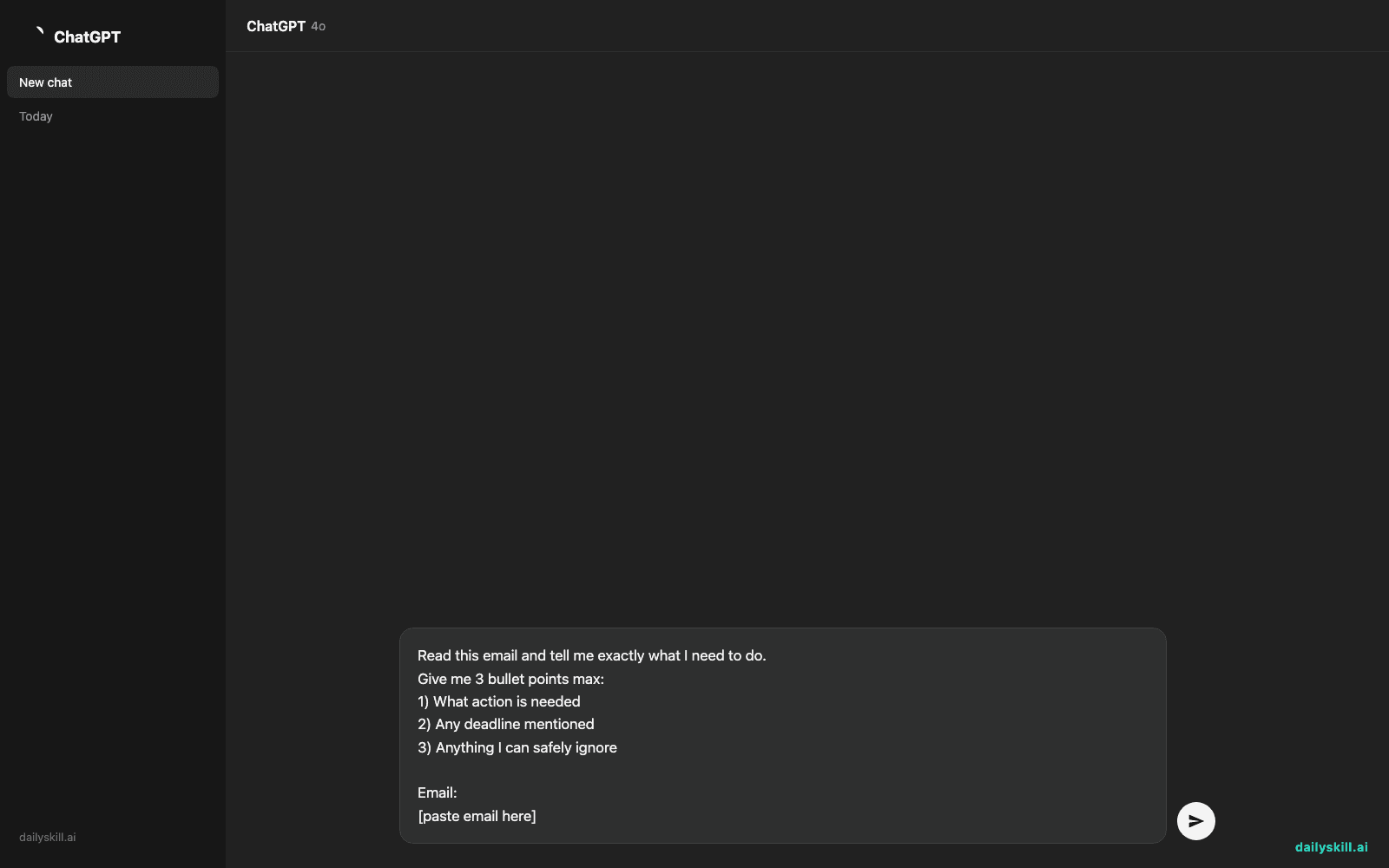
Open any AI chat app on your phone or computer and paste this:
Read this email and tell me exactly what I need to do.
Give me 3 bullet points max:
1) What action is needed
2) Any deadline mentioned
3) Anything I can safely ignore

Email:
[paste email here]
Step 3: Read your 3 bullets and reply
That’s it. You now know exactly what to do without rereading anything.
Real example
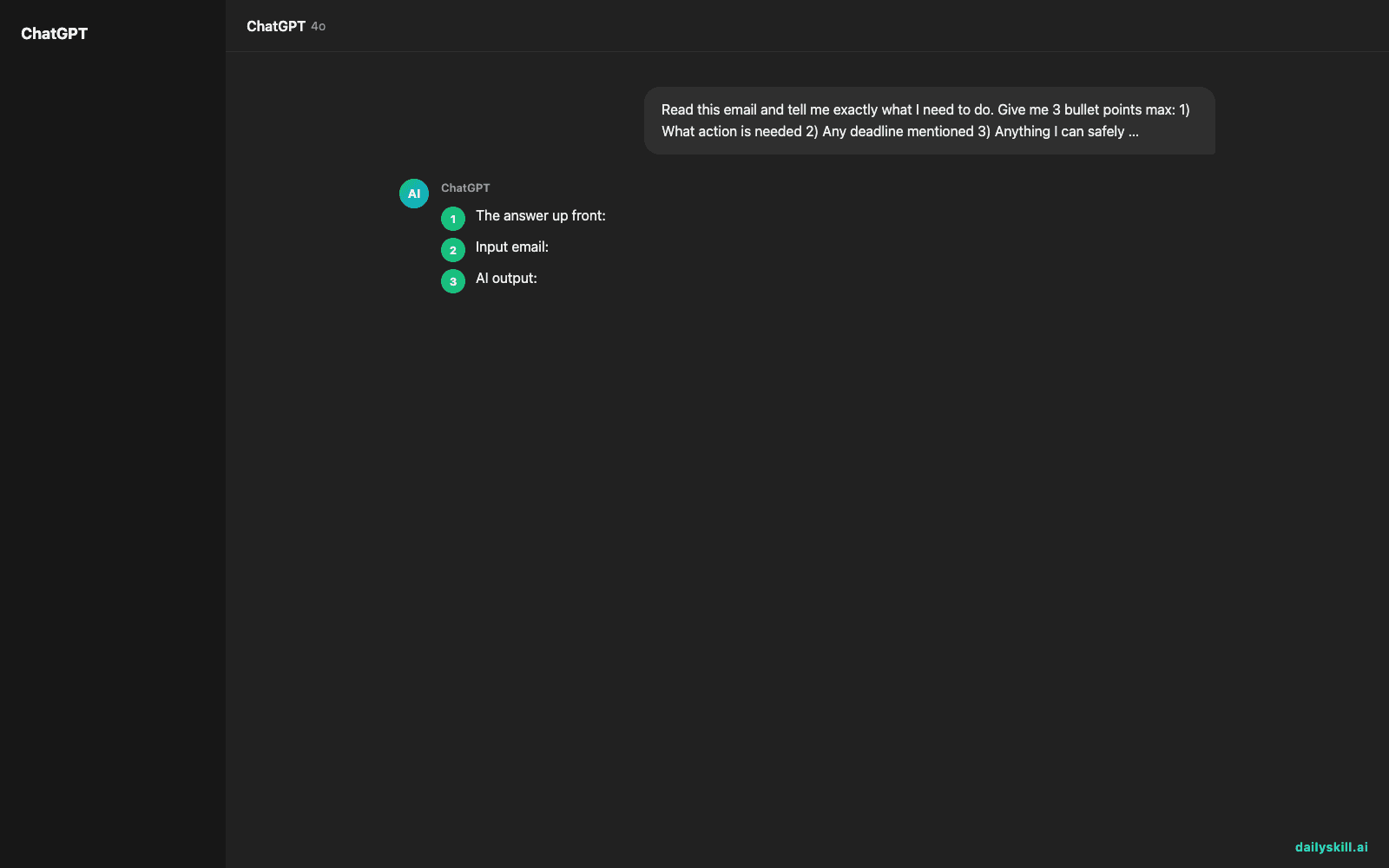
Input email:
“Hi team, hope you had a good weekend! Just circling back on the Q3 report — a few things came up on my end. Sarah mentioned the client wants the numbers broken out by region, not just totals, and honestly I think that’s a good call given how last quarter went. Also, heads up that Friday’s meeting got moved to Thursday at 2pm. No action needed on the meeting time, just wanted you in the loop. Let me know if the regional breakdown is doable by end of day Wednesday — if not, Thursday morning works too. Thanks for all your hard work on this!”
AI output:
– Action needed: Rebuild the Q3 report with numbers broken out by region (not just totals).
– Deadline: End of day Wednesday, with Thursday morning as backup.
– Ignore: The meeting time change (Thursday 2pm) — no action required, it’s just an FYI.
One prompt, one paste, zero rereading.
Level up
- Add “also draft a 2-sentence reply confirming I’ll have it done by [deadline]” to get a ready-to-send response in the same message.
- For group email threads, ask: “Summarize this thread and tell me if I owe anyone a response.“
- Paste in long work Slack or text message threads too — this trick works on any wall of text, not just email.
FAQ
Does this work with any AI app?
Yes. ChatGPT, Gemini, and Claude all handle this the same way — paste the text, use the prompt, get your bullets.
What if the email has an attachment or image?
Most current AI apps let you upload the file or screenshot directly along with your prompt, and it’ll read that too.
Is it safe to paste work emails into AI?
For sensitive or confidential info, check your company’s AI policy first. For everyday emails, it’s generally fine.
Today’s check-in
Try this on the next confusing email in your inbox and reply below with how many bullet points it took to save you a reply-all headache. Tomorrow: the one-line prompt that turns your grocery list into a budget-friendly meal plan.
You might also find these helpful:
- Turn Your Messy Voice Memos Into a Clean, Organized Outline
- Rewrite Any Email to Sound More Professional — in 60 Seconds
- Turn Messy Meeting Notes Into a Clean Action Table in 60 Seconds
Master Everyday AI in 1 Minute a Day
Get our free 2026 Double-Blind AI Benchmark Scorecard & 20 Ready-to-Use Prompts, plus one honest, 60-second AI skill in your inbox every morning. Zero hype, plain English, cancel anytime.


