

Ever try to sell something online and freeze at the “description” box? You know the item is good — you just can’t find the words that make someone click “buy.”
Here’s the fix: upload a photo of the item to Claude and let it write the listing for you. It reads the picture, spots the sellable features, and hands you a tight, buyer-friendly description in about a minute.
Sound familiar?
You’re clearing out the closet, listing a jacket or an old lamp. The photo looks fine, but your description is “jacket, barely used, good condition.” It’s accurate — and completely forgettable.
Good listings sell faster and for more. But writing them feels like a chore, so most people either skip it or write something flat. AI closes that gap.
The 60-second fix
Step 1: Take a clear, well-lit photo
Show the item against a plain background. If there’s a brand label, a size tag, or a nice detail, get that in the shot too — Claude will use it.
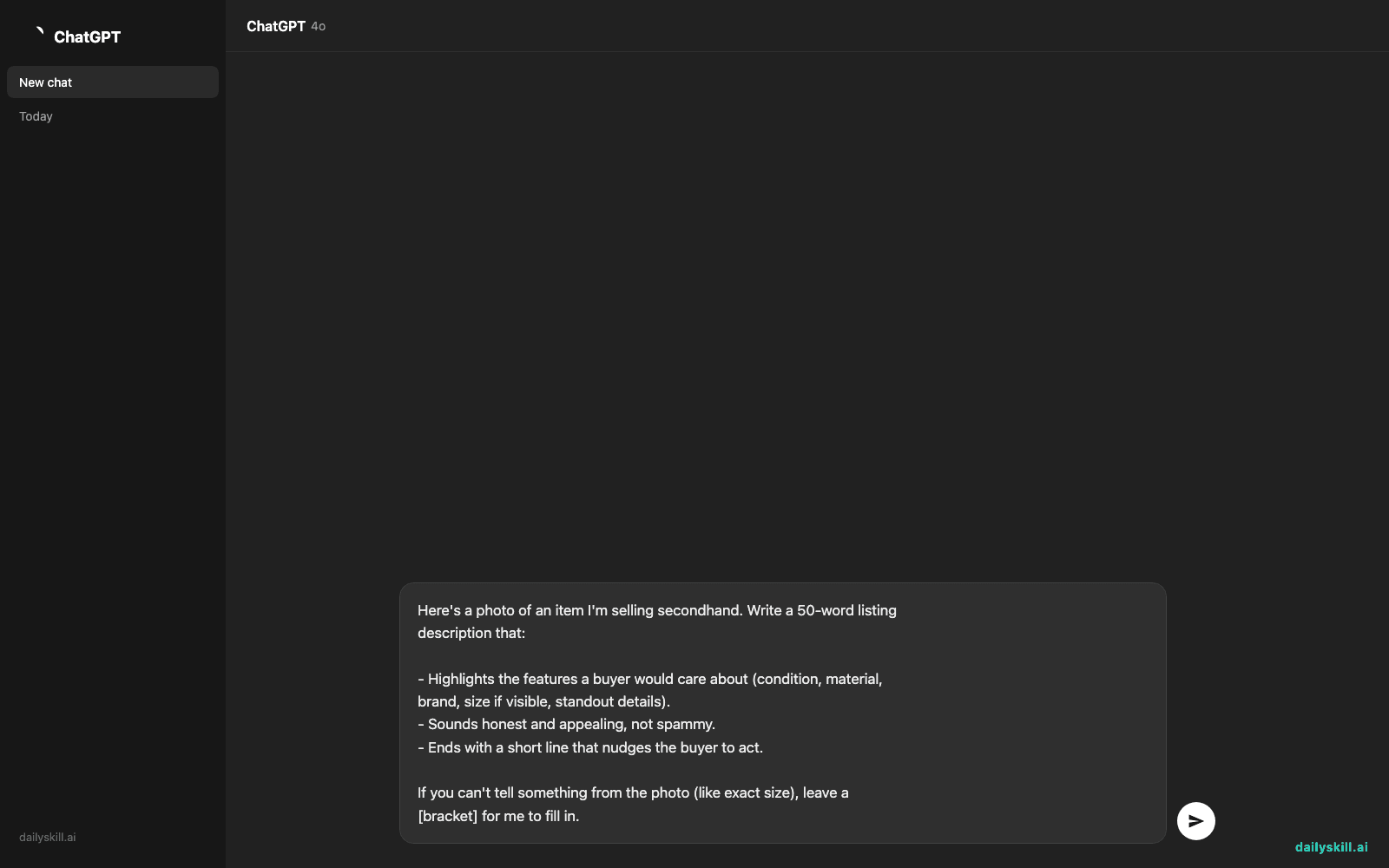
Step 2: Upload it to Claude with this prompt
Here's a photo of an item I'm selling secondhand. Write a 50-word listing
description that:

- Highlights the features a buyer would care about (condition, material,
  brand, size if visible, standout details).
- Sounds honest and appealing, not spammy.
- Ends with a short line that nudges the buyer to act.

If you can't tell something from the photo (like exact size), leave a
[bracket] for me to fill in.
Step 3: Fill the brackets and post
Add the details only you know — size, price, any flaws to be upfront about — and your listing is ready for Facebook Marketplace, eBay, Depop, or wherever you sell.
Real example
You upload a photo of a leather crossbody bag. Claude writes:
Genuine tan leather crossbody bag in excellent condition — soft, structured, and barely used. Adjustable strap, gold-tone hardware, and a roomy main compartment plus two inner pockets. A timeless everyday piece that goes with everything. Size: [fill in]. Priced to sell — message me before it’s gone!
Swap in the size and price, and you’ve got a listing that reads like a real shop wrote it.
Level up
- Match the platform’s tone: “Make it casual and fun for Depop” or “Keep it professional for eBay.”
- Sell a set at once: upload several photos and ask for “a separate 40-word description for each item.”
- Add keywords: “Include search terms a buyer would type so it shows up in searches.”
FAQ
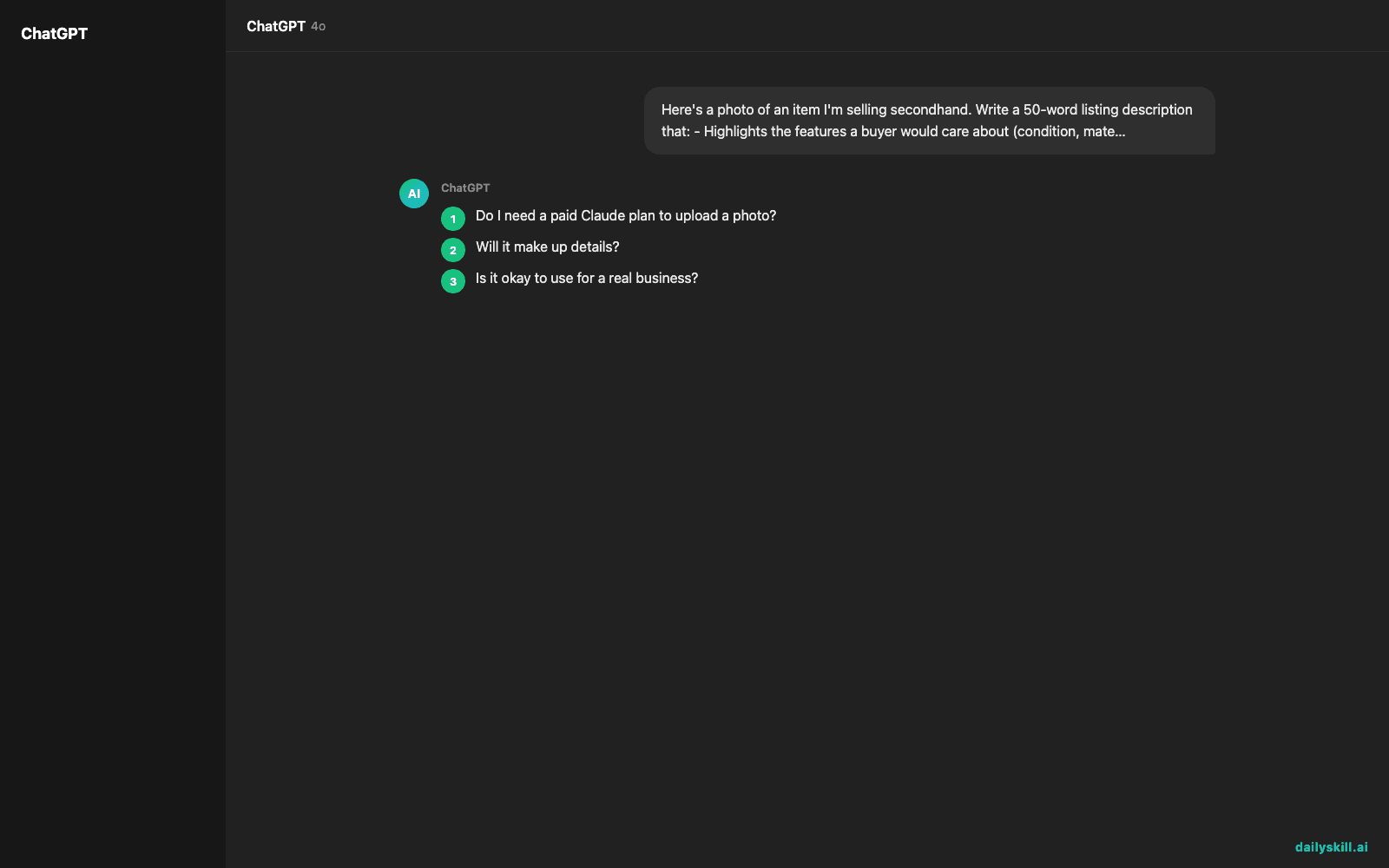
Do I need a paid Claude plan to upload a photo?
Image reading is available on Claude, including the free tier in the app. ChatGPT and Gemini can do this too — the same prompt works if you prefer one of those.
Will it make up details?
The prompt tells it to leave [brackets] for anything it can’t see, so it asks instead of guessing. Always double-check brand or size claims before you post.
Is it okay to use for a real business?
Yes — small sellers use this to speed up listings. Just review each one so the voice stays yours and every claim is true.
Today’s check-in
Find one thing you could sell, photograph it, and run it through this prompt — reply in the comments with the description you got. Tomorrow: how to stretch your paid AI plan so you never hit the usage limit mid-task.
You might also find these helpful:
- Perplexity AI — Get Answers With Sources, Not a Pile of Links
- How do I know if an AI answer is actually true?
- You.com — A Free AI Search Engine That Skips the 10 Blue Links
Master Everyday AI in 1 Minute a Day
Get our free 2026 Double-Blind AI Benchmark Scorecard & 20 Ready-to-Use Prompts, plus one honest, 60-second AI skill in your inbox every morning. Zero hype, plain English, cancel anytime.


