
Yes, completely. ChatGPT, Gemini, and Claude all have free mobile apps that work just as well as the browser versions. You don’t need a laptop, a subscription, or any technical setup. Download one app, create a free account, and you’re ready in under two minutes.
Why this comes up
Most AI tutorials show a desktop browser, which makes it feel like a computer is required. You might also wonder if the phone version is a “lite” edition — stripped down or less capable. It isn’t.
The honest answer
The apps are the full experience
The free ChatGPT, Gemini, and Claude apps on iOS and Android give you the same conversation quality as the desktop. Typing, voice, and image inputs all work on mobile. Nothing important is missing.
What you can do right now on your phone
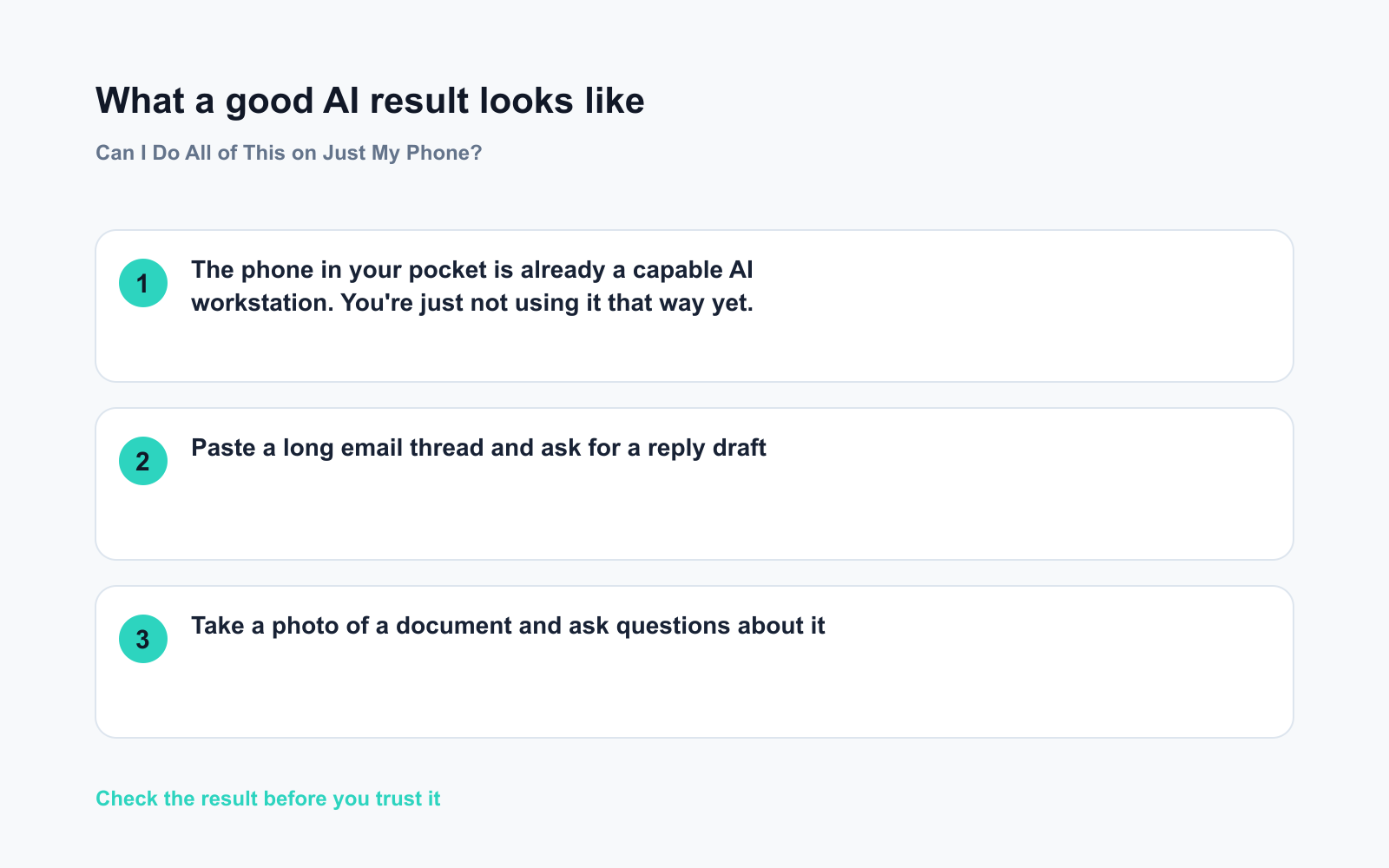
– Paste a long email thread and ask for a reply draft
– Take a photo of a document and ask questions about it
– Dictate a voice message and have it turned into a clean summary
– Upload a PDF and ask AI to pull out key points — no need to split it into pieces
Which app should you pick first?
- ChatGPT — best all-rounder; handles text, images, voice, and files smoothly
- Gemini — tight integration with Google tools like Gmail and Docs if you’re already in that ecosystem
- Claude — strong at reading and analyzing long documents in one go
All three are free to download and use. Paid tiers exist, but you don’t need them to get started.
The one thing that’s slightly different on mobile
Typing long prompts can feel slower than on a keyboard. Voice input fixes this instantly — tap the microphone, speak your request naturally, and the app transcribes it. Most people find it faster than typing anyway.
The phone in your pocket is already a capable AI workstation. You’re just not using it that way yet.
What to do
Do:
– ✅ Download one app today — ChatGPT is the safest first pick for most people
– ✅ Sign up with your Google or Apple account for one-tap login
– ✅ Try voice input for your very first prompt — it removes typing friction immediately
– ✅ Use your camera to photograph a printed document, receipt, or handwritten note and ask AI to summarize it
Don’t:
– ❌ Don’t install all three apps at once — pick one and get comfortable before exploring others
– ❌ Don’t skip creating an account — guest or limited modes won’t save your conversations
– ❌ Don’t assume you need to pay; the free tier handles most everyday tasks just fine
FAQ
Do I need Wi-Fi, or does it work on mobile data?
It works on mobile data. Each conversation uses roughly as much data as loading a webpage — noticeable only if you’re on a very tight data plan.
Is the AI on my phone private? Will it read my other apps?
No. The AI only sees what you paste, type, or upload inside the chat. It cannot access your messages, photos, or other apps unless you deliberately share something.
I already have Google Assistant or Siri — isn’t that the same thing?
Not really. Built-in assistants handle quick commands like setting timers or making calls. Apps like ChatGPT and Gemini handle open-ended questions, document analysis, writing, and multi-step reasoning — a much bigger range of tasks.
Bottom line
The best AI apps for your phone are free, take two minutes to set up, and give you the full experience — no laptop needed.
Have you already tried AI on mobile, or are you still desktop-only? Drop your experience in the comments — it helps other readers know what to expect.
Tomorrow: How can you tell if an image or video was made by AI? We’ll show you the real signs to look for — and why it’s trickier than you’d think.
You might also like:
- Day 8 — Read Any Medicine Label Instantly — Let AI Decode Dosage & Side Effects (AI 1-Minute Challenge)
- Suno — Type a Vibe, Get a Full Song Back
⭐ Want every prompt in one place?
All 136 tested prompts from our daily skills are free on
GitHub — DailySkill Prompt Library.
Star it to get new prompts as we publish.
More on Getting Started with AI (Beginner’s Guide):
- ChatGPT Explained: The Best First AI Tool for Absolute Beginners
- Complete Beginner’s Guide to AI in 2026: What It Is, How It Works, and Where to Start
- Does AI Remember Our Conversations, or Do You Start Over Every Time?
Master Everyday AI in 1 Minute a Day
Get our free 2026 Double-Blind AI Benchmark Scorecard & 20 Ready-to-Use Prompts, plus one honest, 60-second AI skill in your inbox every morning. Zero hype, plain English, cancel anytime.


