
Ever squinted at a medicine bottle at midnight, trying to figure out how much to take — or whether it’s even safe to mix with something else you’re on? Here’s exactly how to get a plain-English summary of any label in under a minute.
Prefer video? Watch Nude the Sphynx break down this skill step-by-step.
Sound familiar?
The print is tiny. The language is technical. And the warning section looks like a legal document. Whether you’re helping an aging parent sort their prescriptions or just trying to understand your own new medication, decoding a medicine label can feel unnecessarily hard.
You shouldn’t need a pharmacy degree to know what you’re taking.
The 60-second fix
You’ll use Gemini (Google’s AI assistant at gemini.google.com) — it can look at a photo and read text, then explain what it finds in everyday language.
Step 1: Open Gemini and start a new chat
Go to gemini.google.com on your phone or computer. Sign in with a free Google account if prompted.
Step 2: Upload a photo of the label
Tap the image icon (the little photo symbol in the chat bar) and attach a clear photo of your medicine label. Good lighting and a steady hand go a long way.
Step 3: Paste this prompt alongside your photo
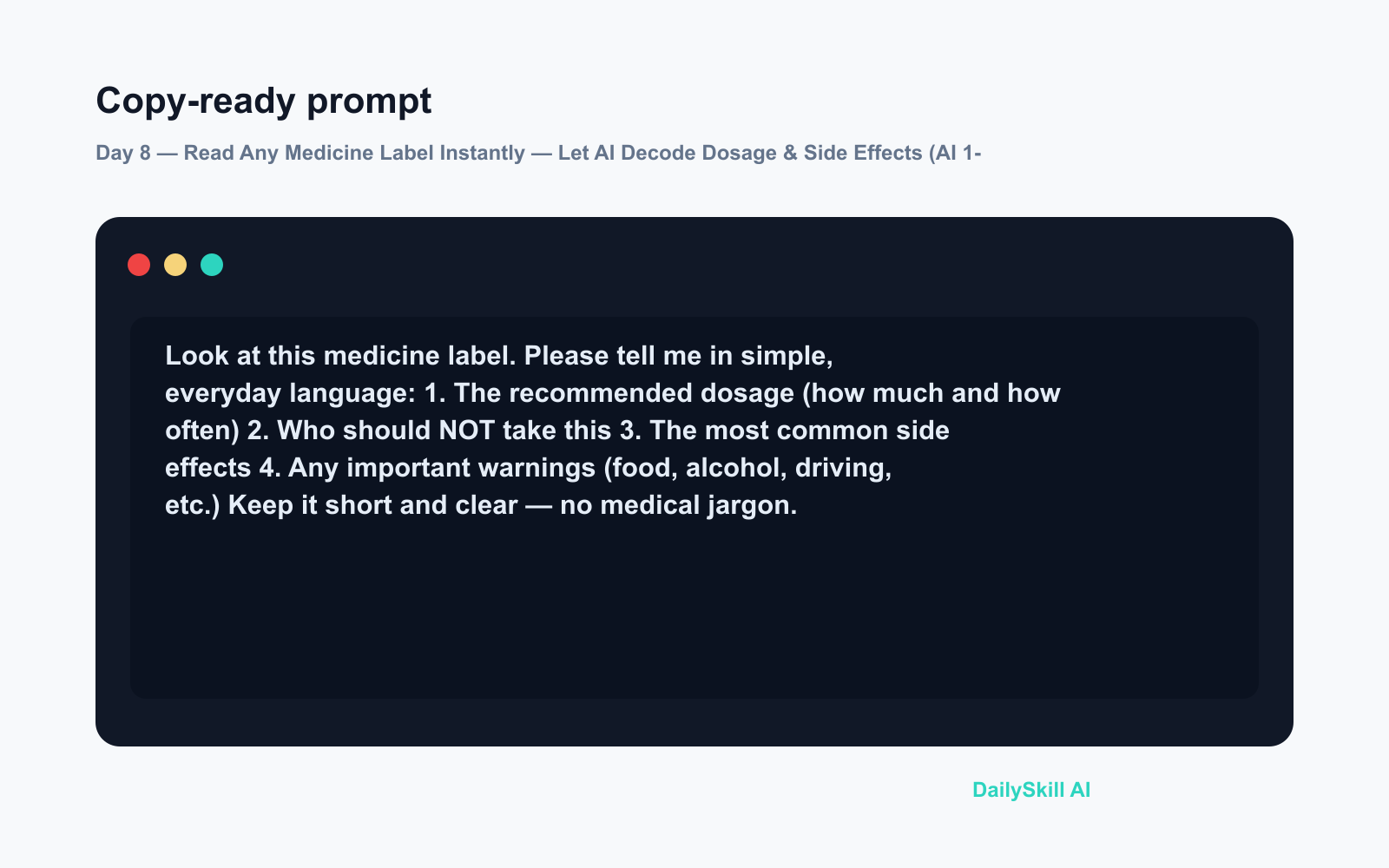
Look at this medicine label. Please tell me in simple, everyday language:
1. The recommended dosage (how much and how often)
2. Who should NOT take this
3. The most common side effects
4. Any important warnings (food, alcohol, driving, etc.)
Keep it short and clear — no medical jargon.
Hit send. Gemini reads the label image and returns a tidy summary, usually in seconds.
Real example
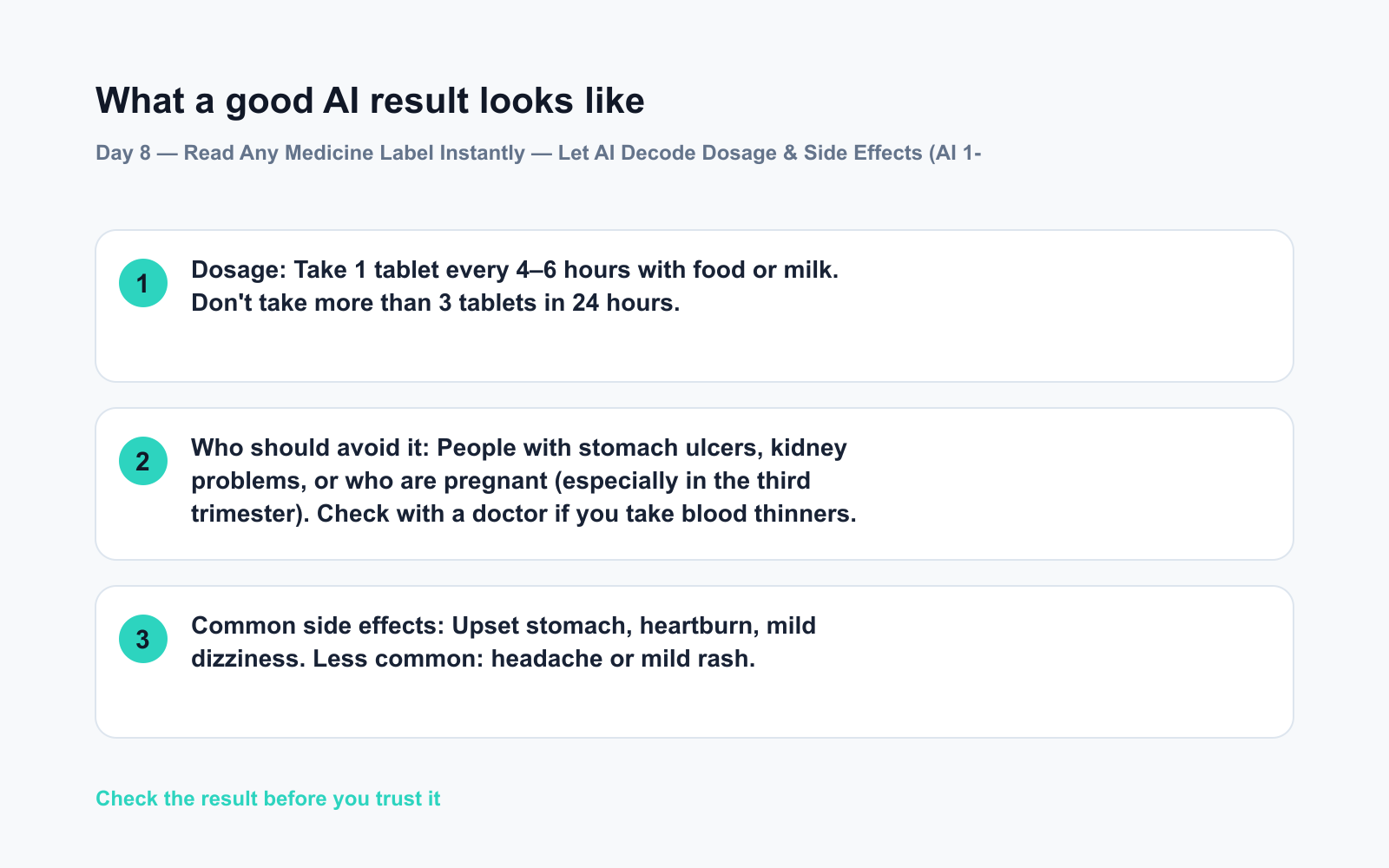
Label uploaded: A bottle of Ibuprofen 400mg tablets (standard pharmacy label)
Dosage: Take 1 tablet every 4–6 hours with food or milk. Don’t take more than 3 tablets in 24 hours.
Who should avoid it: People with stomach ulcers, kidney problems, or who are pregnant (especially in the third trimester). Check with a doctor if you take blood thinners.
Common side effects: Upset stomach, heartburn, mild dizziness. Less common: headache or mild rash.
Key warnings: Avoid alcohol while taking this. Don’t drive if you feel dizzy. Do not take alongside other ibuprofen or aspirin products.
That’s the whole label — decoded in seconds, no squinting required.
Level up
- Multiple medications? Upload two label photos in one message and ask Gemini: “Do these two medications have any known interactions I should know about?”
- Great for caregivers and seniors: Read out the label over video call, or photograph a loved one’s pill organizer and ask Gemini to list what each medicine is typically used for.
- Foreign packaging? Gemini can translate and summarize labels in other languages — useful when travelling or ordering internationally.
FAQ
Is it safe to trust AI for medicine information?
Gemini gives you a helpful starting point based on what’s printed on the label, but it’s not a substitute for your doctor or pharmacist. Use it to understand the label better, not to make medical decisions on your own.
What if the photo is blurry or the label is hard to read?
Try natural daylight and hold the camera steady a few inches from the label. If Gemini can’t read part of it, it’ll say so — just retake the shot.
Can I use this for prescription medications too?
Yes. It works on prescription labels just as well as over-the-counter ones. It simply summarizes what’s printed — the dosage your doctor prescribed, the pharmacy’s instructions, and any printed warnings.
Today’s check-in
Try it with one medicine bottle in your home — even something as simple as paracetamol or a vitamin supplement. Drop a comment below: was the summary clear enough that you actually learned something new from a label you’d read before?
Tomorrow on Day 9: We tackle the dreaded 30-minute meeting recording — you’ll see how AI can turn the whole thing into five crisp bullet-point minutes, ready to share before you’ve even made your coffee.
You might also like:
⭐ Want every prompt in one place?
All 136 tested prompts from our daily skills are free on
GitHub — DailySkill Prompt Library.
Star it to get new prompts as we publish.
More on AI for Everyday Life & Home:
- 5 AI Tasks You Can Do Every Day in Under 90 Seconds Each
- Can AI Help With Meal Planning and Recipes? (Yes, Here’s How)
- Can AI Read and Summarize a Website or Article for Me?
Master Everyday AI in 1 Minute a Day
Get our free 2026 Double-Blind AI Benchmark Scorecard & 20 Ready-to-Use Prompts, plus one honest, 60-second AI skill in your inbox every morning. Zero hype, plain English, cancel anytime.


