
Your website idea has been sitting in your notes app for six months. Hiring a developer feels too early, and every drag-and-drop builder you’ve tried makes your bakery look like every other bakery online.
v0 is an AI web design tool that turns a plain-English description into an actual website layout — built with real code, not a generic template. It’s for anyone who wants to see their idea on screen before spending money or learning to code.
What it is
v0 is a tool from Vercel, the company behind a lot of the internet’s website hosting. It generates website layouts and components from text prompts.
Think of it as a no-code builder crossed with a code generator — it writes real React code underneath, but you never have to touch it. You describe what you want, and it builds a working, clickable preview.
Try it in 5 minutes
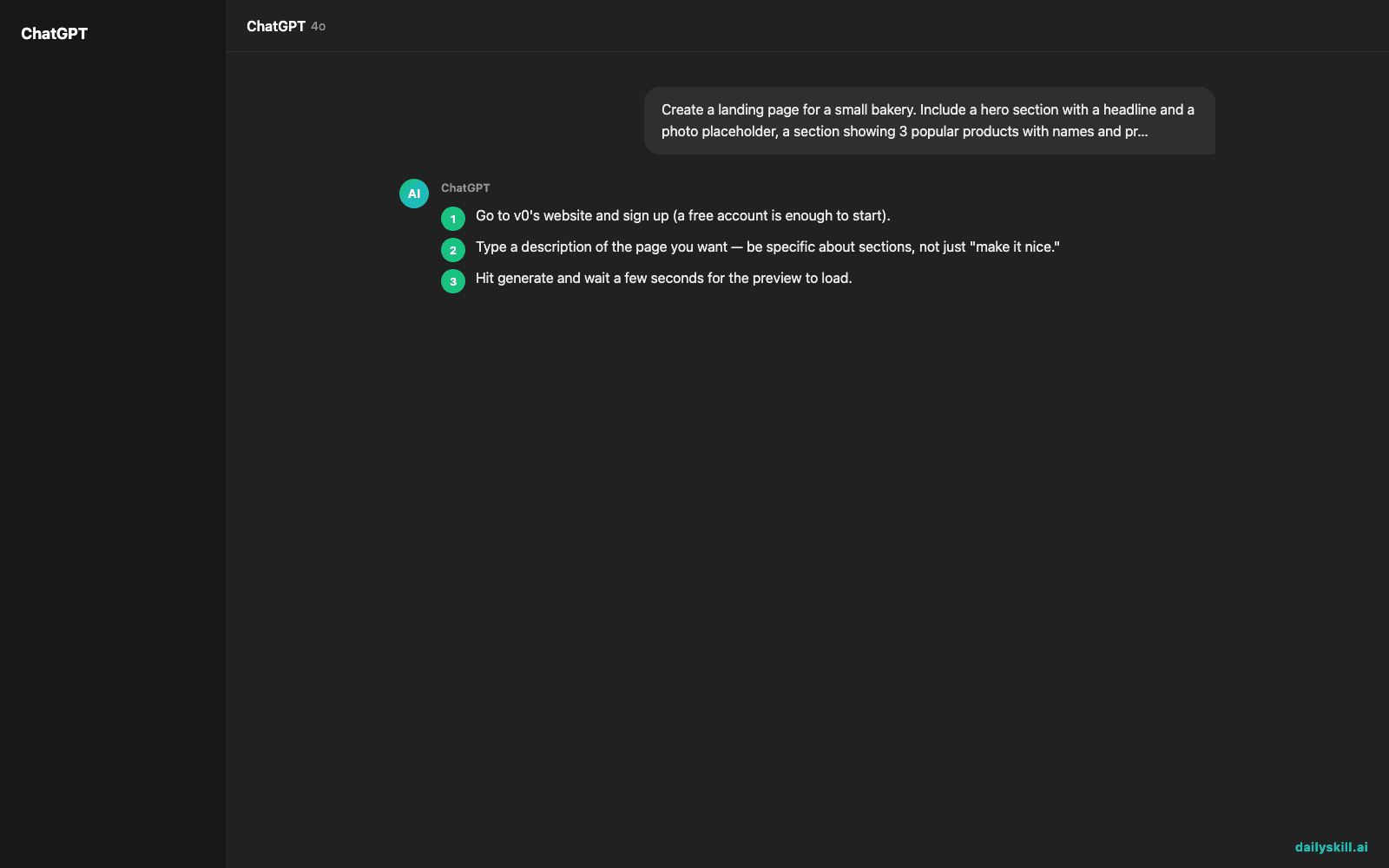
- Go to v0’s website and sign up (a free account is enough to start).
- Type a description of the page you want — be specific about sections, not just “make it nice.”
- Hit generate and wait a few seconds for the preview to load.
- Click on parts of the layout to ask for tweaks (“make the button bigger,” “change colors to navy and white”).
- If you ever want a developer to take it further, use the export or “open in editor” option.
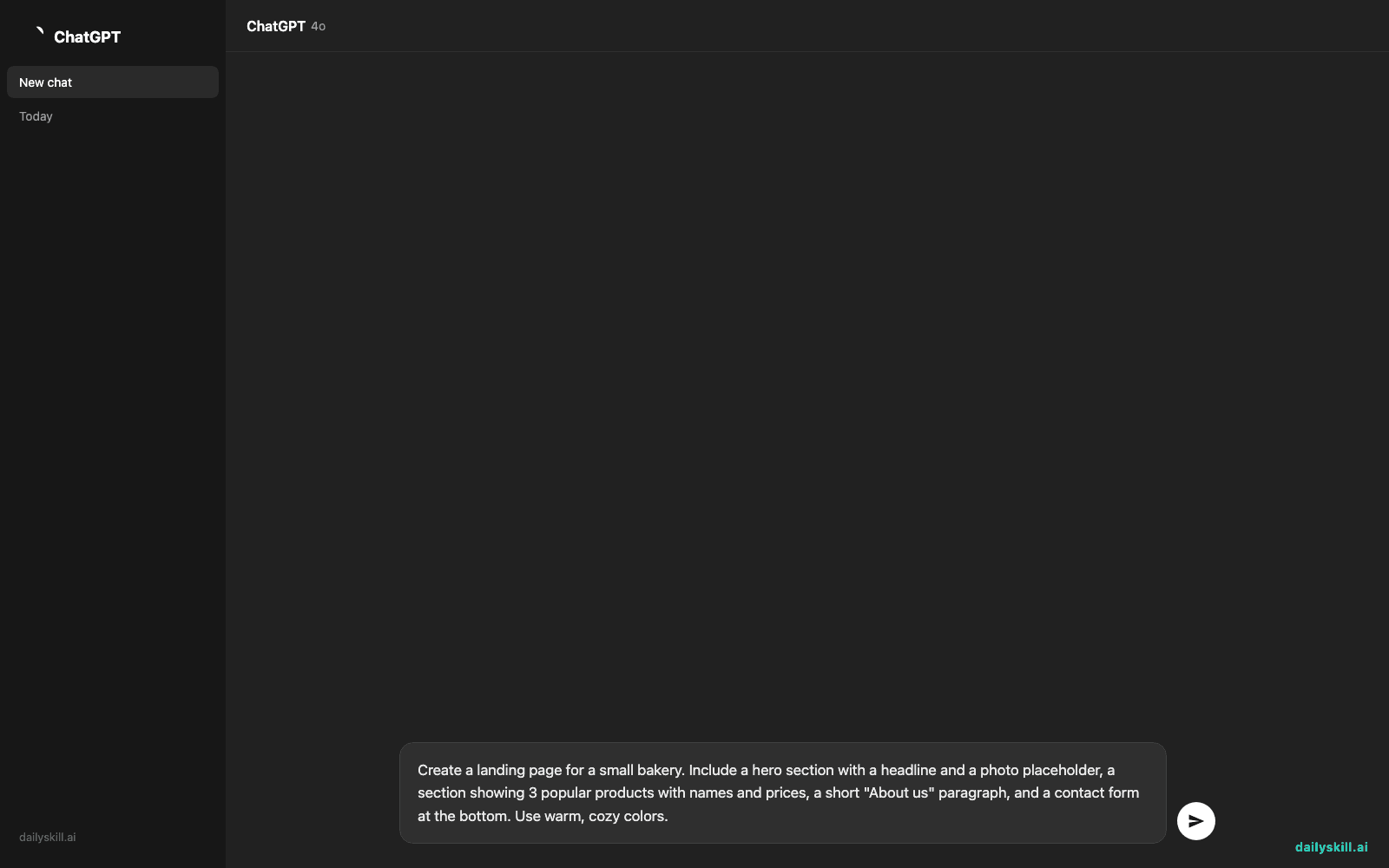
Copy-paste this as your first prompt:
Create a landing page for a small bakery. Include a hero section with a headline and a photo placeholder, a section showing 3 popular products with names and prices, a short "About us" paragraph, and a contact form at the bottom. Use warm, cozy colors.
A real example
Input: the bakery prompt above.
v0 returns a full working preview: a hero banner with a bold headline and image placeholder, three product cards side by side with editable names and prices, an about section in soft beige and brown tones, and a working contact form with name, email, and message fields. Everything is live and clickable, ready for follow-ups like “make the hero full-width” or “add a footer with social icons.”
The layout is real, but the copy and prices are placeholders — you’ll still swap in your actual bakery’s products and photos before it’s usable.
Honest take
Best for:
– Non-coders who want to prototype a website idea fast, without touching code
– Small business owners testing a layout before hiring help
– Anyone who wants a design tool that gives working results, not static mockups
Not for:
– A fully custom, production-ready site on your own — you’ll likely still need a developer for real polish, accessibility, and edge cases
– Real functionality like payments or user logins — it builds layouts first, not a full app backend
The free tier lets you generate and preview a limited number of layouts per month — enough to test one or two ideas before deciding if you need more.
FAQ
Is it free? Yes, there’s a free tier for basic generation. Heavier use or team features need a paid plan.
Do I need to know how to code? No. You describe what you want in plain language; v0 handles the code underneath.
Is it safe to use for a real business idea? Yes, but treat early outputs as a starting prototype, not a finished product. Double-check anything customer-facing, like forms or checkout flows, before going live.
Today’s pick wrap-up
v0 won’t replace a developer for a serious launch, but it’s the fastest way to see your website idea look real instead of imagined. Try it on your next idea and tell us what it built for you in the comments. Tomorrow: we look at Monster Resume AI — for anyone whose resume has been sitting untouched for way too long.
You might also like:
Master Everyday AI in 1 Minute a Day
Get our free 2026 Double-Blind AI Benchmark Scorecard & 20 Ready-to-Use Prompts, plus one honest, 60-second AI skill in your inbox every morning. Zero hype, plain English, cancel anytime.


