
You found the perfect job posting, but your resume was written for a different role two years ago. You’re qualified — the resume just doesn’t say it in the recruiter’s words.
That’s the exact moment Monster Resume AI is built for: paste in a job description, and it rewrites your resume and cover letter to match it. It’s for anyone applying to jobs who’s tired of manually tweaking the same document over and over.
What it is
Monster Resume AI is a resume optimization tool that reads a job posting alongside your existing resume, then tells you what’s missing and rewrites sections to match.
It works like an ATS resume checker — it flags the keywords an applicant tracking system (the software that scans resumes before a human ever sees them) is likely looking for. It also generates a matching cover letter, so you’re not starting that part from a blank page.
Try it in 5 minutes
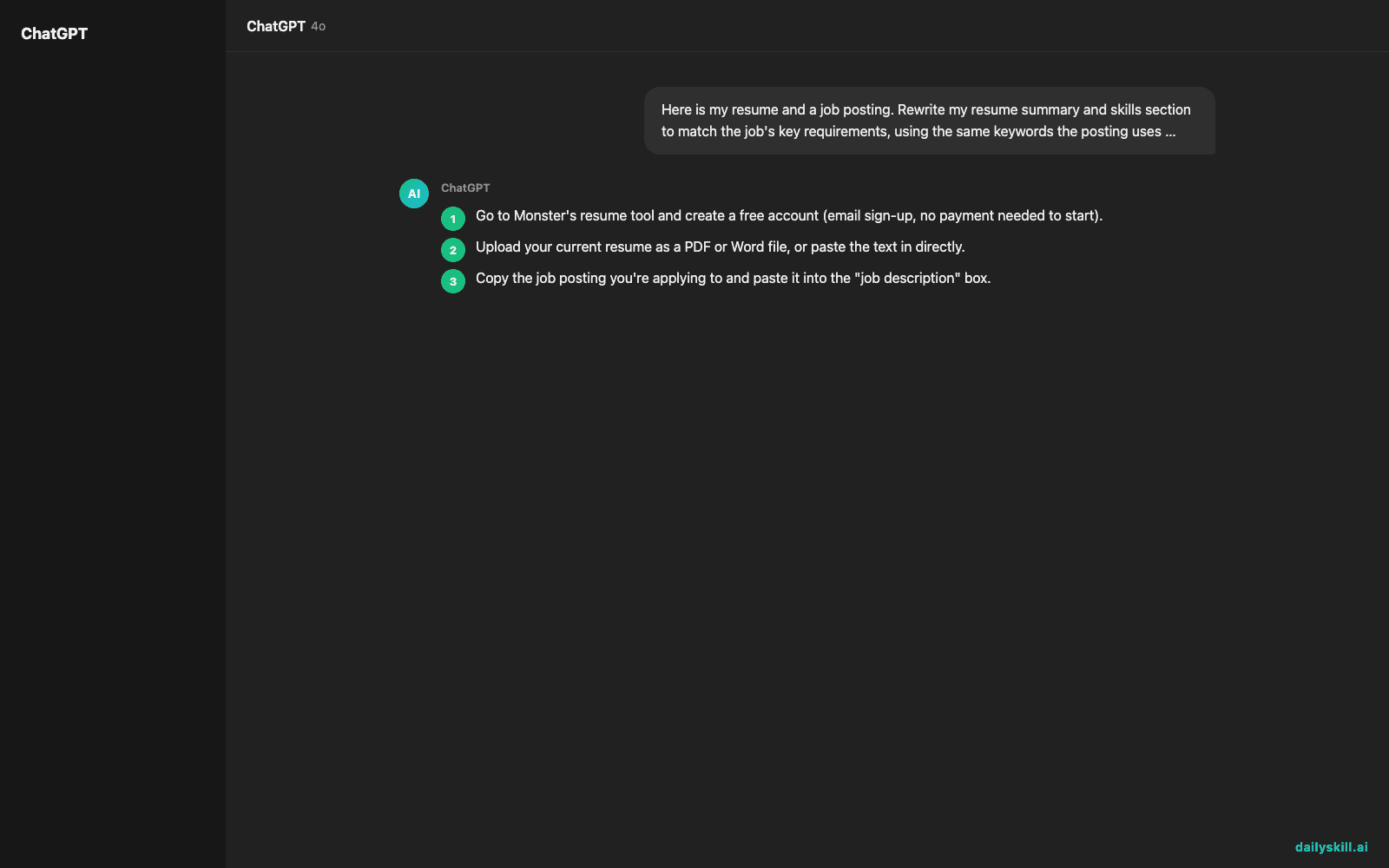
- Go to Monster’s resume tool and create a free account (email sign-up, no payment needed to start).
- Upload your current resume as a PDF or Word file, or paste the text in directly.
- Copy the job posting you’re applying to and paste it into the “job description” box.
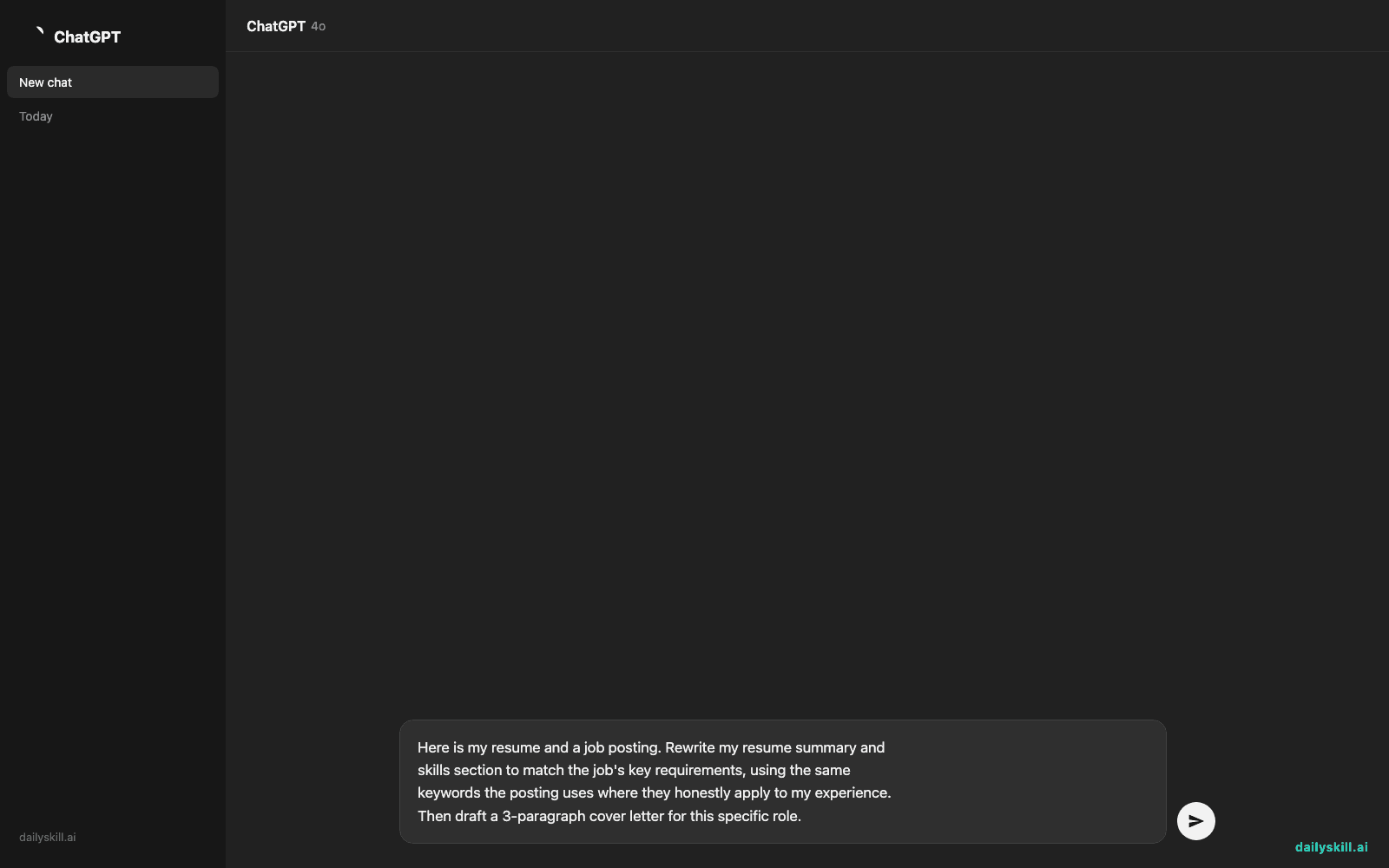
- Use this prompt in the tool’s input or notes field to guide the rewrite:
Here is my resume and a job posting. Rewrite my resume summary and
skills section to match the job's key requirements, using the same
keywords the posting uses where they honestly apply to my experience.
Then draft a 3-paragraph cover letter for this specific role.
- Review the suggested changes — accept the ones that are true to your experience, skip the rest, and export the updated resume.
A real example
Input: a marketing coordinator resume + a job posting for “Senior Content Strategist” that mentions “SEO strategy,” “cross-functional collaboration,” and “content calendar management.”
Output: Your resume summary is rewritten from “Marketing professional with 3 years experience” to “Content strategist with 3 years managing SEO-driven editorial calendars and cross-functional campaigns.” The tool also flags: “Add a metric — how many pieces of content per month?” and drafts a cover letter opening line referencing the company’s specific product line.
Honest take
Best for:
– Job seekers applying to multiple postings who need fast, tailored resumes instead of starting over each time
– Anyone unsure why their resume isn’t getting callbacks and wants ATS-focused feedback
– People who dread writing cover letters and want a solid first draft, not a blank page
Not for:
– Deep career pivots — it can polish wording, but it won’t invent experience you don’t have
– People who want the full, polished, multi-round version free — basic keyword matching and light edits are free, but deeper rewrites and unlimited exports sit behind a paid tier
FAQ
Is it free? The basic version — keyword matching and light suggestions — is free. Full resume rewrites and multiple cover letter drafts are usually paid.
Is it safe? Your resume has personal info, so use a real account and check Monster’s privacy settings before uploading sensitive details like your address.
Do I need an account? Yes, a free account is required to save your resume and see suggestions.
Today’s pick wrap-up
If you’re sending the same tired resume to every job, this is the 5-minute fix that makes it sound like you actually read the posting. Tried it on your own resume? Tell us what it changed — we read every reply. Tomorrow: we go from job applications to pure imagination with Midjourney, the AI that turns your words into images.
You might also find these helpful:
- Turn a Job Posting Into Your Own Interview Prep Guide
- What AI tool should I use for my specific job?
- How to Fact-Check What AI Tells You (30-Second Method)
Master Everyday AI in 1 Minute a Day
Get our free 2026 Double-Blind AI Benchmark Scorecard & 20 Ready-to-Use Prompts, plus one honest, 60-second AI skill in your inbox every morning. Zero hype, plain English, cancel anytime.


