You just survived a 30-minute meeting — now someone wants the minutes
Here’s exactly how to go from a recorded meeting to a clean, shareable summary without replaying a single second of audio. Paste one prompt and AI hands you every decision and action item, neatly packaged.
Sound familiar?
You nodded through the whole call. You even took a few notes. But now your doc says “discuss budget??” and “Sarah — something about Friday” and absolutely nothing useful. Writing proper AI meeting notes from memory feels like reconstructing a crime scene.
The 60-second fix
Step 1 — Get your transcript
Upload your audio file directly to ChatGPT or Gemini (both handle audio in 2026). They’ll transcribe it on the spot using technology similar to Whisper AI, OpenAI’s speech-to-text engine.
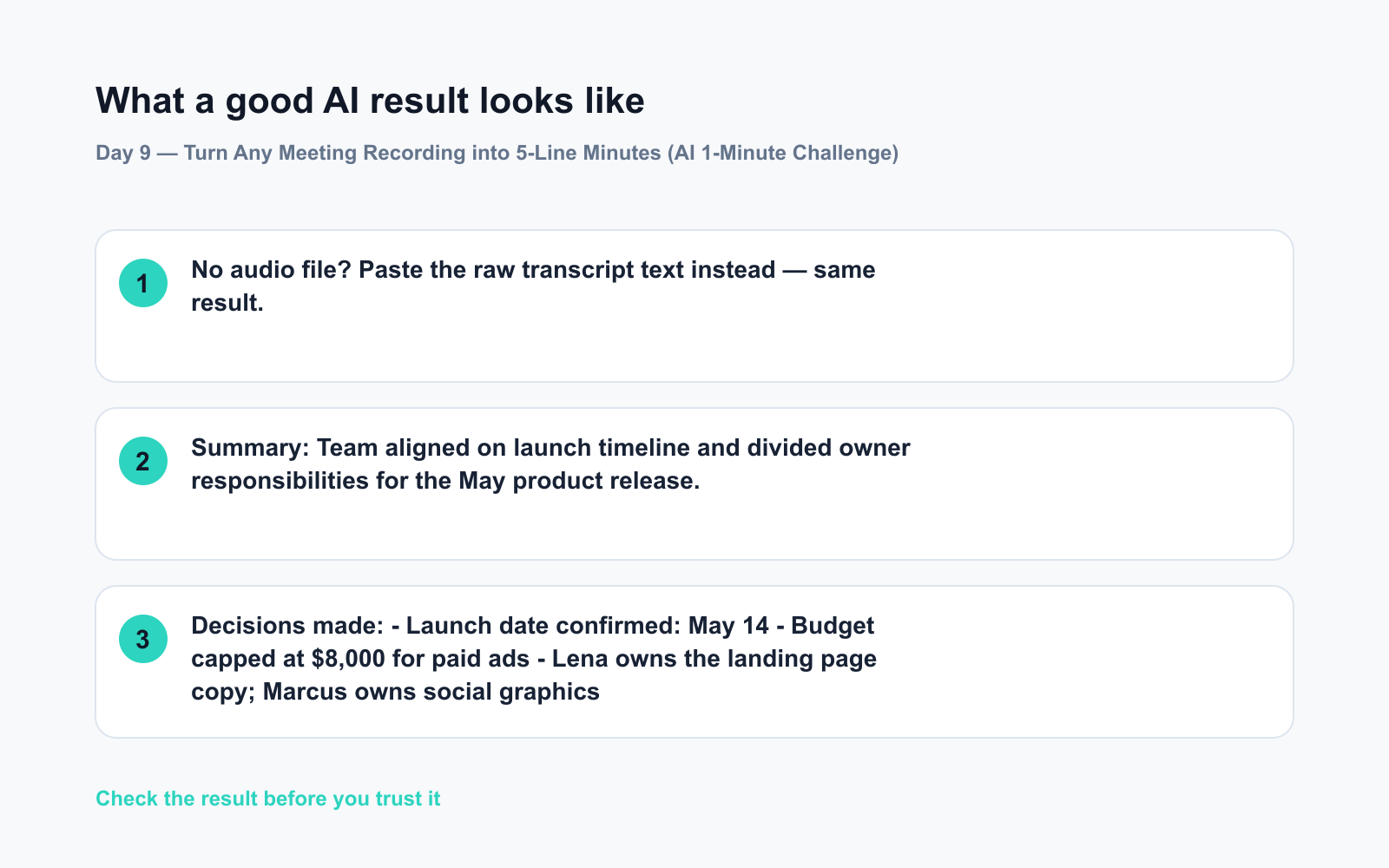
No audio file? Paste the raw transcript text instead — same result.
Step 2 — Paste this prompt
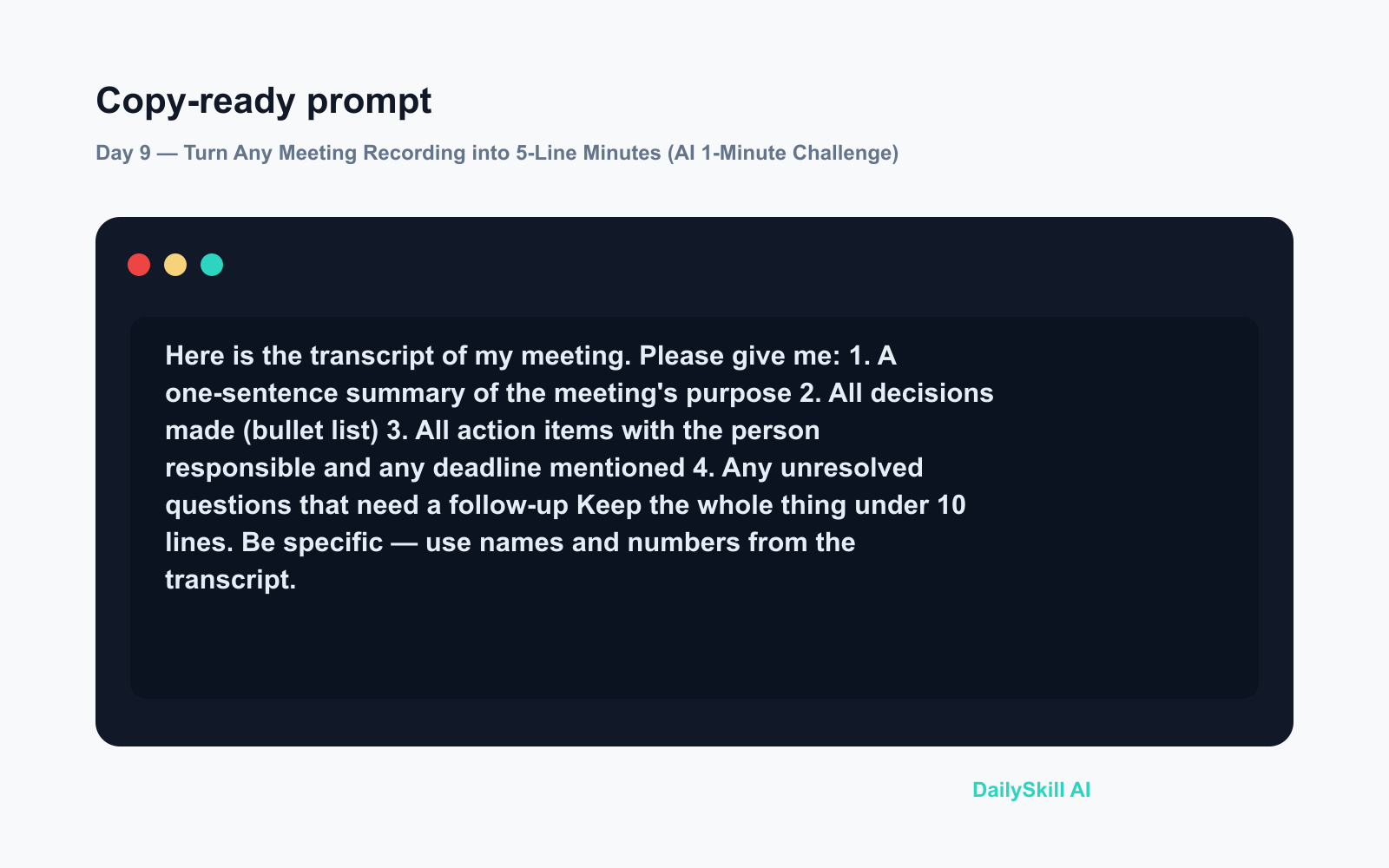
Here is the transcript of my meeting. Please give me:
1. A one-sentence summary of the meeting's purpose
2. All decisions made (bullet list)
3. All action items with the person responsible and any deadline mentioned
4. Any unresolved questions that need a follow-up

Keep the whole thing under 10 lines. Be specific — use names and numbers from the transcript.
Step 3 — Copy, paste, send
Take the AI’s output and drop it straight into your team chat or email. Done before your coffee gets cold.
Real example
Input — a messy 28-minute transcript about a product launch (uploaded as an .mp3)
AI output:
Summary: Team aligned on launch timeline and divided owner responsibilities for the May product release.
Decisions made:
– Launch date confirmed: May 14
– Budget capped at $8,000 for paid ads
– Lena owns the landing page copy; Marcus owns social graphicsAction items:
– Lena → first copy draft by April 22
– Marcus → mood board ready for review April 19
– Tom → book photographer before end of weekOpen questions:
– No decision yet on influencer outreach — revisit Thursday
That’s a 28-minute meeting turned into 9 lines. No replay needed.
Level up
- Recurring meetings? Ask AI to compare this week’s minutes to last week’s and flag anything still unresolved.
- Multi-language team? Ask the AI to transcribe the audio and translate the summary into another language in the same step.
- Zoom or Teams user? Both platforms now export transcripts automatically — skip the upload and paste the text directly.
FAQ
Can AI really transcribe meeting audio accurately?
Yes — tools like ChatGPT and Gemini handle clear audio very well. Background noise or heavy accents can reduce accuracy, so a quick skim of the transcript before summarising is always smart.
What if my meeting was confidential?
Avoid uploading sensitive recordings to any AI tool without checking your company’s data policy first. For private meetings, use an on-device transcription tool and paste only the text.
Is Whisper AI a separate app I need to download?
Whisper is the underlying speech-to-text technology built by OpenAI. You don’t need to install it separately — it’s already powering transcription inside ChatGPT when you upload audio.
Today’s check-in
Try it on your next meeting recording — even a 5-minute voice memo works — and drop your best AI-generated action item in the comments. We’d love to see what your AI caught that you almost missed.
Tomorrow on Day 10: You’ve got 100 product reviews and zero time to read them — we’ll show you how AI compresses them into the 5 pros and 5 cons that actually matter.
You might also like:
- How Can I Tell If an Image or Video Was Made by AI?
- Gamma — Skip the Blank Slide and Let AI Build Your Deck
⭐ Want every prompt in one place?
All 136 tested prompts from our daily skills are free on
GitHub — DailySkill Prompt Library.
Star it to get new prompts as we publish.
More on AI for Work & Productivity:
- AI for Small Business Owners: 8 Practical Ways to Save Time in 2026
- Can AI Actually Help You Make Money? (Realistic Ways That Work in 2026)
- Can AI Help Me With Excel Formulas and Spreadsheets? (Yes, Here’s How)