
You opened the group chat. There are 94 unread messages. You close the group chat.
There’s a better way — paste the whole thread into a free AI tool and get a crisp 5-line summary in about 60 seconds.
Prefer video? Watch Nude the Sphynx break down this skill step-by-step.
Sound familiar?
The family reunion planning chat blew up while you were in meetings. The school parents’ group has 70 messages about a bake sale. Your work team thread is a wall of text and you just need to know: was anything decided?
Scrolling back through all of it is exhausting. Most of it is noise. You just want the key points.
The 60-Second Fix
Tools: ChatGPT (chat.openai.com) or Gemini (gemini.google.com) — both free
Step 1 — Copy your chat
Select all the messages in your group chat and copy them. WhatsApp, iMessage, Slack, Teams, email threads — anything works. Don’t worry about formatting it neatly.
Step 2 — Open ChatGPT or Gemini
Go to chat.openai.com or gemini.google.com and click the message box.
Step 3 — Paste this prompt, then paste your chat below it
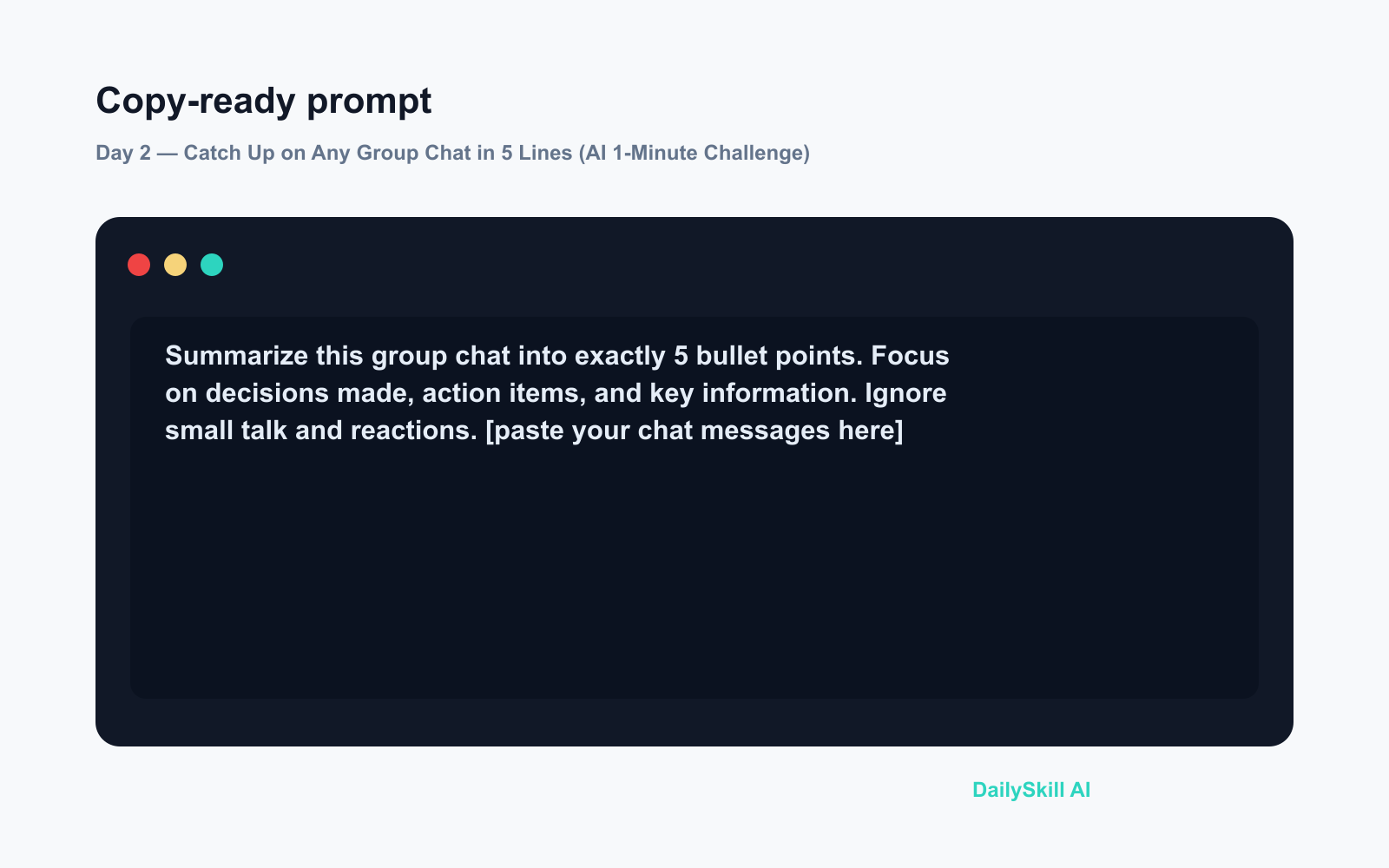
Summarize this group chat into exactly 5 bullet points. Focus on decisions made, action items, and key information. Ignore small talk and reactions.

[paste your chat messages here]
Hit send. You’ll have your summary in seconds.
Real Example
Pasted in: 80 messages from a neighborhood WhatsApp group about a street BBQ
AI summary returned:
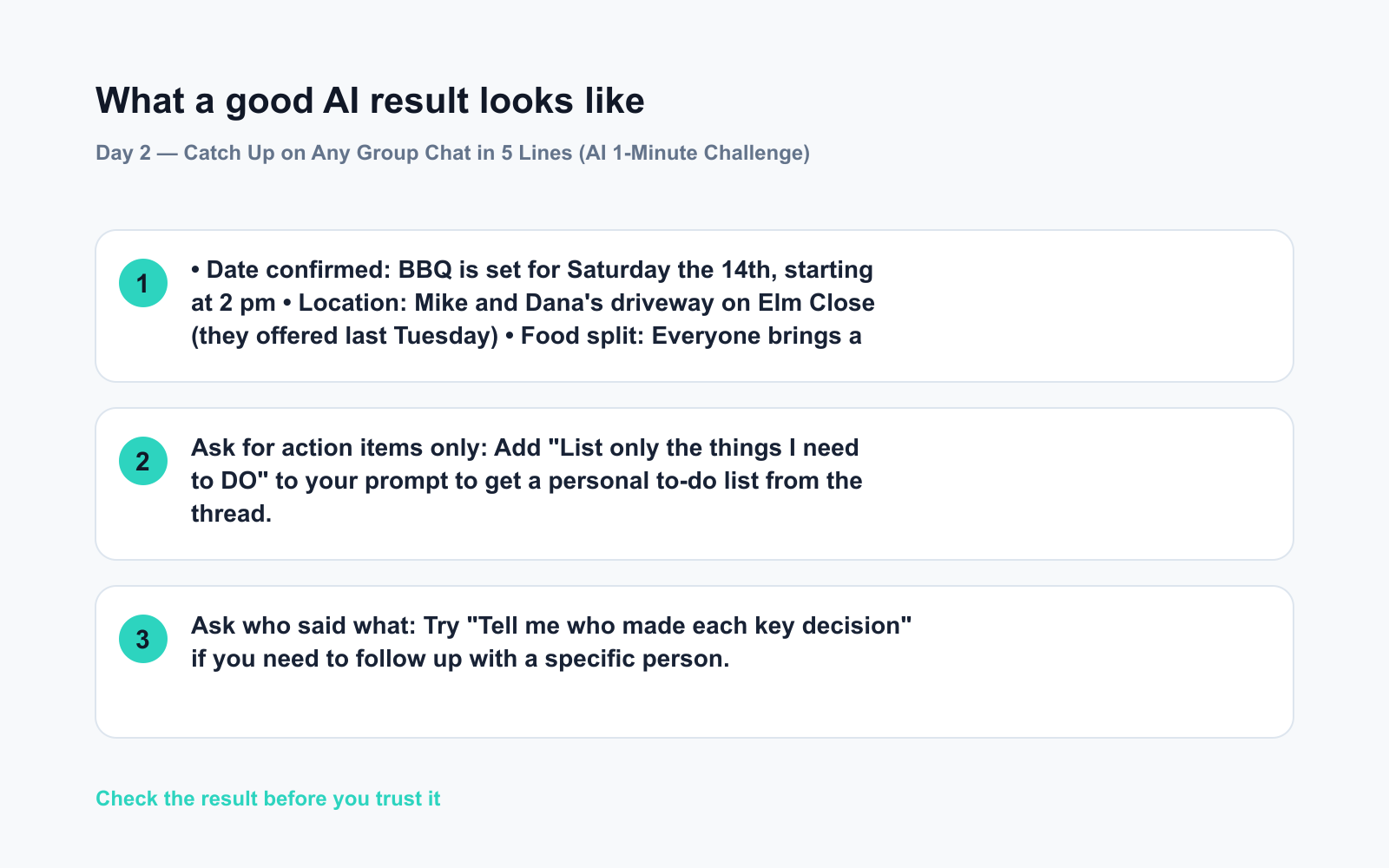
• Date confirmed: BBQ is set for Saturday the 14th, starting at 2 pm
• Location: Mike and Dana’s driveway on Elm Close (they offered last Tuesday)
• Food split: Everyone brings a dish; Marcus is handling the grill
• Action needed: Reply to Dana by Thursday if you’re coming so she can buy supplies
• Open question: No one has confirmed music yet — Priya offered but hasn’t heard back
That’s 80 messages turned into 30 seconds of reading. No scrolling required.
Level Up
- Ask for action items only: Add “List only the things I need to DO” to your prompt to get a personal to-do list from the thread.
- Ask who said what: Try “Tell me who made each key decision” if you need to follow up with a specific person.
- Summarize email chains too: This exact trick works on long email threads — copy the whole thing and use the same prompt.
FAQ
Is it safe to paste my group chat into an AI tool?
Avoid pasting chats with sensitive personal info like passwords, financial details, or private medical talk. For everyday planning chats, it’s fine — but when in doubt, swap real names for initials before pasting.
Will AI miss important details?
It can occasionally skip something, so skim the summary against any decisions that affect you directly. For most casual group chats, it catches everything that matters.
Does this work on really long chats?
Yes — ChatGPT and Gemini can both handle very long threads in one paste. If you get an error, try splitting the chat into two chunks and summarizing each separately.
Today’s Check-In
Try it on one real chat today — even a short one — and drop a comment below with what the AI summarized. Did it nail it, or miss something funny?
Tomorrow on Day 3: Got a pile of receipt photos sitting in your camera roll? We’ll show you how to turn them into a clean expense sheet without typing a single number.
You might also like:
- Is AI Safe to Use? Here’s the Honest Answer for Beginners
- ChatGPT Explained: The Best First AI Tool for Absolute Beginners
⭐ Want every prompt in one place?
All 136 tested prompts from our daily skills are free on
GitHub — DailySkill Prompt Library.
Star it to get new prompts as we publish.
More on AI for Everyday Life & Home:
- 5 AI Tasks You Can Do Every Day in Under 90 Seconds Each
- Can AI Help With Meal Planning and Recipes? (Yes, Here’s How)
- Can AI Read and Summarize a Website or Article for Me?
Master Everyday AI in 1 Minute a Day
Get our free 2026 Double-Blind AI Benchmark Scorecard & 20 Ready-to-Use Prompts, plus one honest, 60-second AI skill in your inbox every morning. Zero hype, plain English, cancel anytime.


