
It’s 9pm, the product is finally ready, and you’re staring at a blank landing page builder with no idea what the headline should even say. You know you also need a few follow-up emails, but that feels like a whole other afternoon you don’t have.
GetResponse AI drafts both for you — you describe your offer in plain words, and it writes a landing page and an email sequence to match. It’s built for anyone running a small business, side project, or newsletter who needs to launch this week, not perfect it forever.
What it is
GetResponse AI is a marketing platform with an AI layer that generates landing pages and email copy from a short description of your product. You type what you’re selling and who it’s for, and it hands back a headline, page copy, and a matching email sequence — something to edit instead of a blank screen to fill.
Try it in 5 minutes
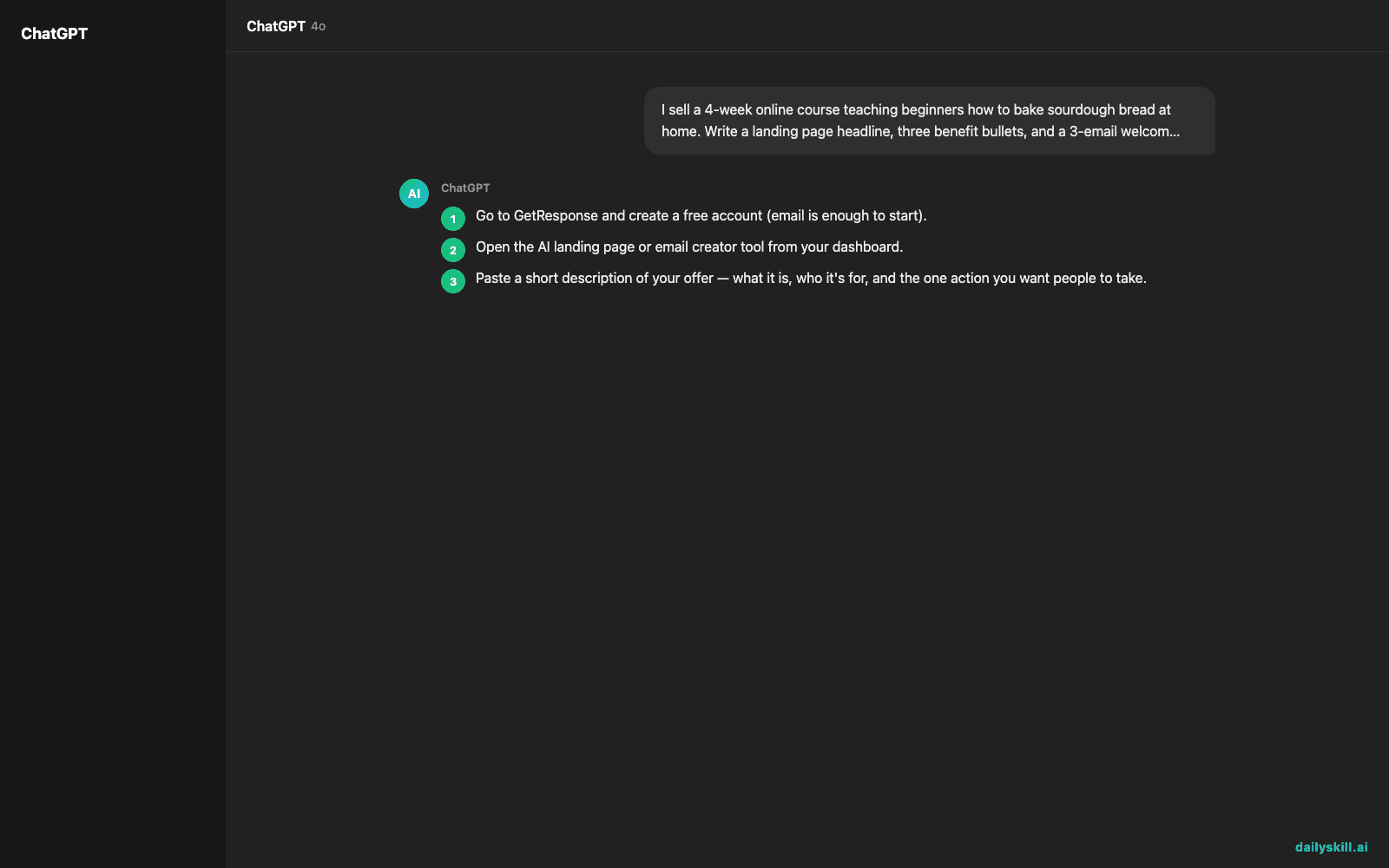
- Go to GetResponse and create a free account (email is enough to start).
- Open the AI landing page or email creator tool from your dashboard.
- Paste a short description of your offer — what it is, who it’s for, and the one action you want people to take.
- Let it generate a first draft, then swap out any lines that don’t sound like you.
- Preview the page or email sequence and publish when it reads right.
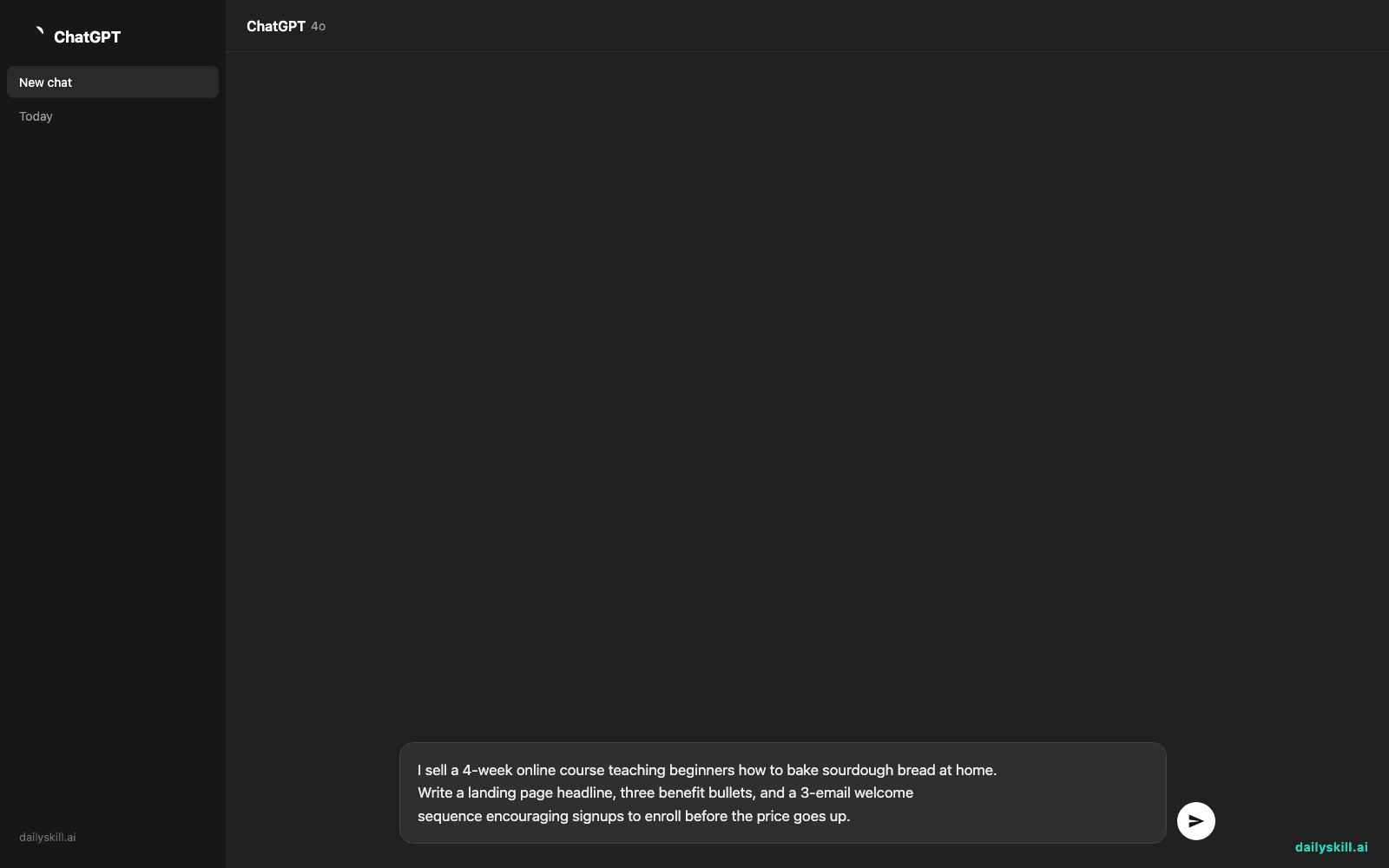
I sell a 4-week online course teaching beginners how to bake sourdough bread at home.
Write a landing page headline, three benefit bullets, and a 3-email welcome
sequence encouraging signups to enroll before the price goes up.
A real example
Paste that sourdough prompt in, and here’s the kind of thing it hands back:
Headline: “Bake Bakery-Quality Sourdough at Home — No Experience Needed”
Bullets: “Step-by-step video lessons,” “Private troubleshooting community,” “Lifetime access to recipes”
Email 1: Welcome + your first starter recipe
Email 2: Common beginner mistakes (and how to fix them)
Email 3: “Price goes up in 48 hours” reminder with enrollment link
It won’t be publish-ready word for word — the tone is often a little generic and some claims will need fact-checking. But it gives you real structure to edit instead of a blank screen.
Honest take
Best for:
– Solo founders or small businesses who need a first draft, not a blank page
– Setting up a welcome series or launch sequence without hiring a copywriter
– Testing a few headline and email angles quickly before committing to one
Not for:
– A highly specific brand voice — expect to rewrite lines so it doesn’t sound like generic marketing copy
– Big, multi-step funnels: the free tier caps templates, contacts, and sends, so complex builds hit limits fast
FAQ
Is it free? There’s a free tier with basic landing page and email features, capped on contacts and sends — enough to try it seriously.
Is it safe? Yes, it’s a long-standing email marketing platform, but treat AI drafts like any first draft — check claims and pricing details before you publish.
Do I need an account? Yes, a free account is required to use the builder and send anything.
Today’s pick wrap-up
If writing your landing page and welcome emails from scratch has been the thing stopping you from launching, GetResponse AI gets you a working draft in minutes. Try it on your own offer and tell us how the first draft turned out — we read every reply. Tomorrow: Fliki, for turning plain text into a narrated video without touching a camera.
You might also like:
Master Everyday AI in 1 Minute a Day
Get our free 2026 Double-Blind AI Benchmark Scorecard & 20 Ready-to-Use Prompts, plus one honest, 60-second AI skill in your inbox every morning. Zero hype, plain English, cancel anytime.


