
It’s 9pm, the project is due Friday, and you’ve got a blank doc titled “Plan” with nothing under it. The tasks are all in your head somewhere — you just can’t get them into an order that makes sense.
Taskade is an AI task organizer that turns one sentence describing your project into a structured to-do list, mind map, or full project board in seconds. It’s for anyone who wants to skip the “how do I even organize this” step and jump straight to doing the work.
What it is
Taskade is a project planning assistant that generates task lists, mind maps, and workflows from plain-language prompts. Instead of building a spreadsheet or template from scratch, you describe the goal and it drafts the structure for you. You then edit, reassign, or reorganize anything it creates — it’s a starting point, not a locked-in plan.
Try it in 5 minutes
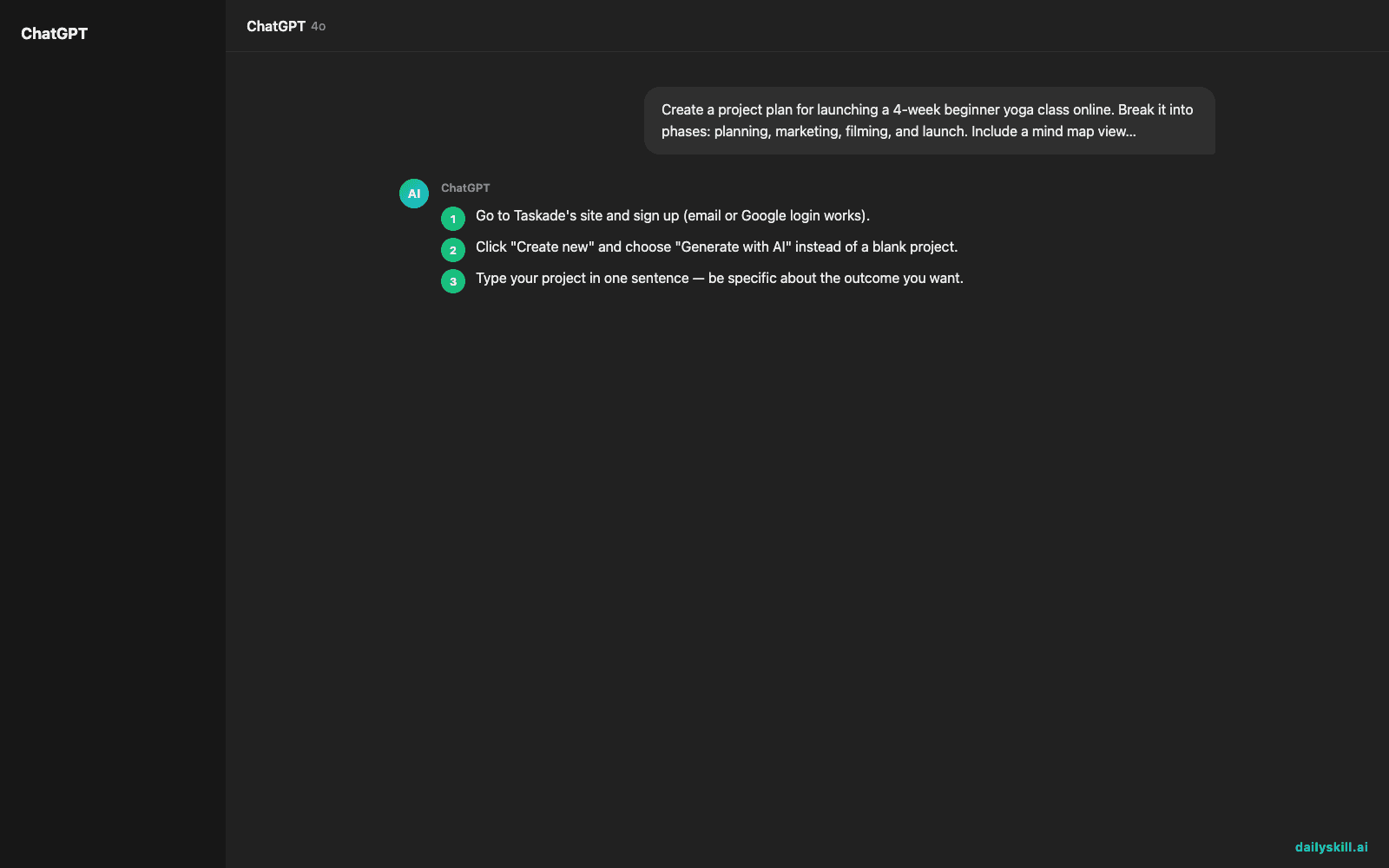
- Go to Taskade’s site and sign up (email or Google login works).
- Click “Create new” and choose “Generate with AI” instead of a blank project.
- Type your project in one sentence — be specific about the outcome you want.
- Review the generated list, mind map, or board. Delete what doesn’t apply, add what’s missing.
- Assign due dates or drag tasks into a “This Week” section if you’re using it solo.
Copy-paste starter prompt:
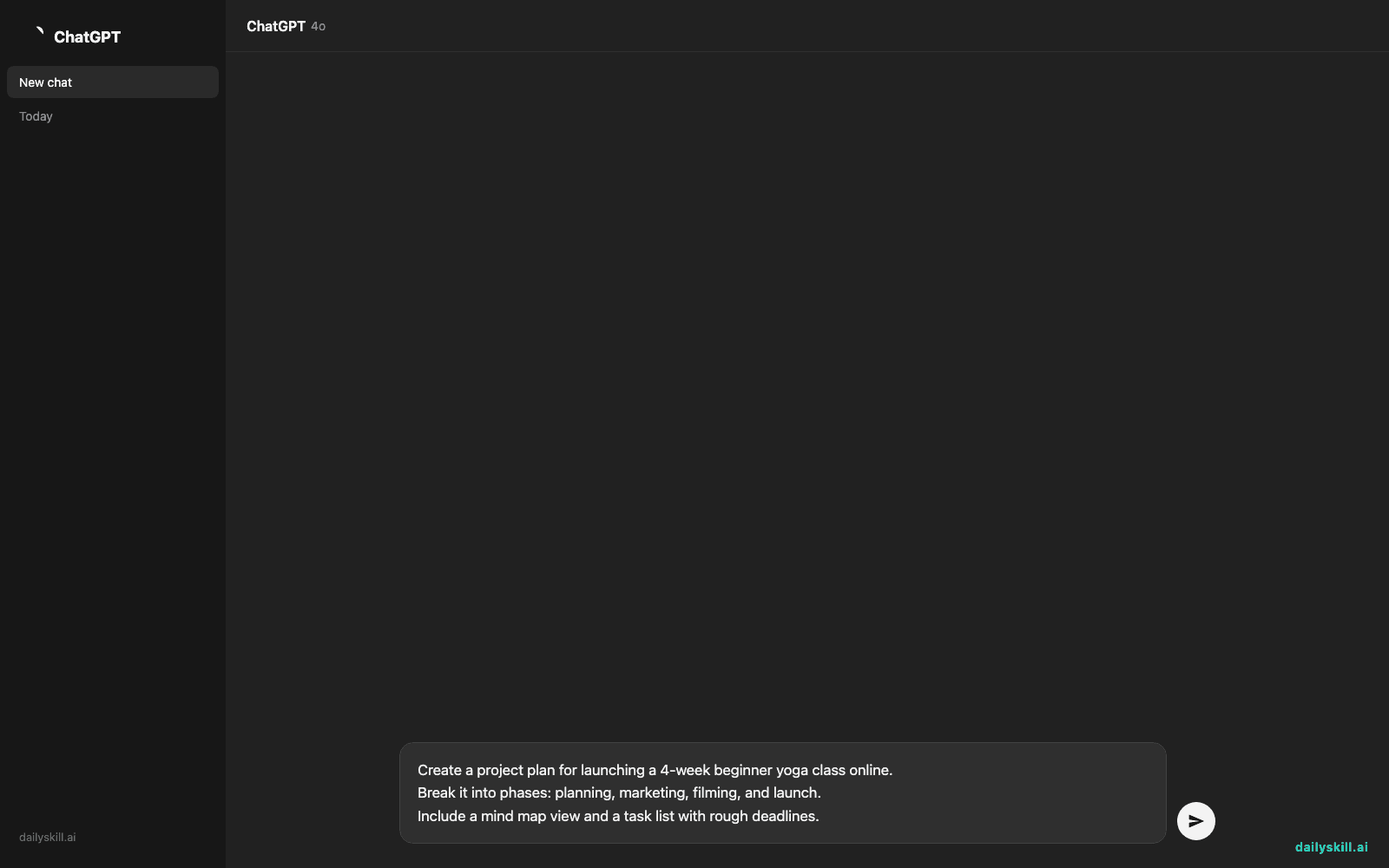
Create a project plan for launching a 4-week beginner yoga class online.
Break it into phases: planning, marketing, filming, and launch.
Include a mind map view and a task list with rough deadlines.
A real example
Input: the prompt above, typed exactly as written.
Output: a project titled “Online Beginner Yoga Launch” split into four phases (Planning, Marketing, Filming, Launch), each with 4-6 tasks like “Write 4-week lesson outline,” “Set up landing page,” “Record intro video,” and “Send launch email to list.” A linked mind map shows the same four phases as connected branches, and each task carries a suggested week number instead of a fixed date.
You won’t get exact calendar dates — you fill those in based on your own schedule. What you do get is a shape for the project, which is usually the hard part.
Honest take
Best for:
– Turning a vague project idea into a usable to-do list in under a minute
– Visual thinkers who’d rather see a mind map than read a bullet list
– Solopreneurs or small teams who reuse the same project type often (templates save re-planning time)
Not for:
– Complex, multi-team projects with real dependencies — the free plan caps you at a handful of projects, so anyone running several at once will hit the ceiling fast
– Anyone who needs a precise, resource-tracked timeline — Taskade’s plans are a solid first draft, not a project-management-grade Gantt chart
FAQ
Is it free? Yes, with a limited free tier that caps how many active projects you can keep. Past that, you’ll need a paid plan.
Is it safe to use for work projects? For general task planning, yes. Avoid pasting anything confidential or client-sensitive until you’ve checked your company’s AI tool policy.
Do I need an account? Yes, a free account is required to save and edit your generated plans.
Today’s pick wrap-up
Taskade won’t manage your team for you, but it will kill the blank-page moment every project starts with. Try it on your next messy to-do list and tell us in the comments what it got right — or completely missed. Tomorrow: GetResponse AI, for anyone who wants email marketing that writes itself.
You might also like:
Master Everyday AI in 1 Minute a Day
Get our free 2026 Double-Blind AI Benchmark Scorecard & 20 Ready-to-Use Prompts, plus one honest, 60-second AI skill in your inbox every morning. Zero hype, plain English, cancel anytime.


