You know that voice memo sitting in your phone — the 8-minute one from Tuesday’s meeting you’ve been “meaning to listen to” for three days? Here’s the fix: record it once, and AI turns that mumble-fest into clean, timestamped meeting minutes in about a minute.
No note-taking during the call. No re-listening later. Just talk, then paste.
Sound familiar?
You hit “record” during a meeting so you wouldn’t have to take notes. Now you’ve got an 8-minute voice memo you’ll never listen to again, and nobody remembers who was supposed to send the invoice.
The 60-second fix
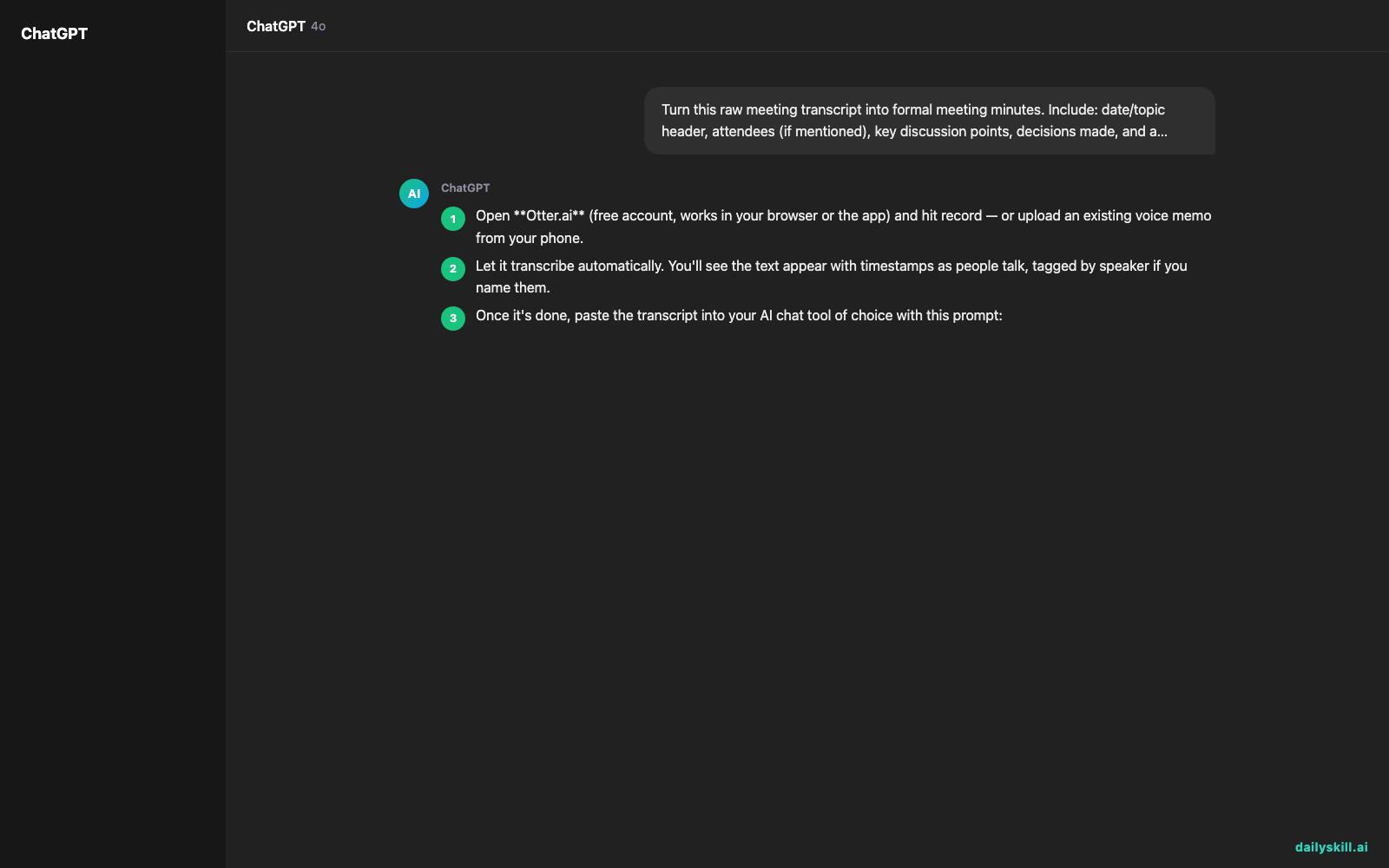
- Open Otter.ai (free account, works in your browser or the app) and hit record — or upload an existing voice memo from your phone.
- Let it transcribe automatically. You’ll see the text appear with timestamps as people talk, tagged by speaker if you name them.
- Once it’s done, paste the transcript into your AI chat tool of choice with this prompt:
Turn this raw meeting transcript into formal meeting minutes.
Include: date/topic header, attendees (if mentioned),
key discussion points, decisions made, and action items
with owner names and deadlines if stated. Keep it under
200 words and use clear headers.

Transcript:
[paste your Otter transcript here]
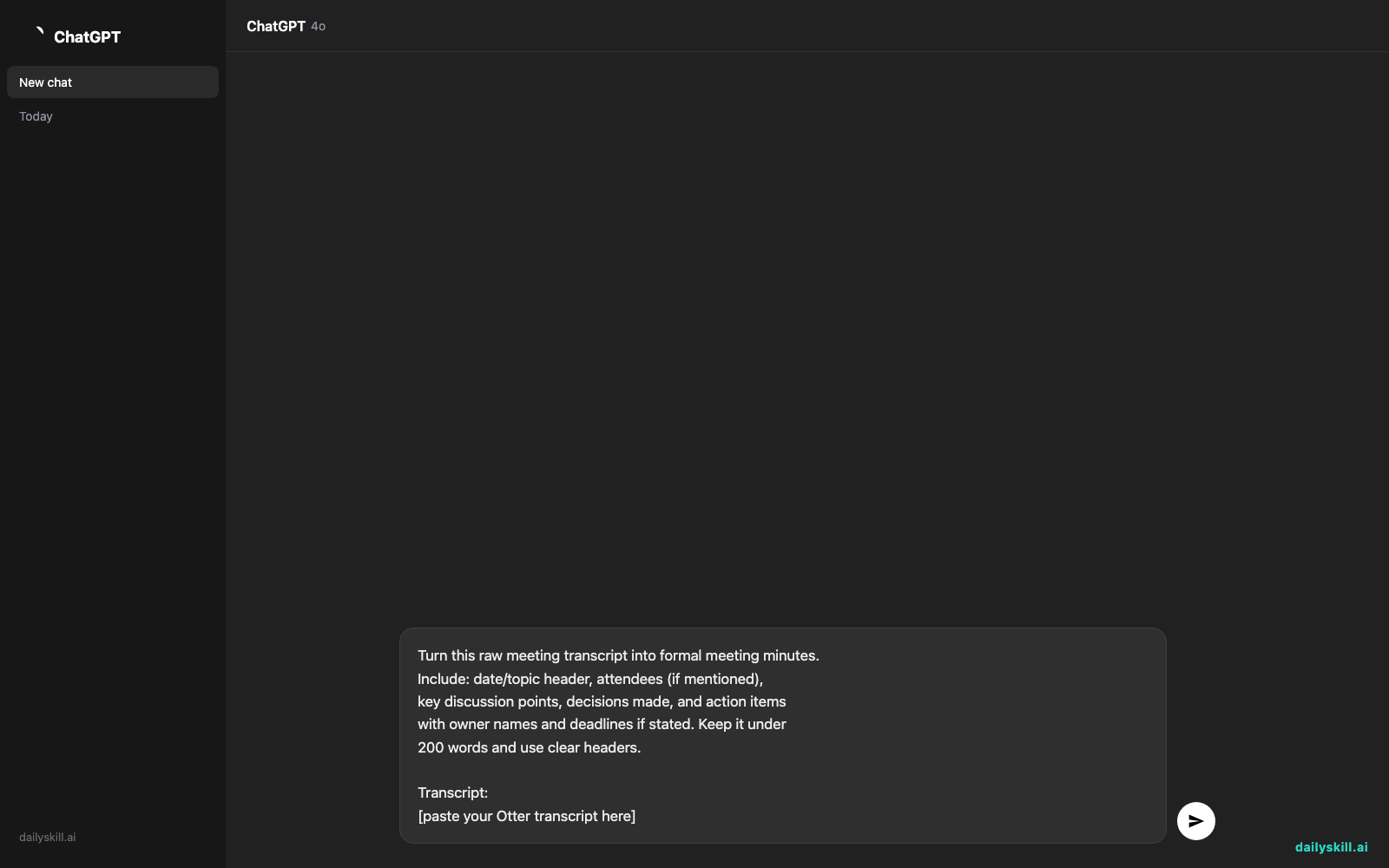
That’s it — messy audio to shareable minutes, no typing required.
Real example
Input (rambling transcript snippet):
“…okay so um yeah I think Dave you were gonna handle the client email right before Friday and then Sarah mentioned the budget thing is still not approved so we can’t move on the ad spend until that’s sorted, maybe check with finance Monday…”
AI output:
Meeting Minutes — Marketing Sync

Discussion:
- Client email follow-up assigned to Dave.
- Budget approval for ad spend still pending finance sign-off.

Action Items:
- Dave: Send client email — due Friday.
- Sarah: Check with finance on budget status — Monday.
From a 2-minute ramble to a 6-line action list — that’s the whole win.
Level up
- Ask AI to “highlight only unresolved questions” if you just need a follow-up checklist.
- Say “write this as a Slack message to the team” to skip email entirely.
- Record a solo voice memo of your own ideas and turn it into a to-do list the same way.
FAQ
Does Otter.ai work for free?
Yes, the free plan covers casual use — recording, transcribing, and exporting text, which is plenty for personal or small-team meetings.
Can I upload an old recording instead of recording live?
Yes. Otter and similar transcription tools let you upload existing audio files, not just live recordings.
What if the transcript has errors or mishears names?
That’s normal with fast talkers or crosstalk. Just fix names quickly before pasting into your AI prompt — it won’t affect the summary quality much.
Today’s check-in
Try it on your next call and reply with your before/after — raw ramble vs. clean minutes. Tomorrow: turn any how-to article into a quick self-check quiz to see if you actually learned it.