

You know you saw it. A number, an email, a Slack message, a slide from a meeting. But it’s gone, buried under a hundred tabs you’ve opened since.
You’ve refreshed your email search five times and given up. Then you remember: your screen was open the whole time, you just can’t get back to that moment.
Rewind is a screen search AI that quietly records everything on your screen, then lets you search it later like you’d search Google. It’s for anyone who’s ever said “I know I saw this somewhere” and then lost 20 minutes looking for it.
What it is
Rewind runs in the background on your Mac and takes constant snapshots of your screen — every app, every website, every video call. It uses AI to make all of that searchable by typing in plain words, so you can find a moment instead of a file.
Think of it as a personal rewind button for your computer, not a productivity app you have to remember to use.
Try it in 5 minutes
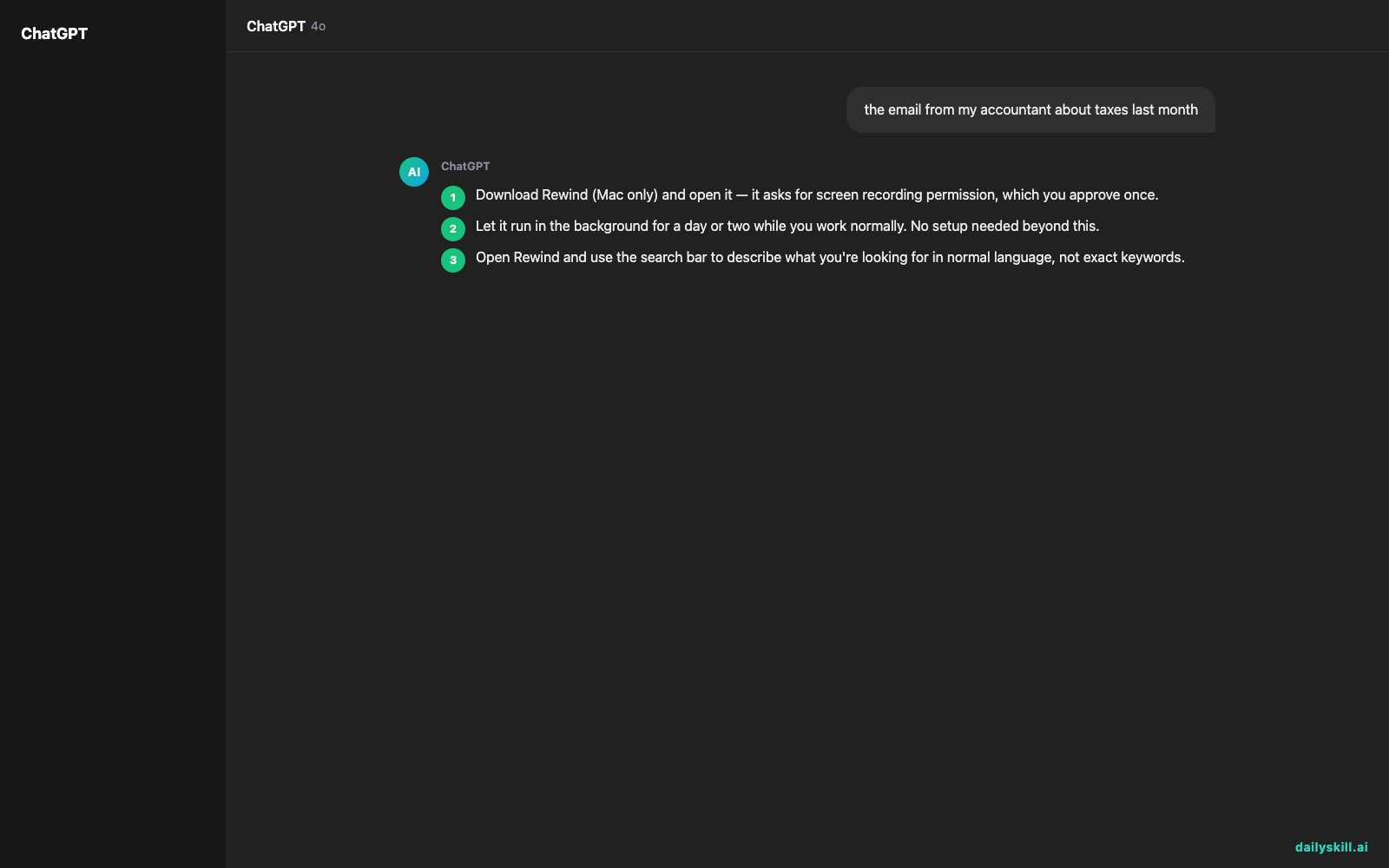
- Download Rewind (Mac only) and open it — it asks for screen recording permission, which you approve once.
- Let it run in the background for a day or two while you work normally. No setup needed beyond this.
- Open Rewind and use the search bar to describe what you’re looking for in normal language, not exact keywords.
- Try this kind of search first, typed right into the search bar:
the email from my accountant about taxes last month

- Click the result — it shows you the exact screen you had open, with the ability to copy text right out of it.
A real example
Say you vaguely remember a client sending you a phone number in a Slack message sometime last week, but you can’t find the thread.
You type: “phone number client sent me in slack”
Rewind pulls up the exact Slack window from four days ago, timestamped, with the message highlighted. You can copy the phone number directly from the screenshot without hunting through Slack’s own search.
That’s the core trick — it works on what you saw, not on which app it was in or what the file was named.
Honest take
Best for:
– Finding past screenshots, messages, or documents you can’t remember which app they were in
– People who juggle many tabs, apps, and meetings and lose track of details
– Recalling something from a video call without re-watching the whole recording
Not for:
– Windows or mobile users — it’s Mac only right now
– Slow, older Macs — constant recording uses real storage and some CPU in the background, and you’ll notice it on machines that are already struggling
The free tier lets you search a limited amount of recent history; paid plans extend how far back you can search.
FAQ
Is it free? There’s a free tier with limited search history (Mac only). Paid plans unlock longer memory.
Is it safe? Recordings stay stored locally on your Mac by default, not uploaded anywhere unless you turn on cloud sync. Still, don’t use it on a shared or work-monitored computer without checking your company’s policy — it will capture passwords, private messages, and anything else on screen.
Do I need an account? Yes, a quick account setup is required to activate the app and manage your subscription.
Today’s pick wrap-up
If you constantly lose track of things you know you saw, Rewind turns your whole screen history into one search bar. Tried it? Tell us what you found buried in your own screen memory. Tomorrow: Remove.bg, for erasing photo backgrounds in one click.
You might also like:
- Turn a Job Posting Into Your Own Interview Prep Guide
- How do I ask AI to roleplay or simulate a scenario?
Master Everyday AI in 1 Minute a Day
Get our free 2026 Double-Blind AI Benchmark Scorecard & 20 Ready-to-Use Prompts, plus one honest, 60-second AI skill in your inbox every morning. Zero hype, plain English, cancel anytime.


