
You’re mid-lecture or on a client call, trying to listen and write down every word — and missing half of it either way. Otter.ai fixes that: it turns speech into searchable text in real time, so you can just listen. It’s for students who want real notes and professionals who’d rather participate in a meeting than transcribe it.
What it is
Otter.ai is a voice-to-text transcription app — speech in, text out, in real time. Hit record on your phone, laptop, or inside Zoom/Google Meet/Teams, and it labels who said what while you talk. Later, the whole conversation lives in your account like a text document you can search — a note-taker that never gets tired or misses a sentence.
Try it in 5 minutes
- Go to otter.ai and sign up (email or Google account works).
- Open the app or web dashboard and tap the big record button before your next class, lecture, or meeting starts.
- Talk normally — Otter auto transcribes audio as it happens, no need to pause or repeat yourself.
- When you’re done, hit stop. Otter finishes cleaning up the transcript in under a minute.
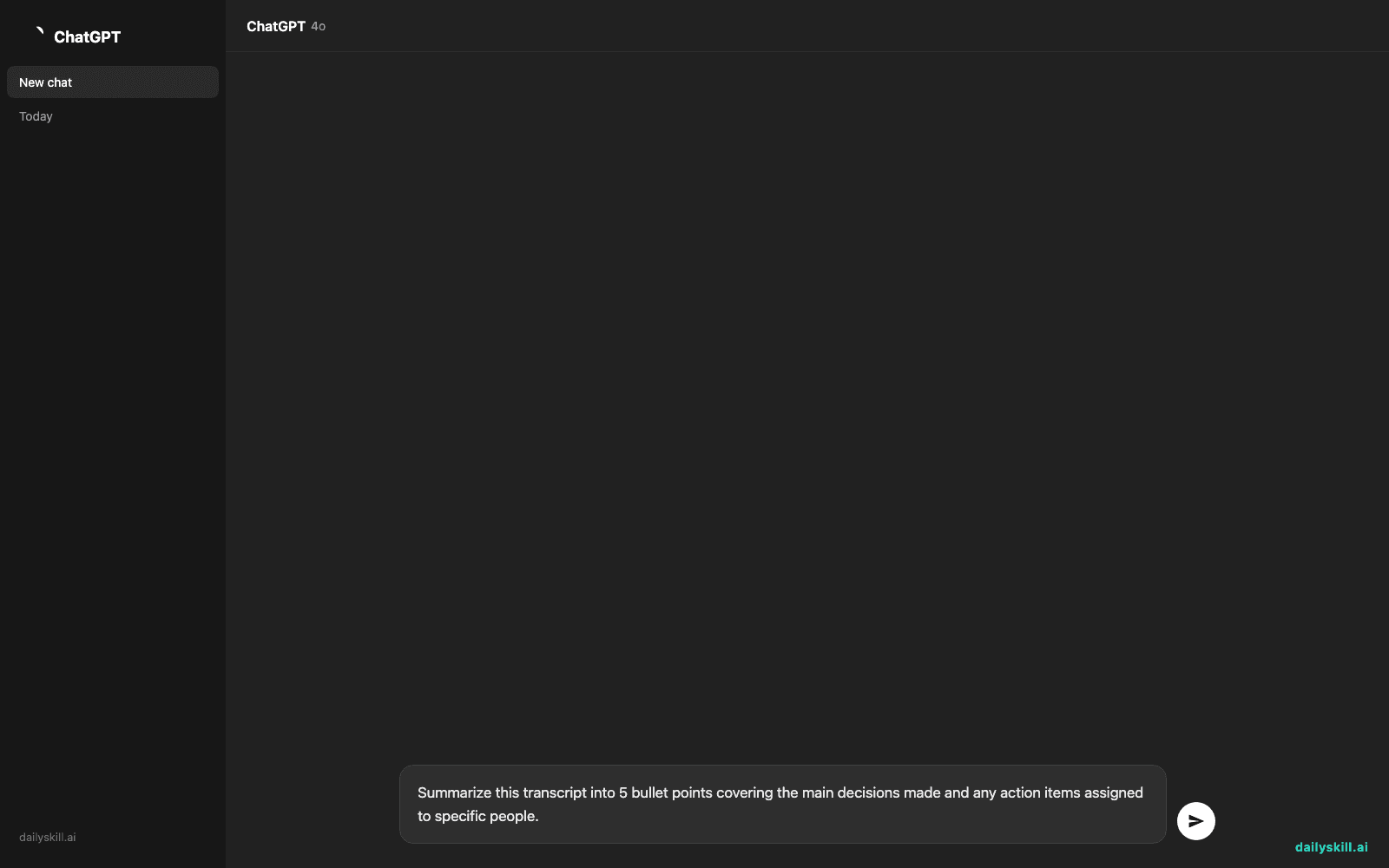
- Click into the transcript and try this prompt to get a quick recap using Otter’s built-in AI summary:
Summarize this transcript into 5 bullet points covering the main decisions made and any action items assigned to specific people.
- Use the search bar at the top to type any word you remember hearing (like a project name) — it’ll jump straight to that moment in the recording.
A real example
Say you record a 45-minute team meeting about a product launch. After you stop recording, Otter gives you a full transcript with speaker names attached to each line, then you run the summary prompt above.
- Team agreed to push launch date to next Tuesday to finish QA testing
- Sarah will send updated marketing copy by Thursday
- Budget for ads approved at $2,000 for the first week
- Dev team flagged a login bug that needs fixing before launch
- Next check-in scheduled for Monday morning
You didn’t write a single note — and you can still search “budget” months later and find that exact moment.
Honest take
Best for:
– Students who want reliable lecture recording instead of rushed handwritten notes
– Professionals who need to record and transcribe meetings without hiring a notetaker
– Anyone who wants a free transcription tool to search past conversations by keyword
Not for:
– Very noisy environments or fast crosstalk (crowded cafes, several people talking at once) — accuracy drops and you’ll need to clean up the transcript by hand
– Meetings full of specialized jargon, acronyms, or names Otter hasn’t seen before — it’ll guess and get some wrong until you add them to its custom vocabulary list
FAQ
Is it free? Yes, the free tier gives you 600 minutes of transcription per month, which covers most students and casual users. Paid plans remove the cap and add extra features.
Is it safe? Otter stores your recordings and transcripts in your account, so avoid recording anything highly sensitive (legal, medical) unless you’ve checked their privacy settings and your organization’s policy on recording conversations — also, always let people know when you’re recording them.
Do I need an account? Yes, a free account (email or Google sign-in) is required before you can record or transcribe anything.
Today’s pick wrap-up
Verdict: if you’ve ever missed something important because you were too busy writing, Otter.ai gives you your full attention back — and a searchable transcript to prove it.
Tried it today? Drop your favorite use case in the comments — we read every one.
Tomorrow: we’re tackling the other side of the desk — QuillBot, for anyone who wants their writing punched up and paraphrased in seconds.
You might also like:
- Turn a Messy Book Chapter Into Clean Study Notes in Under a Minute
- How Do I Use AI to Simplify a Confusing Document or Instructions?
Master Everyday AI in 1 Minute a Day
Get our free 2026 Double-Blind AI Benchmark Scorecard & 20 Ready-to-Use Prompts, plus one honest, 60-second AI skill in your inbox every morning. Zero hype, plain English, cancel anytime.


