
That email you’ve been avoiding for three days isn’t hard to write. You just don’t know how to start it.
Jasper Recipes fixes exactly that: a library of ready-made AI writing templates for emails, social posts, and content briefs. It’s built for anyone who writes at work but doesn’t think of themselves as a “writer.”
What it is
Jasper Recipes is a set of pre-built prompts inside the Jasper AI writing tool. Instead of typing instructions from scratch, you pick a template — “follow-up email” or “content brief generator” — fill in a few blanks, and get a full draft. Think of it as a recipe book, but for writing tasks instead of dinner.
Try it in 5 minutes
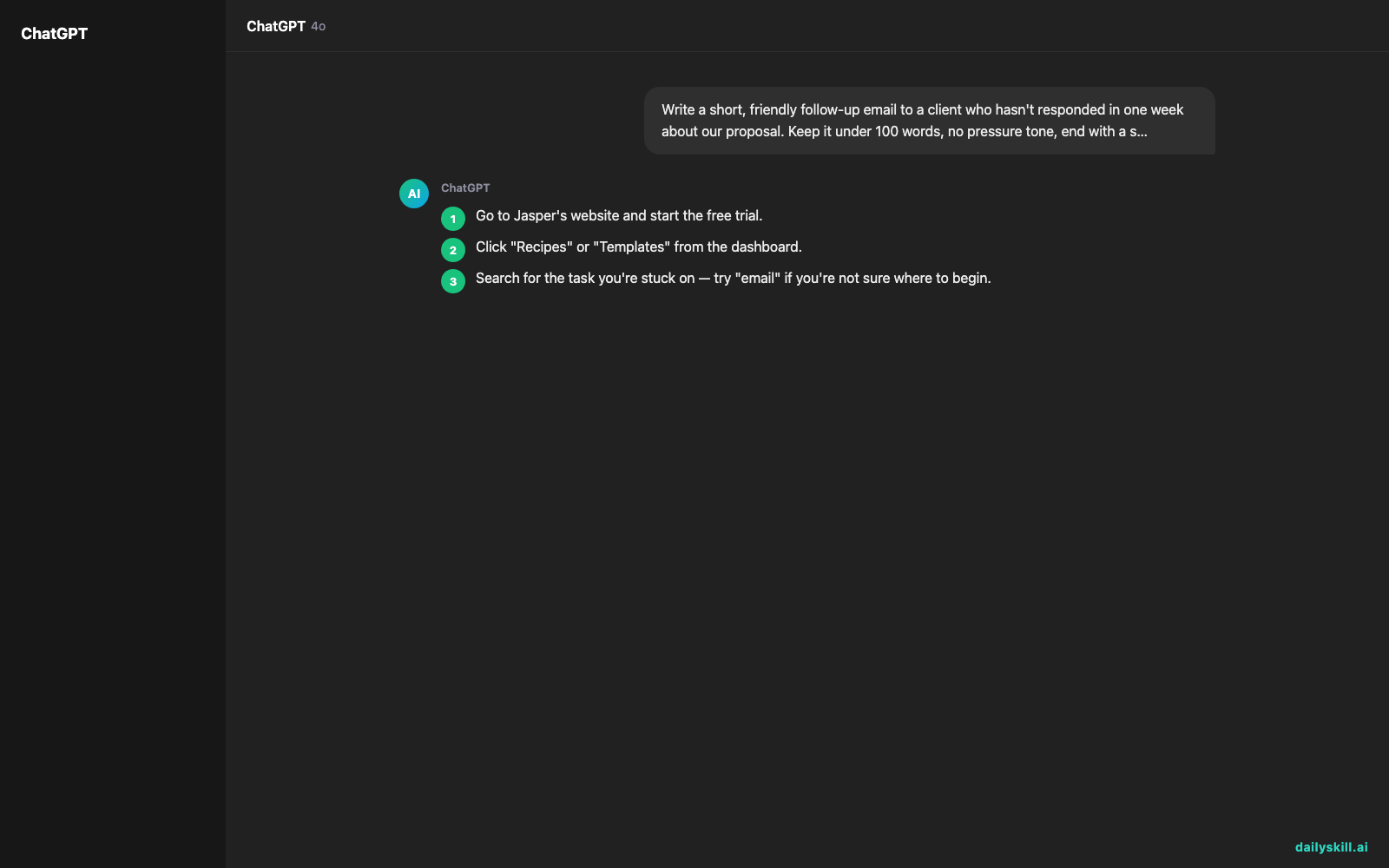
- Go to Jasper’s website and start the free trial.
- Click “Recipes” or “Templates” from the dashboard.
- Search for the task you’re stuck on — try “email” if you’re not sure where to begin.
- Pick a template, like “Sales Follow-Up Email” or “Content Brief.”
- Fill in the short prompts it asks for: audience, goal, and any key details.
Note: the free trial is time-limited, not a permanent free plan — more on that below.
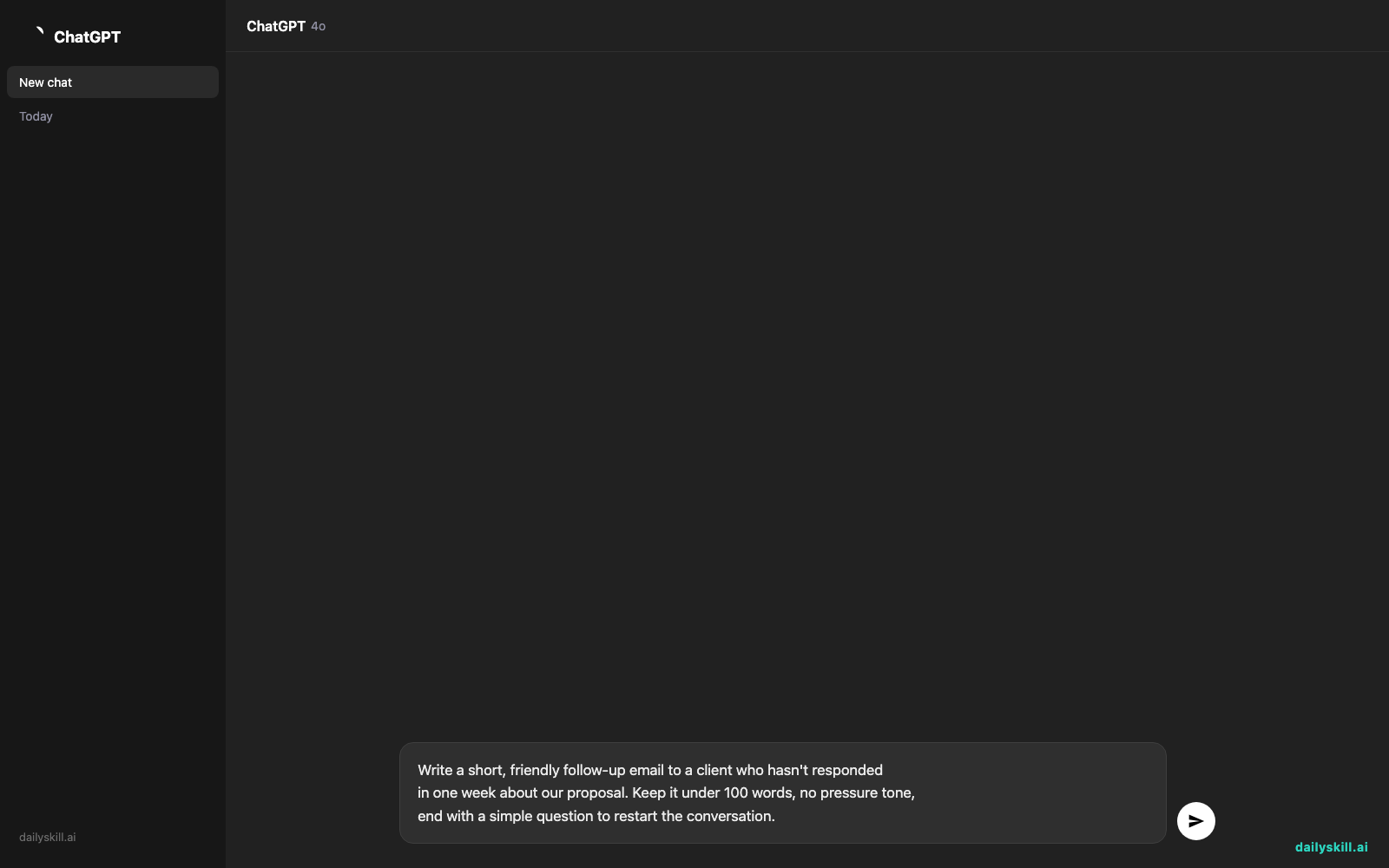
If you’d rather skip templates and type your own request, this prompt works well as a starting point:
Write a short, friendly follow-up email to a client who hasn't responded
in one week about our proposal. Keep it under 100 words, no pressure tone,
end with a simple question to restart the conversation.
A real example
Say you use the “Follow-Up Email” recipe and enter: client name, that you sent a proposal last week, and a low-pressure tone.
Subject: Just checking in
Hi Sam,
Wanted to float back to the top of your inbox — no rush at all. Did you get a chance to look over the proposal I sent last week? Happy to answer any questions or adjust anything based on your feedback.
Let me know what’s on your mind.
Best,
[Your name]
That’s a full, usable draft in under a minute — no staring at a cursor.
Honest take
Best for:
– People who write repetitive things at work (emails, posts, briefs) and want a faster starting point
– Anyone who freezes at a blank page more than they struggle with actual writing skill
– Teams that want a consistent tone across different writers
Not for:
– Deep, technical, or highly personal writing — recipes give you a solid draft, not a finished, nuanced piece, and they can’t do original research for you. You still need to know the details to fill in the blanks.
– Budget-conscious casual users — the free tier is a limited trial, not a lasting free plan, so regular use means paying.
FAQ
Is it free? There’s a free trial, but it’s time-limited. After that, you need a paid plan to keep using it regularly.
Is it safe? Generally yes, but Jasper stores your inputs to generate output, same as most cloud writing tools — so skip pasting anything truly confidential.
Do I need an account? Yes, a quick sign-up is required to start the trial and access recipes.
Today’s pick wrap-up
If you write the same three types of messages every week, Jasper Recipes turns “where do I even start” into “here’s my draft” in under five minutes. Tried it? Tell us which recipe saved you the most time. Tomorrow: we look at Rewind — an AI tool that remembers everything you’ve seen on your computer, so you can stop trying to recall where you saw that one thing.
You might also like:
- Get a Custom 4-Week Study Plan for Any Skill You Want to Learn
- How do I ask AI to roleplay or simulate a scenario?
Master Everyday AI in 1 Minute a Day
Get our free 2026 Double-Blind AI Benchmark Scorecard & 20 Ready-to-Use Prompts, plus one honest, 60-second AI skill in your inbox every morning. Zero hype, plain English, cancel anytime.


