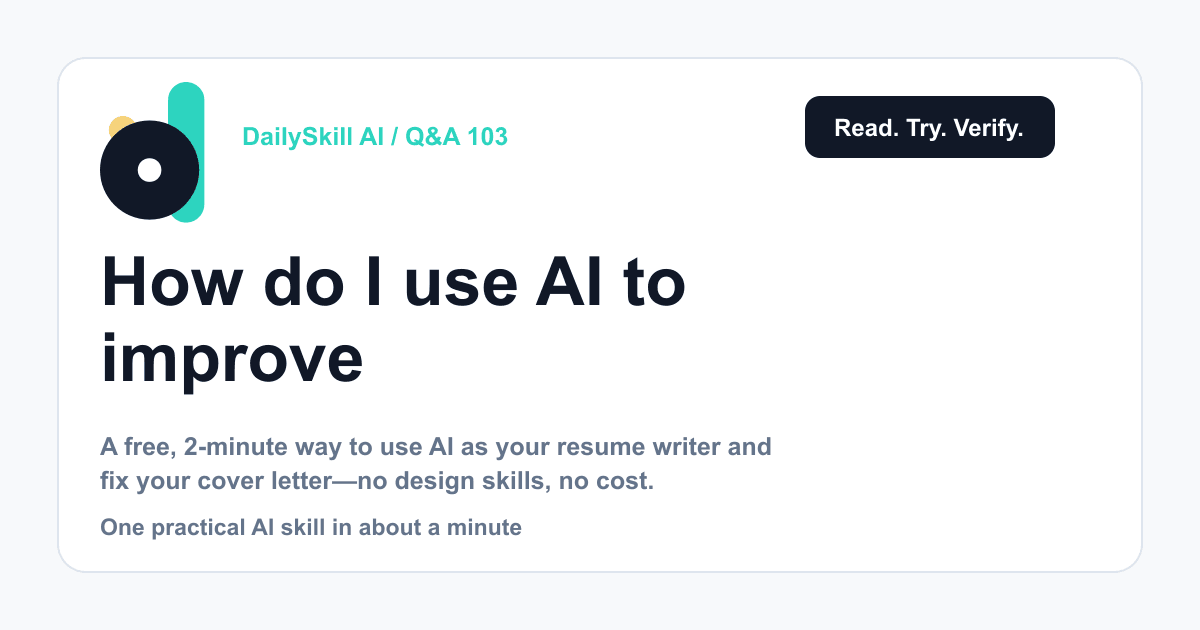
Paste your resume or cover letter into any AI chat tool, tell it the job you’re applying for, and ask it to point out weak spots and rewrite specific lines. It takes about two minutes, it’s free, and you don’t need any design or writing skills. You stay in control — you just copy the parts you like.
Why this comes up
Job hunting is stressful, and a bad resume can quietly kill your chances before a human even reads it. People want to know if AI can actually help here, or if it’s just another thing to learn.
The honest answer: it’s one of the easiest, lowest-risk uses of AI there is.
The honest answer
What AI is genuinely good at:
- Spotting vague language (“responsible for” instead of what you actually did)
- Tightening long, wordy bullet points into punchy ones
- Matching your resume’s wording to a specific job posting
- Catching typos, tense mix-ups, and awkward phrasing
- Turning a rough cover letter draft into something polished fast
What it’s not magic at:
- It doesn’t know your actual achievements — you still have to feed it real facts
- It can sound generic if you just say “make this better” with no context
- It can’t guarantee you an interview; it just removes weak spots
Think of AI as an editor sitting next to you, not a ghostwriter who knows your career.
What to do
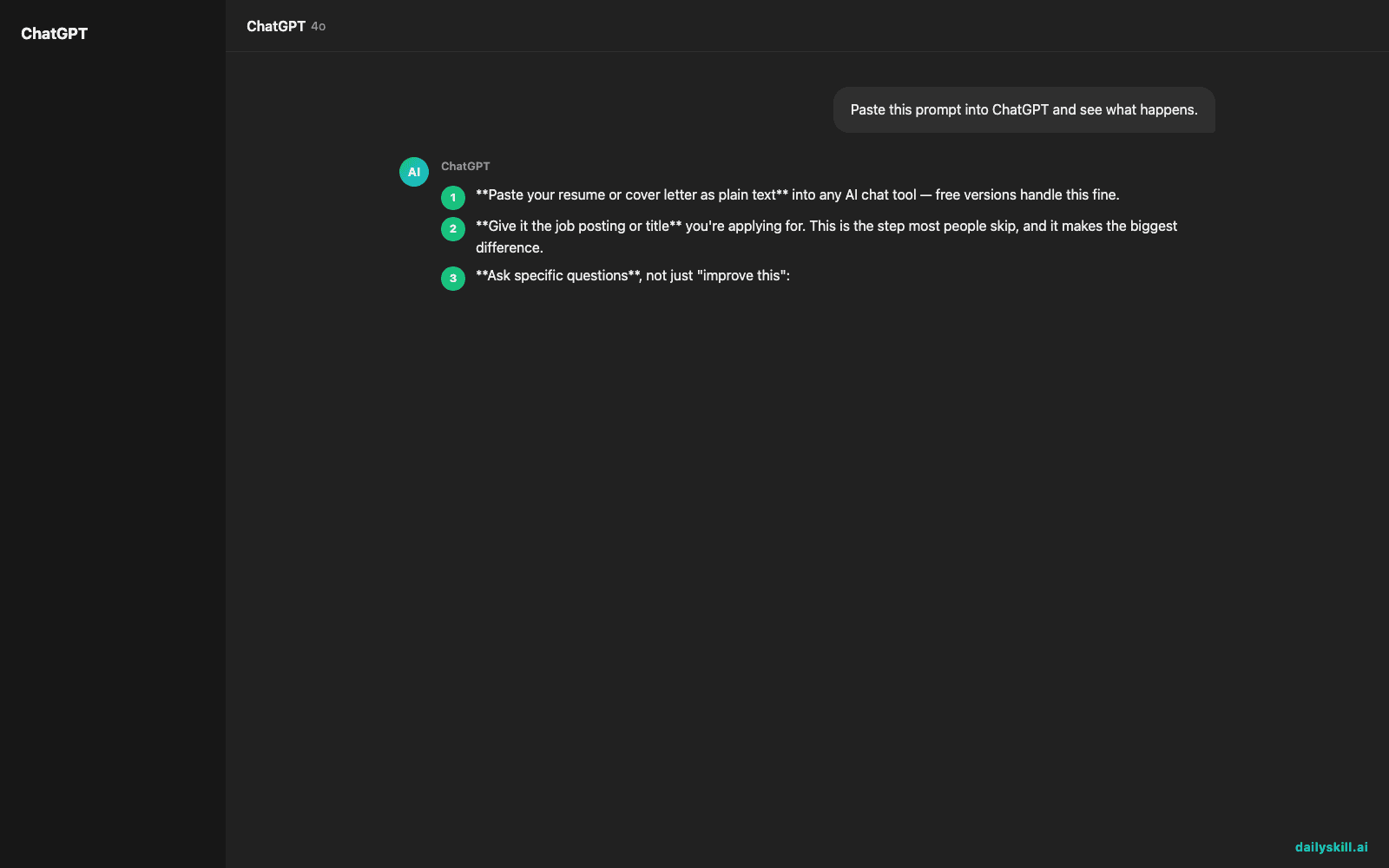
- Paste your resume or cover letter as plain text into any AI chat tool — free versions handle this fine.
- Give it the job posting or title you’re applying for. This is the step most people skip, and it makes the biggest difference.
- Ask specific questions, not just “improve this”:
– “Rewrite this bullet to show impact, not just duties”
– “Which lines sound generic or vague?”
– “Does this cover letter sound too stiff or too casual?” - Ask for 2-3 versions of a tricky sentence and pick the one that still sounds like you.
- Read it out loud before sending. If it doesn’t sound like you, edit it back.
- Skip the sensitive details — leave out your full address and ID numbers. Name, role history, and skills are enough.
- Don’t copy-paste a whole AI-written cover letter unchanged. Recruiters can often tell, and it won’t reflect your real voice.
FAQ
Can AI write my whole resume from scratch?
It can build a draft structure fast, but you still need to supply real accomplishments and numbers. Garbage in, generic out.
Will companies penalize me for using an AI resume writer?
No — using AI to edit and polish is completely normal now. What matters is that the content is accurate and sounds like you.
Is there a good free way to check if my resume matches a job description?
Yes — paste both the resume and the job posting into an AI chat and ask it to list missing keywords or skills gaps.
Bottom line
A better resume is often just one honest, specific AI conversation away — free, fast, and fully in your control.
Have you tried this yet? Tell the dailyskill.ai community what worked (or didn’t) for you. Tomorrow: can AI actually help you think through a big decision you’re wrestling with?
You might also like:
- Get 3 Ready-to-Post Captions From Any Photo, Instantly
- Soundraw — Stop Digging Through Copyright-Free Music Sites
Master Everyday AI in 1 Minute a Day
Get our free 2026 Double-Blind AI Benchmark Scorecard & 20 Ready-to-Use Prompts, plus one honest, 60-second AI skill in your inbox every morning. Zero hype, plain English, cancel anytime.