
You post a video in English. A comment shows up: “wish I understood this, looks great.” That viewer just left. ElevenLabs Dubbing fixes that — it translates your video into another language and re-voices it in something close to your own tone and pacing, no voice actor or studio needed.
It’s built for creators, small business owners, and teachers who want to reach non-English (or non-native-language) viewers without hiring a translator and a dubbing crew.
What it is
ElevenLabs Dubbing is a web tool that takes your video, transcribes what’s said, translates it, and generates a new audio track in the target language. This uses “voice cloning” — the AI studies the sound of your voice and reuses it to speak the new language, so it doesn’t sound like a stranger took over your video.
You upload a file, pick a language, and it handles the translation and voice work in one pass. No editing software, no separate transcription step.
Try it in 5 minutes
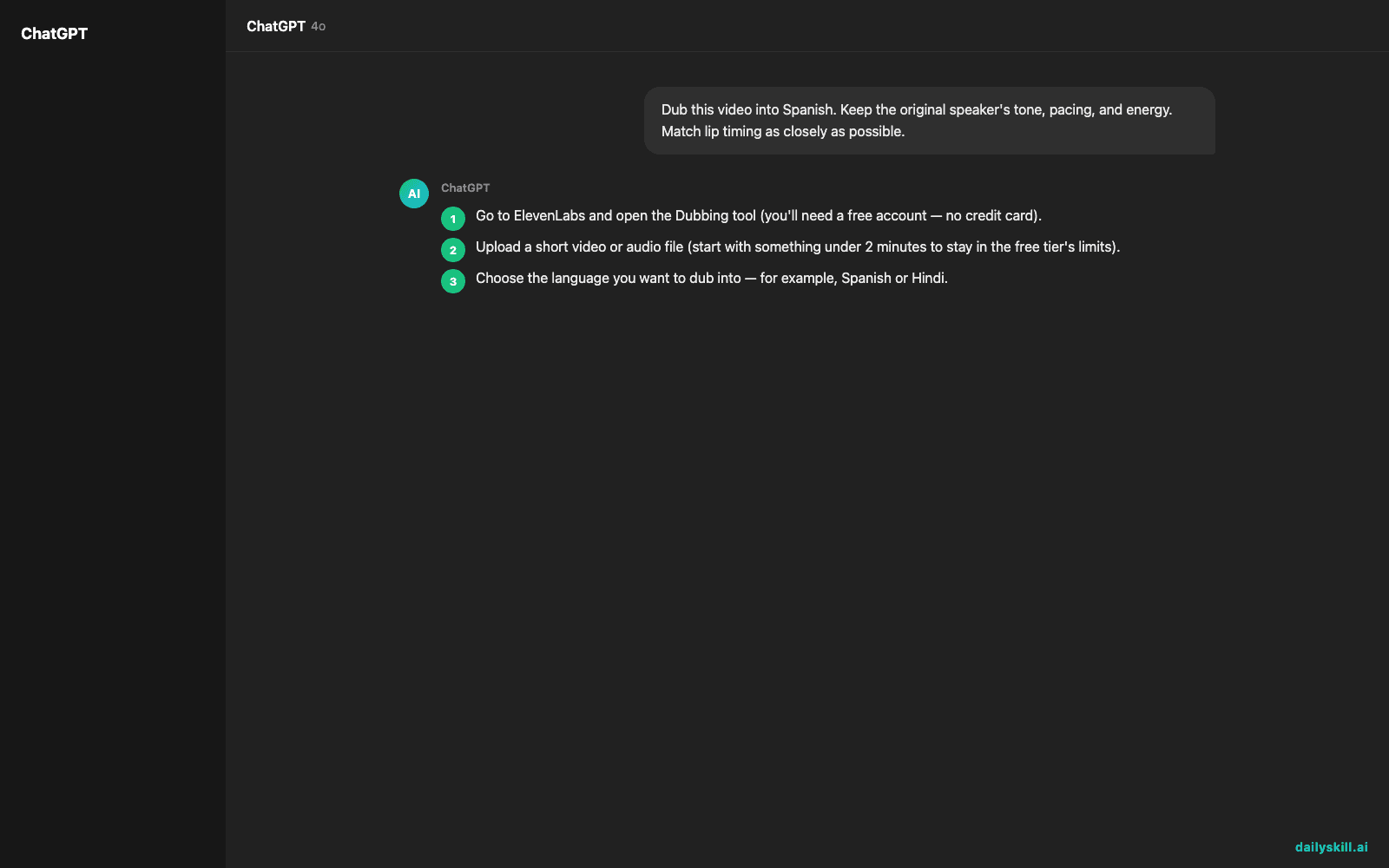
- Go to ElevenLabs and open the Dubbing tool (you’ll need a free account — no credit card).
- Upload a short video or audio file (start with something under 2 minutes to stay in the free tier’s limits).
- Choose the language you want to dub into — for example, Spanish or Hindi.
- Decide if you want to keep your own voice cloned or use a different AI voice.
- Use this as your project name or notes so you can find and repeat the settings later:
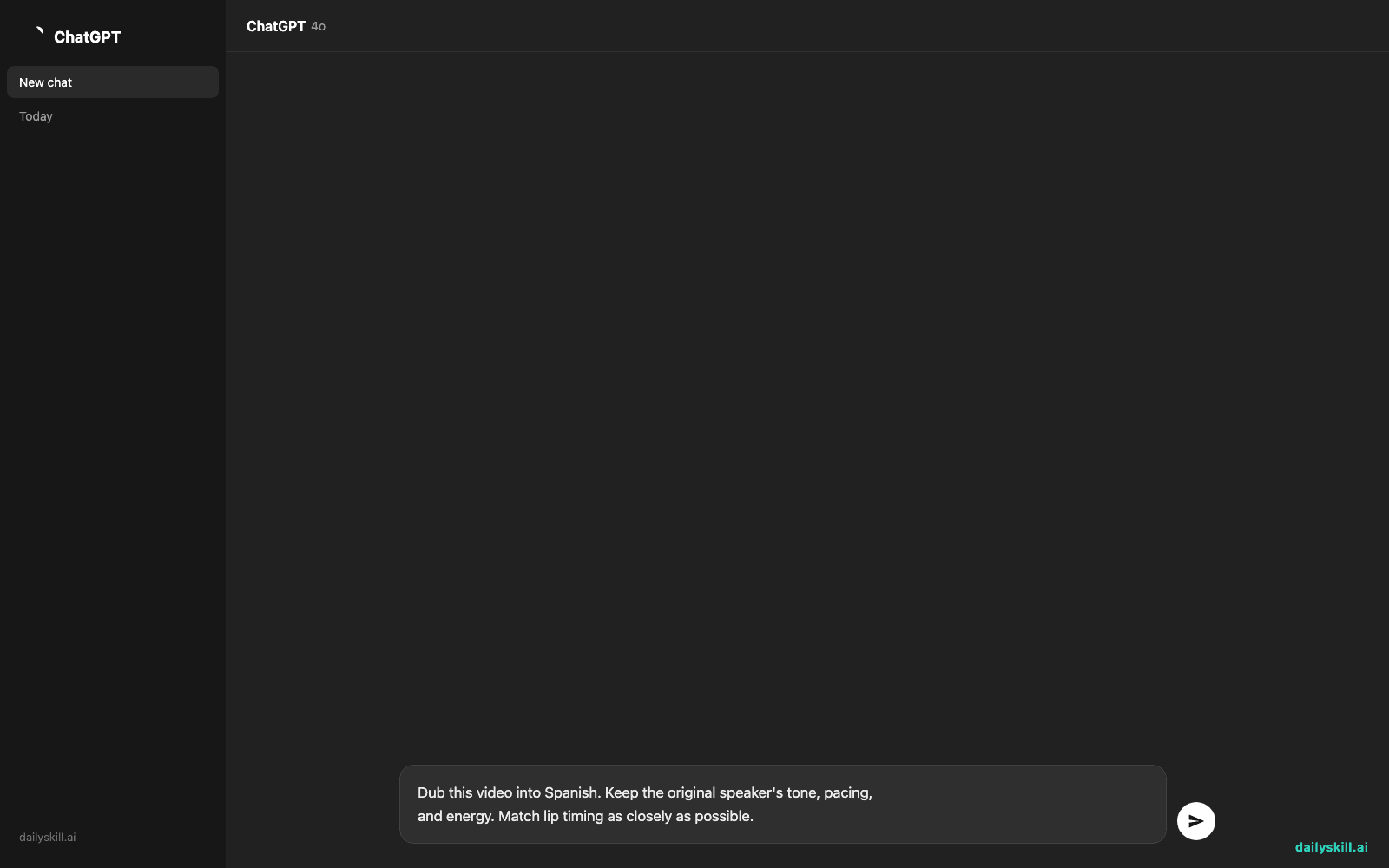
Dub this video into Spanish. Keep the original speaker's tone, pacing,
and energy. Match lip timing as closely as possible.
- Preview the result, then download the dubbed video.
A real example
Input: a 90-second product intro video in English, one speaker, casual tone, filmed in a quiet room.
Output after dubbing into Spanish:
A full Spanish audio track, roughly 92 seconds long, that follows your original sentence timing almost exactly. The voice sounds like a Spanish-speaking version of you — same energy, same pause before “and here’s the best part.” Lip movements don’t fully match the new words, but the delivery and tone feel like the same person talking, not a generic narrator.
Honest take
Best for:
– Reaching audiences in other languages without hiring a translator or voice actor
– Quick social clips, tutorials, or product videos where perfect lip-sync isn’t critical
– Creators who already have a voice/brand and want it to carry over into new languages
Not for:
– High-stakes projects (film, broadcast) needing frame-perfect lip sync
– Videos with background music, overlapping speakers, or noisy audio — the AI can garble the translation or clone the wrong voice when it’s confused about who’s talking
– Heavy regular use on the free tier — minutes are limited, so budget for a paid plan if you’re dubbing often
The free tier gives you enough minutes to test this on a couple of short videos before you decide if it’s worth paying for.
FAQ
Is it free? Yes, there’s a free tier with limited dubbing minutes per month. Longer or higher-volume work needs a paid plan.
Is it safe? Yes — you control what you upload, and ElevenLabs doesn’t publish your content anywhere. Still, don’t upload anything private you wouldn’t want processed by a third-party service.
Do I need an account? Yes, a free account is required to upload and dub videos.
Today’s pick wrap-up
If you’ve got a video sitting in one language and an audience in another, ElevenLabs Dubbing gets you most of the way there in minutes — just don’t expect movie-level lip sync. Try it and reply with which language you dubbed into — we’ll feature the best ones. Tomorrow: ChatGPT Voice Mode, for actually talking to AI instead of typing.
Master Everyday AI in 1 Minute a Day
Get our free 2026 Double-Blind AI Benchmark Scorecard & 20 Ready-to-Use Prompts, plus one honest, 60-second AI skill in your inbox every morning. Zero hype, plain English, cancel anytime.


