
You just recorded a 40-minute podcast. There are 60 “ums,” three long pauses where you lost your train of thought, and one section where you flubbed a line and redid it twice. Normally that means an hour hunched over a timeline, scrubbing back and forth to find each bad moment.
Descript skips all that. It turns your recording into a transcript, and when you delete a line of text, it deletes that piece of audio or video too. It’s built for podcasters, YouTubers, and anyone who records themselves talking and dreads the editing part.
What it is
Descript is an editing tool that treats video and audio like a text document. It uses AI to transcribe your recording into text, then lets you cut, rearrange, or clean it up just by editing that text — no timeline, no waveform, no drag-and-drop clips.
It also has a feature that finds and removes filler words (“um,” “uh,” “like”) in one click, plus a tool that flags awkward pauses so you don’t have to hunt for them by ear.
Try it in 5 minutes
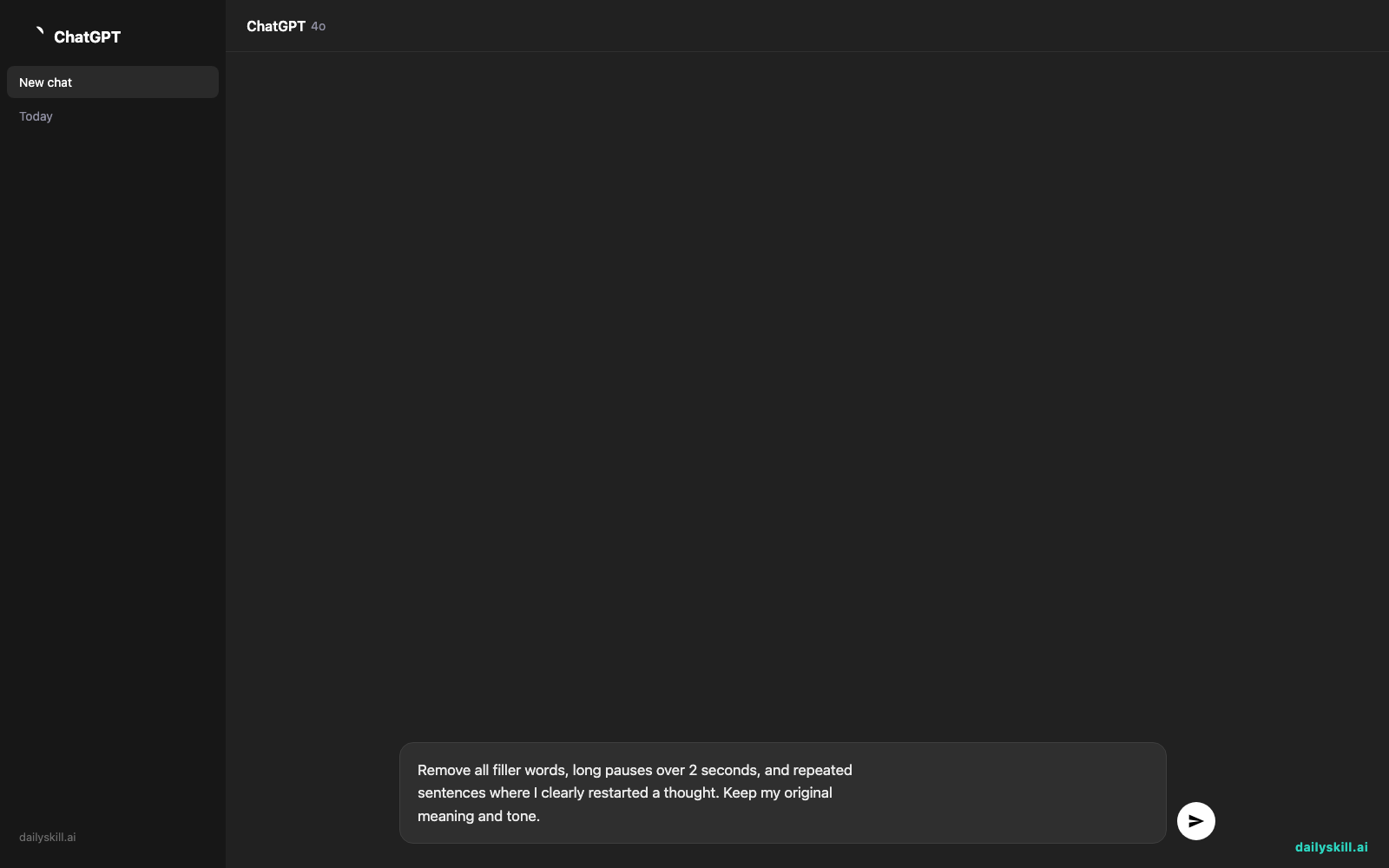
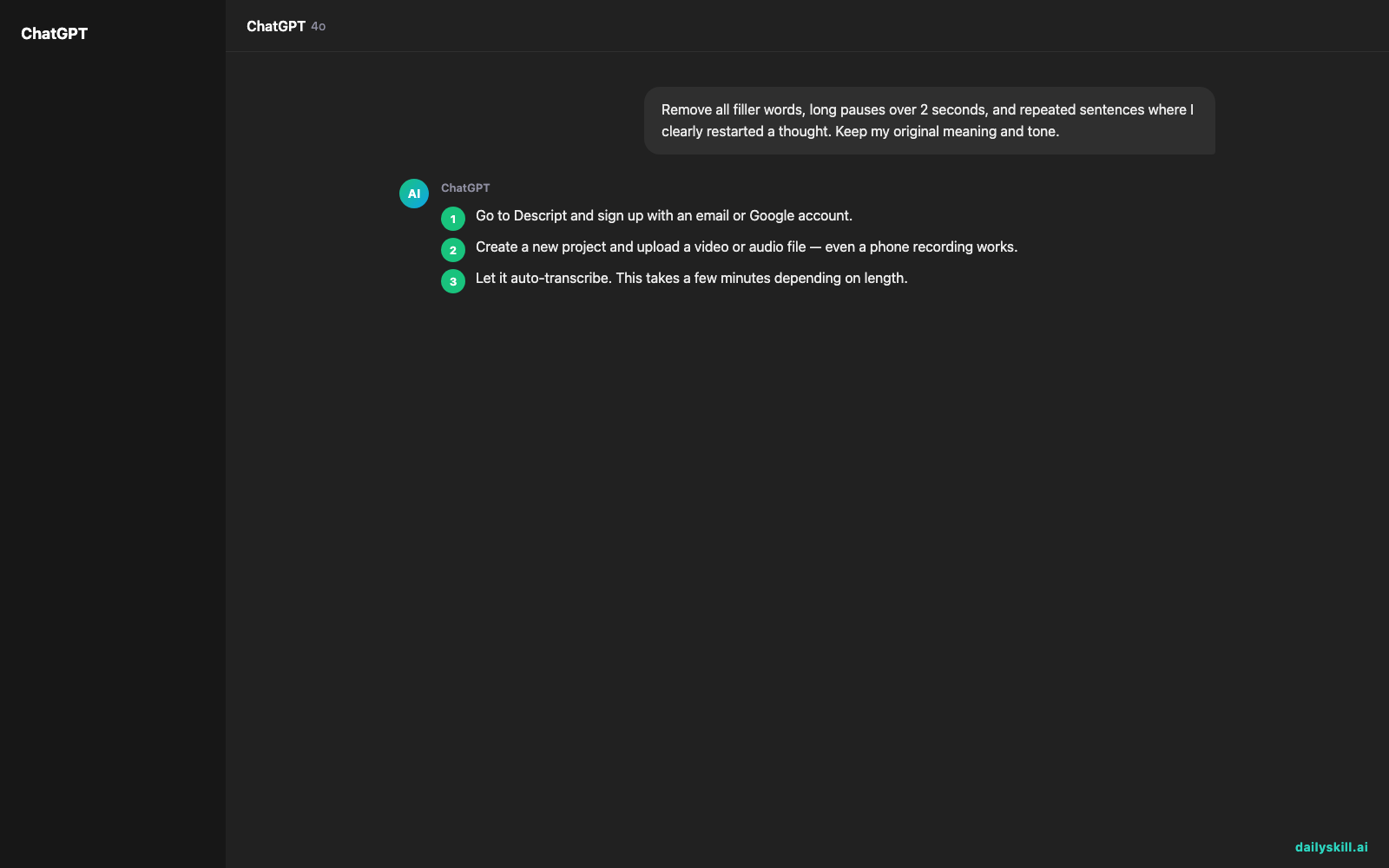
- Go to Descript and sign up with an email or Google account.
- Create a new project and upload a video or audio file — even a phone recording works.
- Let it auto-transcribe. This takes a few minutes depending on length.
- Open “Studio Sound” or the filler word removal option and run it once.
- Try this prompt inside Descript’s AI panel to speed up cleanup:
Remove all filler words, long pauses over 2 seconds, and repeated
sentences where I clearly restarted a thought. Keep my original
meaning and tone.
- Scrub through the result, delete any remaining text you don’t want, and export.
A real example
You upload a 12-minute solo video where you rambled through the intro three separate times before landing on a take you liked.
Descript’s output: a transcript with the first two intro attempts struck through and grayed out, every “um” and “so, like” highlighted for one-click removal, and a final video that’s now 8 minutes long — matching the trimmed text exactly, with no manual scrubbing on your end.
You still watch the final cut once to catch anything odd — the AI is good, not perfect, and the occasional cut lands half a beat off.
Honest take
Best for:
– Podcasters and YouTubers who record long, talk-heavy content
– Anyone who wants clean audio without learning traditional editing software
– Fast removal of filler words, dead air, and flubbed takes
Not for:
– Heavy visual editing — motion graphics, color grading, or layered effects still need a real video editor
– Frequent long recordings on the free plan — 3 hours per month sounds like a lot until a weekly hour-long podcast eats it in three weeks
FAQ
Is it free? Yes, with a limit of 3 transcription/editing hours per month. Past that, you’ll need a paid plan.
Is it safe? Your files sit on Descript’s servers so it can transcribe and edit them, similar to any cloud-based tool. Skip uploading anything highly sensitive.
Do I need editing experience? No. If you’re comfortable deleting a sentence in a word processor, you already know the core move — delete text, and the matching audio or video goes with it.
Today’s pick wrap-up
Descript turns video editing into text editing, and it’s genuinely the fastest way to clean up a talking-head recording without touching a timeline. Try it on your next recording and tell us in the comments what it caught that you would’ve missed. Tomorrow: Tome, for turning a rough idea into a full presentation deck in minutes.
You might also like:
More on Choosing & Using AI Tools:
- Adobe Firefly: The AI Image Generator Built for Real Work
- Anthropic Introduces Claude Sonnet 5: Its Most Agentic Sonnet
- Best Free AI Tools in 2026: The Honest Guide for Normal People
Master Everyday AI in 1 Minute a Day
Get our free 2026 Double-Blind AI Benchmark Scorecard & 20 Ready-to-Use Prompts, plus one honest, 60-second AI skill in your inbox every morning. Zero hype, plain English, cancel anytime.


