
Your kid’s soccer team needs a simple sign-up page by tonight, or you just want a clean one-pager for your side hustle — but opening a code editor feels like signing up for a class you didn’t ask for. That’s the wall most non-coders hit.
Claude Artifacts skips that wall entirely. You describe what you want in plain sentences, and it writes the code, HTML, or document, then shows a live preview right next to the chat that updates as you ask for changes.
It’s built for anyone who wants a working result, not a coding lesson.
What it is
Claude Artifacts is a feature inside Claude, Anthropic’s AI chat assistant. It turns your request into an actual working file — a webpage, a script, a formatted document — instead of just a wall of text explaining how you’d build it.
You type what you want in normal language, and it hands back something that already works, rendered live in a preview panel so you can see and click through it as you go.
Try it in 5 minutes
- Go to Claude and start a new chat (free account works fine).
- Paste the prompt below and hit enter.
- Watch the “Artifact” panel open next to the chat — that’s your live preview.
- Reply with tweaks like “make the background light blue” or “add a contact form” and watch it update.
- When you’re happy, download the file or copy the code to use elsewhere.
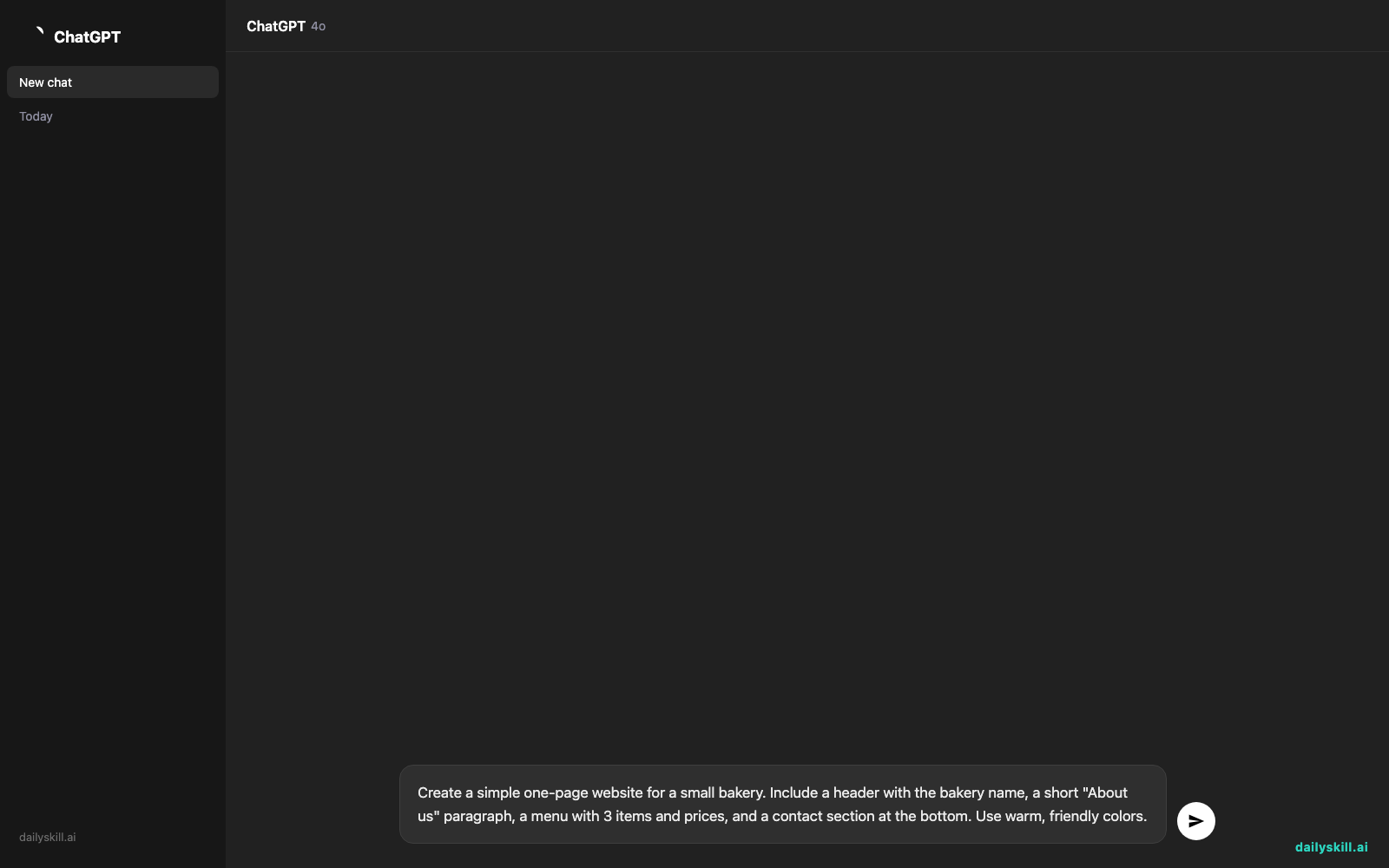
Create a simple one-page website for a small bakery. Include a header with the bakery name, a short "About us" paragraph, a menu with 3 items and prices, and a contact section at the bottom. Use warm, friendly colors.
A real example
Paste that bakery prompt in, and Claude doesn’t just describe a bakery site — it builds one. An actual page appears: a warm-toned header, a two-sentence “about us” blurb, a clean menu list with prices, and a contact block you can scroll through like a real site.
Preview shows: “Rosie’s Bakery” header in soft cream, an about paragraph, a 3-item menu (Croissant $4, Sourdough Loaf $7, Cinnamon Roll $5), and a footer with a placeholder email and phone number.
Say “swap the colors to green and white” next, and the whole preview updates in seconds — no re-explaining anything.
Honest take
Best for:
– Quick web pages, landing pages, or portfolio pages with zero coding
– Small scripts, calculators, or interactive tools you can describe in plain language
– Turning messy notes into a clean, formatted document
Not for:
– Complex apps that need databases, logins, or real backend logic
– Long back-and-forth edits — after many rounds of tweaks, Artifacts sometimes rewrites the whole page instead of just the piece you asked about, so keep a copy of versions you liked
The free tier covers all of this, though heavy daily use can hit a message limit that resets after a few hours.
FAQ
Is it free? Yes — Artifacts works on Claude’s free plan, no extra cost or plugin needed.
Is it safe? Yes for personal projects. Avoid pasting sensitive company data or passwords into any AI chat, same rule as anywhere else online.
Do I need to know how to code? No. That’s the whole point — you describe the result, it writes the code.
Today’s pick wrap-up
If you’ve ever wanted a working webpage or clean document without touching a code editor, Claude Artifacts gets you there in one conversation. Try it today and tell us in the comments what you built. Tomorrow: Descript, the tool that lets you edit video and audio just by editing text.
You might also like:
More on Choosing & Using AI Tools:
- Adobe Firefly: The AI Image Generator Built for Real Work
- Anthropic Introduces Claude Sonnet 5: Its Most Agentic Sonnet
- Best Free AI Tools in 2026: The Honest Guide for Normal People
Master Everyday AI in 1 Minute a Day
Get our free 2026 Double-Blind AI Benchmark Scorecard & 20 Ready-to-Use Prompts, plus one honest, 60-second AI skill in your inbox every morning. Zero hype, plain English, cancel anytime.


