You’ve been there
It’s 10 p.m. You have 40 pages of lecture slides and an exam at 9 a.m. Or it’s Friday afternoon and a 30-page report lands in your inbox that you need to brief your team on Monday. NotebookLM reads your documents, pulls out the key ideas, and can turn them into a short audio conversation you can listen to on your commute. It’s built for students, researchers, and anyone drowning in things to read.
What it is
NotebookLM is a free AI study tool made by Google. You upload your own files — PDFs, Google Docs, copied text, even YouTube links — and it becomes an AI that only talks about your material. It won’t wander off into general internet trivia; it sticks strictly to what you gave it.
The standout feature is “Audio Overview”: it turns your documents into a two-host podcast-style conversation that explains the content back to you. Think of it as a study buddy who already read everything and is ready to walk you through it.
Try it in 5 minutes
- Go to notebooklm.google.com and sign in with a free Google account.
- Click New Notebook, then Add Source. Upload a PDF, paste in text, or link a Google Doc.
- Once it loads, click the Notebook Guide button on the right side of the screen.
- Choose Summary to get a written overview, or scroll down and hit Generate under Audio Overview.
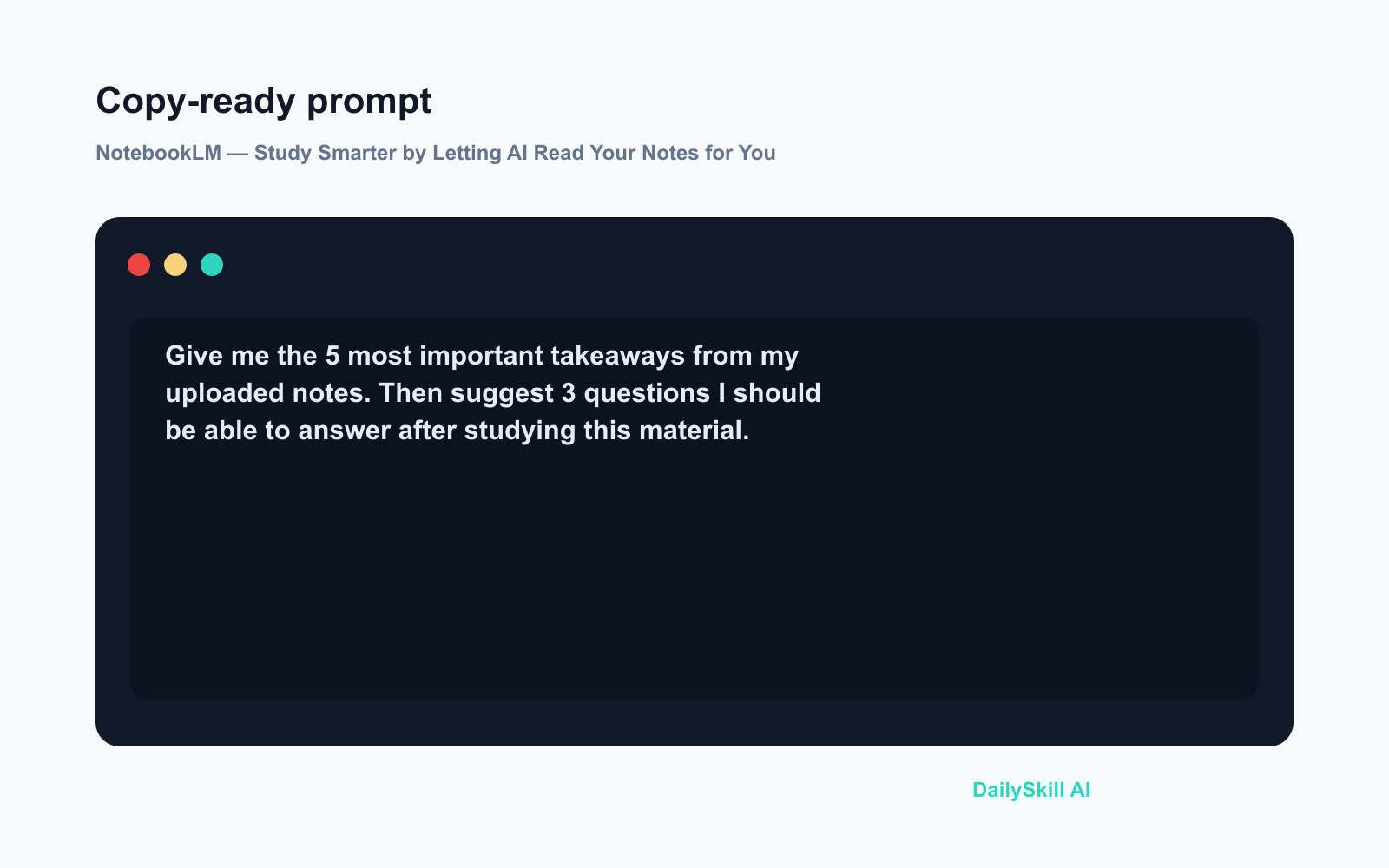
- Try typing a question in the chat box using this prompt:
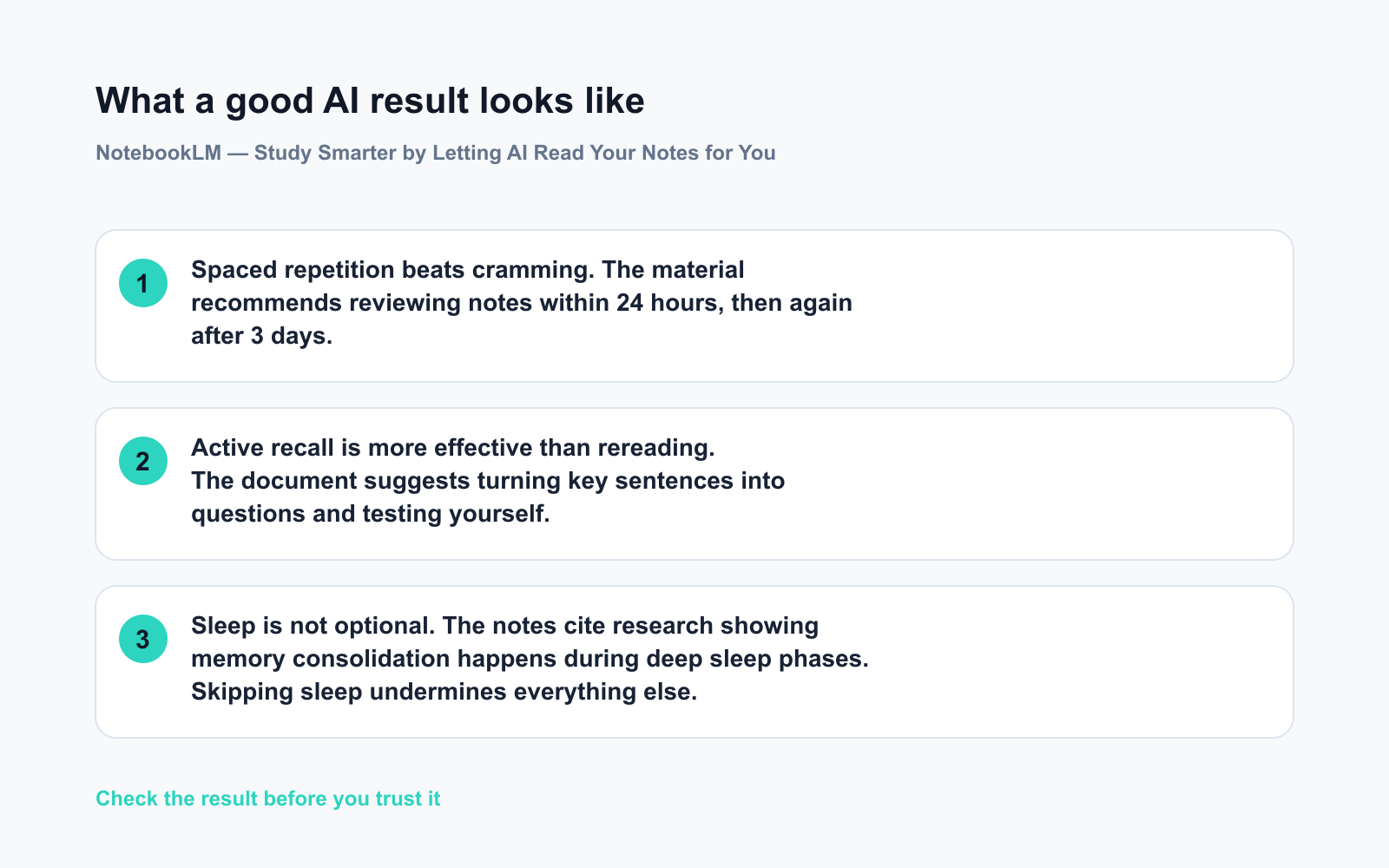
What are the three most important points in this document? Explain each one in plain language.
Your first AI-powered summary takes under two minutes.
A real example
Input: A 25-page PDF of class notes on the causes of World War I.
What you get: A written summary broken into labeled sections — political tensions, the alliance system, the assassination of Archduke Franz Ferdinand — with specific quotes pulled directly from your uploaded notes, not from the internet. The Audio Overview produces a 6–8 minute conversation between two AI voices, structured like a podcast episode for someone hearing the topic for the first time. One voice introduces an idea; the other asks a follow-up question. You can have it playing while you make dinner.
The written summary generates in about 30 seconds. The audio takes roughly a minute to produce.
Honest take
Best for:
– Students reviewing lecture notes, textbooks, or research papers before an exam
– Anyone who needs a quick handle on a long PDF without reading every word
– People who absorb information better by listening than by reading
Not for:
– Sensitive documents — NotebookLM is an online tool, so skip anything containing passwords, medical records, or confidential work files
– Fact-checking against outside sources; it only knows what you upload, so if your source material is wrong, the summary will be too
Free tier: Fully free with a Google account. Upload limits exist but are generous enough for everyday study use.
FAQ
Do I need a paid account?
No. NotebookLM is free with any Google account. Just visit the site and sign in.
Is my data safe?
Google states your uploaded documents are not used to train its general AI models. Even so, treat it like any online tool — don’t upload anything you wouldn’t want stored on a third-party server.
What kinds of files can I upload?
PDFs, Google Docs, Google Slides, plain text, web URLs, and YouTube video links. If you can paste the text, it can likely work with it.
Today’s pick
NotebookLM is the most useful free AI study tool most people haven’t tried yet. If you have a document you’ve been putting off reading, upload it today and let it do the first pass for you.
Tried it? Drop your best use case in the comments — we’d love to know what you fed it first.
Tomorrow we’re looking at Canva Magic Studio — and if you’ve ever stared at a blank slide or social post with no idea where to start, you won’t want to miss it.
You might also like:
- Day 5 — Plan a 3-Day Trip Itinerary in Minutes (AI 1-Minute Challenge)
- There Are So Many AI Tools — Which One Should I Actually Start With?
⭐ Want every prompt in one place?
All 136 tested prompts from our daily skills are free on
GitHub — DailySkill Prompt Library.
Star it to get new prompts as we publish.
More on AI for Students & Learning:
- Best AI Tools for Students in 2026 (Free, Practical, Actually Useful)
- Can AI Actually Help Me Learn a New Language?
- Can AI Just Write My Whole Essay or Report for Me?