
You’re sitting at a restaurant abroad, the menu is entirely in Thai (or Greek, or Japanese), and the waiter is waiting. Here’s exactly how to go from confused tourist to confident orderer in under a minute — using an AI menu translator right on your phone.
Prefer video? Watch Nude the Sphynx break down this skill step-by-step.
Sound familiar?
You squint at the menu. You recognize zero words. You either point randomly and hope for the best, or you order plain rice again. There’s a better way.
The 60-second fix
You have two great options: Gemini (Google’s AI assistant) or ChatGPT. Both let you photograph a menu and get a full translation plus recommendations on the spot.
Step 1 — Open your AI assistant and attach a photo
- Gemini: Open the Gemini app → tap the image icon → take a photo of the menu (or upload one from your camera roll).
- ChatGPT: Open the app → tap the camera/image icon → snap or upload the menu photo.
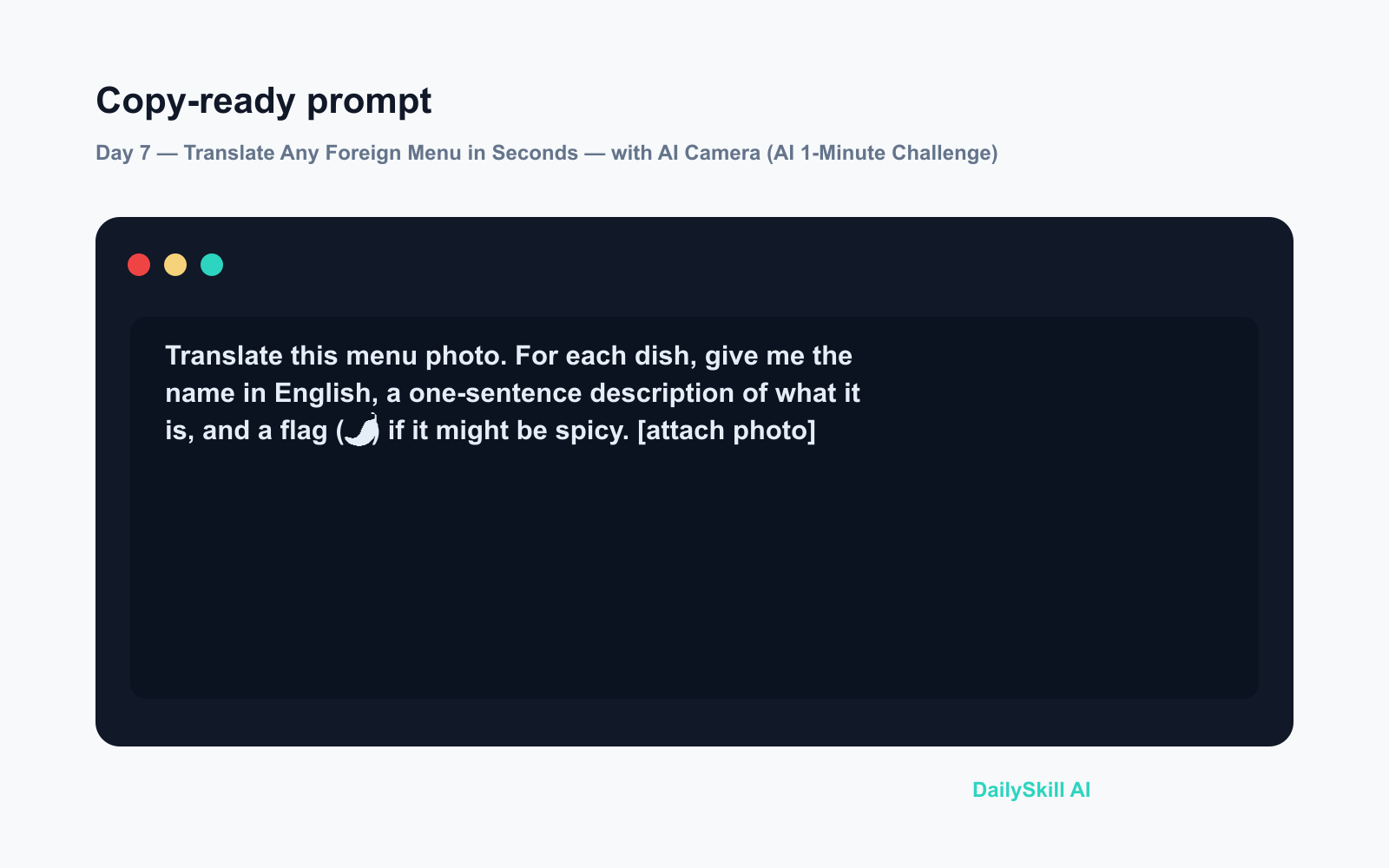
Step 2 — Paste this prompt alongside the photo
This is a photo of a restaurant menu. Please:
1. Translate every dish name and description into English.
2. Tell me which 2–3 dishes you'd recommend for someone who enjoys mild, savory food and wants to try something local.
3. Flag anything that commonly contains nuts or shellfish.
Step 3 — Read, decide, order with confidence
Scan the AI’s response, pick your dish, done. You’ll look like a seasoned traveler.
Real example
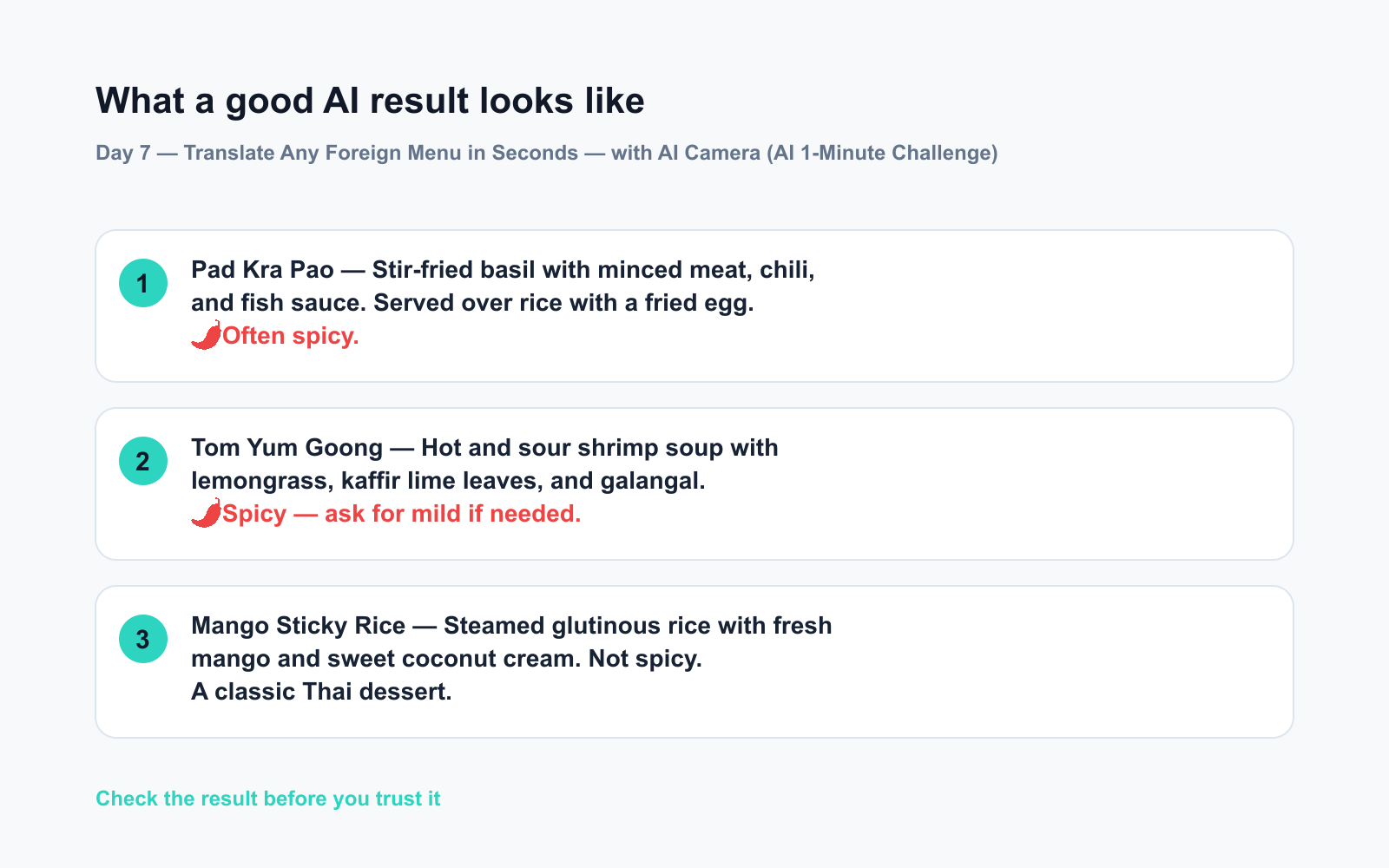
Photo: A laminated Greek taverna menu — all text in Greek script.
AI output:
Moussaka — Layers of minced lamb, eggplate, and béchamel sauce, baked until golden. (Contains dairy)
Spanakopita — Spinach and feta cheese wrapped in flaky filo pastry. (Vegetarian)
Souvlaki Plate — Grilled pork skewers served with pita, tzatziki, and chips.
🍽 My picks for you: Moussaka for a hearty classic, Spanakopita if you want something lighter. Both are staples locals actually order. No nuts or shellfish flagged on this menu.
That’s a real travel translation app moment — no separate download required.
Level up
- Dietary needs? Add “I’m vegetarian / gluten-free / allergic to dairy” to the prompt and the AI will filter recommendations automatically.
- Price confusion? Ask “The currency shown is Thai Baht — roughly what would two of these cost in US dollars?”
- No signal? Screenshot the menu on Wi-Fi earlier and upload the saved photo when you’re seated.
FAQ
Can I use Gemini camera as a travel translation app for any language?
Yes — Gemini handles dozens of scripts including Japanese, Arabic, Korean, Thai, and Greek. Just photograph the text and ask for a translation.
Do I need a paid subscription to translate a photo with AI?
Both Gemini and ChatGPT offer photo translation on their free tiers. Premium plans can give faster responses during busy times, but the free versions work well for a menu.
What if the photo is blurry or the menu is laminated with a glare?
Try moving to slightly dim the reflection, or take the photo at a slight angle. If it’s still unclear, type out one or two dish names and ask the AI to translate those manually.
Today’s check-in
Try this on your next meal out — even a local restaurant with a menu in another language counts. Drop your funniest “mystery dish” translation in the comments. What did you think you ordered?
Tomorrow on Day 8: We point the camera at a medicine label — and get plain-English dosage instructions and side effects explained in seconds.
You might also like:
- Will AI Take My Job — and What Should I Actually Do About It?
- ElevenLabs — Hear Your Words Out Loud in Under 5 Minutes
⭐ Want every prompt in one place?
All 136 tested prompts from our daily skills are free on
GitHub — DailySkill Prompt Library.
Star it to get new prompts as we publish.
More on AI for Everyday Life & Home:
- 5 AI Tasks You Can Do Every Day in Under 90 Seconds Each
- Can AI Help With Meal Planning and Recipes? (Yes, Here’s How)
- Can AI Read and Summarize a Website or Article for Me?
Master Everyday AI in 1 Minute a Day
Get our free 2026 Double-Blind AI Benchmark Scorecard & 20 Ready-to-Use Prompts, plus one honest, 60-second AI skill in your inbox every morning. Zero hype, plain English, cancel anytime.


