
It’s Friday afternoon. Someone starts Monday, and all you have is a vague plan to “figure it out.”
Here’s the answer up front: give Claude a role and a few tools, and in about a minute you’ll get a Day 1, Week 1, and Month 1 checklist with an owner on every line. You can use it this weekend.
Sound familiar?
A new teammate starts Monday. You know you should have a plan, but you’re busy.
So you wing it. They sit around waiting for a laptop login. Nobody tells them who to ask about expenses. By Friday they’re polite, but a little lost.
A good employee onboarding checklist fixes this. The catch is that writing one from scratch takes an hour you don’t have. Claude can draft it in about a minute.
The 60-second fix
1. Gather three facts
You only need:
- The role (for example, “customer support specialist”)
- The key tools they’ll use (for example, Slack, Google Workspace, Zendesk)
- Anything special (remote, part-time, first hire on the team)
2. Paste this prompt into Claude
Replace the brackets with your details.
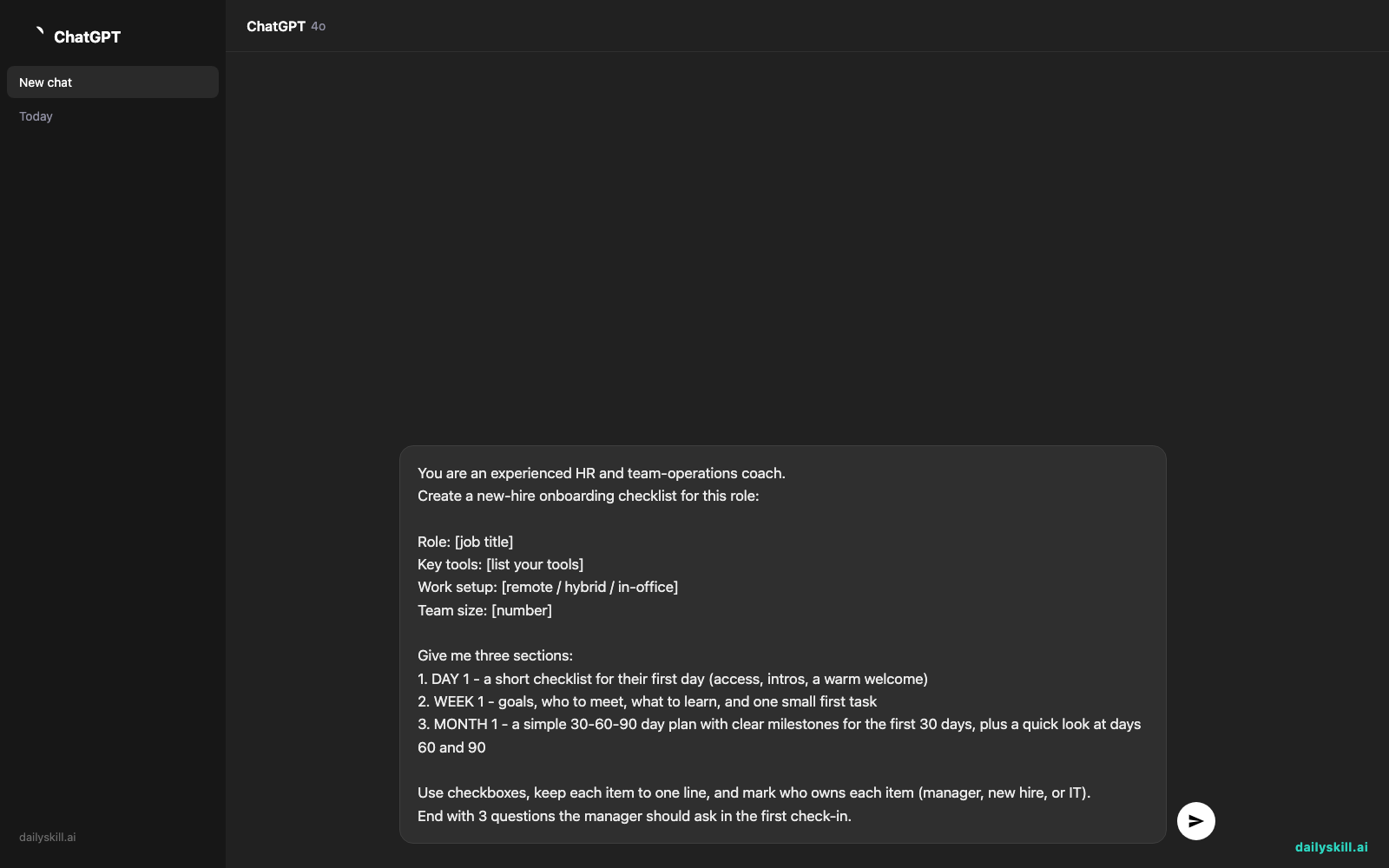
You are an experienced HR and team-operations coach.
Create a new-hire onboarding checklist for this role:

Role: [job title]
Key tools: [list your tools]
Work setup: [remote / hybrid / in-office]
Team size: [number]

Give me three sections:
1. DAY 1 - a short checklist for their first day (access, intros, a warm welcome)
2. WEEK 1 - goals, who to meet, what to learn, and one small first task
3. MONTH 1 - a simple 30-60-90 day plan with clear milestones for the first 30 days, plus a quick look at days 60 and 90

Use checkboxes, keep each item to one line, and mark who owns each item (manager, new hire, or IT).
End with 3 questions the manager should ask in the first check-in.
3. Tweak and save it
Read the result and ask for changes in plain words. Try “Make Day 1 lighter” or “Add a buddy system.”
Then copy it into a doc or shared note. Next time you hire, you only change the role and the tools.
Real example
What you typed:
Role: Customer support specialist. Key tools: Slack, Google Workspace, Zendesk. Work setup: remote. Team size: 6.
What Claude gave back (shortened):
Day 1
– [ ] Manager: Send a welcome message in Slack before they log on
– [ ] IT: Confirm Google Workspace and Zendesk logins work
– [ ] Manager: 30-minute welcome call, with no work tasks yet
– [ ] Team: Everyone says hi in the team channelWeek 1
– [ ] New hire: Shadow two live Zendesk tickets
– [ ] Manager: Set up intro chats with a support buddy and the team lead
– [ ] New hire: Read the top 10 help-center articles
– [ ] New hire: Answer one easy ticket with the buddy reviewing before it’s sentMonth 1
– [ ] New hire: Handle tickets on their own, with spot checks from the buddy
– [ ] Manager: Weekly 1:1 every Thursday
– [ ] Manager: Day 30 review. Ask: What’s going well? What’s confusing?First check-in questions for the manager
1. What’s one thing that was harder to find than it should have been?
2. Who has been the most helpful so far?
3. What would make next week easier?
That’s a ready-made team member onboarding template you can adapt for the next role.
Level up
- Add a 60 and 90 day view. Ask: “Now expand this into a full new hire 30 60 90 plan with one goal per period.”
- Write the welcome message. Ask: “Draft a warm, short welcome email for their first morning.”
- Make it a reusable workflow. Ask Claude to turn the checklist into a table with owners and due dates. That’s a simple onboarding workflow AI can refresh every time you hire.
FAQ
What should be in an employee onboarding checklist?
Cover access and equipment, introductions, key tools, a first small task, and regular check-ins. Split it by Day 1, Week 1, and Month 1 so nothing piles up at once.
How long should a new hire 30 60 90 plan be?
Keep it to one page. Give each period two or three clear goals. Short plans get read. Long ones get ignored.
Can I use this for a role I know little about?
Yes. Tell Claude what you do know, and ask it to list any assumptions you should check. Then fix anything that doesn’t fit your company. You know your team best.
Today’s check-in
Pick one role you’ve hired for, or might hire for someday. Run the prompt and see what comes back.
Then share one item Claude suggested that you wouldn’t have thought of. It might be your best welcome tip yet.
Tomorrow (Day 154): We’ll turn rough bullet notes into an engaging LinkedIn post with a strong hook, using AI.
Master Everyday AI in 1 Minute a Day
Get our free 2026 Double-Blind AI Benchmark Scorecard & 20 Ready-to-Use Prompts, plus one honest, 60-second AI skill in your inbox every morning. Zero hype, plain English, cancel anytime.


