
Honestly? Free AI tools cover the vast majority of what most people actually need. ChatGPT, Gemini, and Claude all offer free tiers that can write, summarize, brainstorm, translate, and explain things clearly. You can go a long way — maybe indefinitely — without spending a cent. Paying becomes worth it only in specific situations, and those situations may never apply to you.
Why this comes up
You’ve probably heard people talk about paid plans and wondered if you’re missing out or falling behind. There’s a quiet pressure that “free” means “worse,” and that serious users inevitably upgrade. That fear is mostly marketing noise — but there are real differences worth knowing.
The honest answer
What free AI tools do well
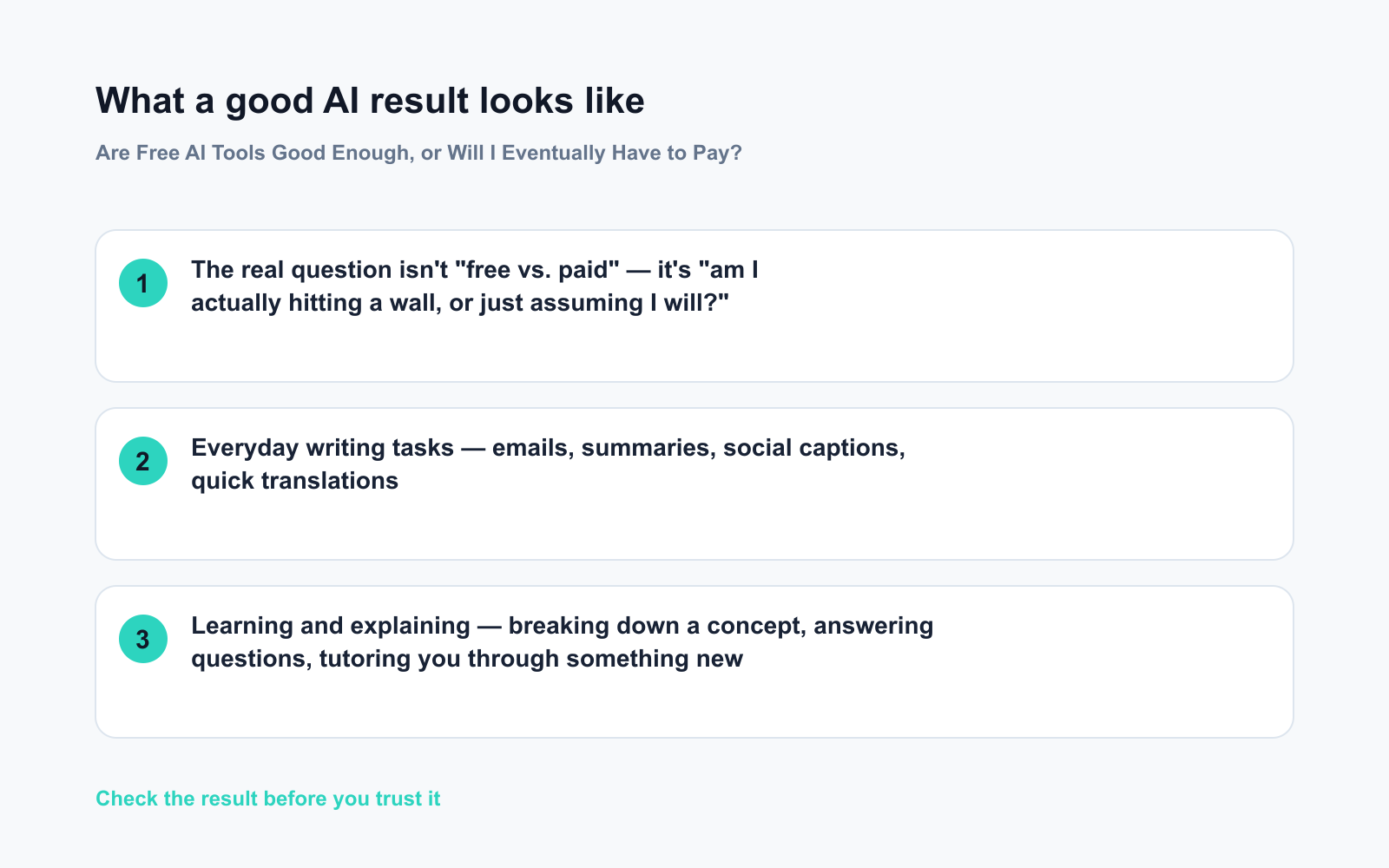
- Everyday writing tasks — emails, summaries, social captions, quick translations
- Learning and explaining — breaking down a concept, answering questions, tutoring you through something new
- Brainstorming — generating ideas, outlines, first drafts
- Basic coding help — writing short scripts, explaining error messages, formatting data
The free tiers of the major tools are genuinely capable. Most now include live web search, so you’re not stuck with outdated information. For the tasks above, free is often indistinguishable from paid.
Where free starts to show limits
- Usage caps — Free tiers throttle heavy users. Hit the ceiling mid-project and you wait or switch tools.
- The most powerful models — Paid plans unlock stronger reasoning models for complex analysis, long documents, or intricate code. For casual use, you likely won’t notice the difference.
- Speed during busy hours — Free users can wait longer for responses when demand spikes.
- File and context size — Processing a 50-page PDF or sustaining a very long conversation is smoother on paid plans.
What’s overblown
The gap between free and paid is smaller than subscription pages suggest. Most beginners hit usage caps long before they hit quality limits. If you’re doing one or two AI tasks a day, free almost certainly holds up.
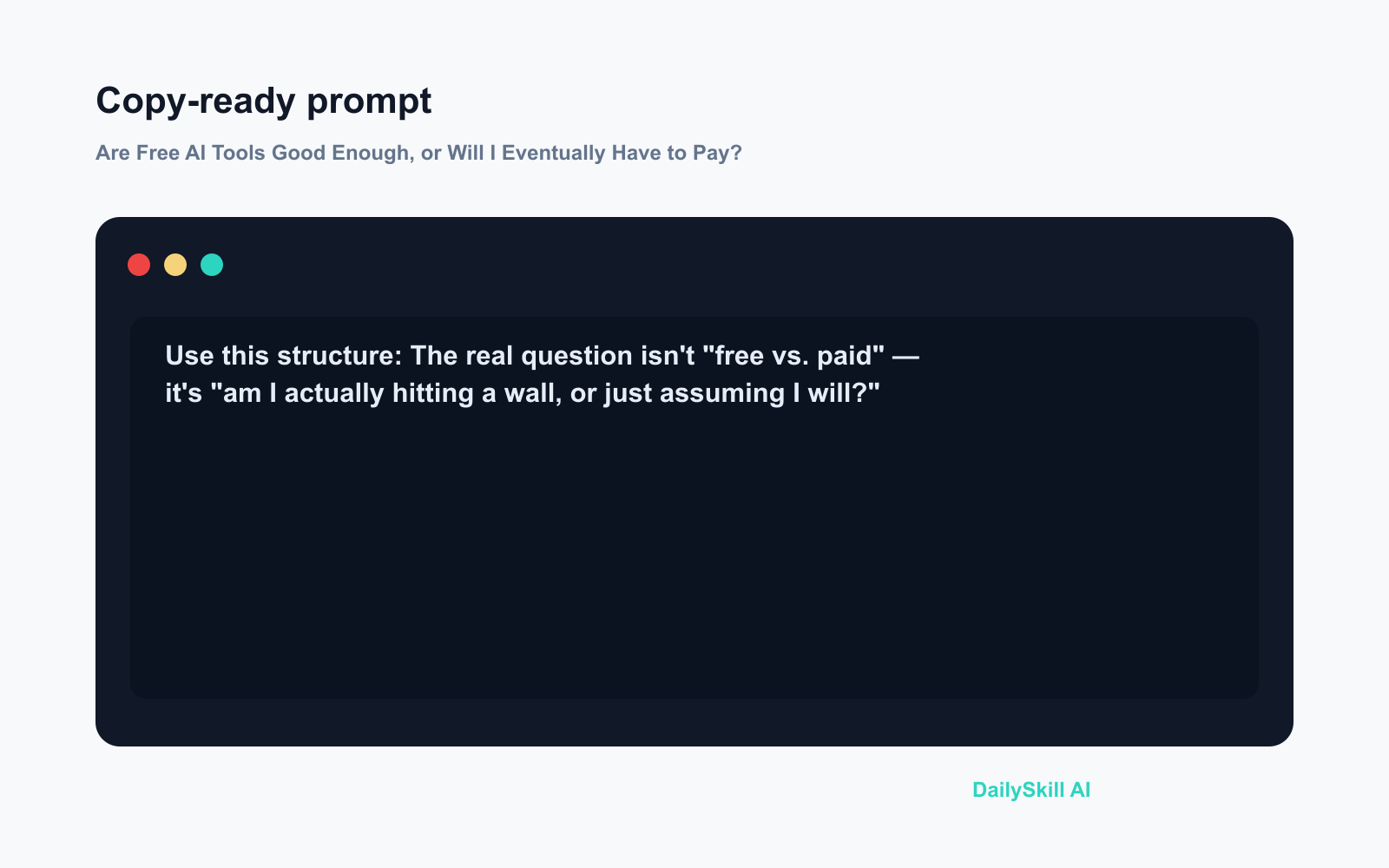
The real question isn’t “free vs. paid” — it’s “am I actually hitting a wall, or just assuming I will?”
What to do
Do:
– Start entirely free and use it daily for two to four weeks before forming any opinion
– Write down the specific moments you feel limited — slow responses, cut-off conversations, results that felt thin
– Mix free tools to stay within caps (use Gemini for one task, Claude for another — both free)
– Match the model to the task: lighter models for quick summaries, stronger ones for deep analysis — this stretches your free allowance further
Don’t:
– Pay “just in case” before you’ve hit an actual, recurring limit
– Assume paid always means better — a well-prompted free model often outperforms a lazily used paid one
– Upgrade after one frustrating session — first check whether a different free tool solves the same problem
FAQ
Which free AI tool is the best starting point?
There’s no single winner — they’re genuinely close. Try ChatGPT or Gemini first; both are widely supported and easy to access. Add Claude if you do a lot of writing. Rotate between them and see what fits your work.
Is paying for AI ever smart on a tight budget?
Yes, in two specific cases: you rely on AI heavily for work and hit daily caps repeatedly, or you need a feature — like deeper document analysis — that’s locked to paid tiers. Even then, one paid plan is usually enough. You don’t need to subscribe to everything.
Can I stay on free AI tools long-term?
Absolutely. Many productive people never pay. The free tier landscape keeps improving, so the ceiling rises over time. There’s no deadline forcing you to upgrade.
Bottom line
Free AI tools are genuinely good — use them until they actually stop meeting your needs, not before.
Have you hit a real limit on a free plan, or are you still going strong without paying? Drop your experience in the comments — it helps other beginners know what to expect.
Tomorrow: Can AI actually help you make money or start a side hustle? We’ll get into what’s realistic, what’s hype, and where people are actually seeing results.
You might also like:
- Day 20 — Know Your Plant’s Name & Watering Schedule from One Photo (AI 1-Minute Challenge)
- Poe — Compare Every Major AI Without Switching Apps
⭐ Want every prompt in one place?
All 136 tested prompts from our daily skills are free on
GitHub — DailySkill Prompt Library.
Star it to get new prompts as we publish.
More on AI Safety, Privacy & Cost:
- Can AI Help Me Understand a Legal Document? (What’s Safe, What’s Not)
- Can AI Help With My Taxes or Finances? (What’s Safe and What Isn’t)
- Can I Trust AI for Health and Medical Questions?
Master Everyday AI in 1 Minute a Day
Get our free 2026 Double-Blind AI Benchmark Scorecard & 20 Ready-to-Use Prompts, plus one honest, 60-second AI skill in your inbox every morning. Zero hype, plain English, cancel anytime.


