
Ever stared at a plant you’ve owned for two years and realized you still have no idea what it is — or why it keeps dying?
Snap a photo, drop it into Gemini, and you’ll have the species name, watering frequency, and light needs in under a minute.
Sound familiar?
You bought a pretty plant at the market, lost the little care tag on day one, and have been guessing ever since. Water it too much? Leaves go yellow. Too little? It droops. You Google “green plant with pointy leaves care tips” and get absolutely nowhere.
A plant care AI can short-circuit all of that guessing.
The 60-second fix
Step 1 — Open Gemini and attach your photo
Go to gemini.google.com (free account works). Click the image icon (📎 or camera icon) next to the text box and upload a clear photo of your plant. Tip: capture the leaves, stem, and ideally a bit of soil in the frame.
Step 2 — Paste this prompt alongside the photo
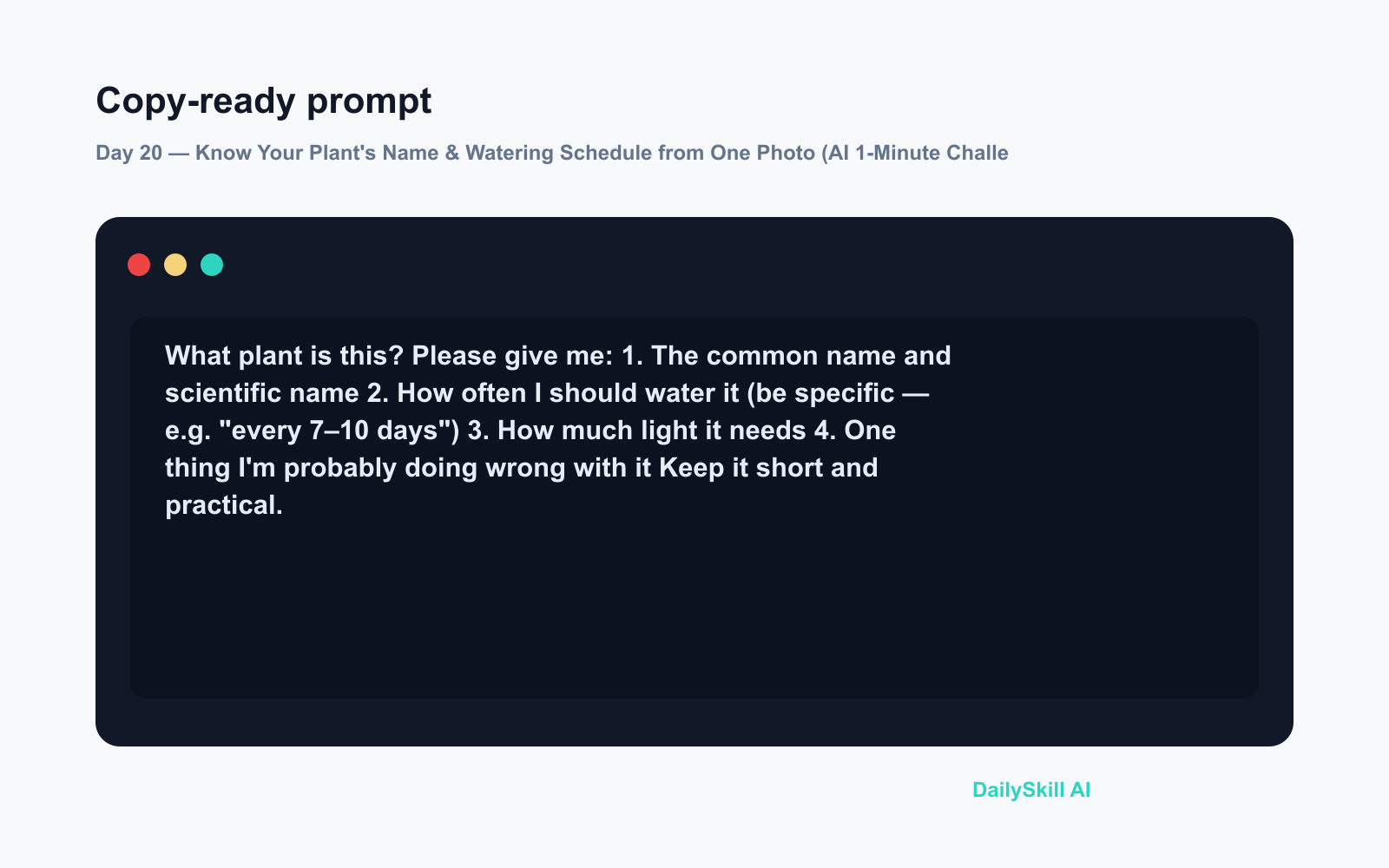
What plant is this? Please give me:
1. The common name and scientific name
2. How often I should water it (be specific — e.g. "every 7–10 days")
3. How much light it needs
4. One thing I'm probably doing wrong with it
Keep it short and practical.
Step 3 — Read and save the answer
Gemini will return a quick care card. Screenshot it or copy it into your Notes app so you have it forever — no more guessing.
Real example
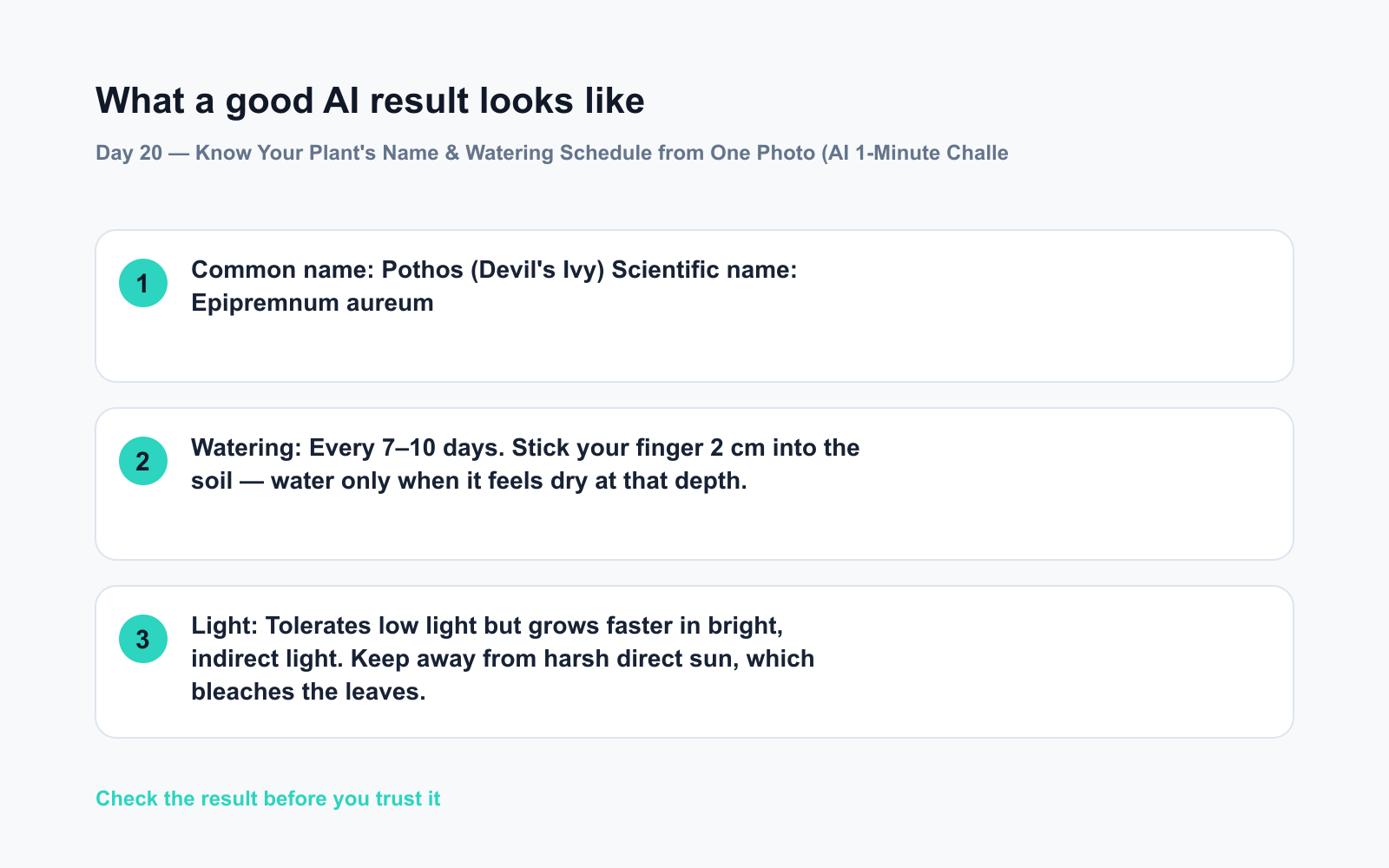
Photo uploaded: a trailing green plant with silver-streaked heart-shaped leaves sitting on a windowsill.
Common name: Pothos (Devil’s Ivy)
Scientific name: Epipremnum aureumWatering: Every 7–10 days. Stick your finger 2 cm into the soil — water only when it feels dry at that depth.
Light: Tolerates low light but grows faster in bright, indirect light. Keep away from harsh direct sun, which bleaches the leaves.
Probably doing wrong: Overwatering. Pothos are surprisingly drought-tolerant. When in doubt, skip a watering cycle.
That’s a complete houseplant AI care guide from one photo and one prompt.
Level up
- Already know the name? Skip the photo and just type: “Give me a monthly care calendar for a Monstera deliciosa — watering, fertilising, and repotting.”
- Multiple plants, one go: Upload photos of several plants at once and ask Gemini to create a combined weekly watering schedule so nothing gets missed.
- Troubleshoot a sick plant: Add a second photo showing yellowing or damaged leaves and ask “What’s wrong with it and how do I fix it?” — the watering schedule AI angle doubles as a plant doctor.
FAQ
Can Gemini identify plants from photos accurately?
Yes — Gemini uses multimodal AI (meaning it reads images, not just text), and it performs well on common houseplants and garden varieties. For rare or hybrid species, treat the ID as a strong starting point and cross-check if you need certainty.
Do I need a paid plan to use Gemini as a plant identifier?
No. The free tier of Gemini supports image uploads and gives you the full species + care response described here.
What if the plant identification is wrong?
Add more detail in a follow-up message: “The leaves have a waxy texture and the stems are reddish — does that change your answer?” More context almost always sharpens the result.
Today’s check-in
Try it on one plant in your home right now — the one you’re least sure about — and drop the species name you got in the comments. Bonus points if it was a plant you’ve been accidentally mistreating for months. 🌿
Tomorrow on Day 21: Your group chat is a chaos of dates, plans, and “wait, when was that again?” — we’ll show you how to paste the whole thing into AI and pull out a clean, organised schedule in seconds.
You might also like:
- Are Free AI Tools Good Enough, or Will I Eventually Have to Pay?
- Poe — Compare Every Major AI Without Switching Apps
⭐ Want every prompt in one place?
All 136 tested prompts from our daily skills are free on
GitHub — DailySkill Prompt Library.
Star it to get new prompts as we publish.
More on AI for Everyday Life & Home:
- 5 AI Tasks You Can Do Every Day in Under 90 Seconds Each
- Can AI Help With Meal Planning and Recipes? (Yes, Here’s How)
- Can AI Read and Summarize a Website or Article for Me?
Master Everyday AI in 1 Minute a Day
Get our free 2026 Double-Blind AI Benchmark Scorecard & 20 Ready-to-Use Prompts, plus one honest, 60-second AI skill in your inbox every morning. Zero hype, plain English, cancel anytime.


