
The risk is real but the fix is simple: use AI to accelerate your thinking, not replace it. Before you ask AI anything, spend 30 seconds forming your own take first. That one habit alone keeps you in the driver’s seat and AI in the passenger seat — where it belongs.
Why this comes up
You’ve noticed you reach for AI before you’ve even tried to think something through. Or you copy an AI answer without really reading it. The worry underneath is valid: if AI always answers first, does your own judgment get weaker over time? That’s a fair question, and it deserves a straight answer.
The honest answer
AI doesn’t make you lazy — your habits do
AI is a calculator for ideas. A calculator didn’t stop people from understanding math — but it did stop people who let it do all their arithmetic without ever learning what the numbers meant. Same dynamic here.
What’s actually true:
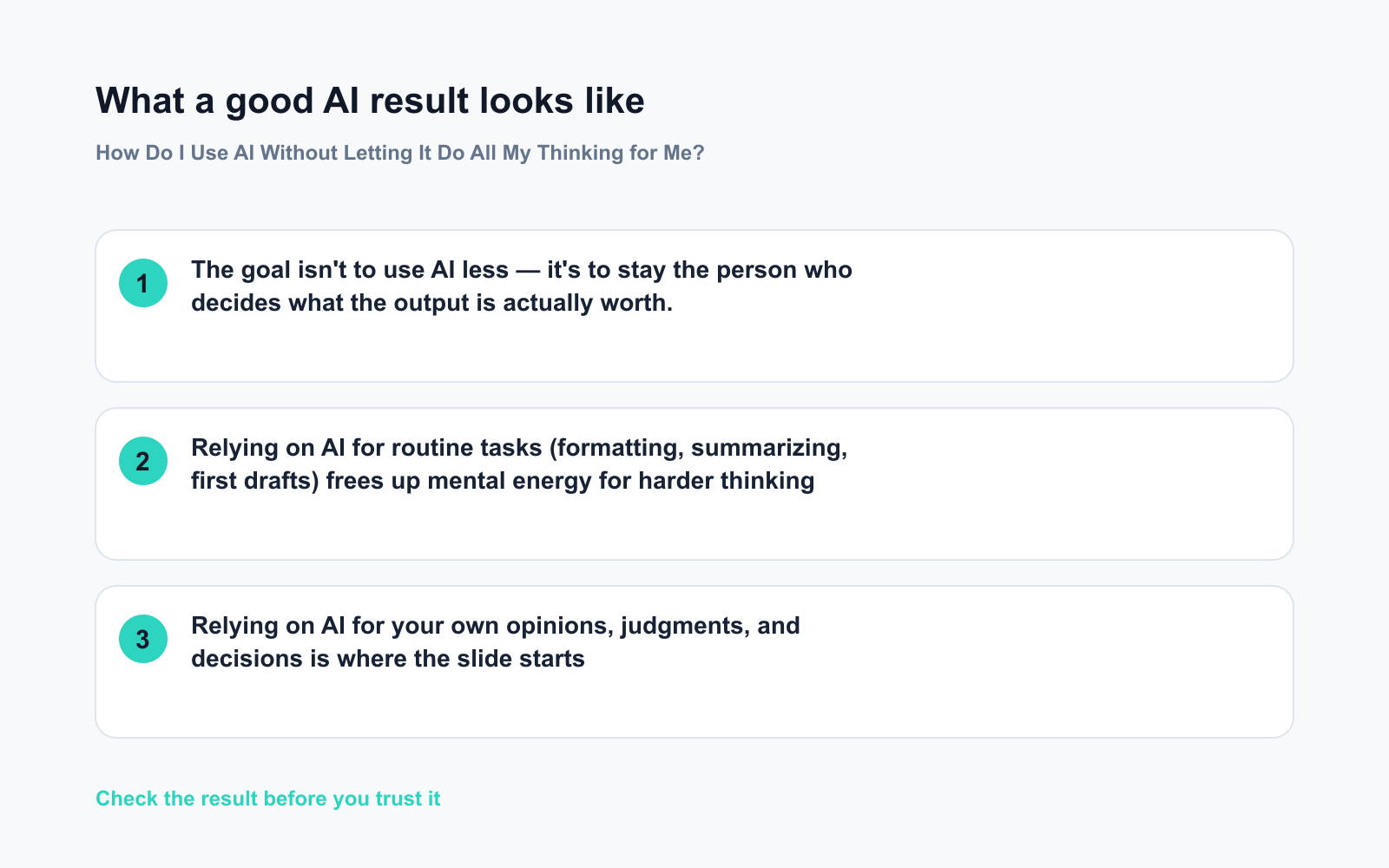
– Relying on AI for routine tasks (formatting, summarizing, first drafts) frees up mental energy for harder thinking
– Relying on AI for your own opinions, judgments, and decisions is where the slide starts
– Your critical thinking weakens only if you never push back on what AI tells you
What’s overblown:
– The idea that using AI frequently automatically makes you dependent — frequency isn’t the problem, passivity is
– The fear that AI will “replace” your expertise — your ability to judge whether AI’s output is any good is the expertise
The dependence pattern to watch for
You’re leaning too hard on AI when:
– You feel anxious starting a task without it
– You accept AI output without reading it critically
– You couldn’t explain the AI’s answer in your own words
– You’ve stopped noticing when AI is confidently wrong
What to do
Do:
– ✅ Think first, then ask — write even one sentence of your own thinking before you type the prompt
– ✅ Treat AI output as a first draft, not a final answer — always edit something
– ✅ Ask AI to explain its reasoning, then decide whether you actually agree
– ✅ Use AI for research and structure; keep judgment and conclusions yours
– ✅ Occasionally do a familiar task without AI, just to stay sharp
Don’t:
– ❌ Copy AI answers word for word without reading them
– ❌ Ask AI what you should think or feel about something personal
– ❌ Let AI make the logic on decisions you’ll be held accountable for — own that part yourself
– ❌ Brush past the moments AI gets things wrong — those are your critical thinking working
FAQ
Q: Should I limit how many times a day I use AI?
A: There’s no magic number. The question isn’t how often — it’s how. Using AI ten times to handle formatting while you focus on strategy is healthy. Using it once to form an opinion you never examined is not.
Q: What if AI’s answer is better than what I came up with?
A: Great — use it. But understand why it’s better. That’s the part that builds your thinking, not weakens it. If you can’t explain why the AI answer is good, you won’t catch it when it’s wrong.
Q: Are some tasks safe to fully hand off to AI?
A: Yes. Drafting routine emails, reformatting data, generating a list of options to react to — these are fine to delegate almost entirely. Rule of thumb: if the task is producing raw material, AI can lead. If it’s making a judgment call, you lead.
The goal isn’t to use AI less — it’s to stay the person who decides what the output is actually worth.
Bottom line
Smart AI use comes down to one discipline: think before you ask, and judge after you receive. Do that consistently and AI stays a tool, not a crutch.
What’s your go-to habit for staying sharp when you use AI? Share it in the comments — you might save someone else from the slide.
Tomorrow: Are free AI tools good enough, or will you eventually have to pay? The honest breakdown of what you actually get — and what you don’t.
You might also like:
- Day 19 — Identify Your Pet’s Breed and Get Care Tips — With One Photo (AI 1-Minute Challenge)
- QuillBot — Instantly Reword Any Text Without Losing Your Meaning
⭐ Want every prompt in one place?
All 136 tested prompts from our daily skills are free on
GitHub — DailySkill Prompt Library.
Star it to get new prompts as we publish.
More on Getting Started with AI (Beginner’s Guide):
- Can I Do All of This on Just My Phone?
- ChatGPT Explained: The Best First AI Tool for Absolute Beginners
- Complete Beginner’s Guide to AI in 2026: What It Is, How It Works, and Where to Start
Master Everyday AI in 1 Minute a Day
Get our free 2026 Double-Blind AI Benchmark Scorecard & 20 Ready-to-Use Prompts, plus one honest, 60-second AI skill in your inbox every morning. Zero hype, plain English, cancel anytime.


