
Yes, you can do it in one short chat. Tell an AI assistant how much you earn, when you get paid, and what bills are coming. Ask it to split your money using 50/30/20 or envelopes, then turn that into one weekly spending number. You don’t need a budgeting app, a spreadsheet, or finance knowledge. Plan on about 10 minutes, and check the numbers yourself at the end.
Why this comes up
Most budgeting apps want you to link accounts, sort hundreds of transactions, and learn a new system. Many people quit within a week.
The real worry is simpler: “I get paid, the money disappears, and I don’t know where it went.” You want one clear number for the week, not a project.
The honest answer
AI is good at the setup work. It turns messy facts into a plan, does the math, and adjusts when your pay schedule is odd. That makes it a solid starting point for personal finance planning.
It doesn’t know your real bank balance unless you tell it, and it can slip on arithmetic. Treat it as a planner, not an accountant.
Pick a method
- 50/30/20: About 50% of take-home pay goes to needs (rent, groceries, transport), 30% to wants, and 20% to savings or debt. It’s a quick starting point, not a law. In an expensive area, needs may be 60% or more, and that’s fine.
- Envelopes: Each category gets a fixed amount, like “groceries” or “fun.” When an envelope is empty, you stop spending in that category. It’s easier to follow day to day because it’s concrete.
Want a fast start? Use 50/30/20. Tend to overspend in one area? Use envelopes. Or ask the AI to do 50/30/20 first, then split the “wants” part into envelopes.
Why weekly helps
Rent and bills are monthly, but you spend money daily. A weekly number, such as “$140 for groceries, gas, and fun,” is easier to keep in your head than a monthly total. It also lines up with weekly or biweekly paychecks.
What’s true and what’s overblown
- True: AI can build a clean 50/30/20 budget from your numbers in seconds.
- True: It can match bills to the right paycheck, so rent doesn’t catch you off guard.
- Overblown: The idea that it will “manage your money.” It plans. You still spend and track.
- Worth knowing: Double-check any total it gives you with a calculator. Ask it to show its math.
What to do
Gather these first (you don’t need to log in to anything):
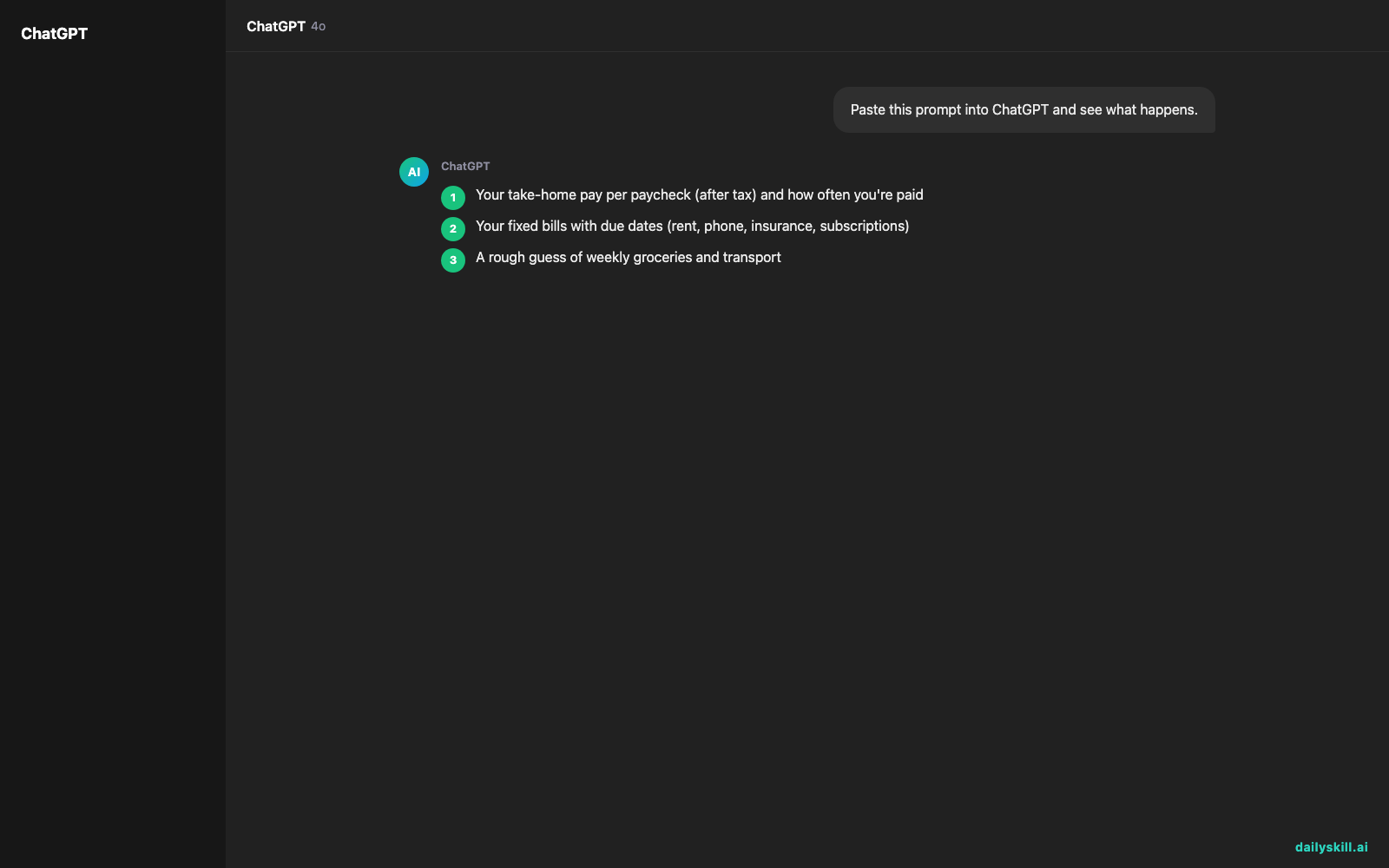
- Your take-home pay per paycheck (after tax) and how often you’re paid
- Your fixed bills with due dates (rent, phone, insurance, subscriptions)
- A rough guess of weekly groceries and transport
- Any savings goal or debt payment
Then paste this prompt into your AI assistant and fill in the blanks:
I get paid [amount] take-home every [week / two weeks / twice a month / month], next on [date]. My fixed bills are: [bill, amount, due date]. I spend roughly [amount] on groceries and [amount] on transport. I want to save [amount or %]. Build me a simple weekly budget using 50/30/20 (or envelopes, if you think it fits better). Show your math, map each bill to the paycheck that covers it, and end with one “safe to spend this week” number. Keep it in plain English.
Do:
– Use rounded, honest numbers. A guess beats nothing.
– Ask “what did I forget?” Annual fees, gifts, and car repairs are common misses.
– Re-check the totals yourself before you trust them.
– Come back after one week, tell the AI what actually happened, and ask it to adjust.
Don’t:
– Paste account numbers, passwords, or full card numbers. Amounts and bill names are enough.
– Treat 50/30/20 as a rule you failed if your rent is high.
– Build a 15-category plan on day one. Start with 4 to 6.
FAQ
Is it safe to share my income with an AI?
You don’t need to share anything identifying. Round numbers and category names are enough. Leave out account details and your name, and check your assistant’s privacy settings, including whether your chats are used for training.
What if my income changes week to week?
Give the AI your lowest typical month and budget from that. Ask it to treat anything extra as a bonus for savings or debt. This works much better than budgeting off your best week.
Do I need a spreadsheet at all?
No. Ask the AI for a short text list and save it in your notes app. If you like tables, ask for one you can paste into a spreadsheet later.
Bottom line
Give AI your pay, your bills, and your goals in plain English, and you’ll get one weekly number you can actually follow.
Did you try this? Share your take in the comments: which worked better for you, 50/30/20 or envelopes? Your tips could help the next beginner.
Tomorrow’s question: Can AI help me rewrite my LinkedIn headline and about section? We’ll look at what it does well, what to keep personal, and a simple prompt to try.

You might also like:
- Find the Flaws in Your Business Idea Before Customers Do
- Julius AI — Turn a Messy Spreadsheet Into Charts by Just Asking
Master Everyday AI in 1 Minute a Day
Get our free 2026 Double-Blind AI Benchmark Scorecard & 20 Ready-to-Use Prompts, plus one honest, 60-second AI skill in your inbox every morning. Zero hype, plain English, cancel anytime.


