
Your boss sends a spreadsheet with 4,000 rows and one line: “What’s going on with sales?” You scroll. You squint. You start building a pivot table you’re not sure you remember how to make.
Julius AI is a chat-based data tool. You upload an Excel or CSV file, ask questions in plain language, and it answers with charts, tables, and simple forecasts. It’s for anyone who has data but no analyst.
What it is
Julius AI is a website where you chat with your data. You upload a spreadsheet and type a question like “Which month sold the most?” It works out the answer and draws the chart for you.
Behind the scenes it writes and runs small bits of code to do the math. You don’t need to read that code, but you can open it if you want to see how an answer was calculated. The results show up as charts and tables you can download.
Try it in 5 minutes
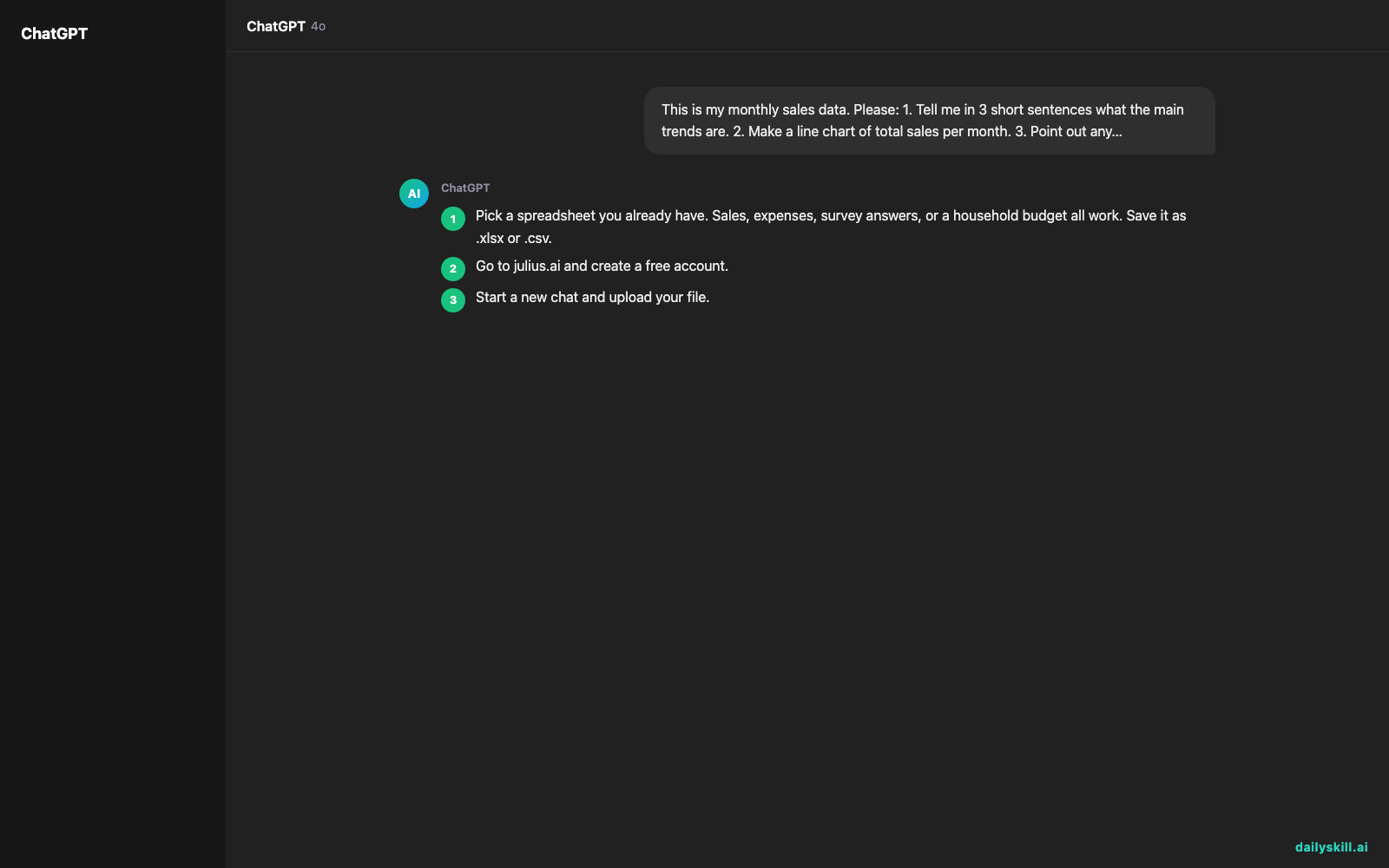
- Pick a spreadsheet you already have. Sales, expenses, survey answers, or a household budget all work. Save it as .xlsx or .csv.
- Go to julius.ai and create a free account.
- Start a new chat and upload your file.
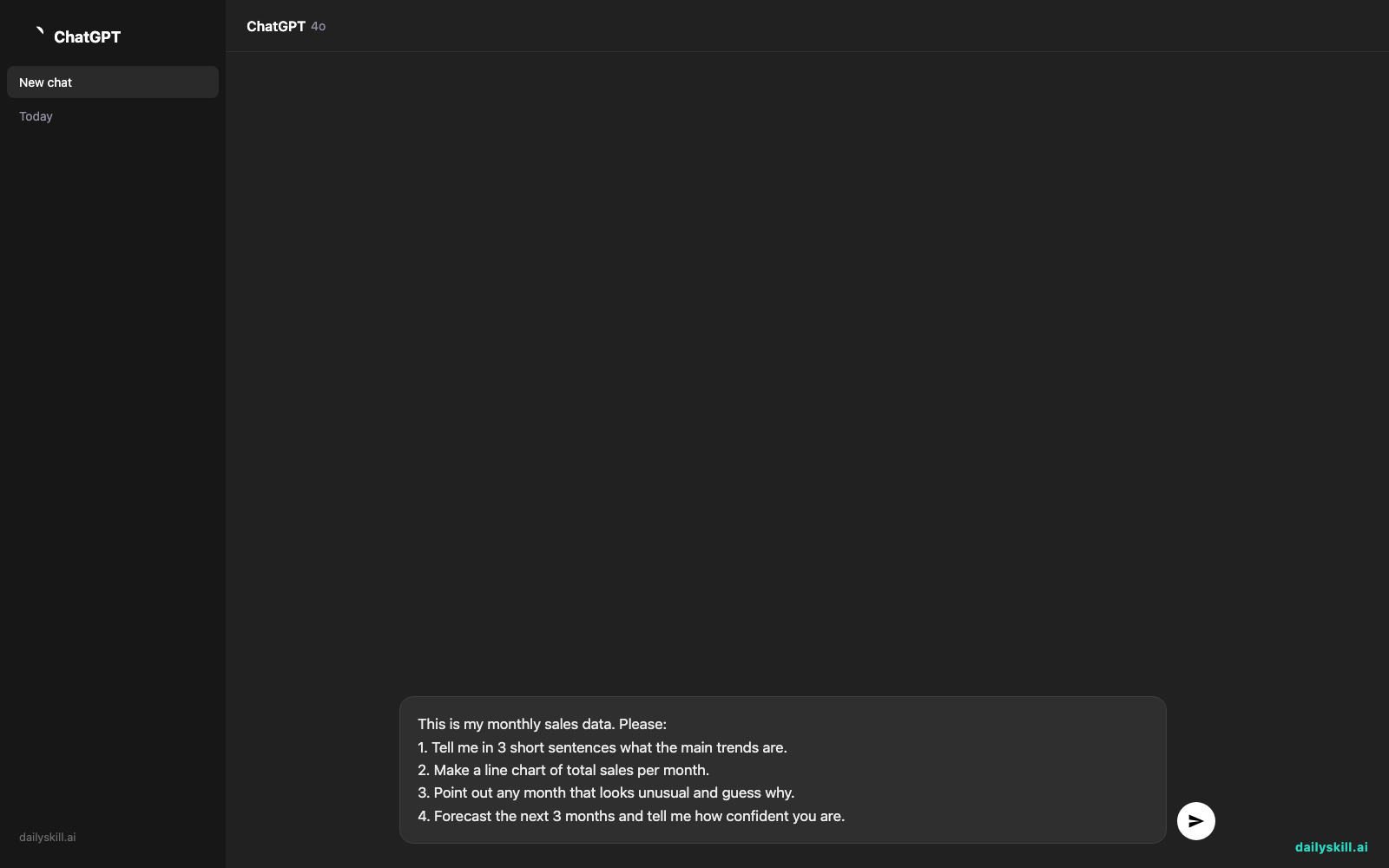
- Paste the prompt below. Swap “monthly sales data” for a short description of your own file.
- Read the answer, then ask a follow-up. For example: “Make that a bar chart” or “Hide the lowest three.”
This is my monthly sales data. Please:
1. Tell me in 3 short sentences what the main trends are.
2. Make a line chart of total sales per month.
3. Point out any month that looks unusual and guess why.
4. Forecast the next 3 months and tell me how confident you are.
A real example
Say you upload a CSV of a small online shop’s orders. It has four columns: date, product, price, and customer city. You paste the prompt above. Here is the kind of answer you get back.
Main trends: Sales grew steadily from January to June, then dipped in July and August. Candles and tea sets bring in most of the revenue. Three cities account for over half of all orders.
Chart: A line chart of monthly totals, with the July dip clearly visible.
Unusual month: July is about 20% below the trend. It could be a summer slowdown, but the file shows zero orders for your best-selling product that month. Check whether it was out of stock.
Forecast: A modest rebound over the next three months. Treat it as a rough guide. With only one year of data, it can’t tell a real pattern from a one-off.
The useful part is the July note. You never asked about stock, and you would likely have missed it by scrolling. Still, the “out of stock” idea is a guess. Only you know whether it’s true.
Honest take
Best for:
– Spotting trends in a spreadsheet when you don’t have an analyst or don’t know formulas
– Quick charts for a meeting, a report, or a small business
– Exploring a file by asking follow-up questions until something interesting shows up
Not for:
– Anything where a wrong number is costly, such as taxes, legal filings, or audited reports. Like any AI tool, Julius can misread a column or pick the wrong calculation, and it will sound confident either way. Spot-check a few figures against your original file.
– Very messy files, such as merged cells, several tables on one sheet, or inconsistent date formats. Clean these up first, or expect odd results.
Julius AI has a free tier with a small monthly message allowance, enough to try it on one or two files. Plans and limits change, so check the pricing page before you count on it.
FAQ
Is Julius AI free?
There is a free plan with a limited number of messages each month, so you can test it for real. Heavier use needs a paid plan.
Is it safe to upload my data?
Treat it like any online service. Don’t upload files with passwords, ID numbers, or customers’ private details. Remove or blur sensitive columns first. If the data belongs to your employer, read the privacy policy and check your company’s rules before you upload.
Do I need an account?
Yes. You sign up with an email or a Google account. It takes about a minute.
Today’s pick wrap-up
Verdict: If you have a spreadsheet and a question but no analyst, Julius AI is one of the easiest ways to get a first answer, as long as you double-check the numbers.
Join in: What spreadsheet would you try it on? Tell us in the comments, and share your best prompt for other readers.
Tomorrow: Julius helps you understand your own data. Tomorrow’s tool, Consensus, helps you check what research papers say, so you can find evidence behind a claim in minutes.
You might also like:
- Find the Flaws in Your Business Idea Before Customers Do
- Can AI help me learn keyboard shortcuts and Excel formulas faster?
Master Everyday AI in 1 Minute a Day
Get our free 2026 Double-Blind AI Benchmark Scorecard & 20 Ready-to-Use Prompts, plus one honest, 60-second AI skill in your inbox every morning. Zero hype, plain English, cancel anytime.


