Short answer: Give the AI both leases and ask it to build a side-by-side table covering penalty clauses, deposit return rules, and fees. Ask it to quote the exact wording for every row. AI is very good at this kind of reading and lining-up. It is not a lawyer.
Treat its table as a map. Then check the important lines in the real contract yourself.
Why this comes up
Two apartments can look the same on the listing. The rent is close, the size is close, and the photos are nice. The real differences are buried in pages of small print.
You worry about missing something that costs you later. And you don’t have time to read both contracts line by line.
The honest answer
What AI does well
- It reads long documents quickly and pulls out the clauses you ask about.
- It puts different wording into one table, so you can compare like with like.
- It explains legal-sounding phrases in plain English, like a lease terms explainer on demand.
- It notices when one lease mentions something the other is silent about.
What to be careful about
- It can misread a number or skip a clause, especially in blurry scans or phone photos.
- Local rental rules differ a lot. “Standard” in one place may be illegal in another.
- It can sound sure of itself even when it’s wrong. That’s why you ask for quotes.
What’s overblown
- You don’t need to avoid AI for contracts. Used as a first reader, it saves real time.
- You also don’t need a perfect prompt. A clear request plus “quote the exact wording” gets you most of the way.
AI is a fast first reader, not the final word. Use it to know where to look, then confirm there.
What to do
Set up
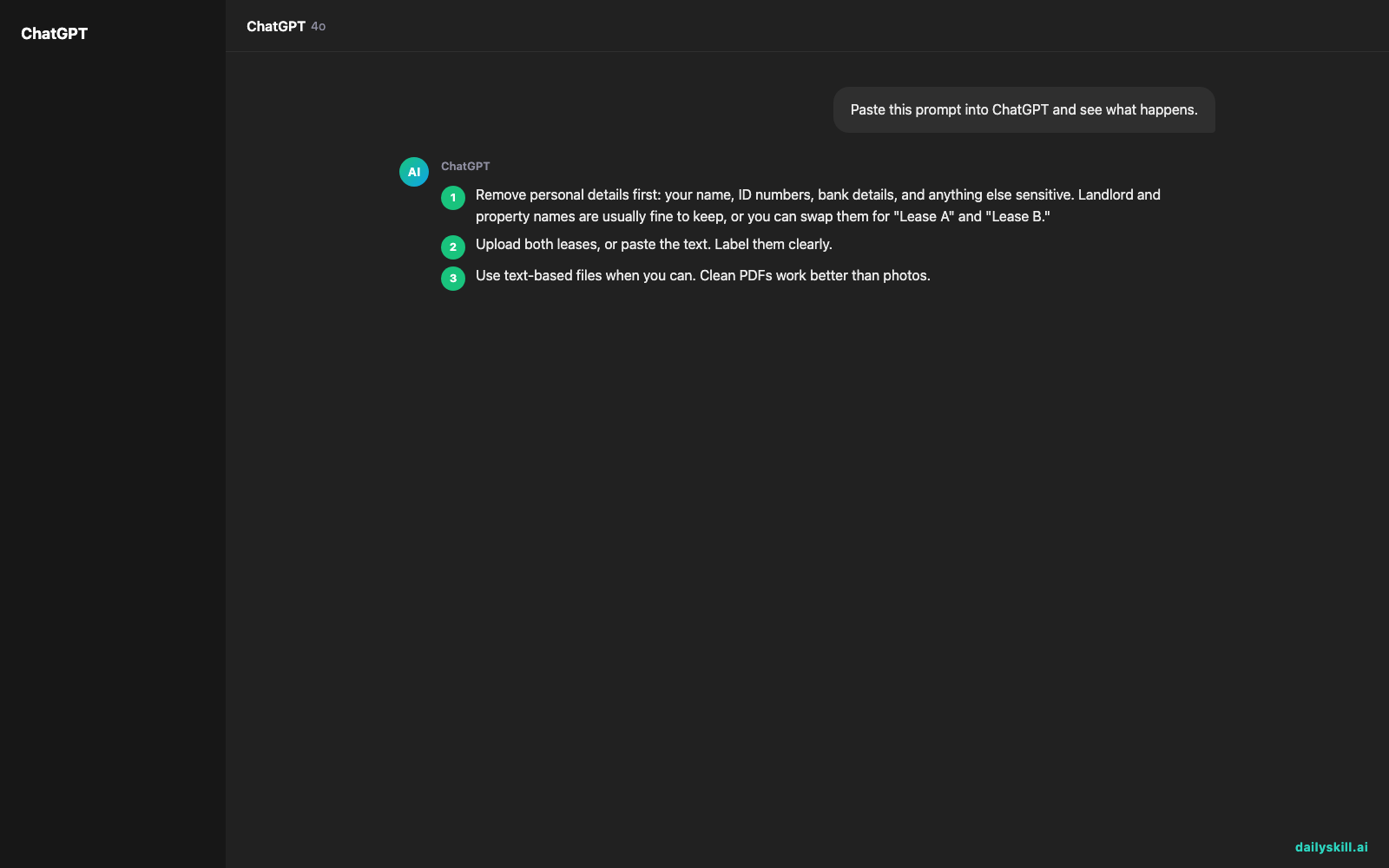
- Remove personal details first: your name, ID numbers, bank details, and anything else sensitive. Landlord and property names are usually fine to keep, or you can swap them for “Lease A” and “Lease B.”
- Upload both leases, or paste the text. Label them clearly.
- Use text-based files when you can. Clean PDFs work better than photos.
Then try this prompt:
“Compare Lease A and Lease B in a table. Rows: monthly rent, deposit amount, deposit return rules and timeline, late fees, early termination penalty, renewal terms, rent increases, maintenance responsibilities, pet and guest rules, and any fee not included in the rent. For each cell, quote the exact wording and give the page or section number. Mark anything missing from one lease as ‘not mentioned.’”
Follow-up questions that catch hidden costs
- “List every fee, charge, or cost the tenant could owe, even small ones.”
- “What happens if I leave early? Show the total cost in each lease.”
- “Which clauses are unusually strict or one-sided? Explain why.”
- “What questions should I ask each landlord before signing?”
Do
- Ask for quotes and section numbers every time.
- Open the contract and read each quoted line yourself, especially numbers, dates, and penalties.
- Do the math on penalties and total move-out costs yourself.
- Ask the landlord in writing about anything unclear.
- Check your local tenant rules for deposits and notice periods.
Don’t
- Don’t sign because the AI said “looks fine.”
- Don’t upload unredacted personal documents.
- Don’t skip the small print on utilities, parking, and move-out cleaning. Fees hide there.
- Don’t treat a clause as legal or illegal just because the AI said so.
FAQ
Can AI tell me if a clause is legal?
It can flag clauses that look unusual. Whether they’re enforceable depends on your local law. For a big or odd clause, check with a local tenant organization or a lawyer.
What if my lease is a photo or scan?
Many assistants can read images, but small print and numbers can still go wrong. Ask the AI to repeat the key figures back, then compare them with the paper.
Can I use this for one lease, not two?
Yes. Ask it to summarize the costs, penalties, and your obligations. Then ask what looks unusual compared with a typical rental.
Bottom line
Let AI do the reading and the table, then you verify the quotes and make the call.
Have you used AI on a rental contract? Share what it caught, or what it missed, in the comments. Your tip might save someone a surprise fee.
Tomorrow: Can AI help me learn keyboard shortcuts and Excel formulas faster? We’ll look at how to get a personal practice plan.
You might also like:
- Turn a Photo of a Receipt or Menu into a Clean Spreadsheet
- Magic Eraser (Google Photos) — Erase Unwanted Objects From Any Photo in One Tap
Master Everyday AI in 1 Minute a Day
Get our free 2026 Double-Blind AI Benchmark Scorecard & 20 Ready-to-Use Prompts, plus one honest, 60-second AI skill in your inbox every morning. Zero hype, plain English, cancel anytime.