You finished a 90-minute podcast, and an hour later you can’t name a single idea from it. Here’s exactly how to keep the good parts without listening twice.
Today you’ll get: a copy-paste Perplexity prompt that turns an episode’s notes into five takeaways, one idea to try, and a list of things to look up. It takes about a minute.
Sound familiar?
You save an episode because it looks useful. Then life happens, and a week later it’s still sitting in your queue.
Or you do listen, nod along, and later can’t recall a thing. You can’t replay it, and you don’t want to scribble notes while driving or cooking.
Good news: you don’t need to listen again. You just need the episode’s notes.
The 60-second fix
Most podcast apps show episode notes (also called show notes) under each episode. That’s the short description and topic list the host wrote. Some episodes also offer a transcript, which is the full text of what was said. Either one is all the raw material you need.
1. Grab the episode notes
Open your podcast app or the podcast’s website. Find the episode and copy the description, show notes, or transcript if there is one.
Don’t worry about messy formatting. Extra links and sponsor lines are fine.
2. Paste them into Perplexity
Open Perplexity and start a new question. Type the prompt from step 3 first, then paste your notes at the bottom where it says [PASTE NOTES HERE].
3. Add this prompt
Copy this whole block:
You're helping me get the key takeaways from a podcast episode. Using the notes below, give me:

1. A one-sentence summary of what the episode is about
2. The 5 most useful takeaways, as short bullet points in plain English
3. One idea I could try this week
4. Any names, books, or tools mentioned that I might want to look up

If the notes are thin or don't cover something, tell me instead of guessing.

Here are the episode notes:
[PASTE NOTES HERE]
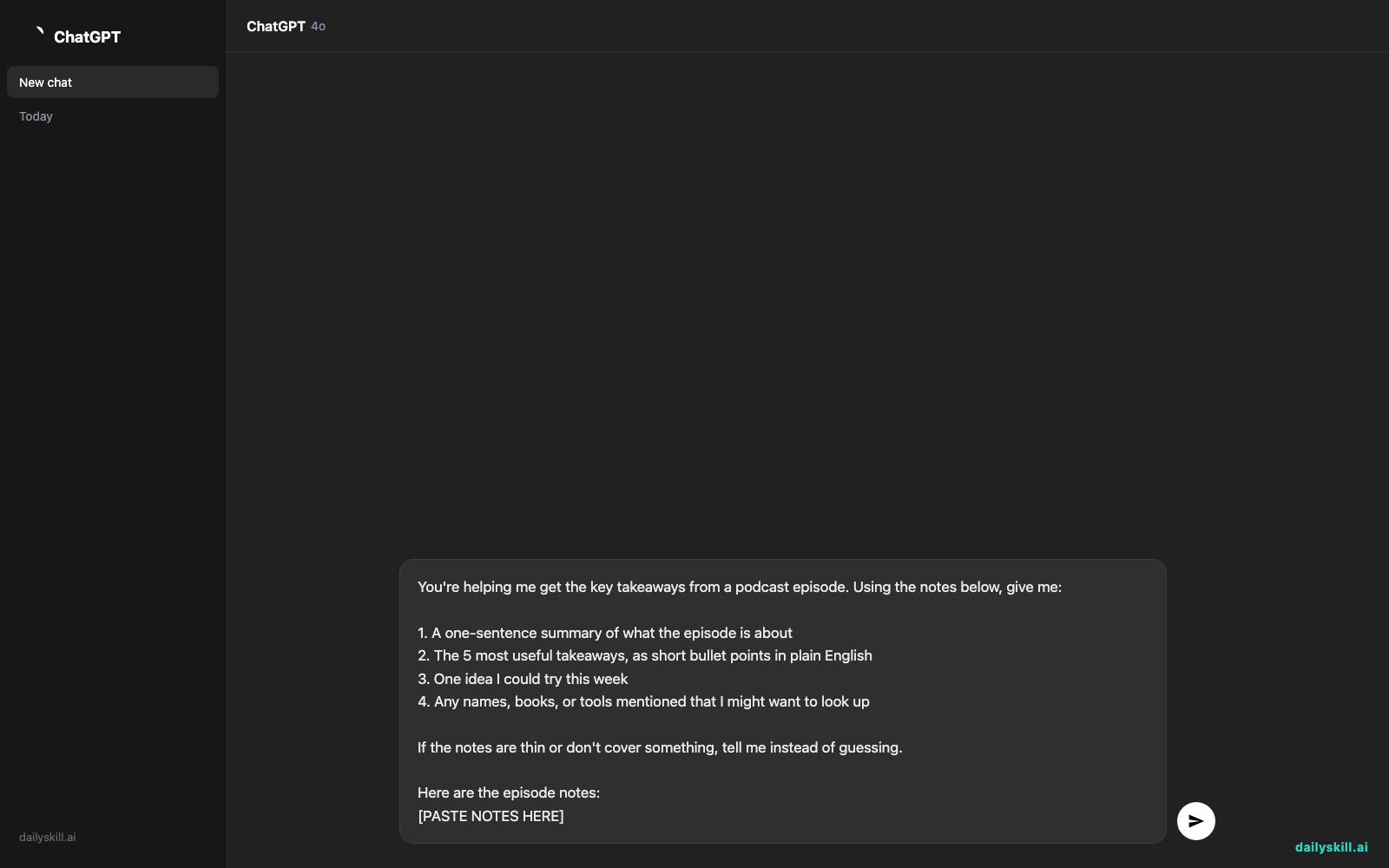
Hit enter. That’s it.
Real example
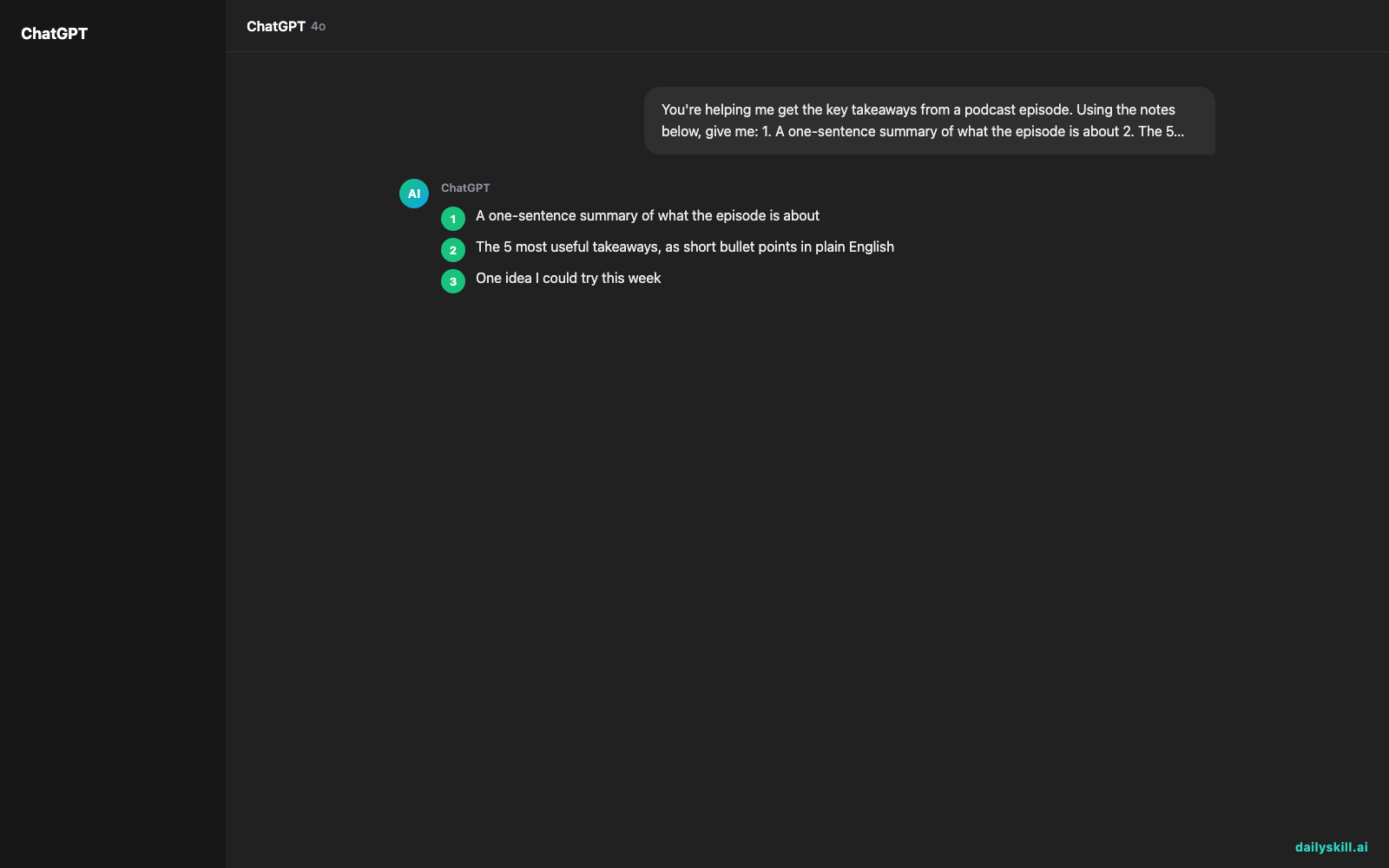
Say you pasted in the show notes for a 75-minute episode called “Sleep Better Without Buying Anything.” Your result might look like this:
What it’s about: Small evening habits can improve your sleep without any gadgets or supplements.
Key takeaways:
– Wake up at the same time every day, even on weekends.
– Dim the lights about an hour before bed.
– Skip caffeine after 2 p.m.
– Charge your phone across the room, not next to your pillow.
– Write tomorrow’s to-do list before bed so your mind can switch off.Try this week: Pick one wake-up time, like 6:45 a.m., and keep it for seven days.
Worth looking up: The notes name a book on sleep and a guest sleep researcher. Search for both if you want to go deeper.
You can read that in 20 seconds.
(This is an illustration of the format. Your results will match your own episode notes.)
Level up
- Change the format. Add “turn this into a checklist” or “explain it like I’m new to the topic.”
- Ask follow-ups. Try “What did the guest say about screens before bed?” Perplexity can answer from the notes you pasted.
- Check big claims. If a guest says something surprising, ask “Is this claim supported? Show me sources.”
- Compare episodes. Paste notes from two episodes on the same topic and ask, “Where do these hosts agree and disagree?”
FAQ
Can AI really summarize a podcast episode?
Yes. AI is good at turning text into short summaries. Give it episode notes or a transcript, and it pulls out the main points. The more detail you paste, the better the summary.
What if the episode has no notes or transcript?
Paste whatever you have: the description, a few lines you jotted down, or an auto-generated transcript if your app offers one. If there’s very little, the AI will say so, because the prompt above tells it not to guess.
Is a podcast summary as good as listening?
Not for everything. A summary gives you the main ideas fast, which is perfect for deciding if an episode deserves your full attention. For stories, humor, and nuance, listening is still worth it. Think of AI as your quick preview.
Today’s check-in
Pick one podcast episode you’ve been meaning to get to. Run the prompt and see what you learn.
Share in the community: What was the best takeaway you pulled out? One sentence is plenty.
Tomorrow (Day 135): Planning a meeting and want people to loosen up? We’ll use AI to come up with creative icebreaker activities in about a minute.
You might also like:
- How do I stop AI from hallucinating fake facts and sources?
- Magic Eraser (Google Photos) — Erase Unwanted Objects From Any Photo in One Tap
Master Everyday AI in 1 Minute a Day
Get our free 2026 Double-Blind AI Benchmark Scorecard & 20 Ready-to-Use Prompts, plus one honest, 60-second AI skill in your inbox every morning. Zero hype, plain English, cancel anytime.