
It’s 11pm, your video is due tomorrow, and you just listened back to your own narration — you sound like you have a cold and keep clearing your throat mid-sentence. ElevenLabs fixes that: type your text, pick a voice, and get a natural-sounding audio clip in minutes. It’s a text-to-speech AI built for anyone who needs a voiceover but not a studio, a mic, or a second take.
What it is
ElevenLabs is a realistic voice generator that turns written text into spoken audio. It supports 30+ languages and accents, so you can narrate in English and get a Spanish or French version without re-recording anything.
People use it for video voiceover, audiobook creation, and narrating presentations without ever touching a microphone.
Try it in 5 minutes
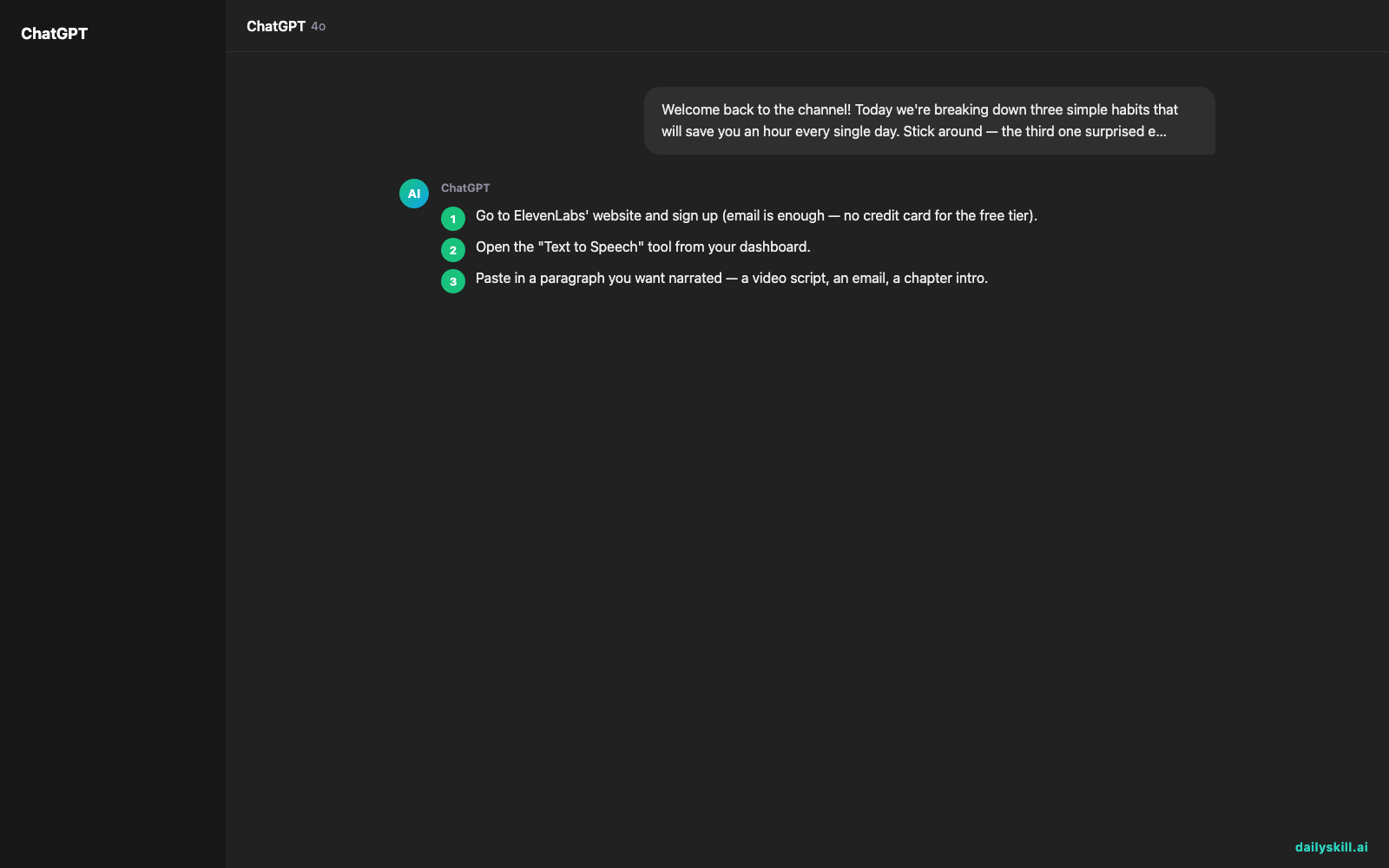
- Go to ElevenLabs’ website and sign up (email is enough — no credit card for the free tier).
- Open the “Text to Speech” tool from your dashboard.
- Paste in a paragraph you want narrated — a video script, an email, a chapter intro.
- Pick a voice from the library (try “Adam” or “Rachel” for a clean, neutral tone).
- Click generate, listen, and download the MP3 if you like it.
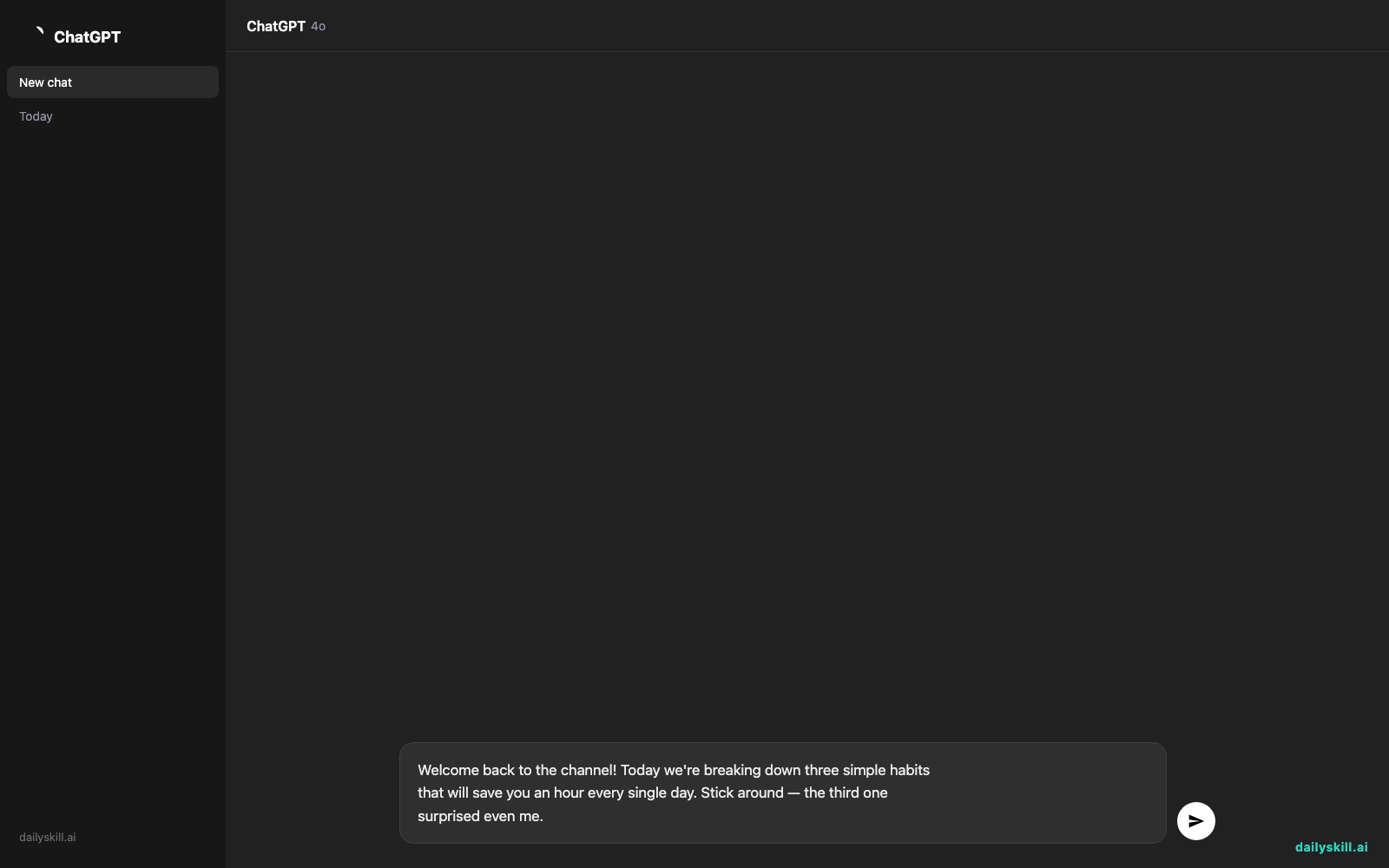
Copy-paste this to test it right now:
Welcome back to the channel! Today we're breaking down three simple habits
that will save you an hour every single day. Stick around — the third one
surprised even me.
A real example
Input: the script above, voice set to “Rachel,” language set to English (US), default stability settings.
Output: a 12-second MP3 with a warm, conversational female voice — natural pauses after “channel!” and “day,” a slight emphasis on “surprised,” no robotic flatness. It’s ready to drop straight into a video editor as your voiceover track, no cleanup needed.
Switch the language setting to Spanish with the same script, and you get a fluent Spanish narration in a matching tone — no re-typing required. That’s the multilingual narrator part in action.
Honest take
Best for:
– Narrating YouTube videos, TikToks, or course content without recording yourself
– Audiobook creation — turning a manuscript into chapters of natural audio
– Voiceover for presentations, ads, or explainer videos in multiple languages
Not for:
– Long, frequent projects on a tight budget — the free tier caps you at 10,000 characters a month (roughly a 10-minute audiobook chapter), so regular use pushes you toward a paid plan
– Cloning one specific real person’s voice — that’s a separate feature that needs consent, sample recordings, and some tuning to sound right, not a one-click option for beginners
FAQ
Is it free? Yes, there’s a free tier with 10,000 characters a month and standard voices — enough to test it on a real script before deciding if you need more.
Is it safe? Yes, for standard use. Just don’t upload voice recordings of real people without their permission — cloning someone’s voice without consent is where things get ethically and legally murky.
Do I need an account? Yes, a free account (email signup) is required to generate audio and download files.
Today’s pick wrap-up
ElevenLabs turns any block of text into a voiceover that actually sounds like a person — free tier included, no mic required. Try it on one script today and tell us in the comments which voice sounded most human to you. Tomorrow: Canva Magic Write helps you write captions and copy in seconds, right inside your designs.
Master Everyday AI in 1 Minute a Day
Get our free 2026 Double-Blind AI Benchmark Scorecard & 20 Ready-to-Use Prompts, plus one honest, 60-second AI skill in your inbox every morning. Zero hype, plain English, cancel anytime.


