You finally get the shot — your kid mid-laugh, the sunset lined up just right — and then you notice him: a stranger in a neon shirt, frozen mid-stride two feet behind your family. Or it’s the trash can in the corner. Or the power line cutting across the sky. You almost delete a genuinely good photo over one bad detail.
Don’t. Magic Eraser is a free tool built into the Google Photos app that removes unwanted objects from a picture with a tap — no editing skills required. It’s for anyone who takes photos on their phone, which is basically everyone.
What it is
Magic Eraser is an AI photo cleanup feature inside Google Photos (the app that’s probably already backing up your camera roll). You open a photo, tap the object you want gone, and the AI fills in the space using its best guess of what should be there — matching the surrounding color, texture, and lighting.
It’s not a separate app or a subscription you have to go seek out. It lives inside the editing tools you already have.
Try it in 5 minutes
- Open the Google Photos app on your phone (iOS or Android — free to download if you don’t have it).
- Pick a photo and tap Edit (the pencil icon at the bottom).
- Tap the Tools tab, then select Magic Eraser.
- The app circles suggested objects it thinks you’d want gone (stray people, trash, wires). Tap a suggestion, or draw over any object yourself with your finger.
- Tap Erase, wait a few seconds, then hit Save a copy so your original stays untouched.
For your first try, pick something small and isolated — not a big object overlapping a person’s face or body.
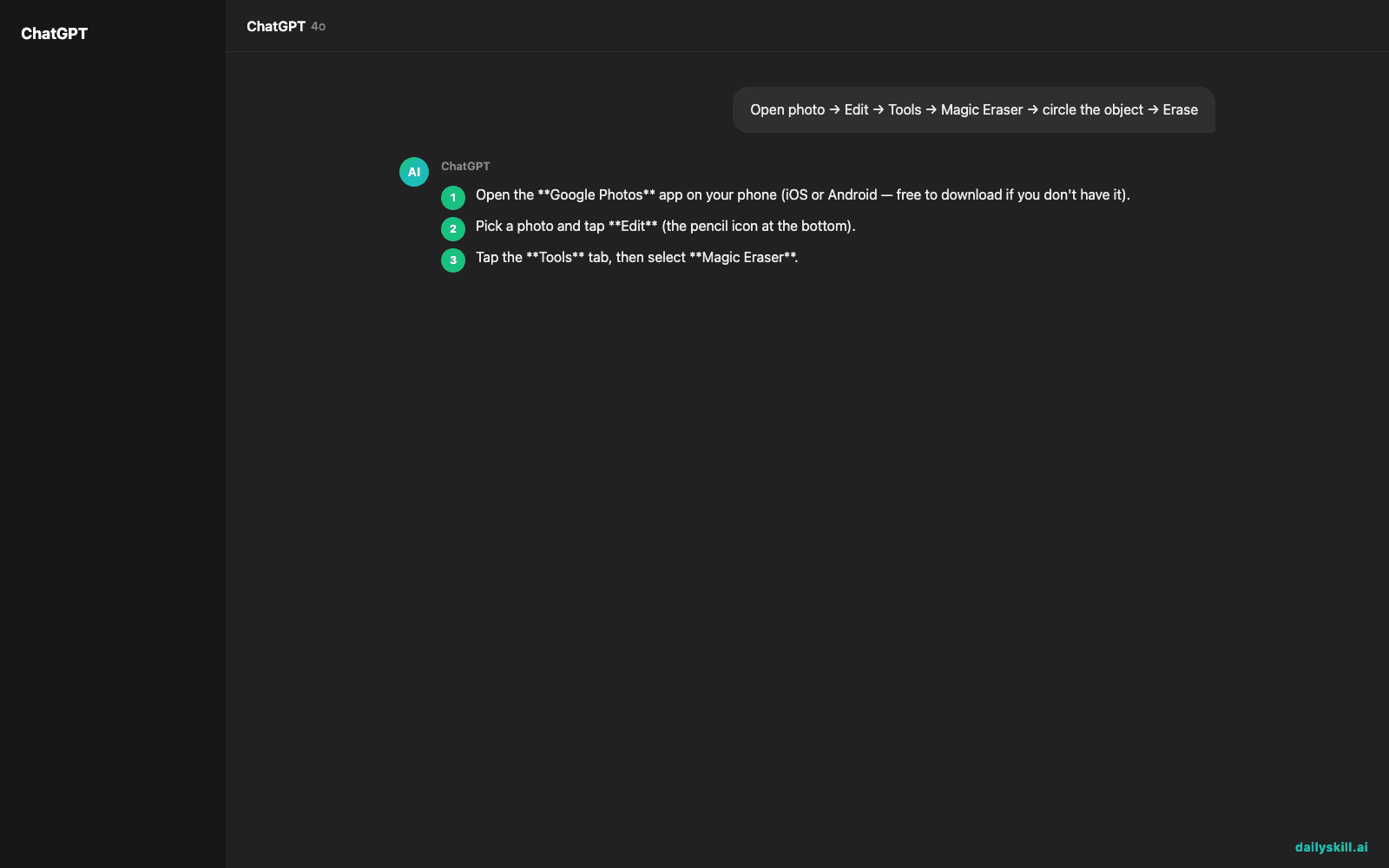
Open photo → Edit → Tools → Magic Eraser → circle the object → Erase

A real example
Say you have a beach photo: you, your kid, and a stranger in a bright orange shirt standing a few feet behind you. You open Magic Eraser, and the app auto-circles the stranger as a suggestion. You tap it.
Result: the stranger disappears, and the space fills in with matching sand and water texture. From a normal viewing distance — not zoomed in at 300% — it looks like they were never there. The whole process takes under 10 seconds.
Simple backgrounds like sand, grass, pavement, or sky get filled in almost perfectly. A busy background, like a crowded street, takes longer and the seams are more likely to show.
Honest take
Best for:
– Cleaning up vacation and family photos before sharing or printing them
– Removing small distractions — trash, cords, random strangers, timestamps
– Quick touch-ups when you don’t want to learn real photo editing software
Not for:
– Removing large objects or main subjects cleanly — the AI fill gets smudgy fast on complex backgrounds like water reflections, patterned fabric, or faces
– Professional-grade retouching, where you need manual control over the fill
The free tier works but caps how many erases you get per month on some devices. A Google One subscription unlocks unlimited use plus Magic Editor, which moves and resizes objects instead of just erasing them.
FAQ
Is it free? Yes, a limited number of uses per month is free with any Google account. Unlimited use requires a Google One plan.
Is it safe? Yes — it edits a copy of your photo on your own account. Nothing is shared publicly, and you can always revert to the original.
Do I need an account? Yes, a free Google account and the Google Photos app, which most Android phones already have built in.
Today’s pick wrap-up
Verdict: if you’ve ever almost deleted a good photo over one bad detail, Magic Eraser saves it in seconds. Tried it on an old photo? Tell us what you erased in the comments — we love a good before/after. Tomorrow: Perplexity AI, the search tool that answers your questions with actual sources attached, so you can stop wondering if it’s making things up.
You might also like:
- Stop Reading 50 Tabs of Reviews — Let AI Compare Them For You
- How do I create a daily routine that actually sticks?
Master Everyday AI in 1 Minute a Day
Get our free 2026 Double-Blind AI Benchmark Scorecard & 20 Ready-to-Use Prompts, plus one honest, 60-second AI skill in your inbox every morning. Zero hype, plain English, cancel anytime.