
Your team’s Slack channel needs a graphic for today’s post, and the only stock photo you found is the same beige-office shot three other brands used last month. Leonardo.ai is a free text-to-image AI tool: you describe the image you want, it builds it from scratch — and it’s made for anyone who needs that same visual style again and again, not just one lucky image.
What it is
Leonardo.ai is a custom image creation tool: you type what you want to see, and it generates several options in under a minute.
What sets it apart from a basic text-to-image tool is style control. You can lock in a consistent look — a color palette, an art style, a mood — and reuse it across dozens of images, which is exactly what you need as a brand image generator. No drawing or design skills required.
Try it in 5 minutes
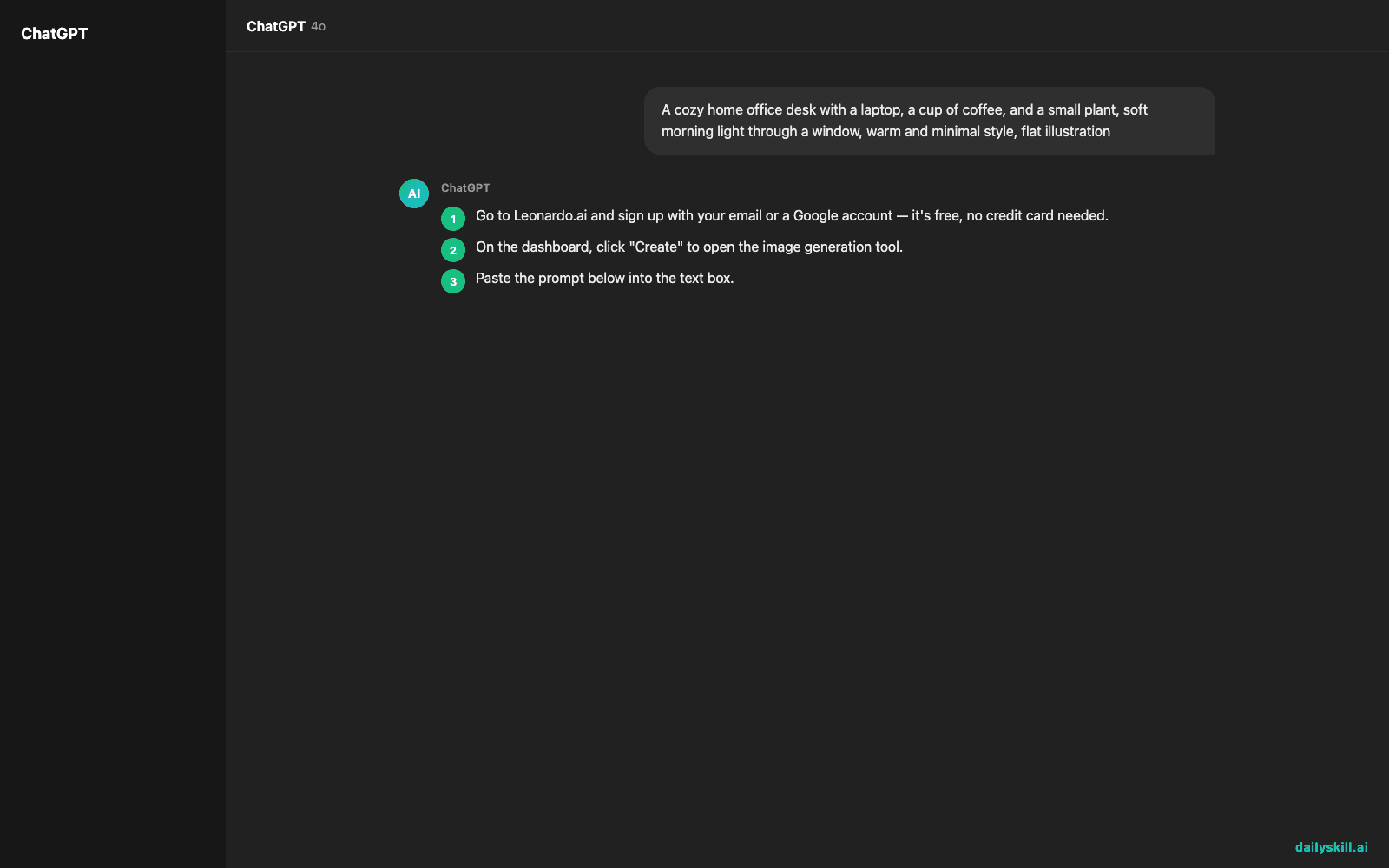
- Go to Leonardo.ai and sign up with your email or a Google account — it’s free, no credit card needed.
- On the dashboard, click “Create” to open the image generation tool.
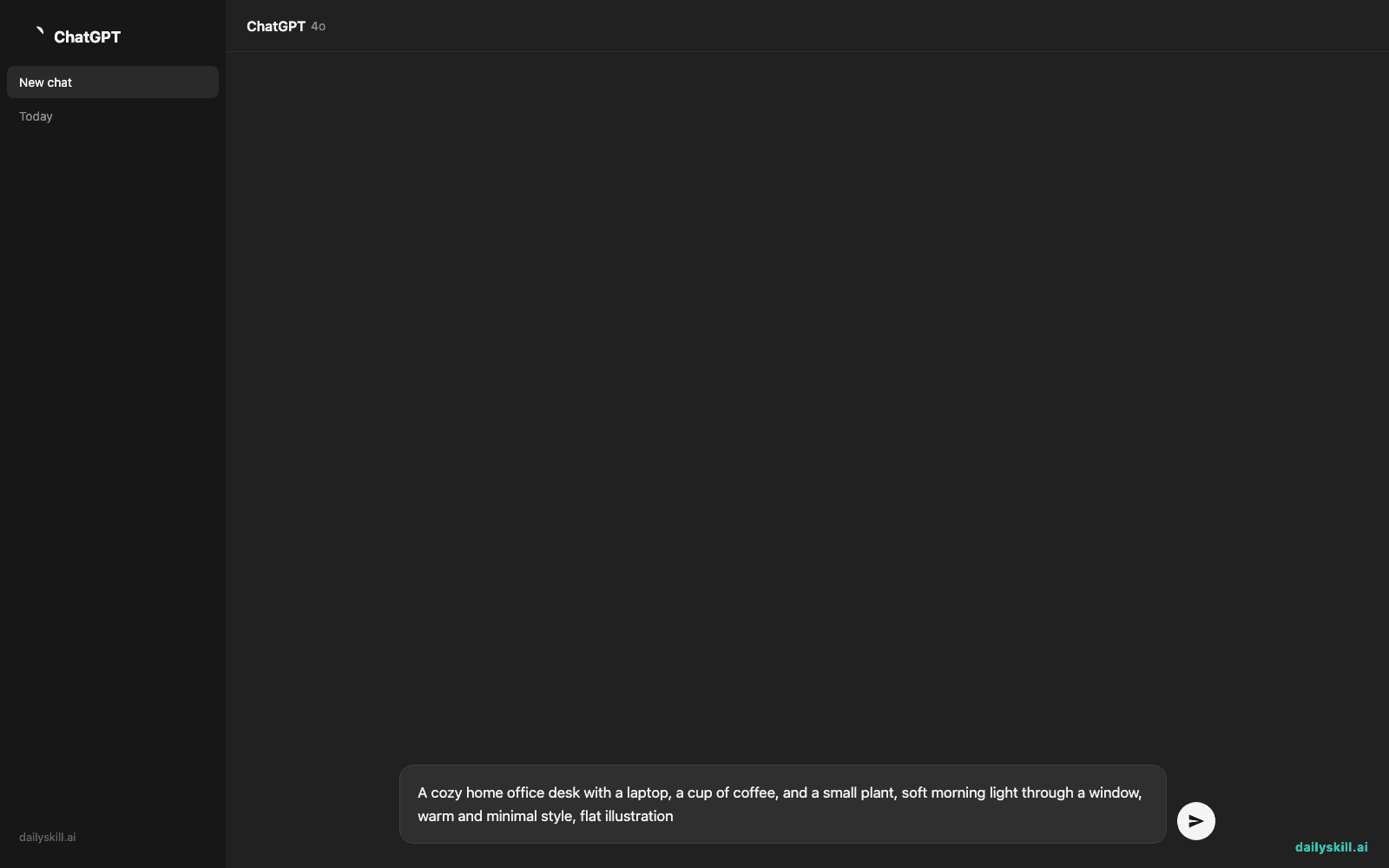
- Paste the prompt below into the text box.
- Pick a style preset if one pops up (try “Illustration” or “Photoreal”) — this is where the style control kicks in.
- Click generate and wait about 20-30 seconds for four image options.
- Click your favorite to view it full-size, then download it.
A cozy home office desk with a laptop, a cup of coffee, and a small plant, soft morning light through a window, warm and minimal style, flat illustration
A real example
Using the prompt above, Leonardo.ai returns four distinct versions of that desk scene — same subject, same warm lighting and minimal mood, but each with a slightly different layout and color balance.
A clean flat-style illustration: a light wood desk holds an open laptop, a steaming mug, and a small potted plant by a sunlit window. Soft yellow and beige tones, simple shapes, no clutter — the kind of image you could drop straight into a blog header or an Instagram post.
Pick the one that fits, or hit “regenerate” to try again with the same prompt and style.
Honest take
Best for:
– Creators and small business owners who need a steady stream of on-brand visuals (same style, every time)
– Designers who want fast first drafts or mood boards before refining in another tool
– Anyone making social graphics, blog headers, or product mockups without a photoshoot
Not for:
– Pixel-perfect text inside images — logos, signage, and lettering often come out garbled or misspelled
– Heavy daily use without planning ahead — the free tier’s 150 credits cover roughly a few dozen images a day, so power users will outgrow it and want a paid plan
FAQ
Is it free? Yes — you get 150 free credits every day, which is enough for regular casual use. Paid plans add more credits and faster generation if you outgrow that.
Is it safe? Yes, it’s a legitimate, widely used platform. Use a real email to sign up, and check Leonardo.ai’s current terms for what rights you have to images before using them commercially — free-tier and paid-tier rights can differ.
Do I need an account? Yes, a free account is required to generate images, but setup takes under a minute with just an email.
Today’s pick wrap-up
Verdict: If you need custom, consistent visuals without hiring a designer, Leonardo.ai gets you there in one prompt. Tried today’s tool? Tell us what you made in the comments — we love seeing your results. Tomorrow we’re checking out Grammarly, the AI tool that quietly cleans up your writing before anyone else sees it.
You might also like:
- Stop Guessing Which AI Is “Better” — Just Test Them Side by Side
- What if my favorite AI tool changes or goes away?
Master Everyday AI in 1 Minute a Day
Get our free 2026 Double-Blind AI Benchmark Scorecard & 20 Ready-to-Use Prompts, plus one honest, 60-second AI skill in your inbox every morning. Zero hype, plain English, cancel anytime.


