
You’ve got a meeting in an hour and a presentation with overflowing text, crooked boxes, and colors that clash.
Beautiful.ai is an AI presentation maker that redesigns your slides as you type, so you never touch alignment or spacing again. It’s for anyone who needs a professional-looking deck fast — no design degree required.
What it is
Beautiful.ai is a presentation design tool that builds slides from smart templates. You add content, and it automatically resizes, aligns, and balances everything on the slide. Think of it as a design assistant that won’t let a slide look cluttered, no matter what you paste into it.
Try it in 5 minutes
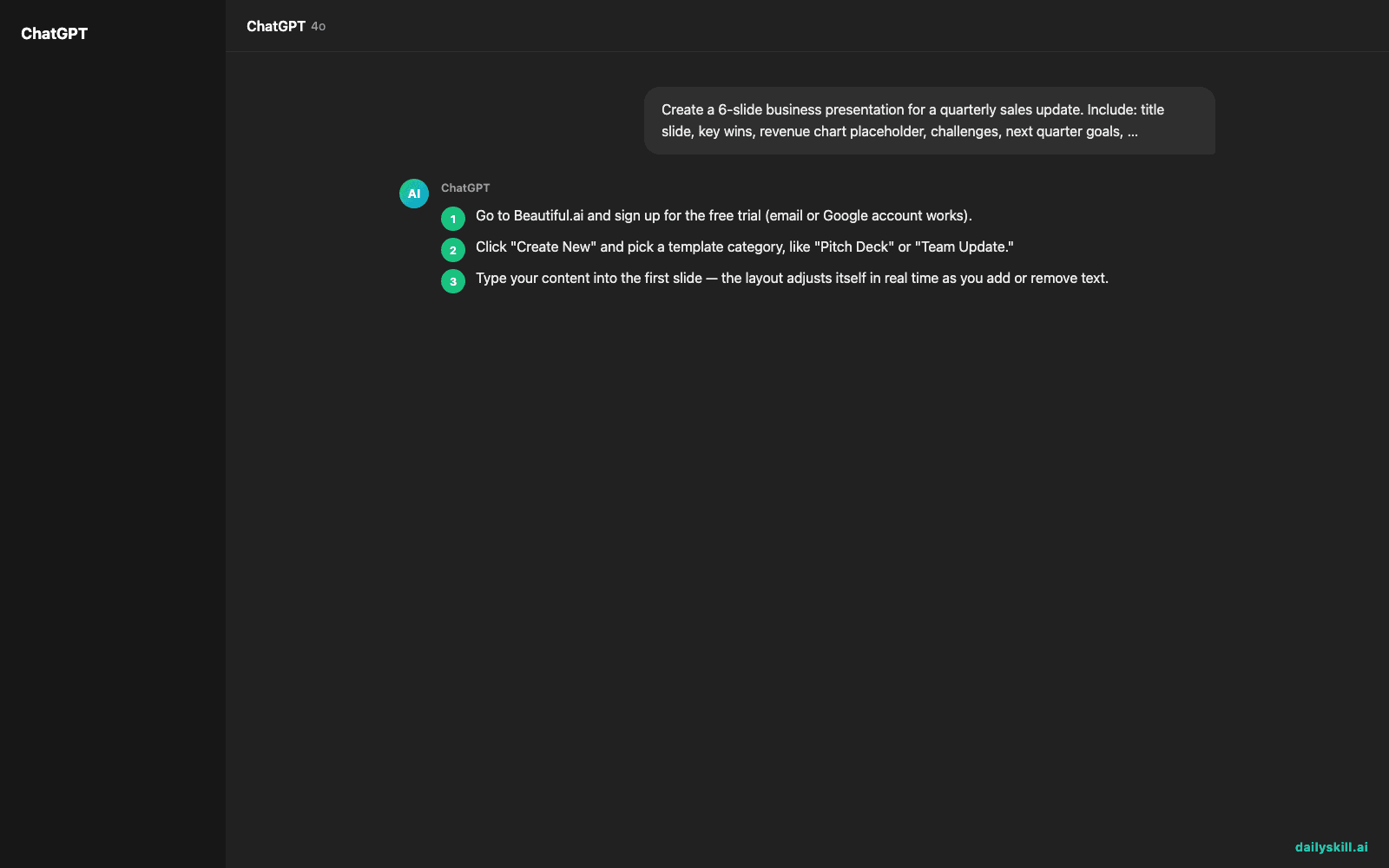
- Go to Beautiful.ai and sign up for the free trial (email or Google account works).
- Click “Create New” and pick a template category, like “Pitch Deck” or “Team Update.”
- Type your content into the first slide — the layout adjusts itself in real time as you add or remove text.
- Use the AI prompt bar (or “Generate” option) to draft a full outline from a short description.
- Pick one color theme or font — it applies across every slide automatically.
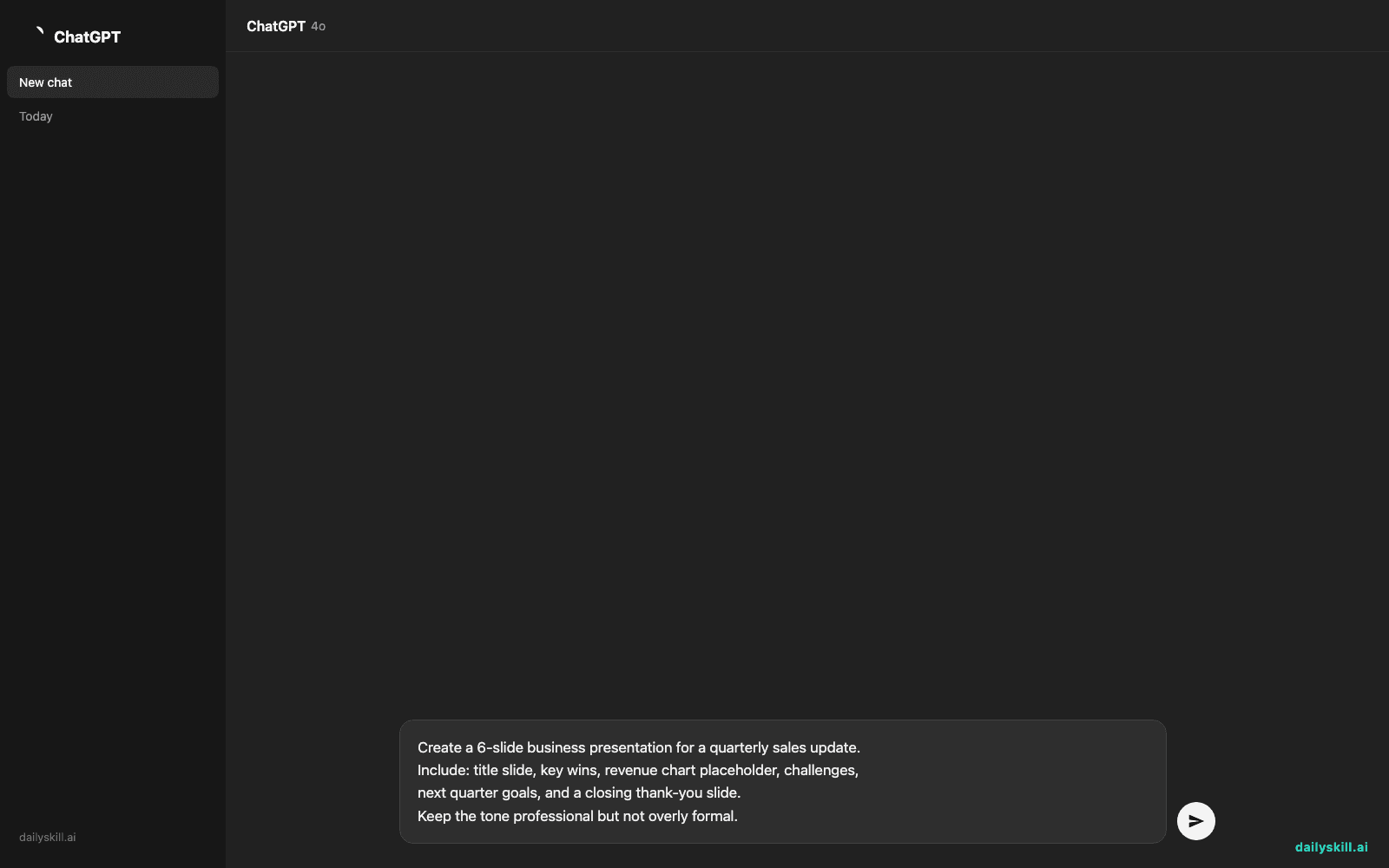
Here’s a prompt you can paste into the AI outline generator to get a full draft deck:
Create a 6-slide business presentation for a quarterly sales update.
Include: title slide, key wins, revenue chart placeholder, challenges,
next quarter goals, and a closing thank-you slide.
Keep the tone professional but not overly formal.
A real example
Input: the prompt above, describing a quarterly sales update.
Beautiful.ai generates 6 slides in about 15 seconds. Slide 2 is titled “Q3 Wins” with three auto-formatted bullet points and icon placeholders. Slide 3 has a bar chart placeholder already sized and centered, labeled “Revenue Growth.” Slide 4, “Where We Fell Short,” uses a two-column layout so text doesn’t overflow. Every slide shares the same font and spacing without you setting it once.
You didn’t drag a single box. You swapped in your real numbers and it was ready.
Honest take
Best for:
– Turning a rough business update into a clean deck when you’re short on time
– Anyone who wants automatic slide design without learning PowerPoint or Canva layout rules
– Recurring decks (weekly updates, pitch decks) where a consistent look matters more than originality
Not for:
– Long-term free use — the trial is time-limited, and real use needs a paid plan (roughly $12+/month billed annually, based on current pricing)
– Bold, artistic designs — it defaults to clean and safe, so it can feel a bit same-looking across different decks
FAQ
Is it free? There’s a free trial to test it, but ongoing use needs a paid subscription — check the pricing page for current plans.
Is it safe? It’s a legitimate, widely used business tool. As with any AI tool, avoid pasting sensitive client data or unreleased financials into it.
Do I need an account? Yes, a free sign-up is required before you can start building slides.
Today’s pick wrap-up
Beautiful.ai won’t write your ideas for you, but it makes sure they never look sloppy on screen. Try it for your next meeting deck and reply to tell us how it went — we read every message. Tomorrow: Soundraw, for making original background music without hiring a composer.
Master Everyday AI in 1 Minute a Day
Get our free 2026 Double-Blind AI Benchmark Scorecard & 20 Ready-to-Use Prompts, plus one honest, 60-second AI skill in your inbox every morning. Zero hype, plain English, cancel anytime.


