Your kid is yelling in the next room. Your neighbor is drilling something. You’re about to join a client call from a coffee shop. You don’t have to explain any of that — you just don’t want anyone to hear it.
Krisp is an AI noise cancellation app that removes background noise from your calls in real time, on both ends — yours and theirs. It’s built for anyone who takes calls from a home, café, or shared space and wants to sound like they’re in a quiet studio.
What it is
Krisp is a small app that sits between your microphone (and speakers) and whatever calling app you use — Zoom, Google Meet, Slack, phone calls, anything.
It uses AI to filter out non-voice sounds — typing, dogs barking, traffic, other conversations — so only your voice comes through. It also works in reverse, cleaning up noise on the other person’s end so you don’t hear their chaos either.
Try it in 5 minutes
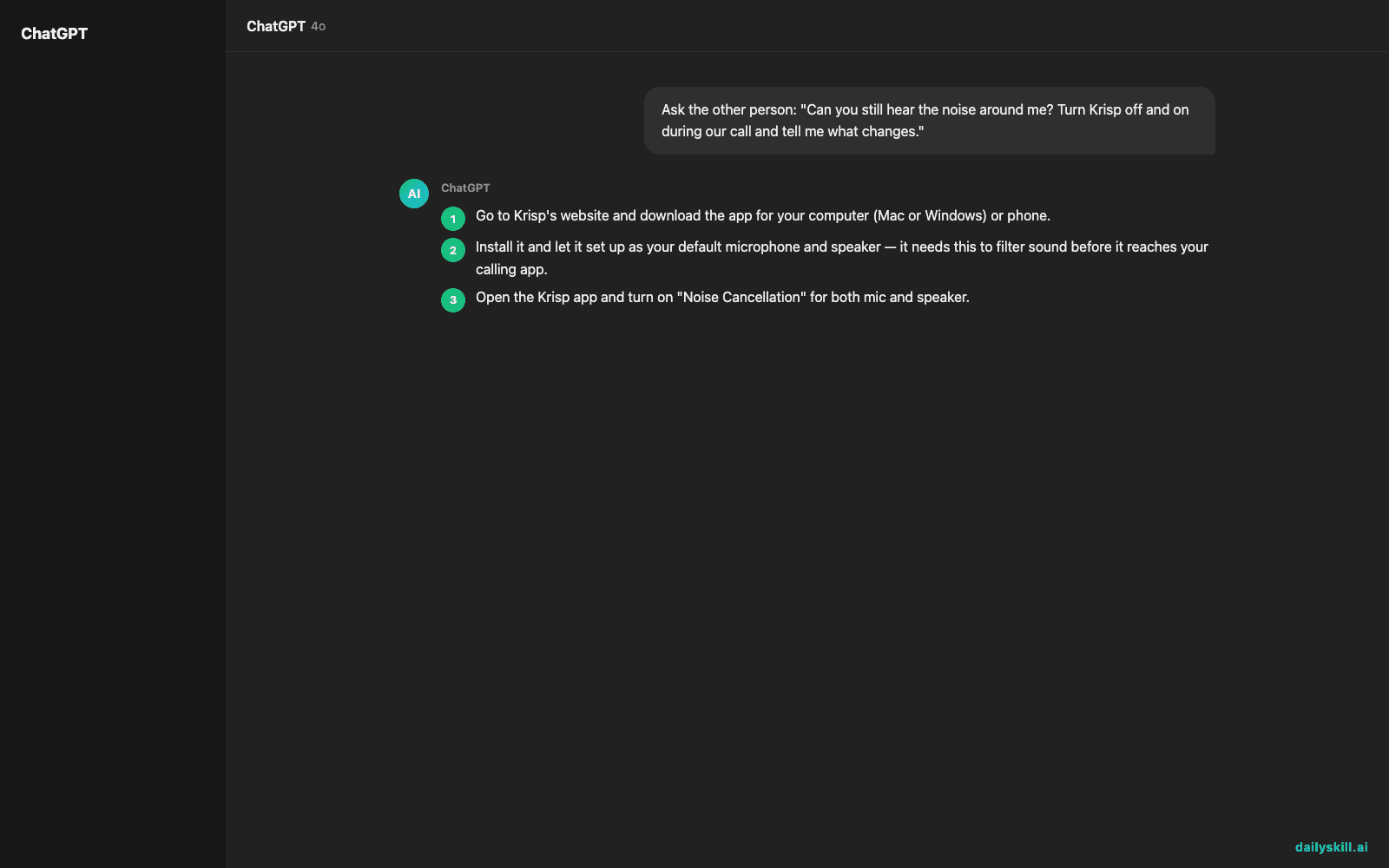
- Go to Krisp’s website and download the app for your computer (Mac or Windows) or phone.
- Install it and let it set up as your default microphone and speaker — it needs this to filter sound before it reaches your calling app.
- Open the Krisp app and turn on “Noise Cancellation” for both mic and speaker.
- Join any call — a test meeting, a call with a friend, or Krisp’s own built-in test feature.
- While on the call, try this simple check with whoever you’re talking to:
Ask the other person: "Can you still hear the noise around me?
Turn Krisp off and on during our call and tell me what changes."
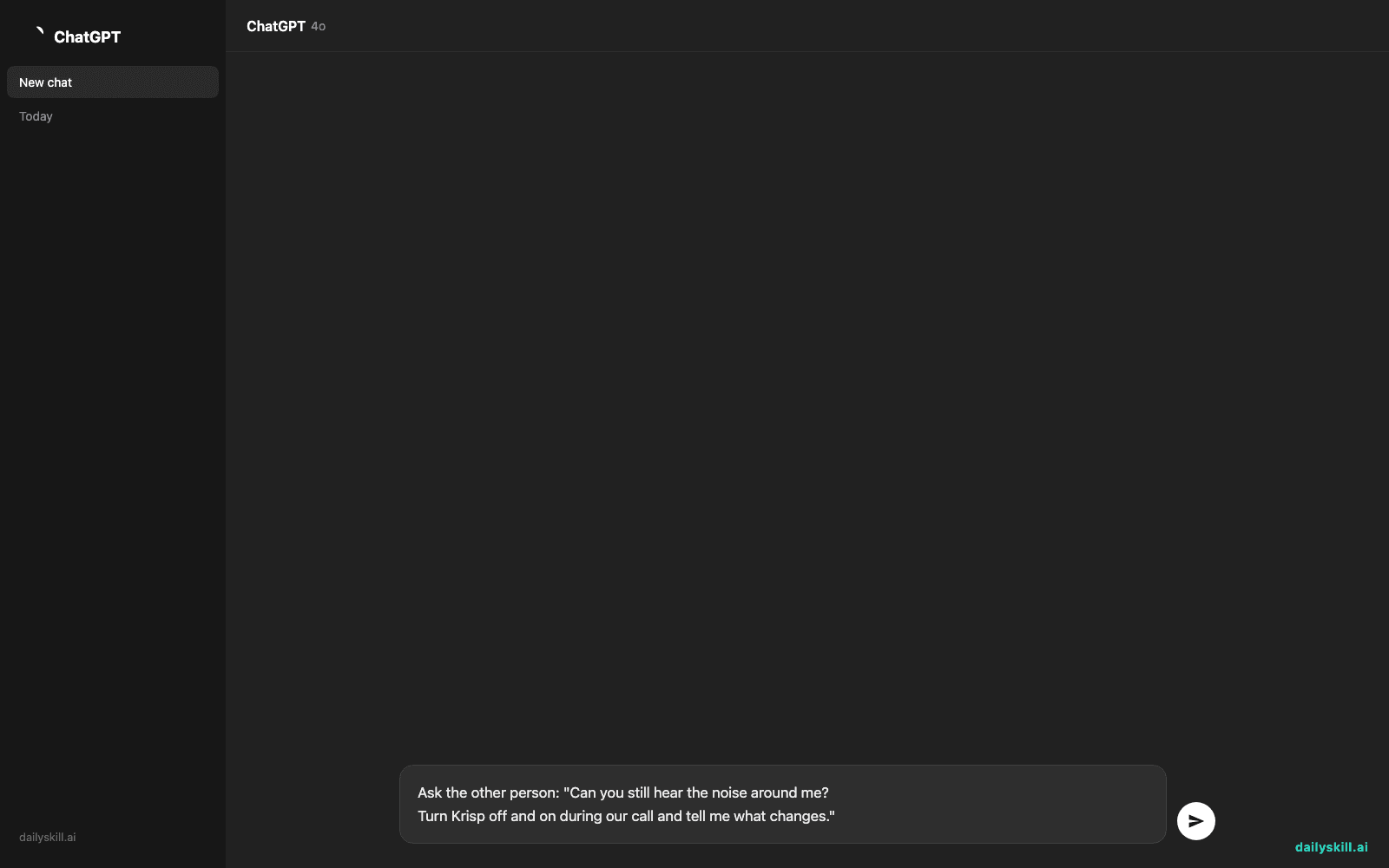
Toggle the Krisp icon on/off mid-call and see if they notice the difference.
A real example
Say you’re on a video call with a coworker while your washing machine is running loudly in the next room, plus your cat is knocking something off a shelf.
With Krisp off, your coworker says: “I can hear a machine and something falling — is everything okay over there?”
With Krisp on, same moment, they say: “Sounds totally quiet on your end, all good.”
That’s the whole pitch — it’s not magic, it’s just very good at telling “voice” apart from “everything else” and muting the everything else.
Honest take
Best for:
– Remote workers taking calls from home, shared offices, or noisy environments
– Anyone doing frequent video meetings who wants consistently clear calls without buying new gear
– Freelancers or support agents on calls all day who want to sound professional regardless of location
Not for:
– Crowded spaces with other people actually talking near you — Krisp is tuned to strip out non-voice noise, but a real human voice close to your mic (another conversation at the next table) can still leak through since it sounds like “voice” too
– Heavy daily users who go past the free tier — Krisp’s free plan gives limited minutes per week, after that you’ll want the paid plan
The free tier gives you a real amount of usage to test it properly before deciding if it’s worth paying for.
FAQ
Is it free? Yes, there’s a free tier with limited weekly minutes of noise cancellation. Paid plans remove the limit and add extra features like meeting notes.
Is it safe? Yes — Krisp processes audio on your device in most cases and doesn’t record or store your calls. It’s a noise filter, not a call-recording tool.
Do I need an account? Yes, a free account to download and activate the app, but no credit card needed to start.
Today’s pick wrap-up
If background noise has ever made you dread a call, Krisp quietly fixes that in the background — literally. Try it before your next meeting and tell us in the comments what noise it saved you from. Tomorrow: we look at Tome, the AI tool that turns a rough idea into a full presentation in minutes.
Master Everyday AI in 1 Minute a Day
Get our free 2026 Double-Blind AI Benchmark Scorecard & 20 Ready-to-Use Prompts, plus one honest, 60-second AI skill in your inbox every morning. Zero hype, plain English, cancel anytime.