Tell an AI chatbot what you know, what you enjoy, and how much time you have — it’ll hand you 5-10 real project ideas in seconds, sized to fit your week, not your someday-list. This works for hobbies, side projects, portfolio pieces, or just something fun to do on a Saturday. The trick isn’t finding the “right” idea. It’s giving the AI enough detail that the ideas are actually usable.
Why this comes up
You don’t lack ideas — you’re drowning in them, and none feel like the one. Or you’ve got zero ideas, and staring at a blank page makes you want to close the laptop. Either way, the real fear is wasting time on the wrong project, again.
An AI can’t tell you what will make you happy. But it can turn “I don’t know what to do” into “here’s five things I could start tonight.”
The honest answer
What’s true:
– Chatbots (ChatGPT, Claude, Gemini, or similar) are genuinely good at generating options fast when you give them constraints — skills, time, interests, tools you already own.
– They’re great at breaking a big vague goal (“learn to code,” “get into photography”) into small, concrete starting points.
– You can ask follow-ups like “make #3 smaller” or “combine #2 and #4.” It’s a conversation, not a one-shot quiz — and most tools now let you pick the thread back up days later.
What’s overblown:
– No AI project idea generator knows your actual life. It doesn’t know you hate mornings or that your closet is full of half-finished craft supplies. You still filter the list.
– The ideas it gives are often generic on the first try. The good ones come from the second or third round, once you’ve corrected it (“no, cheaper,” “no, more social,” “no, not coding-related”).
– It won’t force you to actually start. That part’s still on you.
Where it shines specifically:
– Hobby ideas — describe what you already like (e.g., “I like plants, coffee, and organizing things”) and ask for hobby project ideas with twists you wouldn’t think of.
– Side projects — give it your skills and 3-5 hours a week, and ask for suggestions that could realistically ship in a month.
– Creative prompts — if you’re a writer, artist, or maker, a quick prompt request can break a dry spell fast.
What to do
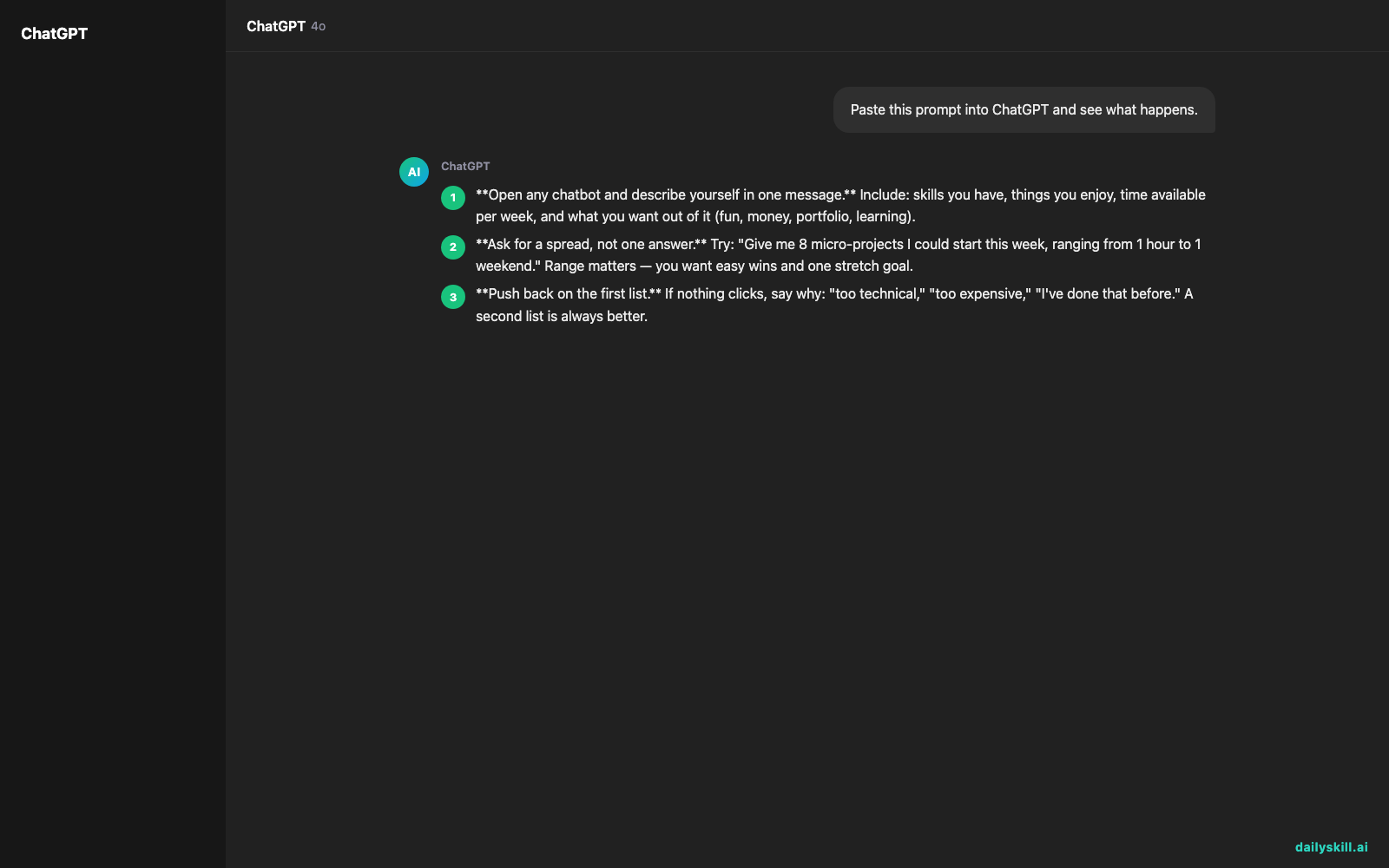
- Open any chatbot and describe yourself in one message. Include: skills you have, things you enjoy, time available per week, and what you want out of it (fun, money, portfolio, learning).
- Ask for a spread, not one answer. Try: “Give me 8 micro-projects I could start this week, ranging from 1 hour to 1 weekend.” Range matters — you want easy wins and one stretch goal.
- Push back on the first list. If nothing clicks, say why: “too technical,” “too expensive,” “I’ve done that before.” A second list is always better.
- Pick the smallest one, not the most exciting one. Momentum beats ambition — this is the part that actually protects you from overplanning.
- Ask it to break your pick into 3 steps. This turns an idea into a to-do list you can start in the next hour.
- Don’t ask it to pick for you. It’ll happily rank options, but the choice should stay yours — that’s what keeps you motivated on day 3.
FAQ
Is there a real “what project should I do” quiz, or do I just chat?
Some apps package this as a quiz, but a plain chat works just as well — often better, since you can clarify and redirect instead of picking from fixed options.
What if I don’t know my own skills or interests well enough to describe them?
List whatever comes to mind, even boring stuff (“I’m organized,” “I like walking,” “I know Excel”). AI is good at spotting angles you wouldn’t connect yourself.
Can AI help me finish a project once I start, not just find one?
Yes — ask it to check in weekly, troubleshoot when you’re stuck, or break the next phase into smaller steps. Treat it like a project partner, not just a starting gun.
Bottom line
You don’t need the perfect idea — you need one small enough to start tonight, and AI is fast at giving you that. Tried this yet? Share the idea it gave you in the comments. Tomorrow: can AI actually help you understand the news, or does it just add to the noise?
You might also like:
- Finally Understand What’s On Your Credit Card Statement
- Remove.bg — Erase Any Photo Background in One Click