
You snapped a product photo on your kitchen counter and it looks fine — except for the pile of mail and dish soap behind it. You don’t own Photoshop and you’re not about to learn it for one photo.
Remove.bg is an AI background remover that strips the background out of any photo instantly. No editing skills, no software, just one click.
What it is
Remove.bg is a website (and app) that detects the main subject in your photo — a person, product, or pet — and cuts it out from the background automatically. It uses AI to spot the edges of your subject, so you don’t trace anything by hand. The result is a transparent image you can drop onto any background you want.
Try it in 5 minutes
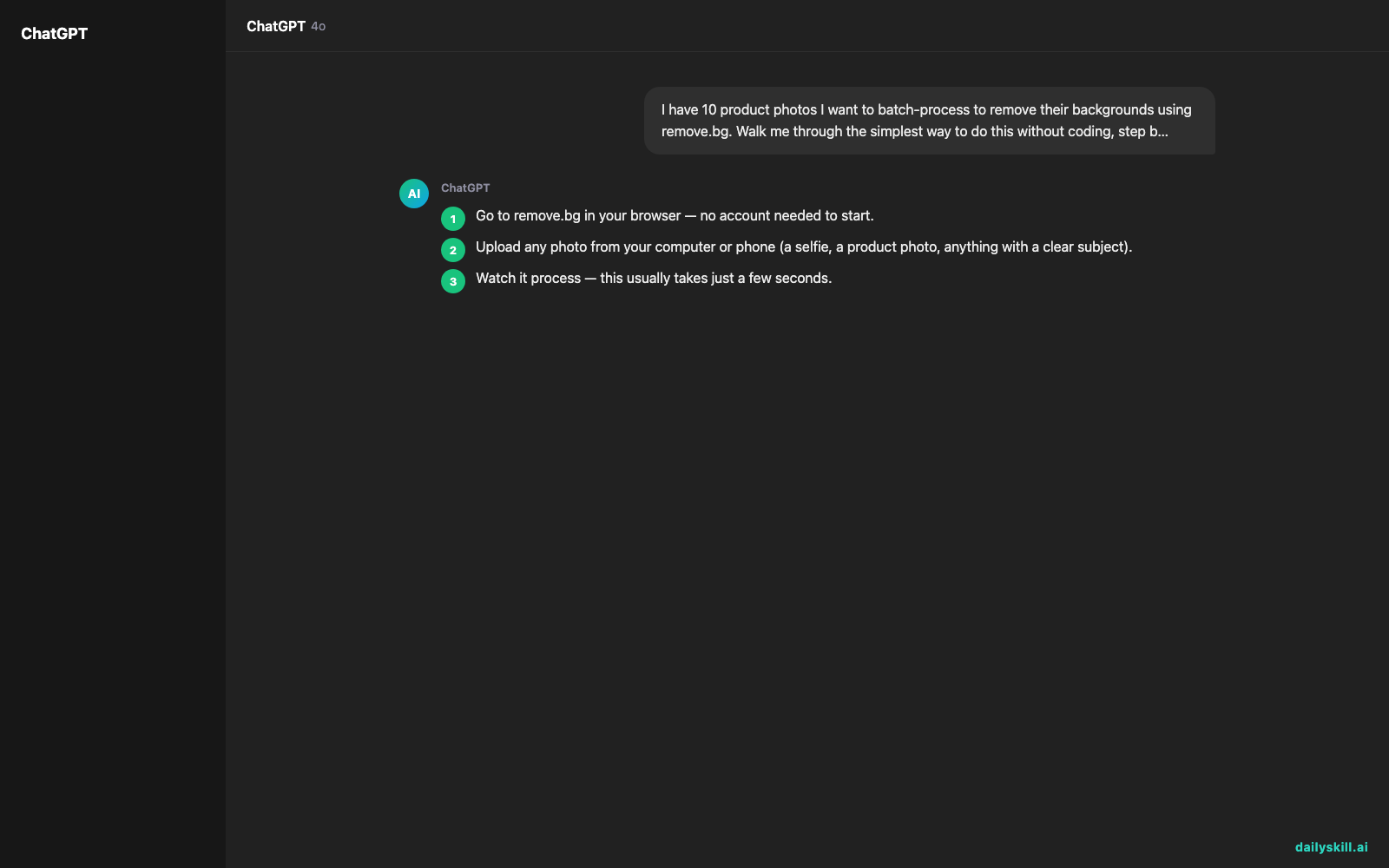
- Go to remove.bg in your browser — no account needed to start.
- Upload any photo from your computer or phone (a selfie, a product photo, anything with a clear subject).
- Watch it process — this usually takes just a few seconds.
- Download the result as a transparent PNG, or pick a plain color or background to place behind it.
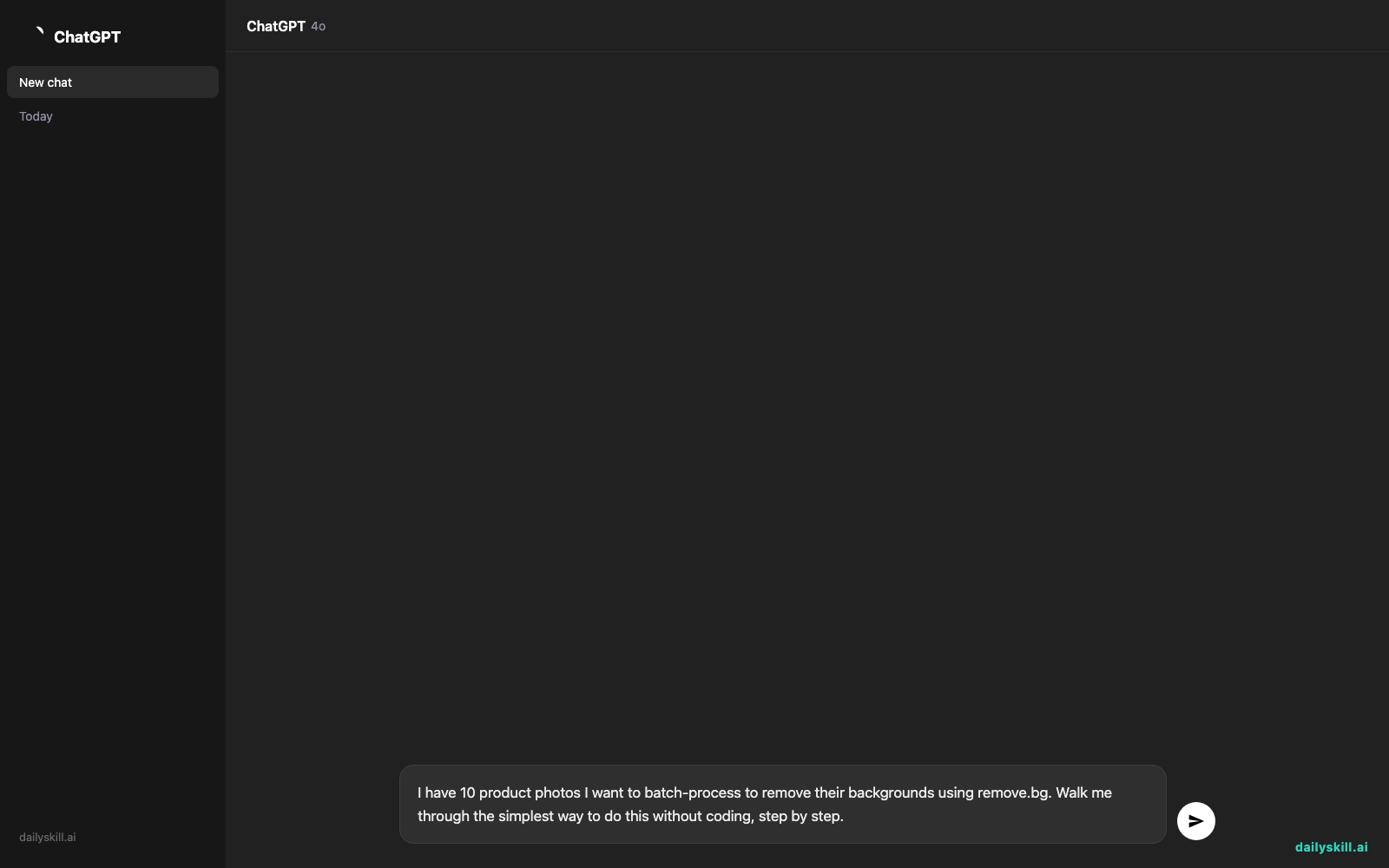
- Want to do this for a whole folder of photos later instead of one at a time? Save this prompt for an AI assistant to walk you through it:
I have 10 product photos I want to batch-process to remove their backgrounds using remove.bg. Walk me through the simplest way to do this without coding, step by step.
A real example
Input: a photo of a coffee mug sitting on a cluttered kitchen counter, mail and a dish towel visible behind it.
Output: the same mug, cleanly cut out, floating on a transparent (checkerboard) background — ready to paste onto white for an online store listing, or onto any colored backdrop for social media.
No dragging a lasso tool around the mug’s handle. The clutter is just gone.
Honest take
Best for:
– Making product images for an online shop (Etsy, eBay, your own site)
– Creating clean profile pictures or headshots without a photo studio
– Quick transparent images for presentations, flyers, or social posts
Not for:
– Photos with fine detail against a busy background, like hair strands or fur — the cut edge can look slightly rough or blurry up close
– High-volume professional work — the free tier caps you at 50 images a month at standard resolution, so heavier use needs a paid plan
FAQ
Is it free? Yes — 50 images a month at standard resolution, no credit card required to start.
Is it safe? It only processes your photo to remove the background and doesn’t ask for sensitive personal info. As with any upload tool, avoid uploading photos with private documents or identifying details visible in the background.
Do I need an account? No account needed for quick one-off edits. You’ll want one if you plan to save your history or go past the free monthly limit.
Today’s pick wrap-up
If you’ve ever paid someone to “just remove the background” from a photo — stop, this does it free in seconds. Tried it? Tell us what photo you fixed with it in the comments. Tomorrow: Gamma, the tool that turns your rough ideas into a finished, good-looking presentation without you touching a design template.
You might also like:
- Stare at your fridge less, cook more — with one photo and Claude
- How do I use AI to brainstorm ideas fast?
Master Everyday AI in 1 Minute a Day
Get our free 2026 Double-Blind AI Benchmark Scorecard & 20 Ready-to-Use Prompts, plus one honest, 60-second AI skill in your inbox every morning. Zero hype, plain English, cancel anytime.


