
Ever stared at your bank statement wondering how you spent $612.47 last month without buying anything “big”? You didn’t — it was forty small charges you forgot about the second you made them.
Here’s exactly how to find out where it went: paste your transactions into ChatGPT and get them sorted, totaled, and explained in under 60 seconds. No spreadsheet required.
Sound familiar?
You open your banking app, scroll through fifty transactions, and none of it makes sense. “$4.50, $62.00, $18.99, $4.50 again…” You know money left your account. You have no idea where it went.
The 60-second fix
You don’t need a budgeting app or a fancy spreadsheet. ChatGPT can read a list of transactions and organize it for you like a personal accountant.
Step 1: Grab your transactions
Log into your bank or card app and download or copy last month’s transaction list (date, description, amount). Most banks let you export this as a CSV or PDF — or you can just copy-paste the list as plain text.
Step 2: Upload or paste it into ChatGPT
Upload the file directly, or paste the text into the chat. Then add this prompt:
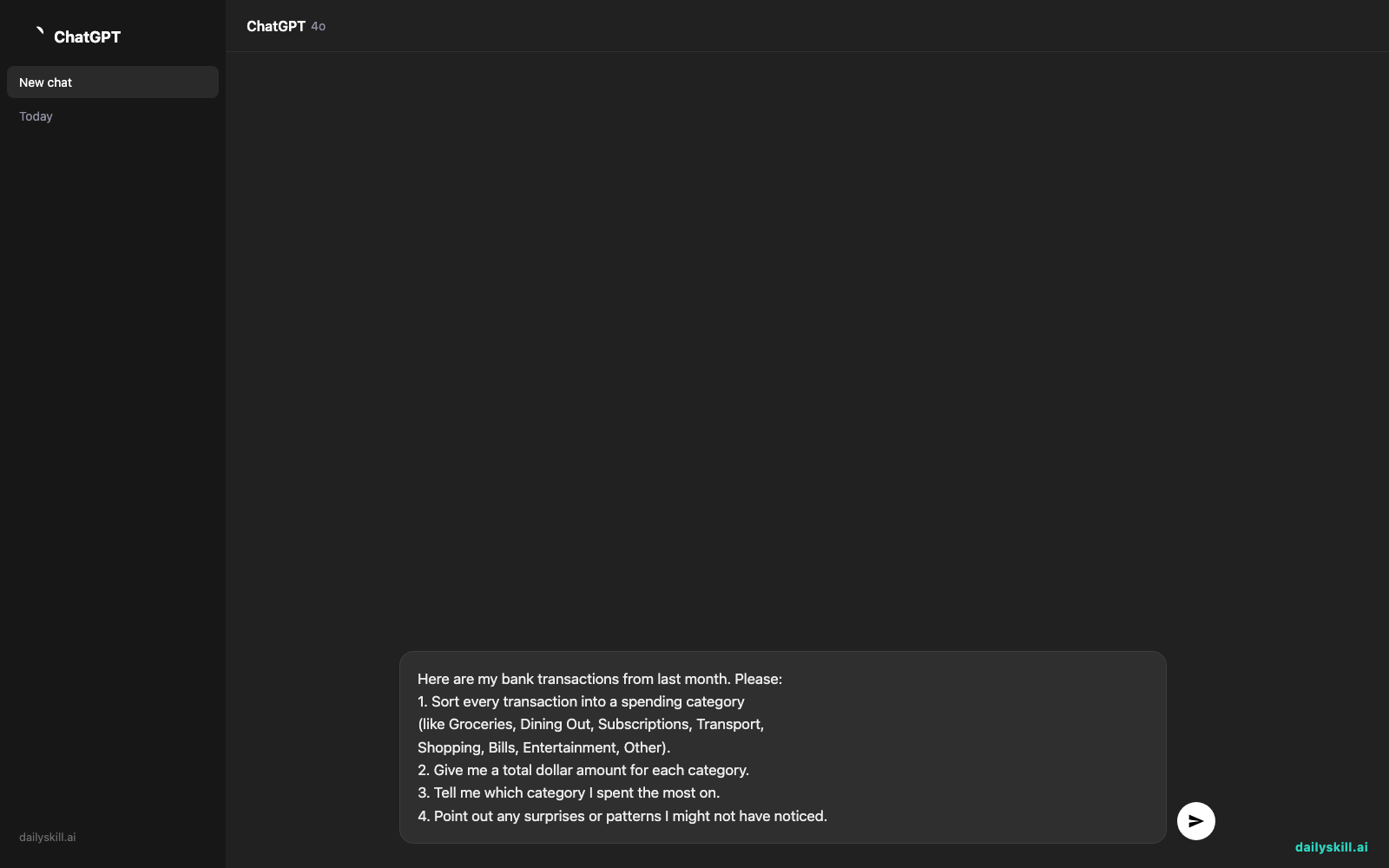
Here are my bank transactions from last month. Please:
1. Sort every transaction into a spending category
   (like Groceries, Dining Out, Subscriptions, Transport,
   Shopping, Bills, Entertainment, Other).
2. Give me a total dollar amount for each category.
3. Tell me which category I spent the most on.
4. Point out any surprises or patterns I might not have noticed.
Step 3: Read the summary, not the raw list
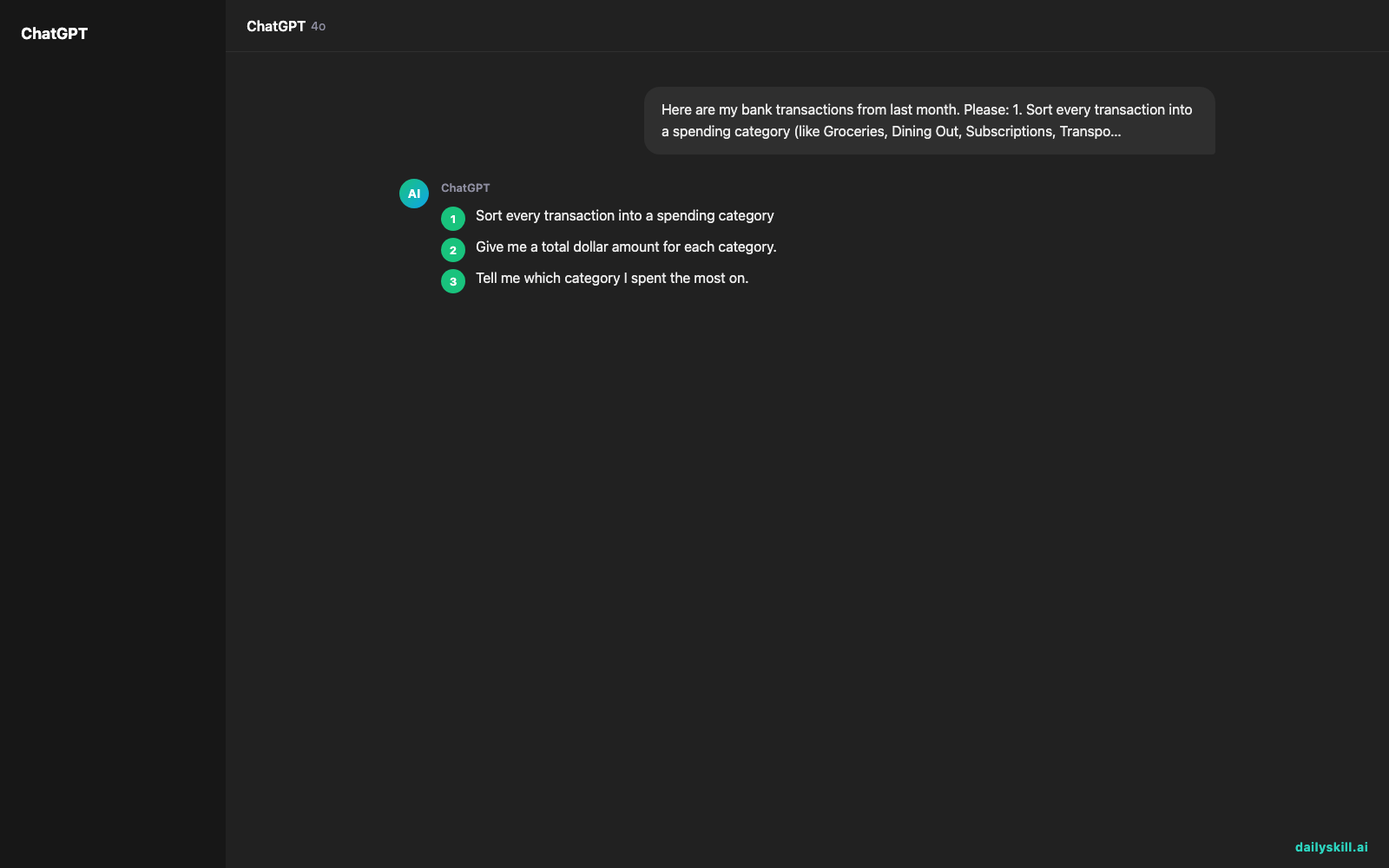
You’ll get back a clean breakdown instead of a wall of numbers. Ask a follow-up like “Which subscriptions am I still paying for?” to dig deeper.
Real example
Input (a few sample lines from a statement):
03/02  STARBUCKS #4521        -$5.75
03/03  NETFLIX.COM            -$15.49
03/04  WHOLE FOODS MKT        -$87.32
03/06  UBER TRIP              -$14.20
03/08  SPOTIFY PREMIUM        -$10.99
03/09  CHIPOTLE MEXICAN GRILL -$12.45
AI output:
Groceries: $87.32
Dining Out: $18.20
Subscriptions: $26.48 (Netflix + Spotify)
Transport: $14.20You spent the most on Groceries this month, but small dining and coffee purchases added up to $18.20 across just two visits. You’re paying for both Netflix and Spotify — worth checking if you use both.
That’s a full spending summary built from a simple copy-paste, with zero manual math.
Level up
- Ask: “Compare this to a typical monthly budget and tell me where I’m overspending.”
- Upload three months of statements at once and ask ChatGPT to track monthly expenses side by side to spot trends.
- Snap photos of paper receipts and ask ChatGPT to pull out the amounts and merge them into your budget breakdown.
FAQ
Is it safe to upload my bank statement to ChatGPT?
Remove or blot out your account number and personal identifiers first. Only the transaction descriptions and amounts are needed to categorize spending.
What file formats work best?
CSV or plain text works most reliably. PDFs usually work too, but double-check the totals match your statement.
Can this replace a budgeting app?
For a quick monthly check-in, yes. For ongoing tracking and alerts, a dedicated app still helps — but this is a great free starting point to analyze spending habits instantly.
Today’s check-in
Try it with last month’s statement and reply in the community with your biggest spending surprise — we love a good “I didn’t realize I spent that much on coffee” moment. Tomorrow: turn a tough rejection email into a clear list of next steps you can actually act on.
You might also like:
- How do I ask AI to expand an answer or make something longer?
- Canva Magic Write — write your caption while your coffee’s still hot
Master Everyday AI in 1 Minute a Day
Get our free 2026 Double-Blind AI Benchmark Scorecard & 20 Ready-to-Use Prompts, plus one honest, 60-second AI skill in your inbox every morning. Zero hype, plain English, cancel anytime.


