
You’ve made the graphic. It looks good. Now you’re staring at the caption box, typing and deleting the same sentence for ten minutes. That’s the actual moment Magic Write fixes.
Canva Magic Write is an AI writing tool built into Canva that generates social media captions, headlines, and short ad copy based on a one-line prompt. It’s for anyone who posts on Instagram, LinkedIn, or a small business page and doesn’t want to be a copywriter to do it.
What it is
Magic Write is Canva’s built-in AI text generator — you’ll find it inside the design editor and as its own standalone tool. Type what you’re posting about, and it writes options: captions, product descriptions, ad headlines, even bios.
You pick, tweak, and paste it into your design. It’s not a separate app to download — if you already use Canva, it’s already there.
Try it in 5 minutes
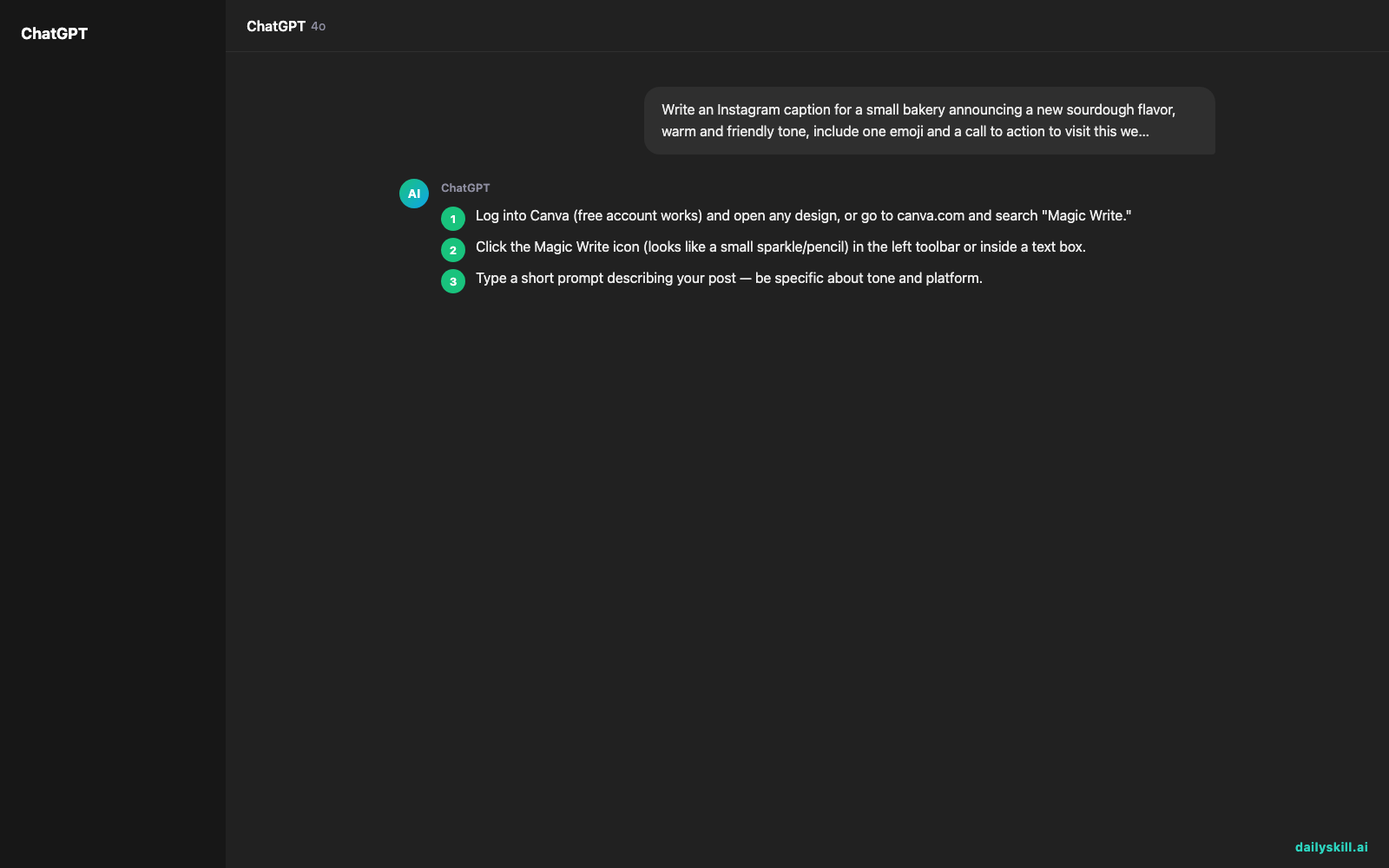
- Log into Canva (free account works) and open any design, or go to canva.com and search “Magic Write.”
- Click the Magic Write icon (looks like a small sparkle/pencil) in the left toolbar or inside a text box.
- Type a short prompt describing your post — be specific about tone and platform.
- Hit generate. You’ll get a draft; click “generate again” for more options if the first isn’t right.
- Copy the one you like into your caption or text box, then edit a sentence to sound like you.
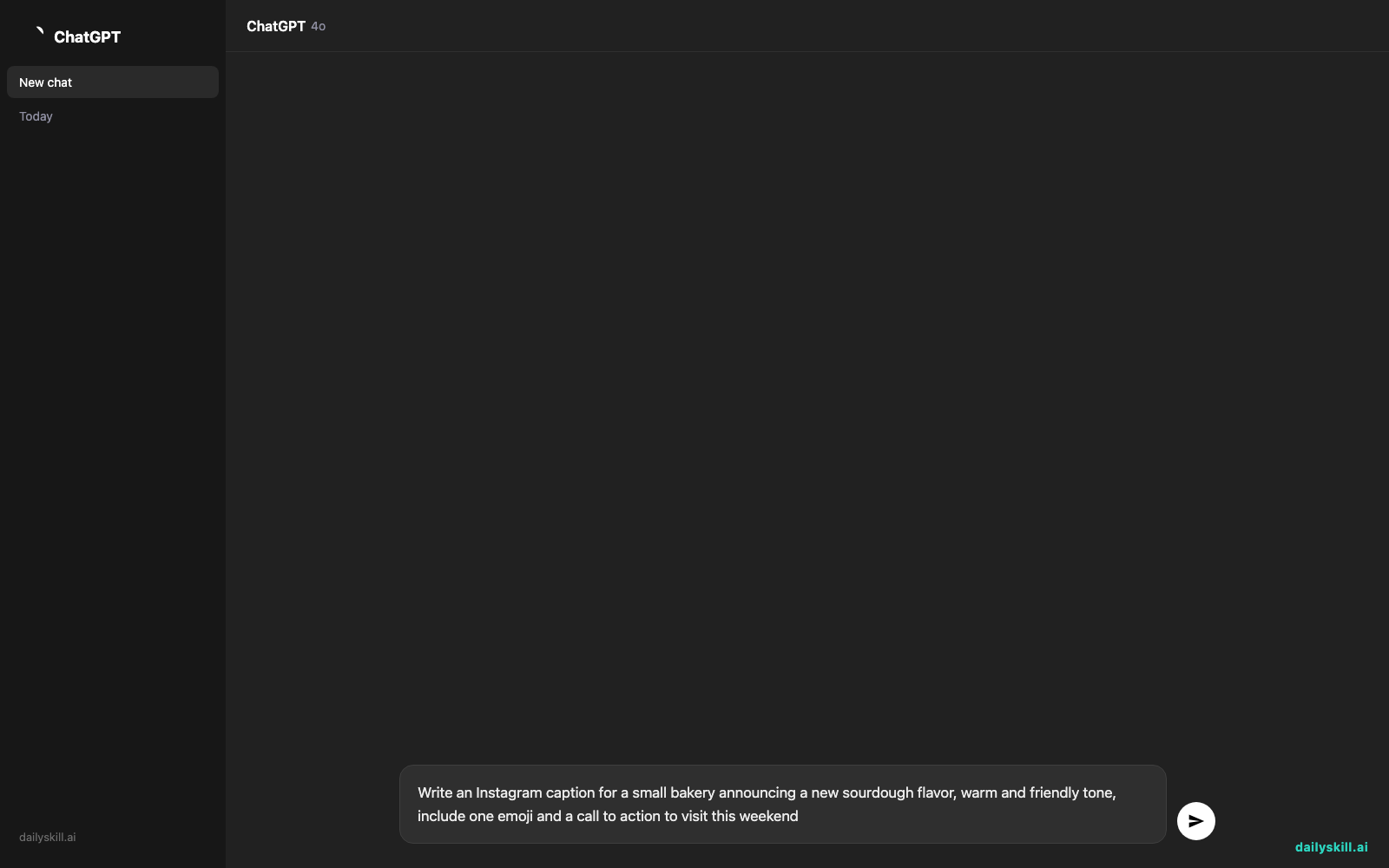
Write an Instagram caption for a small bakery announcing a new sourdough flavor, warm and friendly tone, include one emoji and a call to action to visit this weekend
A real example
Input: the prompt above.
“Fresh out of the oven and worth the wait 🍞 Meet our new rosemary sourdough — crusty outside, soft inside, and just a little bit magic. Swing by this weekend before it’s gone!”
That’s usable as-is, but it also sounds like every other bakery caption on the internet — no mention of your actual shop name, your regulars, or what makes your sourdough different. You’d still want to swap a line or two in before posting, which takes maybe thirty seconds.
Honest take
Best for:
– Instagram and LinkedIn captions when you’re short on time or words
– Product descriptions for small shops (Etsy, online stores) needing fast, consistent copy
– Quick ad copy drafts for social ads that you’ll refine yourself
Not for:
– Long-form content like blog posts or newsletters — it’s built for short copy, not essays
– Anyone expecting a finished, on-brand voice — the drafts sound generic until you add specific details only you’d know
The free Canva plan includes Magic Write with a monthly usage limit (a set number of prompts), which resets each month. Canva Pro gives you more generations if you post often.
FAQ
Is it free? Yes, with limits — free accounts get a monthly cap on Magic Write uses. Paid Canva plans raise that cap.
Is it safe? Yes. It doesn’t use your private designs to train on other users’ content, and you control what you publish.
Do I need an account? Yes, a free Canva account is enough to try it — no separate sign-up needed.
Today’s pick wrap-up
If you post on social media and dread writing the caption, Magic Write turns a ten-minute stall into a thirty-second edit. Try it on your next post and tell us what it wrote for you. Tomorrow: Frase, the tool that helps you write blog posts that actually rank on Google.
You might also like:
- Steal Your Competitor’s Keyword Strategy in 60 Seconds
- Why does AI stop writing halfway through my request?
Master Everyday AI in 1 Minute a Day
Get our free 2026 Double-Blind AI Benchmark Scorecard & 20 Ready-to-Use Prompts, plus one honest, 60-second AI skill in your inbox every morning. Zero hype, plain English, cancel anytime.


