
You just took a photo of a stunning dish at a restaurant — no recipe, no ingredient list, just a picture on your phone. Here’s the fix: hand that photo to AI and get back a full ingredients list plus step-by-step cooking instructions in about 90 seconds.
Sound familiar?
You’re flipping through a cookbook and the photo looks incredible, but the recipe is three pages back — or missing entirely. Or you’re at a restaurant, staring at a dish you’d love to recreate at home, with nothing but the menu description to go on. Typing it all out yourself feels like way too much work.
The 60-second fix
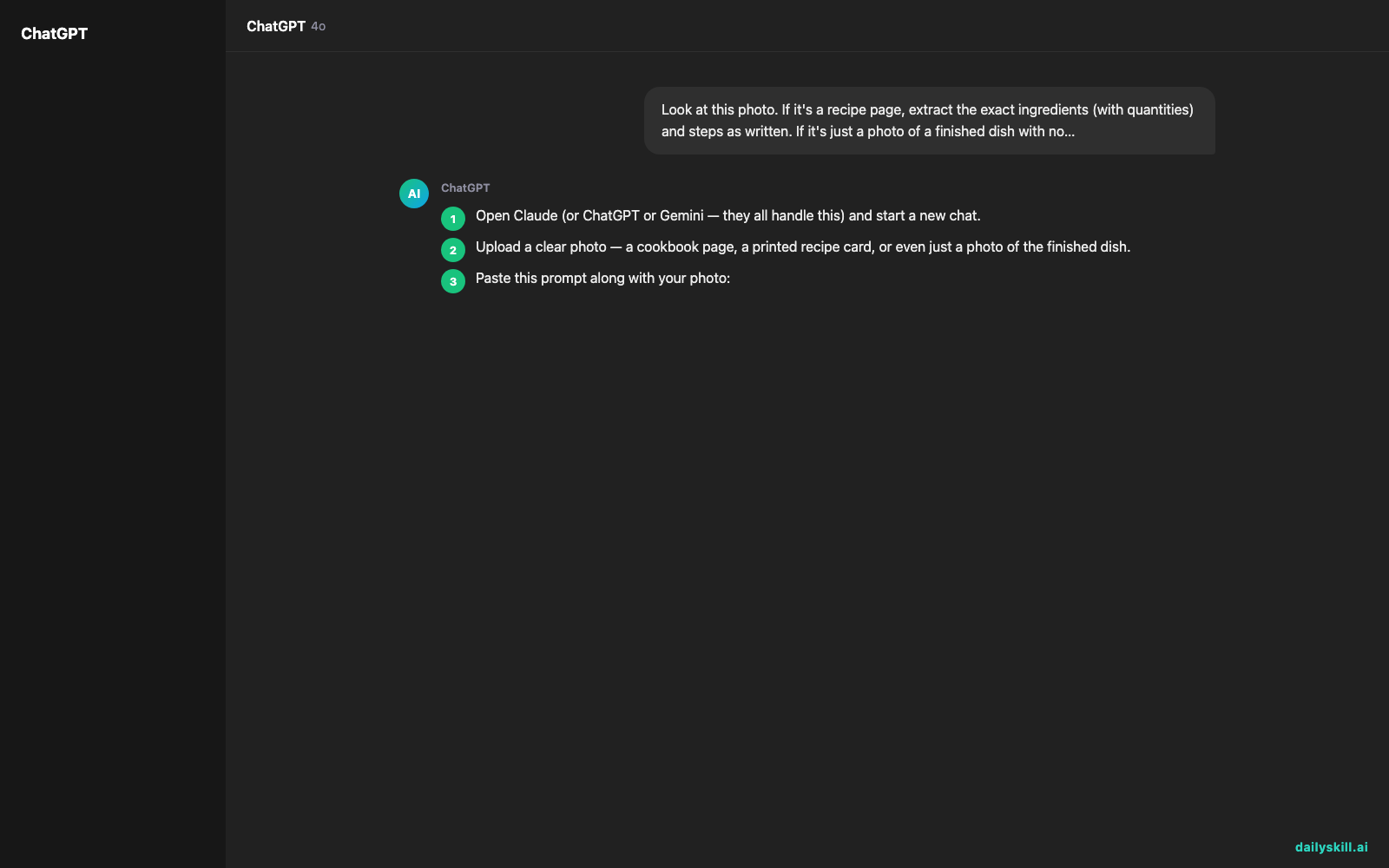
- Open Claude (or ChatGPT or Gemini — they all handle this) and start a new chat.
- Upload a clear photo — a cookbook page, a printed recipe card, or even just a photo of the finished dish.
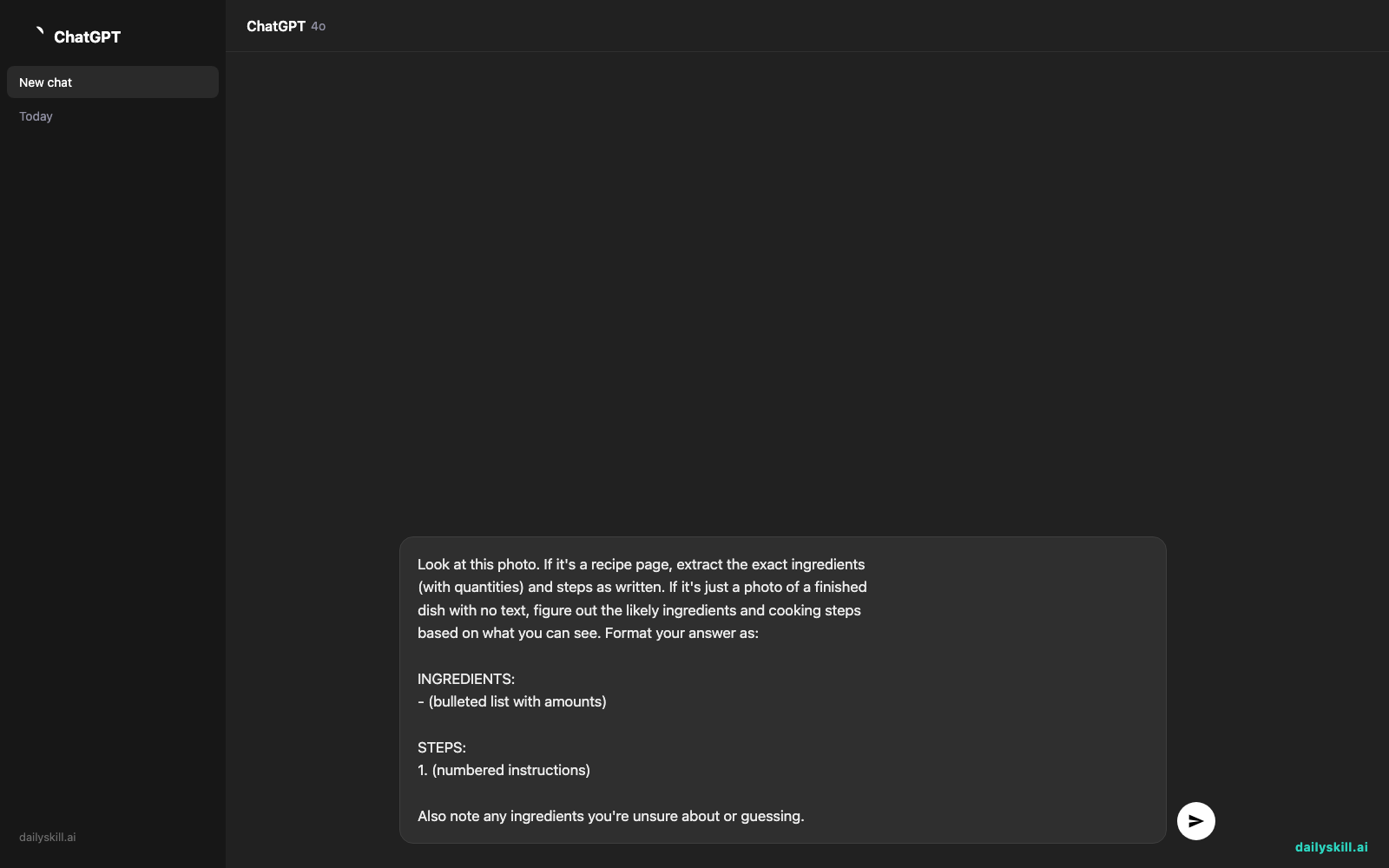
- Paste this prompt along with your photo:
Look at this photo. If it's a recipe page, extract the exact ingredients
(with quantities) and steps as written. If it's just a photo of a finished
dish with no text, figure out the likely ingredients and cooking steps
based on what you can see. Format your answer as:

INGREDIENTS:
- (bulleted list with amounts)

STEPS:
1. (numbered instructions)

Also note any ingredients you're unsure about or guessing.
That’s it. The AI reads text on the page like OCR (text recognition) but also understands context — or, if there’s no text at all, it studies the dish visually and estimates the recipe.
Real example
Input: A phone photo of a cookbook page showing “Lemon Garlic Butter Chicken,” with a slightly blurry ingredient list.
INGREDIENTS:
– 4 boneless chicken thighs
– 3 tbsp butter
– 4 cloves garlic, minced
– 1 lemon (juiced + zested)
– 1/2 cup chicken broth
– Salt, pepper, fresh parsleySTEPS:
1. Season chicken with salt and pepper.
2. Sear in butter, 5–6 minutes per side, until golden. Remove.
3. In the same pan, sauté garlic 30 seconds, add lemon juice, zest, and broth.
4. Simmer 2–3 minutes, return chicken, spoon sauce over.
5. Garnish with parsley and serve.Note: one ingredient amount was blurry — I estimated the butter at 3 tbsp based on typical ratios for this style of dish.
That’s a full, usable recipe pulled from one blurry photo — no typing, no guessing on your end.
Level up
- Ask it to scale the recipe: “Convert this to serve 2 people” or “double this for a dinner party.”
- Turn a restaurant menu photo into a “copycat” version: “Estimate a home recipe for this dish based on the menu description and photo.”
- Say “list this as a grocery shopping list, grouped by store section” to turn the ingredients into something ready for your next shopping trip.
FAQ
Can AI really read text from a blurry photo?
Yes, in most cases — it works similarly to OCR but is smarter about filling in gaps using context, like knowing “1 tsp sa_t” almost certainly means salt.
What if the photo has no recipe text at all, just a picture of food?
The AI can still estimate ingredients and steps based on what the dish looks like, and it will flag guesses so you know what’s confirmed versus estimated.
Does this work with handwritten recipe cards?
Usually yes, especially if the handwriting is reasonably legible — try it and check the notes at the end for anything it wasn’t sure about.
Today’s check-in
Try it on one photo today — a cookbook, a menu, or a family recipe card — and share what AI pulled out of it in the community. Tomorrow: we turn a messy pile of bank transactions into a clean spending category breakdown, in under a minute.
You might also like:
- Why does AI stop writing halfway through my request?
- ElevenLabs — Give Your Words a Real Voice, No Mic Needed
Master Everyday AI in 1 Minute a Day
Get our free 2026 Double-Blind AI Benchmark Scorecard & 20 Ready-to-Use Prompts, plus one honest, 60-second AI skill in your inbox every morning. Zero hype, plain English, cancel anytime.


