
You’ve felt this before
You need one good visual — a mood board image, a blog header, a scene you can picture clearly — and your options are “pay a designer” or “use a stock photo that doesn’t quite fit.” Midjourney is an AI image generator that turns a plain text description into an original image. It’s for anyone who needs visuals fast and doesn’t have design skills or a design budget.
What it is
Midjourney reads a text prompt you write and produces four image options in about a minute. It runs inside Discord (a free chat app — think of it as a group messaging platform). You type a description, it generates images, and you refine from there.
It’s consistently ranked among the best text-to-image tools for artistic quality and stylistic range.
Try it in 5 minutes
- Go to midjourney.com and click Sign In — you’ll link a Discord account (free to create).
- Once inside, go to any #newbies channel or open a direct message with the Midjourney Bot.
- Type
/imaginein the message box — a prompt field will appear. - Paste your description and hit Enter:
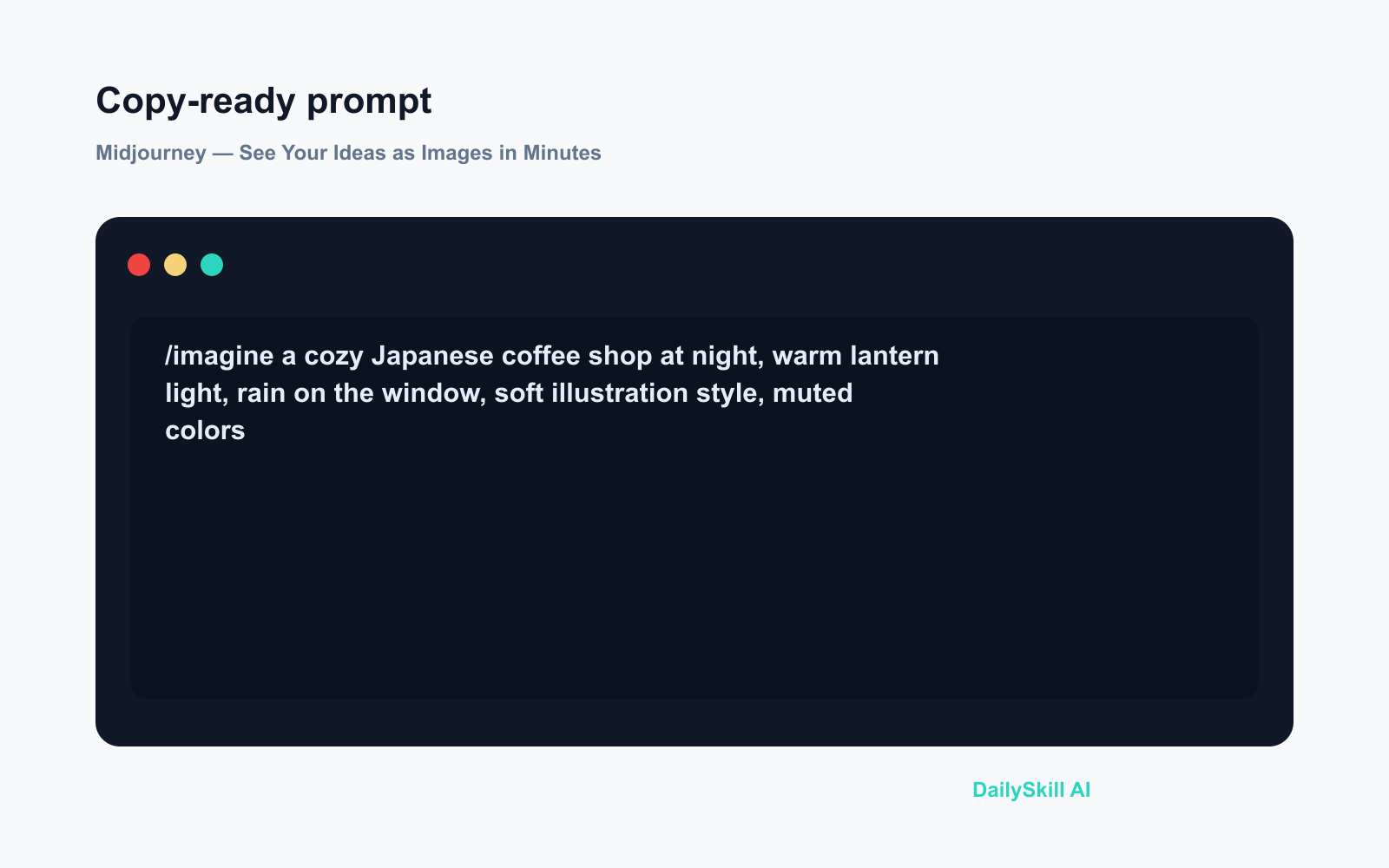
/imagine a cozy Japanese coffee shop at night, warm lantern light,
rain on the window, soft illustration style, muted colors
- Wait about 60 seconds. Four image variations appear. Click U1–U4 to upscale your favorite to full resolution.
That’s it. You have an original image you didn’t find on Google.
A real example
Input prompt:
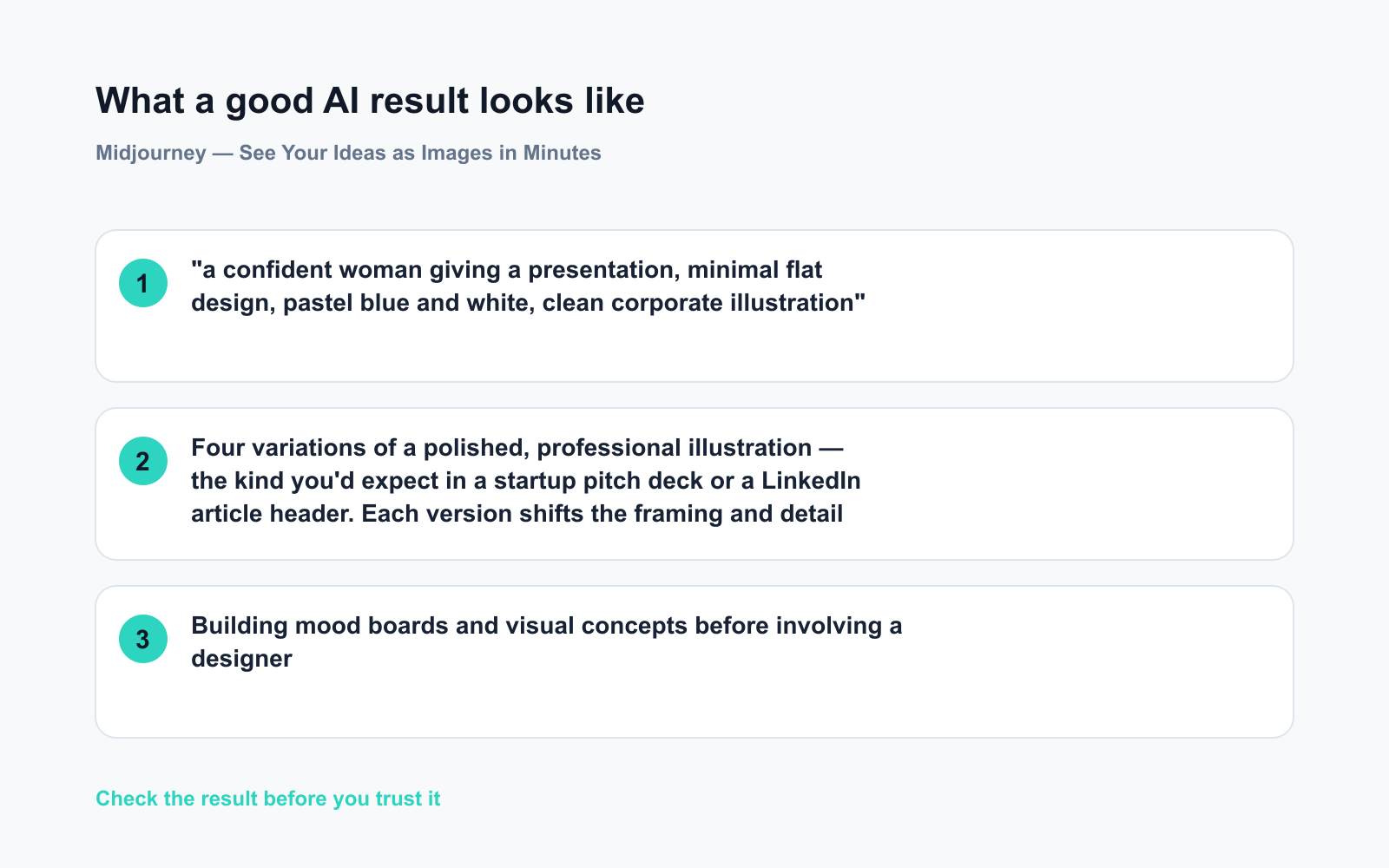
“a confident woman giving a presentation, minimal flat design, pastel blue and white, clean corporate illustration”
What you get:
Four variations of a polished, professional illustration — the kind you’d expect in a startup pitch deck or a LinkedIn article header. Each version shifts the framing and detail slightly. You pick one, upscale it, and download it.
It’s not a stock photo. It doesn’t exist anywhere else. It took 90 seconds.
Honest take
Best for:
– Building mood boards and visual concepts before involving a designer
– Creating social media visuals, blog headers, or presentation art
– Getting unstuck creatively — describing an idea and immediately seeing it
Not for:
– Tight, controlled layouts where exact text placement or specific branding elements must land in precise spots — Midjourney interprets prompts loosely, and you can’t “direct” it the way you would a design tool
– Ongoing use on a budget: there’s no free tier for new users; the entry plan starts around $10/month
On the free tier: Midjourney moved to a paid-only model for new users. The entry plan gives you a meaningful number of monthly generations — worth it if you use visuals regularly, harder to justify for a one-time test.
FAQ
Do I need to already know how to use Discord?
No. You need a free Discord account, but the Midjourney website walks you through setup in a few clicks. Think of Discord here as just the interface — like how some tools run inside Slack. You won’t need to explore the rest of it.
Who owns the images I make?
On paid plans, you own the images and can use them commercially. One catch: your prompts and images are visible to others in public channels by default. If you need privacy — for a client project, say — “Stealth Mode” is available on higher-tier plans.
Can I use Midjourney for professional client work?
Yes, on a paid plan. The images come with a commercial license. Many freelancers use Midjourney for exactly this. Always check the current license terms on their site, since the details do get updated.
Today’s pick wrap-up
If you’ve ever stared at a blank slide thinking “I wish I could just show what I mean,” Midjourney is the fastest way to get a real visual in front of you — no design skills required.
Tried Midjourney? Drop your favorite prompt in the comments. We’d love to see what you created.
🔜 Tomorrow: We’re looking at Grammarly — the AI writing assistant that quietly fixes your emails, docs, and messages before anyone else sees the mistakes. See you then.
You might also like:
- Day 11 — Write a Polished Business Email in 60 Seconds (AI 1-Minute Challenge)
- Does AI Remember Our Conversations, or Do You Start Over Every Time?
⭐ Want every prompt in one place?
All 136 tested prompts from our daily skills are free on
GitHub — DailySkill Prompt Library.
Star it to get new prompts as we publish.
More on Choosing & Using AI Tools:
- Adobe Firefly: The AI Image Generator Built for Real Work
- Anthropic Introduces Claude Sonnet 5: Its Most Agentic Sonnet
- Best Free AI Tools in 2026: The Honest Guide for Normal People
Master Everyday AI in 1 Minute a Day
Get our free 2026 Double-Blind AI Benchmark Scorecard & 20 Ready-to-Use Prompts, plus one honest, 60-second AI skill in your inbox every morning. Zero hype, plain English, cancel anytime.


